What is the issue you’re having?
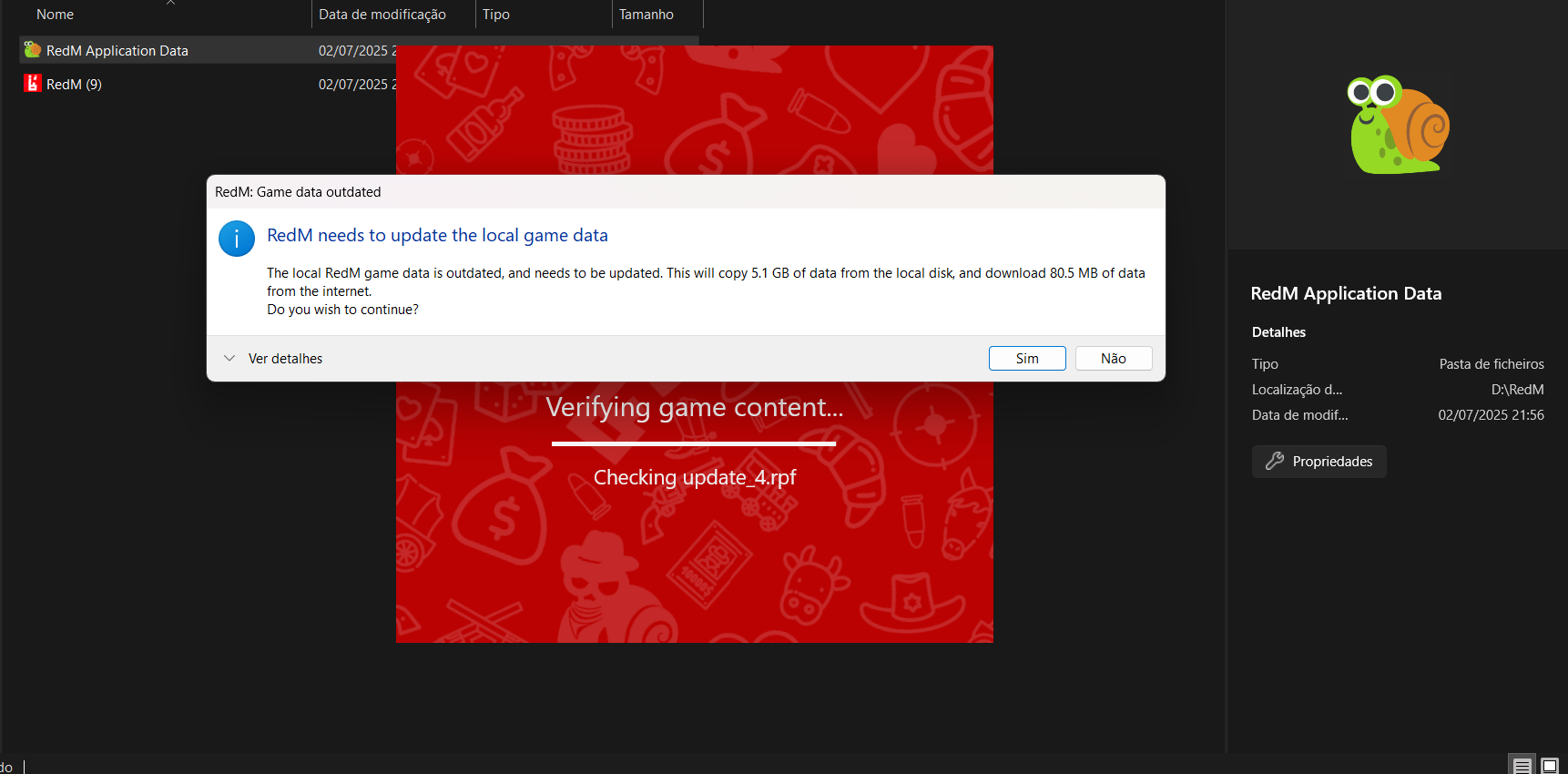
Hi, RedM doesn’t launch properly after checking files and doing a 5GB download. It connects to Rockstar, then closes, but never appear a fullscrean redm app showing the server lists. It’s running in Task Manager but no visible window.
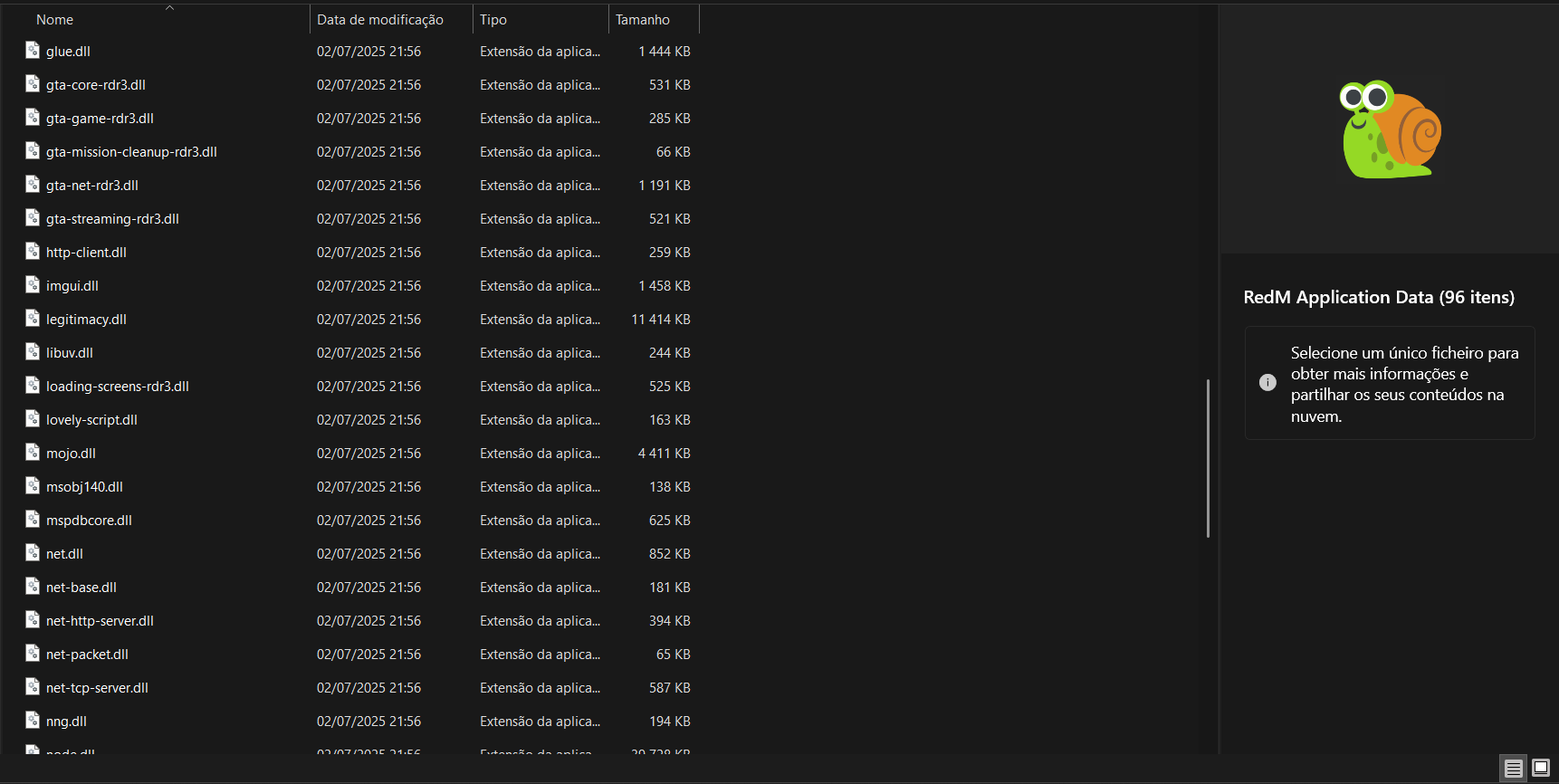
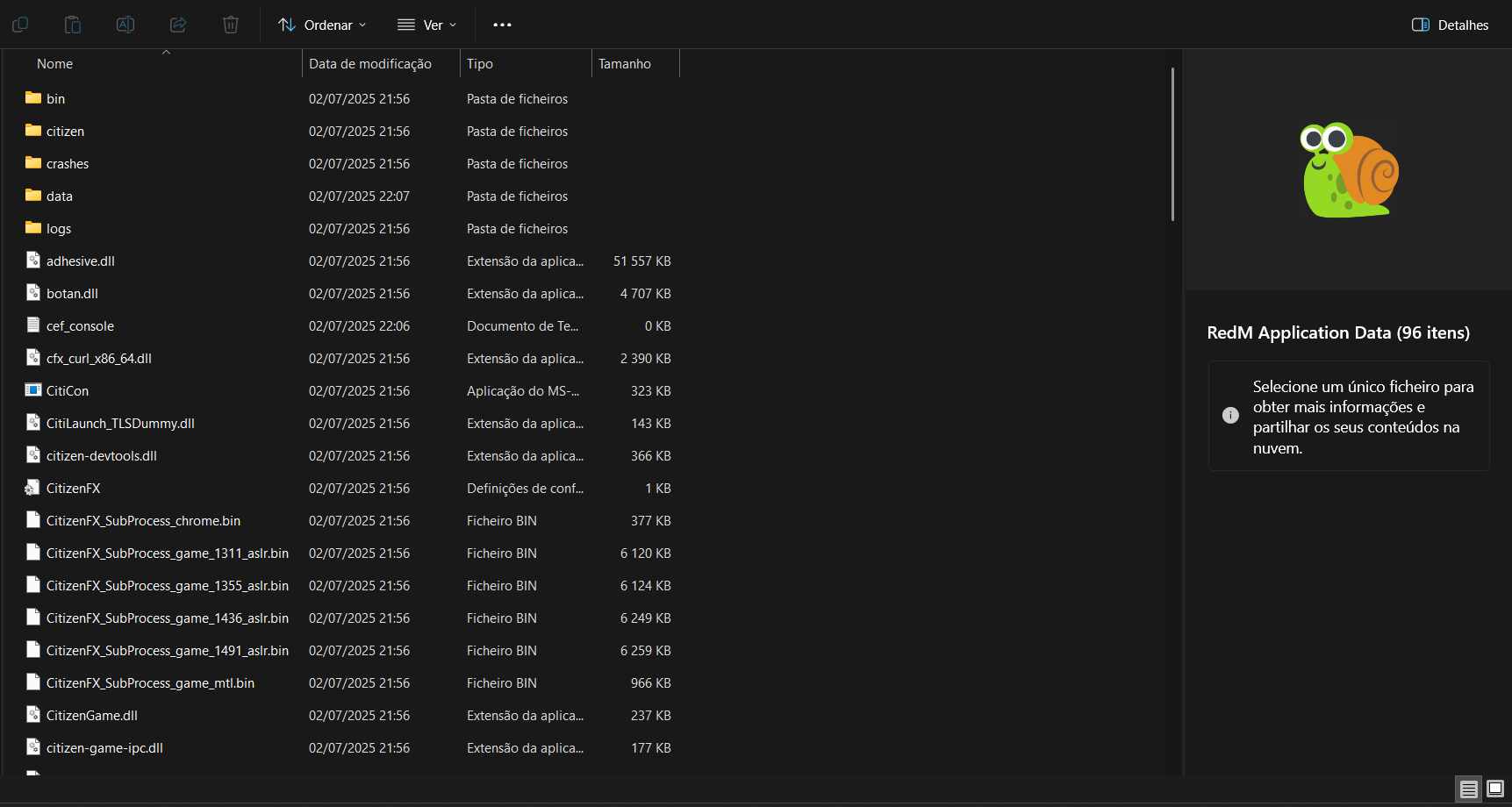
I had installed both RedM and FiveM before (probably mixed them up). Even after full cleanup, RedM still keeps downloading files named like gta-core-five.dll into its AppData.
During installation, RedM says:
“The local RedM game data is outdated and needs to be updated. This will copy 5.1 GB from the local disk and download 80.5 MB from the internet.”
I suspect that the 5.1 GB being copied locally includes leftover or wrongly identified FiveM files — which could be why RedM ends up using corrupted or incorrect files like those DLLs from GTA/FiveM.
What have you tried already to fix the issue?
Here’s what I’ve done so far:
-Fully uninstalled RedM and FiveM
-Deleted folders in:
-%localappdata%\RedM
-%appdata%\RedM
-%programdata%\RedM
-%localappdata%\FiveM
-Deleted all CitizenFX-related folders and files
-Cleaned registry keys related to Cfx, RedM, and FiveM
-Rebooted and reinstalled RedM from scratch
Windows version
Edição Windows 11 Home Versão 24H2 Instalado em 18/01/2025 Compilação do SO 26100.4484 Experiência Pack de Experiência de Funcionalidades do Windows 1000.26100.128.0
System specifications
Processador AMD Ryzen 7 5800H with Radeon Graphics (3.20 GHz)
RAM instalada 16,0 GB (15,3 GB utilizável)
ID do Dispositivo 5F8D00BA-7B71-4D63-9F3F-4AF277F091E3
ID do Produto 00342-20813-45586-AAOEM
Tipo de sistema Sistema operativo de 64 bits, processador baseado em x64
Caneta e toque Não está disponível introdução por caneta ou toque para este ecrã
Antivirus software
windows defender
Log files
Additional comments
After launching RedM, it checks the game files and says there’s a 5GB download required. It downloads those files, connects to my Rockstar account, and then the application disappears — which I believe is normal right before it should launch full screen and show the servers list.
But that part never happens. RedM never shows up. The app doesn’t open visibly, although I can see RedM running in Task Manager.
I had previously installed both RedM and FiveM (probably mixed them up), and now even after uninstalling both and cleaning everything, RedM still isn’t working.
Also — and this is strange — I noticed that inside the RedM\Application Data folder, RedM keeps downloading files with names like gta-core-five.dll, which seem to be FiveM-related files. I also shared a screenshot of this earlier.
During installation, RedM says:
“The local RedM game data is outdated and needs to be updated. This will copy 5.1 GB from the local disk and download 80.5 MB from the internet.”
I suspect that the 5.1 GB being copied locally includes leftover or wrongly identified FiveM files — which could be why RedM ends up using corrupted or incorrect files like those DLLs from GTA/FiveM.
Is it possible that RedM is pulling the wrong artifacts from the Cfx servers, or that my AppID is somehow linked to FiveM data?
Any help would be really appreciated — I’ve been trying to fix this for days.
