RD-Premium Loading Screen
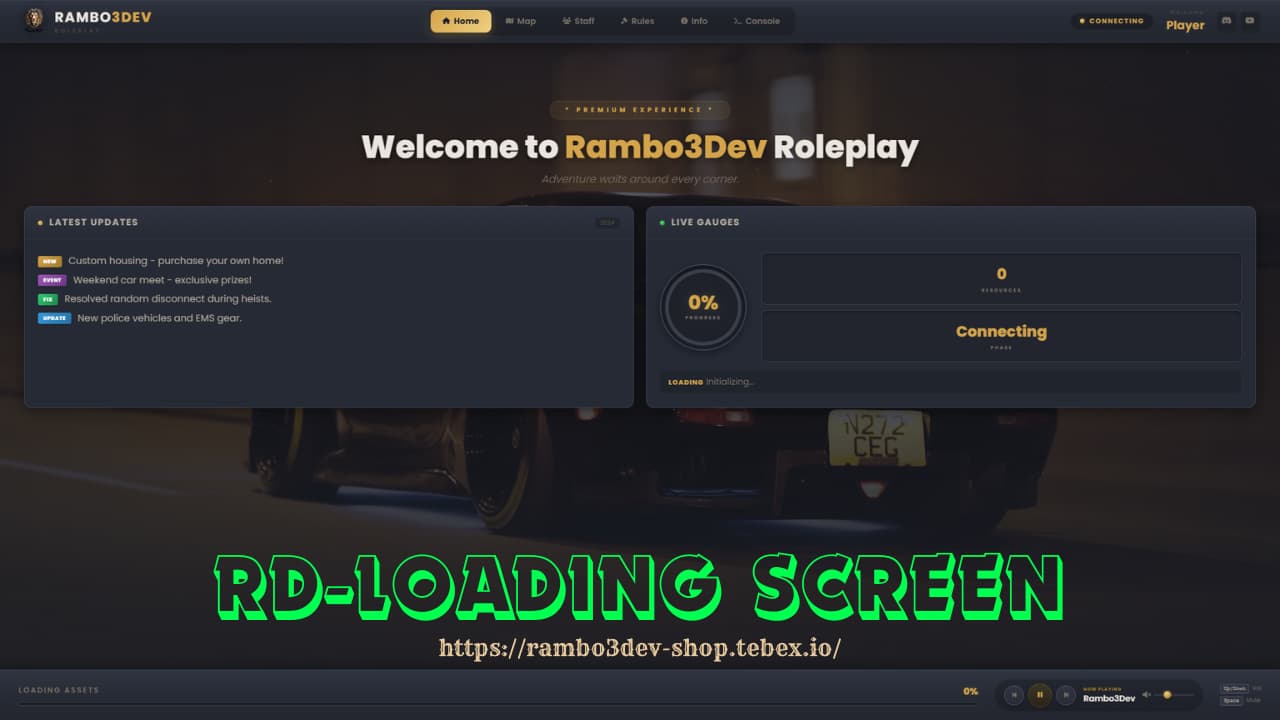
Drop-in premium loading screen for FiveM — splash intro, 6 tabs, live console, music player, all included.
Cinematic Splash | 6 Content Tabs | Live Console | Built-in Music Player
Overview
RD-Premium Loading Screen gives your server a clean, professional first impression right out of the box. Players see an animated splash intro with your logo, then land on a full-featured loading interface with tabs for news, map, staff, rules, server info, and a live resource console — all backed by a looping video background and floating particle effects.
No frameworks needed. No dependencies. Just drop it in and go.
What’s included:
- Animated splash intro with logo reveal and progress bar
- Looping video background with overlay and vignette
- Floating particle effects
- Music player with play/pause, volume, and keyboard shortcuts
- Live circular progress gauge with resource counter
- Live console tab showing resources loading in real-time
- Responsive across all screen sizes
- Clean glassmorphism UI with Poppins font
Screenshots
🖼 View All Screenshots
Splash intro and video background in action
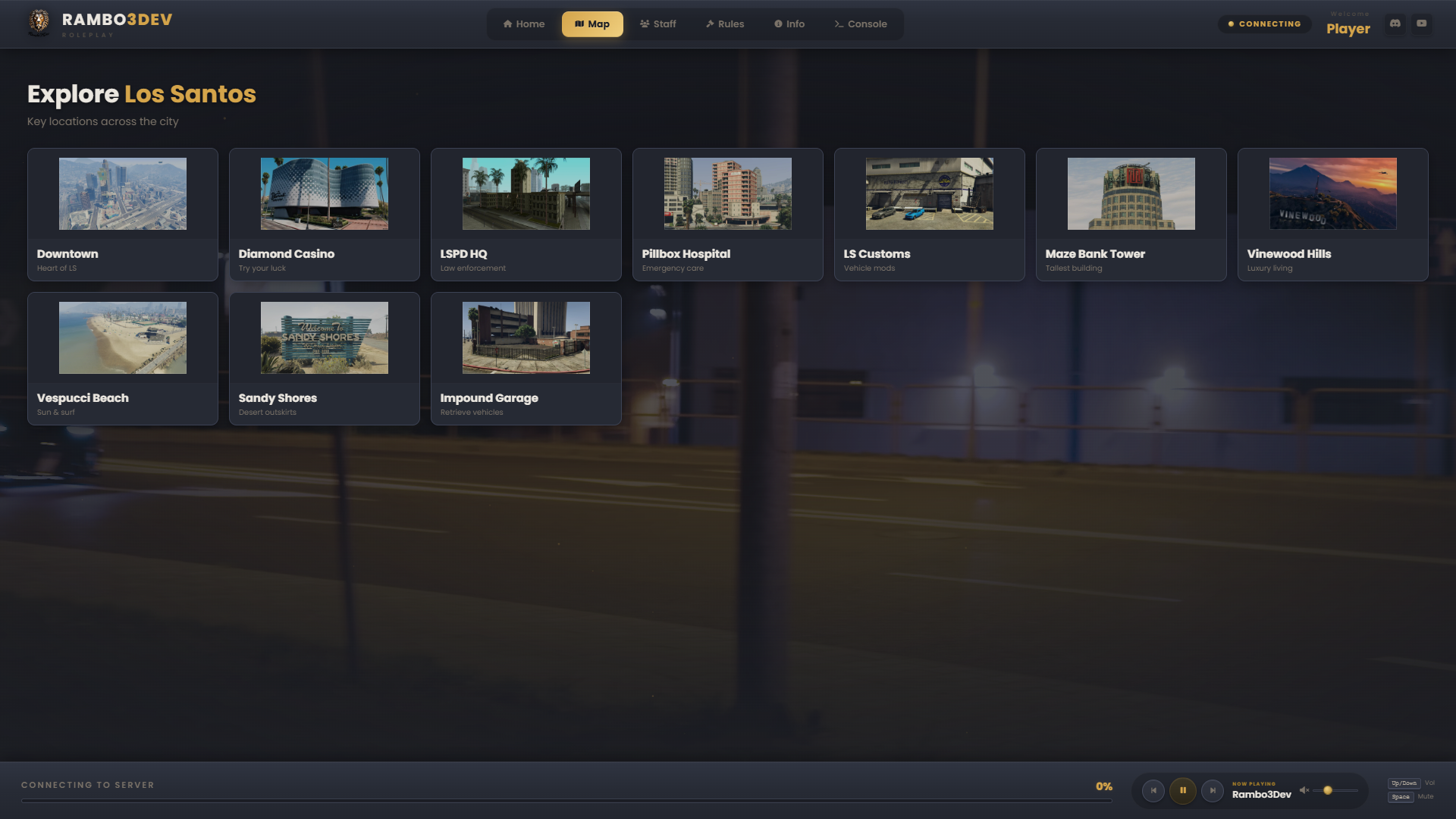
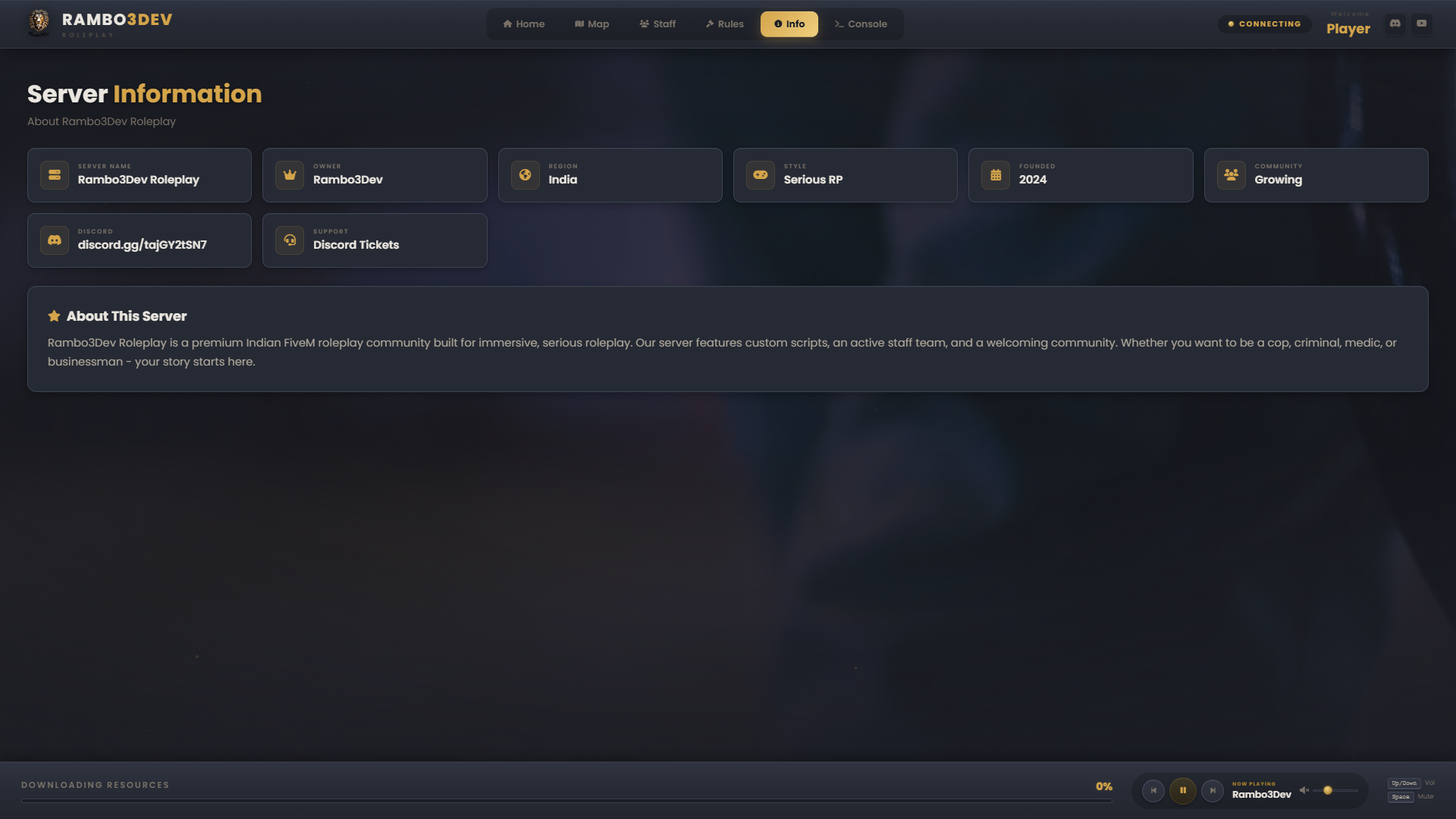
Home, Map, Staff, Rules, Info and Console tabs
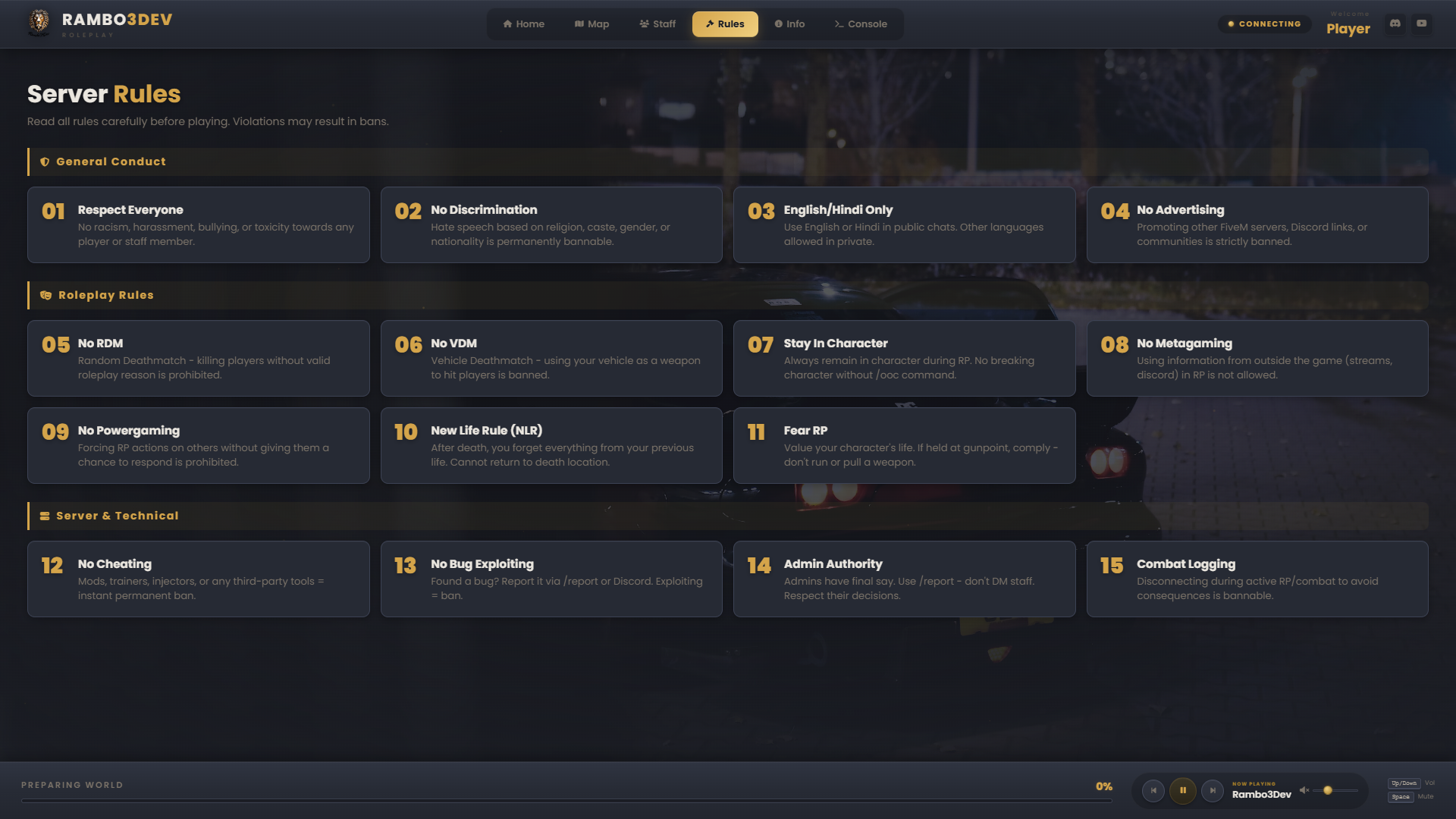
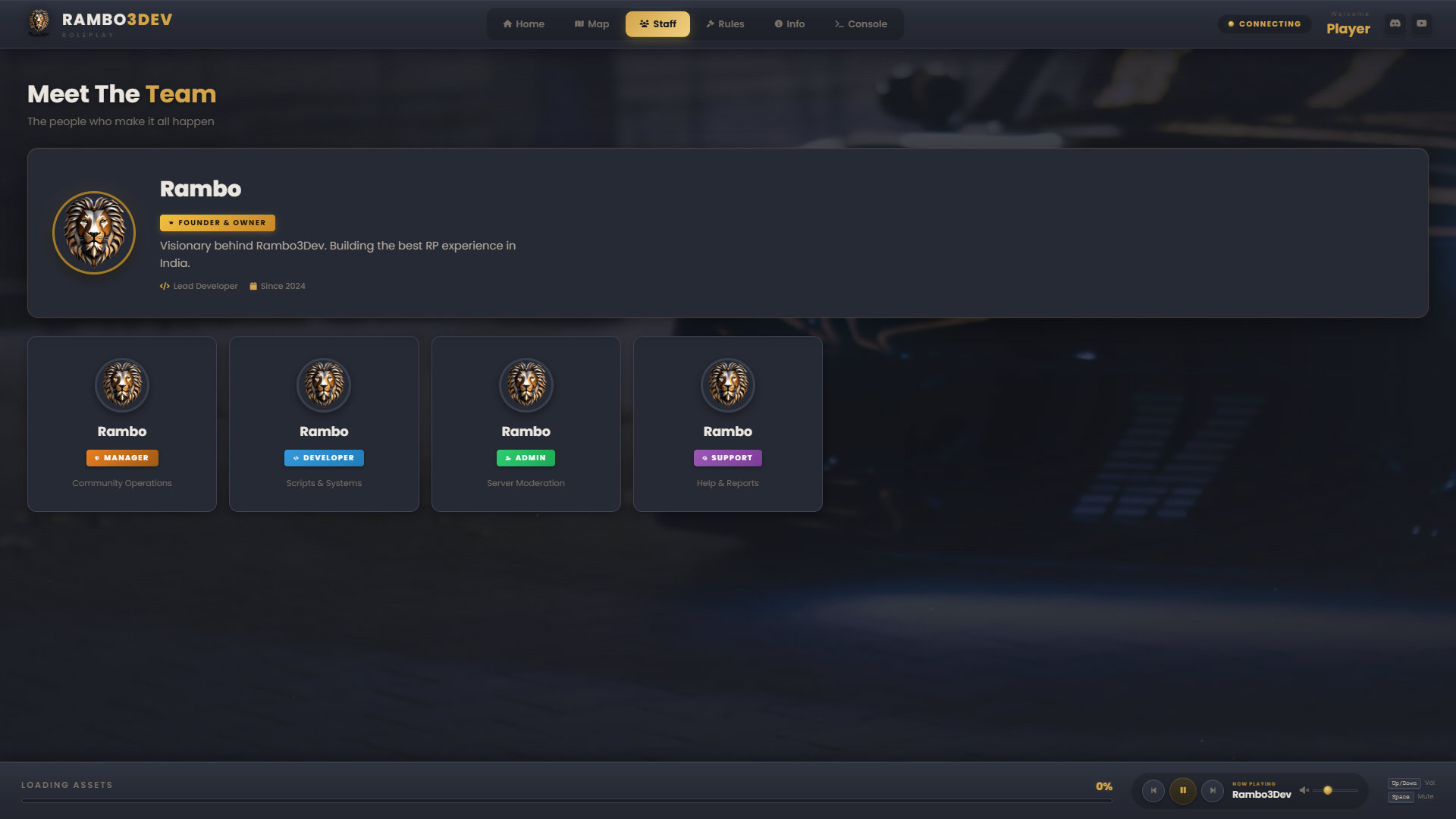
Staff spotlight with role badges and categorized rules
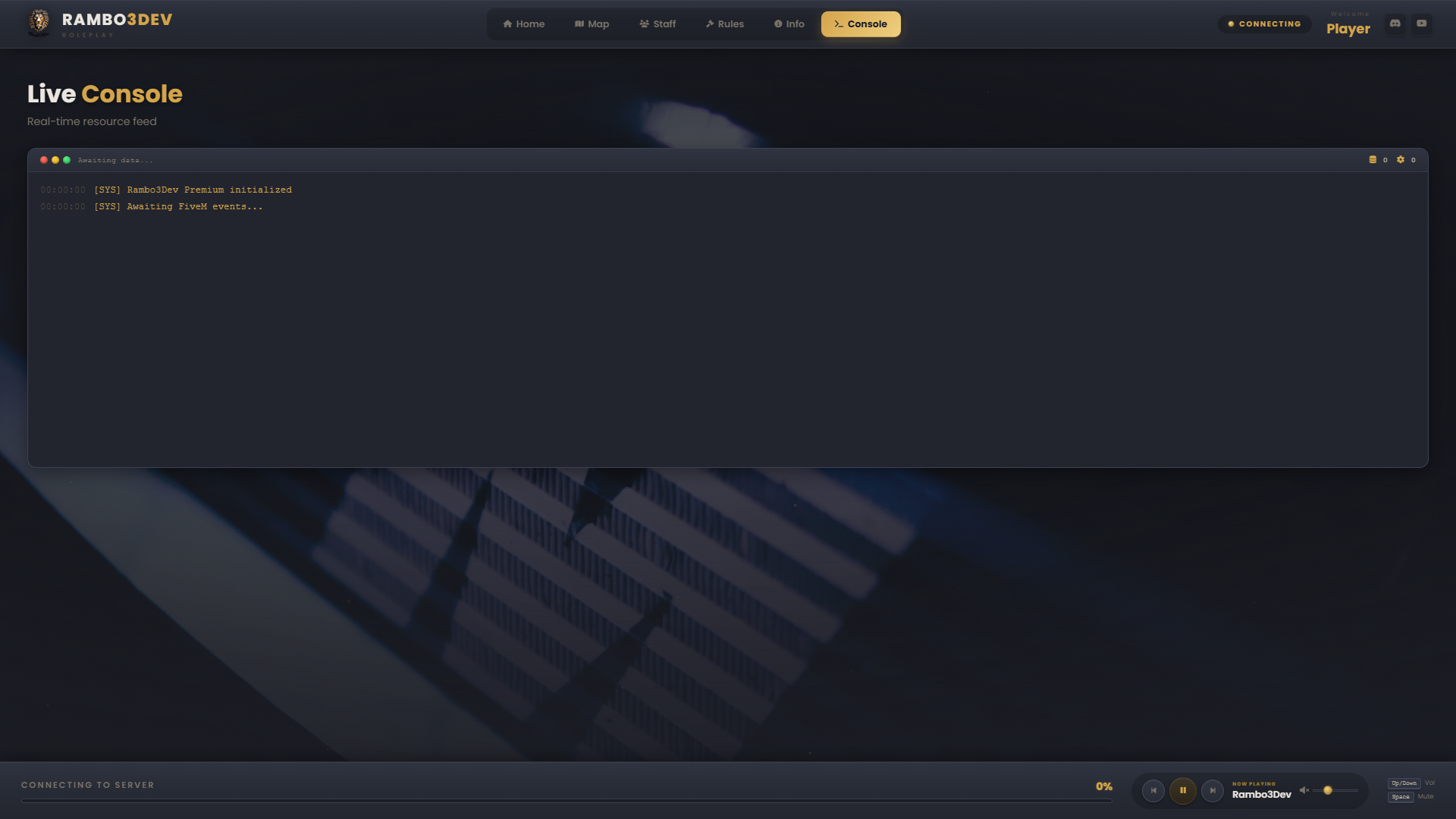
Circular gauge, resource counter, and terminal feed
Music controls, volume slider, and keyboard shortcuts
Features
Splash Intro
- Logo reveal with smooth fade-in
- Server name and tagline display
- Progress bar before main screen loads
- Smooth transition into the loading UI
Video Background
- Autoplay, muted, looping MP4 support
- Dark overlay for readability
- Vignette border effect
- Swap your own video — just replace the file
Particle Effects
- Canvas-based floating particles
- Runs smooth, no config needed
- Adds depth to the whole screen
Home Tab
- Welcome hero with server branding
- Latest Updates card with colored tags (NEW, EVENT, FIX, UPDATE)
- Live Gauges card — circular progress, resource counter, loading phase
- Real-time ticker showing which resource is loading
Map Tab
- Grid of 10+ key locations across Los Santos
- Custom icons for each spot
- Downtown, Casino, LSPD, Hospital, Customs, Maze Bank, and more
Staff Tab
- Spotlight card for the server owner with glow effect
- Role badges — Owner, Manager, Developer, Admin, Support
- Individual staff cards with avatars
Rules Tab
- 3 categories: General Conduct, Roleplay, Server & Technical
- 15 rules with numbered cards
- Covers RDM, VDM, Metagaming, NLR, Fear RP, Combat Logging, and more
Info Tab
- Server details grid — name, owner, region, playstyle, founded, discord, support
- About section with server description
- Fully editable in HTML
Console Tab
- Terminal-style interface with colored title bar dots
- Live resource feed with timestamps
- File count and init counter
- Auto-scrolling output
Music Player
- Play/Pause, Previous, Next
- Volume slider
- Now Playing display
- Keyboard shortcuts: Up/Down for volume, Space to mute
- Looping background music + UI click sounds
Installation
Requirements: Any FiveM server. No framework, no dependencies.
- Download from Tebex
- Drop
rambo3dev-premium-loadinginto your resources folder - Add to
server.cfg:
ensure rambo3dev-premium-loading
- Start the server. That’s it.
File Structure
rambo3dev-premium-loading/
├── index.html        — Tabs, text, staff, rules
├── css/style.css     — Colors, fonts, animations
├── js/app.js         — Logic and effects
├── img/              — Logo, avatars, icons
├── audio/            — Music and UI sounds
├── video/            — Background video
├── client.lua
├── server.lua
└── fxmanifest.lua
What You Can Customize
- Server name, logo, and branding
- Staff members and their roles
- Rules — add, edit, or remove
- Map locations
- Info tab content
- Background video and music
- Discord and social links
- Colors and theme via CSS
Get It Now
One-time purchase. Instant download. Lifetime updates.


Support
- Discord — Community help and direct support
- Tebex — Reach the developer directly
- Docs — Setup guide included in the download
Also check out our other scripts
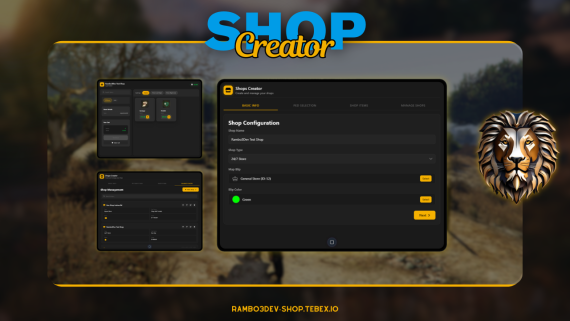
Full shop management system for ESX & QBCore

| Code is accessible | Yes (Open Source — HTML, CSS, JS, Lua) |
| Subscription-based | No |
| Lines (approximately) | ~2,500+ |
| Requirements | None — Fully Standalone |
| Support | Yes |