RAGE error: ERR_GFX_D3D_SWAPCHAIN_ALLOC_2

To receive support, please fill out the following template, and remove this top text.

GTA V version? 1.0.1868.0
Up to date? Yes
Legit or Pirate copy? Legit
Steam/CD/Social Club? Steam
Windows version? 8.1
Did you try to delete caches.xml and try again? Yes
Error screenshot (if any)
Cattura%20di%20schermata%20(7)
System specifications AMD FX™-8120 Eight-Core Processor
What did you do to get this issue? tried to open FiveM
What server did you get this issue on?
CitizenFX.log file
.dmp files/report IDs

If an issue with starting:
GTA V folder screenshot


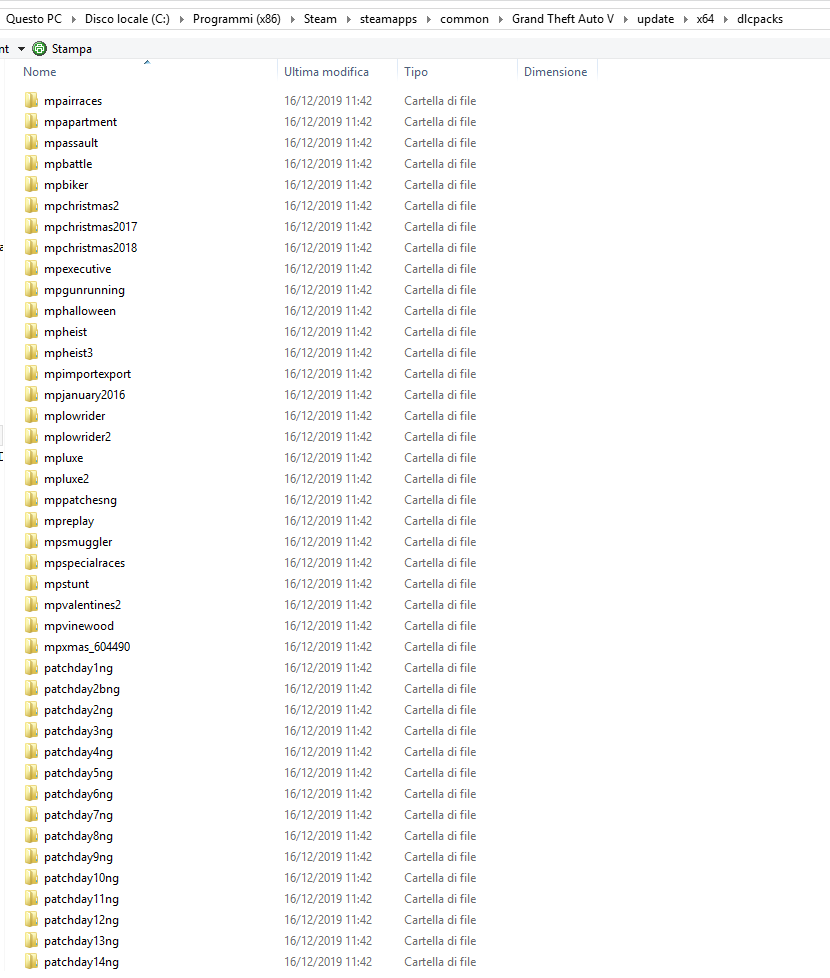
GTA V/update/x64/dlcpacks screenshot

after patchday14.ng it continues until patchday22ng
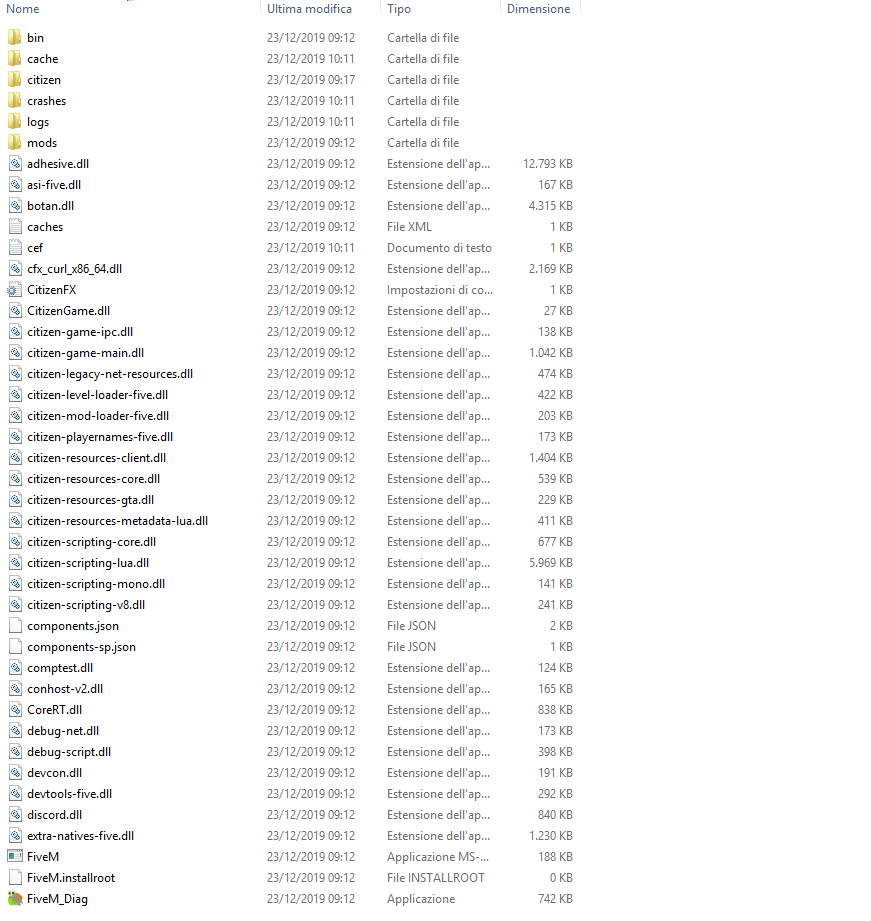
Filepath to FiveM folder

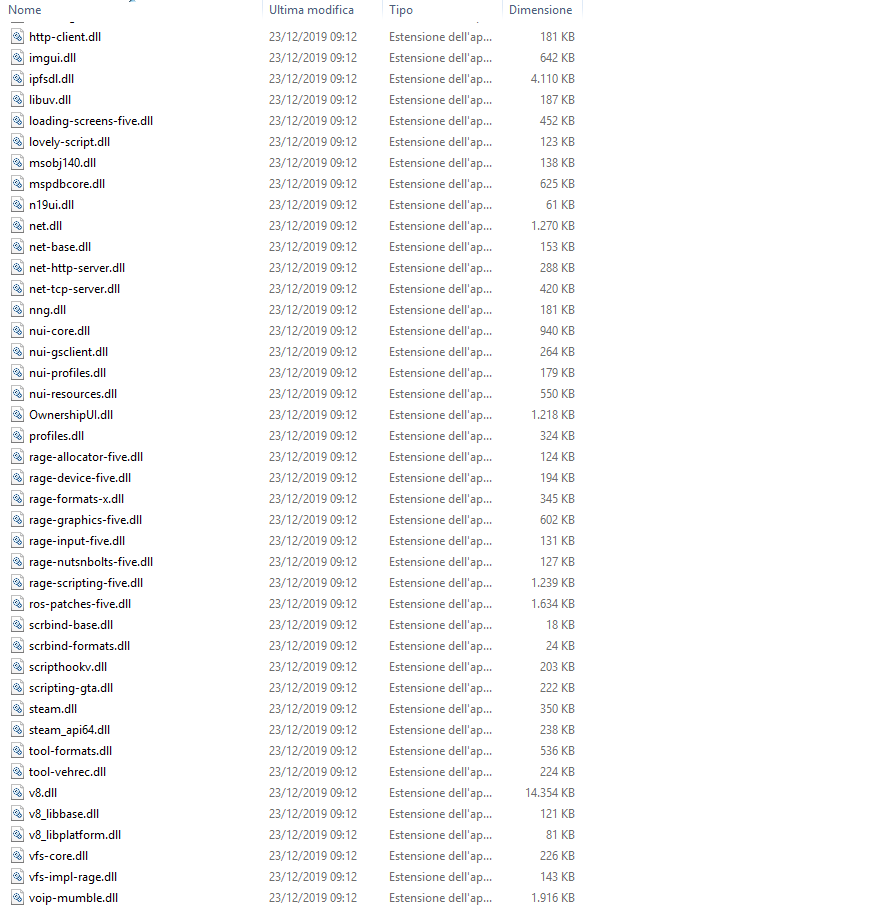
FiveM client folder screenshot


Which antivirus/firewall software are you using? Windows Defenser
Did you try to disable/uninstall your Anti-virus? No

Also add what you already tried so far.

Hello, this is a friendly reminder because this is your first time creating a topic (or it has been a while since your last topic) in this category.

Please note that most of the support is provided by the Cfx.re community on a voluntary basis. We ask you to be patient; there is no guarantee we have a solution to your problem(s). To avoid unnecessary/duplicate topics, please browse the forums before creating a topic.

To improve your chances of your issue(s) being solved, please provide as much information as possible about the issue(s) you are having. Also —whenever possible— please use the template given to you when creating a topic.

Thanks for keeping these forums tidy!
:mascot:

I forgot to type all the system specifics; 16,0 ram, 64bit

Me tooooooo
before this issue I’ve playing it’s very fine.

After auto-mini-update by FiveM today it’s crash like your problem
i’ve uninstall NVIDIA by DDU and install lastest Driver version
uninstall FiveM an install lastest version
uninstall GTA V and install
It’s not work…
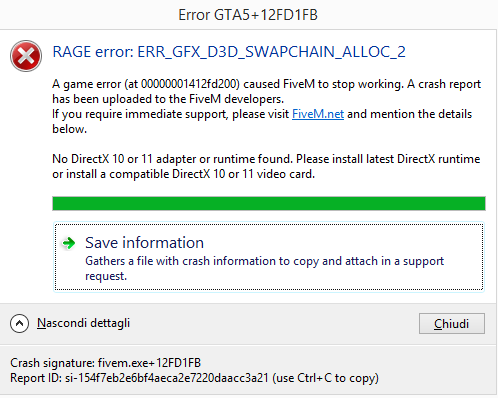
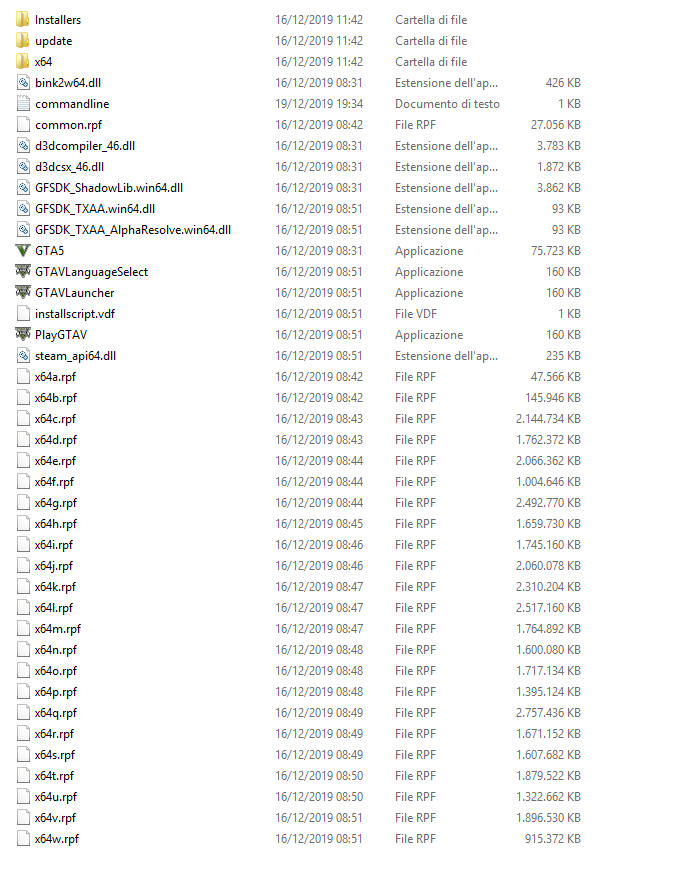
1 Like

Yeah it worked fine before, then I closed fivem, tried to start fivem again but it didnt work and this error popped up

1 Like

I also want to point out that my gta5 works fine and so all the other games I have on this computer do.

Update to Windows 10.

Update to Windows 10.

Really???

problem only windows version ?

OK now FiveM is auto updated to back working

Best regard

yey fixed

Wow thanks! I’ll do it

Can you confirm this is fixed, without updating to Windows 10?

I started getting this on 8.1 out of the blue, after running just fine all night yesterday, & currently would prefer to keep 8.1 for the time being.

Sorry I’d this is considered hijacking a thread

I can’t confirm because this problem is not from me. this issue is come from Lastest Auto Update FiveM Client.

PS. I’ve running on Win7

Found this reply in another topic posted 1hr ago only that topic

So for anyone it’s still not working for, probably have to update to Windows 10.

This topic was automatically closed 30 days after the last reply. New replies are no longer allowed.