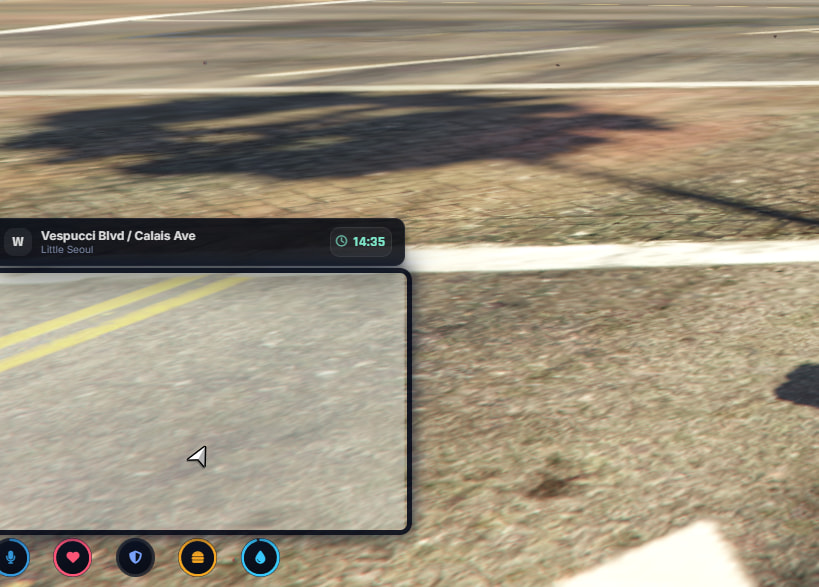
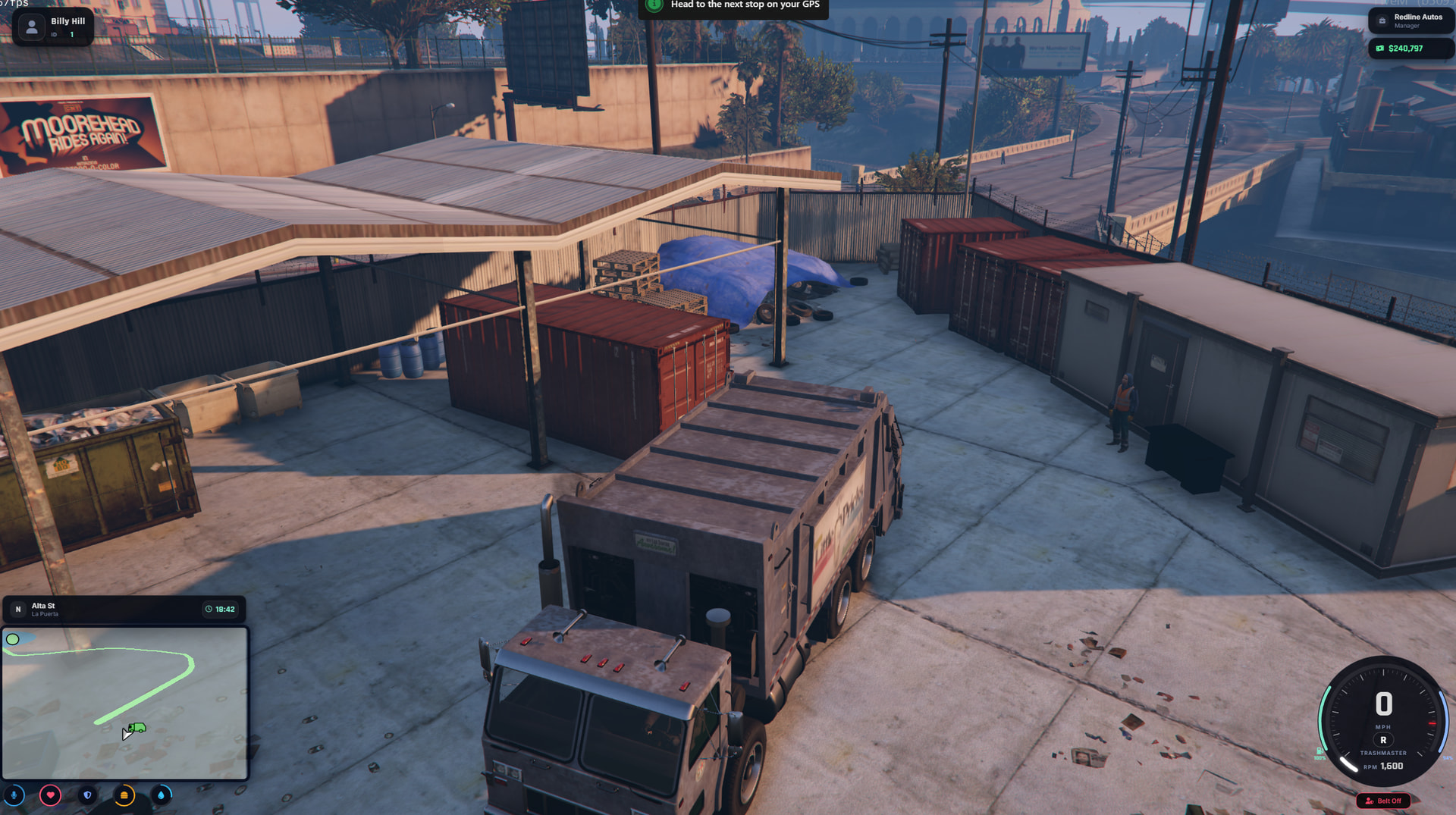
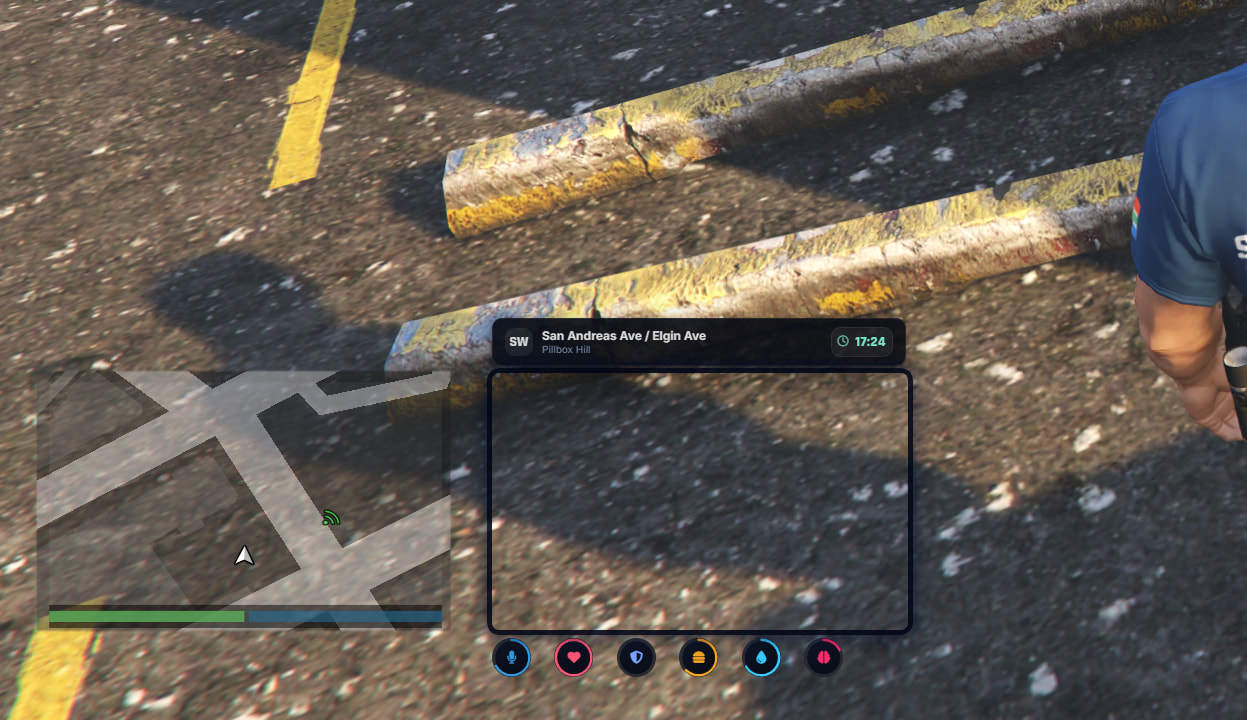
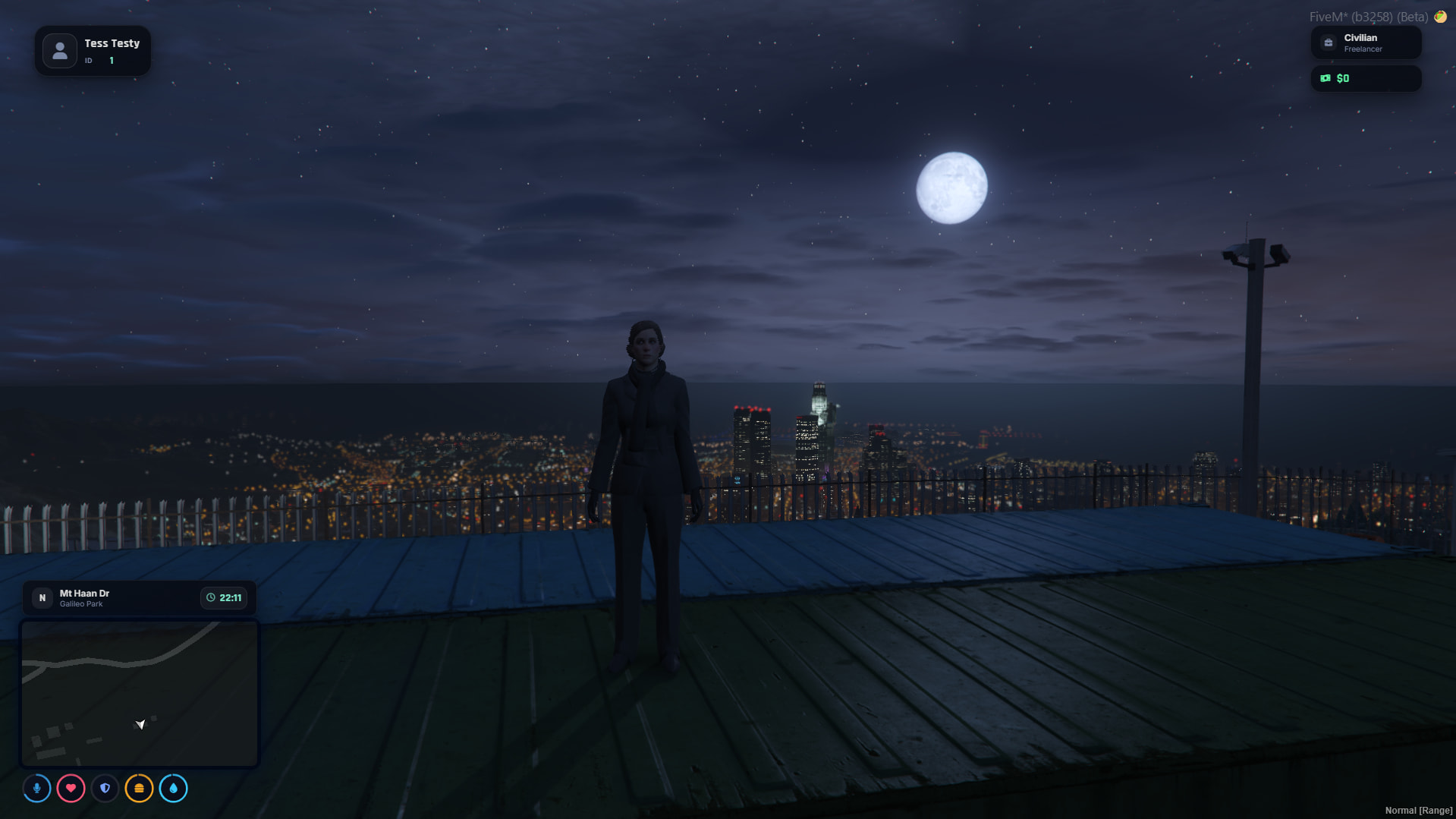
Hey folks, I’ve been working on this UI for a little while. Kinda took inspiration from Lations Modern_UI and JG’s Hud and made this concoction.
A modern, highly customizable, and lightweight HUD for Qbox and QBCore FiveM servers.
Designed to be clean, smooth, and actually useful — not just another cluttered HUD.
DOWNLOAD: GitHub - JustCxsper/cx-hud: A FiveM HUD supporting QBOX & QBCore · GitHub
Features
-
In-Game Settings Menu: Players can type
/hudto toggle individual HUD elements, change their avatar, and switch speed units (MPH/KMH) & More - All saves locally per player! -
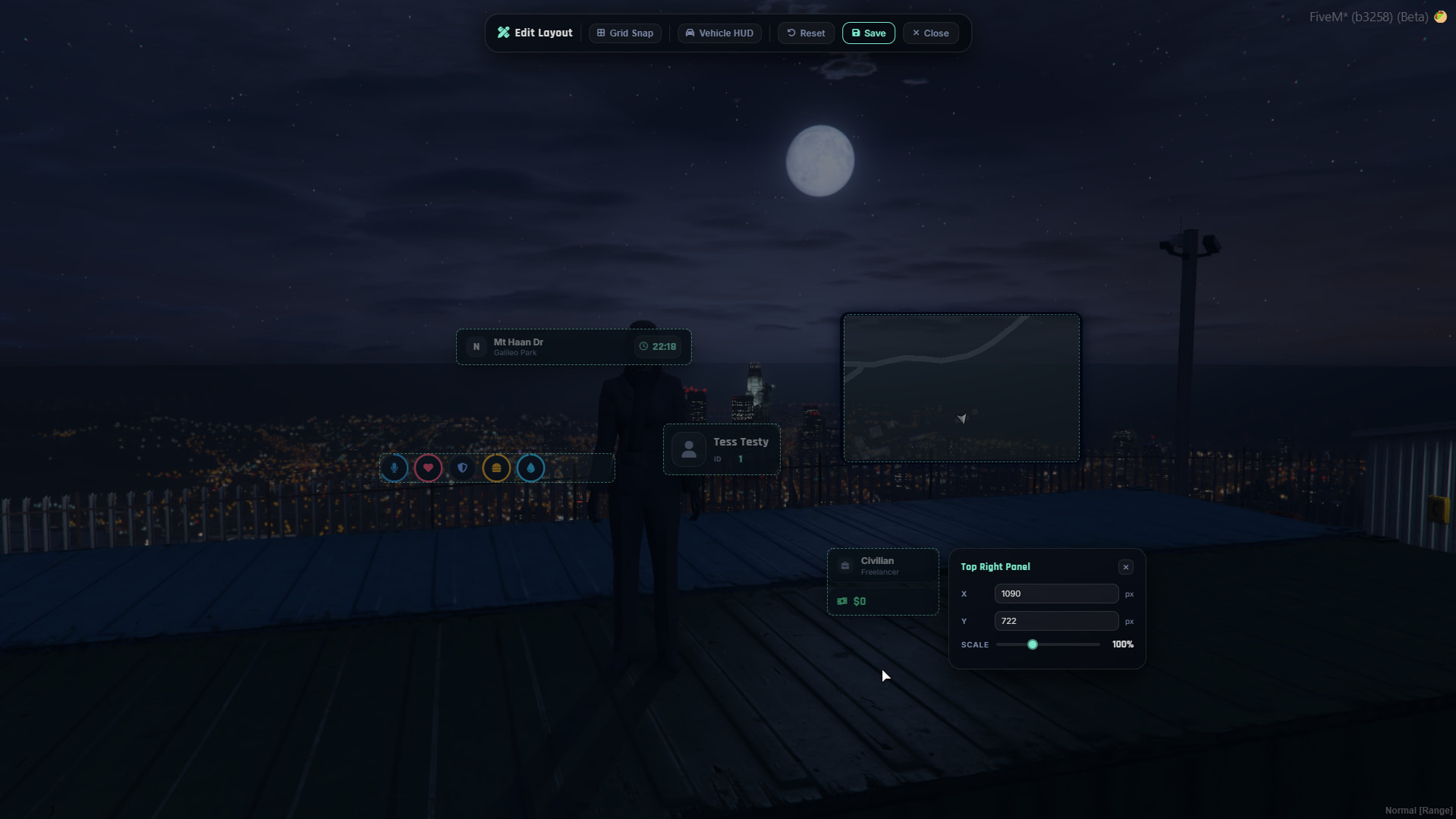
In-Game UI Editor New Feature as of 14th April 26’ - do /hud and click
Edit Layoutto use our new editor! -
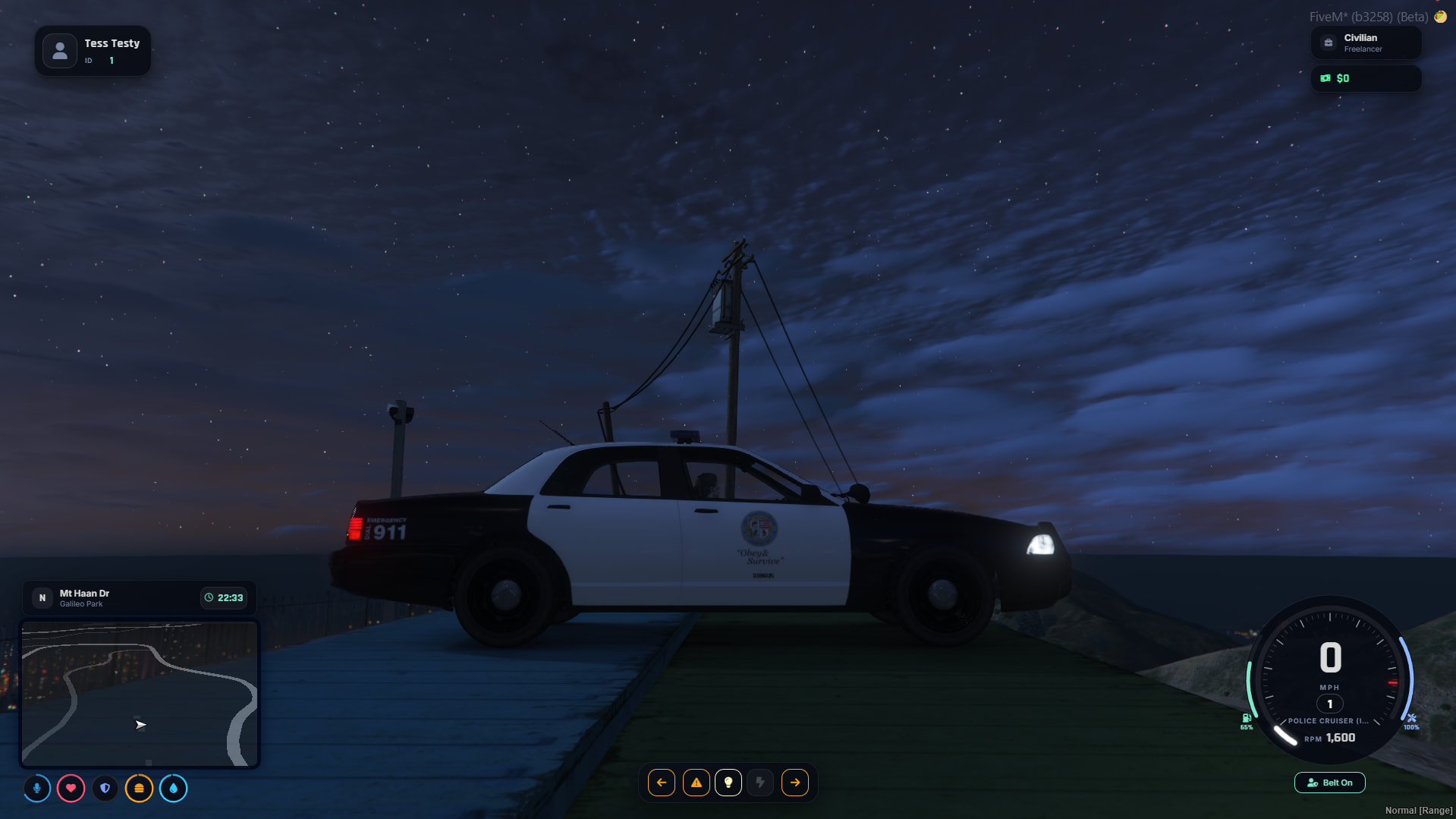
Immersive Speedometer: Custom vehicle HUD featuring speed, RPM, gear shifting animations, fuel/engine health arcs, seatbelt warnings, and turn signal/headlight indicators.
-
Dynamic Minimap: Clean square minimap with street names, compass direction, current time, and live waypoint distance tracking.
-
Responsive: Supports up to 4K resolution.
-
Weapon/Ammo UI: Added 27th April 2026
Features Coming Soon
-
- Oxygen Status
-
- Helicopter / Boats UI
-
- ps-buffs integration
Dependencies
To get the most out of cx-hud, ensure you have the following resources installed and running:
-
Voice: pma-voice
-
Stress: jg-stress-addon (If you don’t want to use this then just go into the fxmanifest.lua and remove the dependency section)
Installation
-
Download the latest version of
cx-hud. -
Extract the folder into your server’s
resourcesdirectory. -
Ensure the folder is named
cx-hud. -
Add the following to your
server.cfg(make sure it starts after your framework and voice script):
ensure pma-voice
ensure qbx_core
ensure cx-hud
I also recommend going into qbx_smallresources > qbx_hudcomponents > config.lua
- Set the
hudComponentsvar tohudComponents = {1, 2, 3, 4, 6, 7, 9, 13, 14, 19, 20, 21, 22},
Configuration
You can easily adjust the HUD’s default behaviors, colors, and warning thresholds in the config.lua or directly inside app.js and style.css.
- To change default UI colors: Check the
:rootvariables at the top ofstyle.css.
Usage
Once in-game, players can customize their experience by typing:
/hud
This opens the settings panel where players can:
-
Paste an image URL to set a custom character portrait.
-
Hide/Show the player card, minimap, status rings, or vehicle HUD.
-
Toggle the cinematic black bars.
Exports (Added with v1.1.1)
I have added exports in to allow users to Hide and Show the HUD. This is specifically useful if you need to hide the HUD for e.g Weazle News Broadcasts etc.
Make sure you have started
cx-hudBEFORE the resource using the exports otherwise you will get a NoExport error.
Hide the HUD exports['cx-hud']:hideHud()
Show the HUD exports['cx-hud']:showHud()
Notes
- Qbox Stress: If your stress ring sits at 0 and doesn’t move when shooting, remember that HUDs only display data. You must install a stress system like
jg-stress-addonto actually do le stress magic!
 Evident you put a lot of time and thought into this, better than a lot of the paid huds on the market