Standalone Prop Spawner for FiveM (QBCore + ESX Compatible)
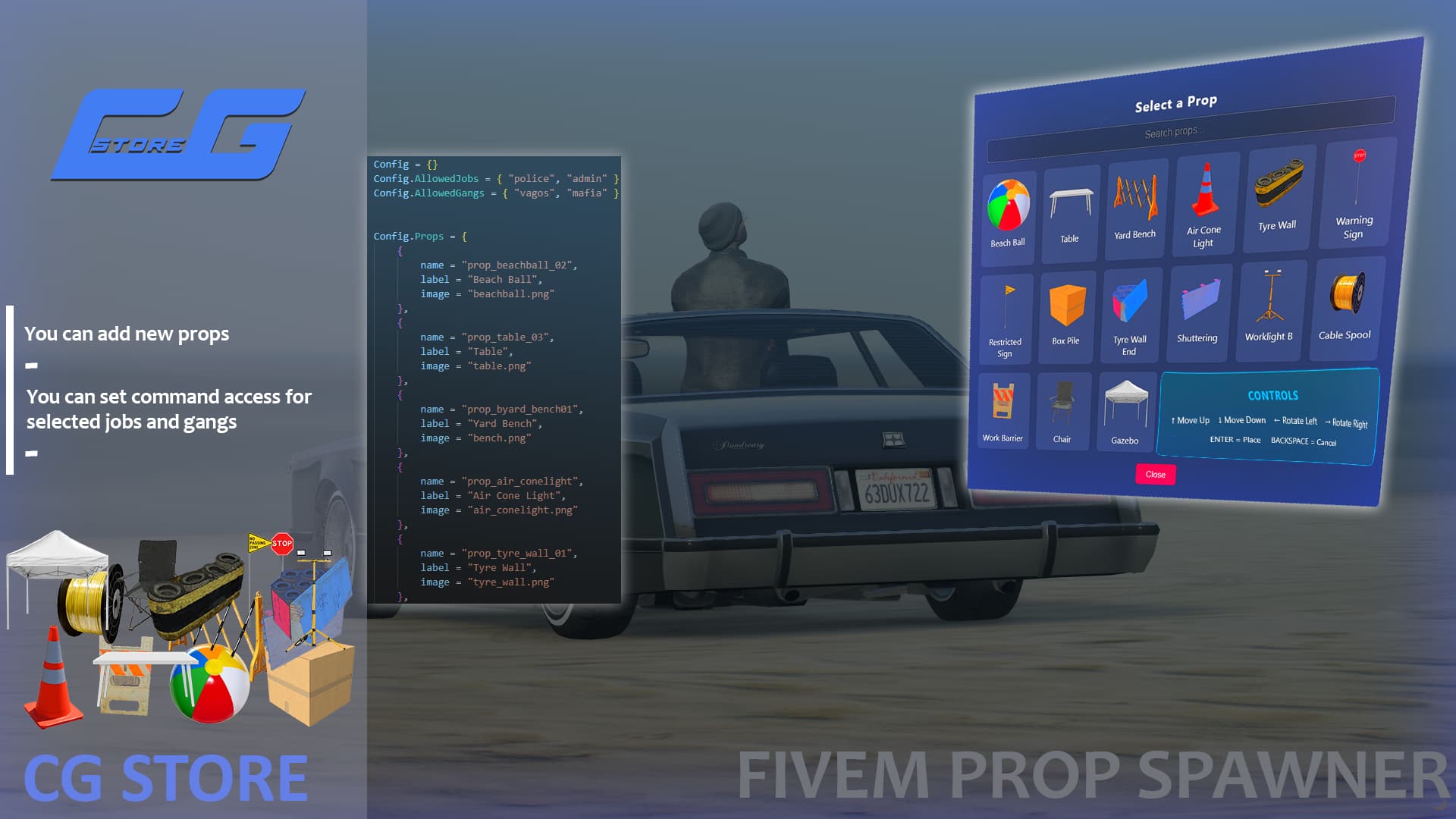
This Prop Spawner script allows players to easily spawn, preview, place, and remove in-game props using a custom interactive UI. It supports job- and gang-based prop restrictions, ensuring immersive and controlled gameplay environments for roleplay servers. Add unlimited props with custom labels and preview images.
Preview: https://youtu.be/5hU46-FTxT0
Purchase: https://cg-store.tebex.io/package/6970982
 Features:
 Custom HTML UI
- Beautiful and responsive design
- Displays prop images for easy selection
- UI disappears when entering placement mode
Transparent Preview System
- Prop preview appears slightly ahead of the player
- Follows player’s movement during placement
- Realistic positioning ensures prop touches the ground properly
- Press
Eto confirm and place the prop
Command-Based Controls
/spawnprop→ Opens prop selection UI/removeprop→ Deletes placed props in range
Job & Gang Restrictions
- Configurable in
config.lua - Props only available to allowed jobs or gangs
- Supports both QBCore and ESX frameworks automatically
Efficient & Optimized
- Uses framework auto-detection
- Clean and lightweight performance
- Client-side handled with prop tracking and range checks
 Usage Instructions
- Type
/spawnpropto open the prop selector - Select a prop to enter preview mode
- Move around to position the prop
- Press Enter to place the prop
- Type
/removepropto remove props placed nearby
| Code is accessible | No, Only config file is accessible |
| Subscription-based | No |
| Lines (approximately) | 250-300 |
| Requirements | Nothing |
| Support | Yes |