I saved profiler info onto unix server… then transfered file to windows machine on opening the bin file via notepad I get problems with utf8 characters any ideas why this occurs?
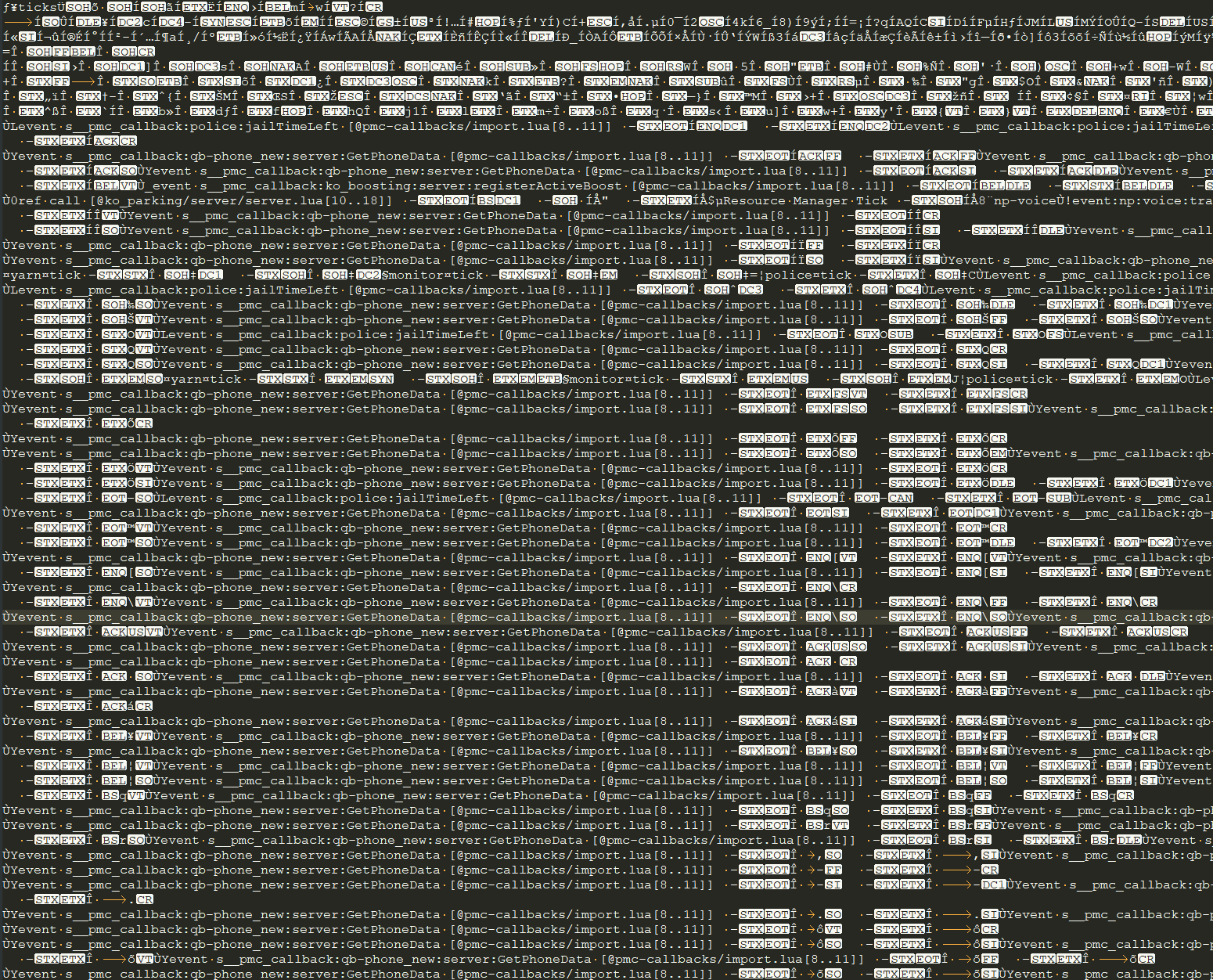
It’s possible that the issue you’re encountering is related to differences in how Unix-based systems and Windows-based systems handle Unicode characters. Unix-based systems typically use UTF-8 as their default encoding for text files, while Windows-based systems may use a different encoding such as UTF-16. When you transferred the profiler info file from the Unix server to the Windows machine, it’s possible that the file’s encoding was not preserved correctly. As a result, when you try to open the file in Notepad on the Windows machine, you may see unexpected characters or encoding errors. One solution to this problem is to try opening the file in a text editor that supports UTF-8 encoding, such as Notepad++ or Sublime Text. You can then try to save the file with the correct encoding to ensure that it displays correctly in Notepad. Alternatively, you can try converting the file’s encoding to UTF-16 using a tool like iconv, which is available on most Unix-based systems. You can then transfer the converted file to the Windows machine and try opening it in Notepad again.