Environmental issues
GTA V version: 14989453
Updated: YES
Legitimate or pirated copy: Legitimate
Purchased where - Steam/Rockstar Launcher/Epic: Steam
Windows version: Windows 10 PRO 2H22
Have you tried deleting content_index.xml and tried again? I believe it was deleted when I did a clean uninstall
System Specs: Intel i5-10400F, GEFORCE GTX 1650, 16GB RAM
CitizenFX crash zip file (‘Save info’ on a crash):

CfxCrashDump_2024_07_17_18_04_19.zip (1.5 MB)
citizenFX_log logs/files: N/A
.dmp files/report IDs: N/A
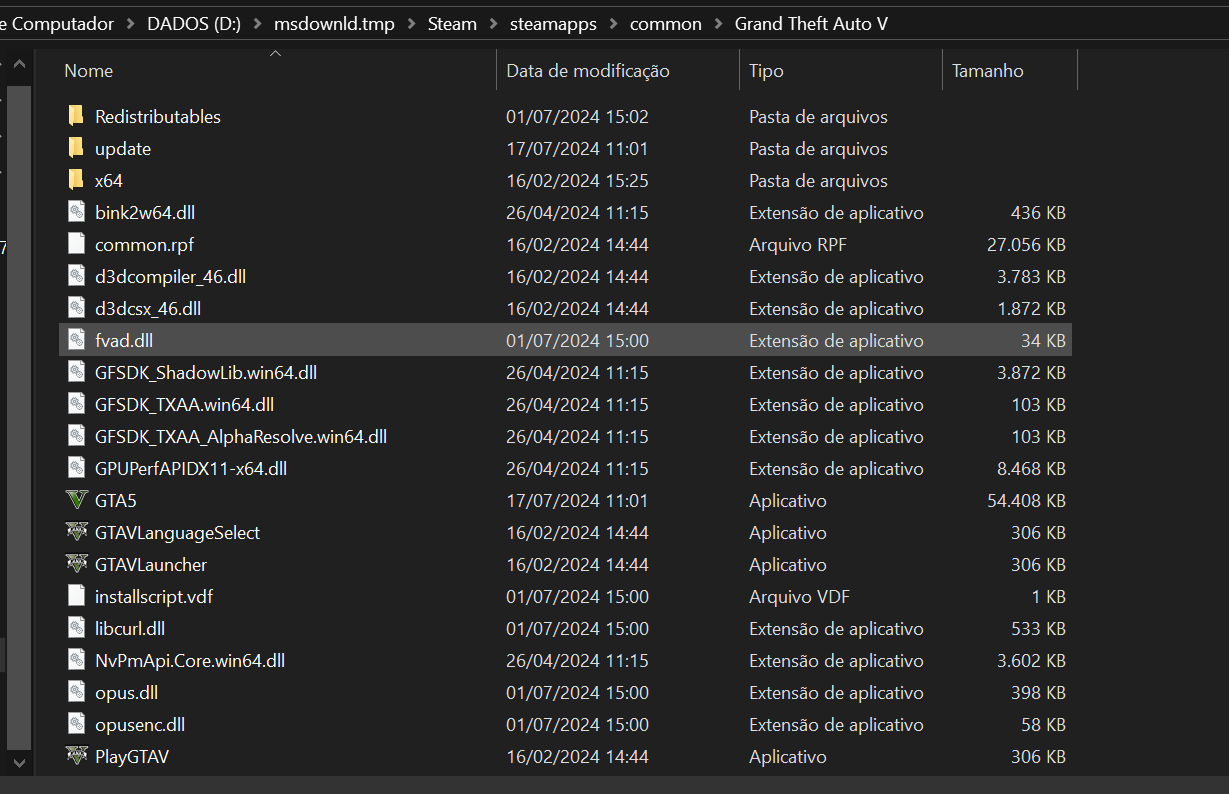
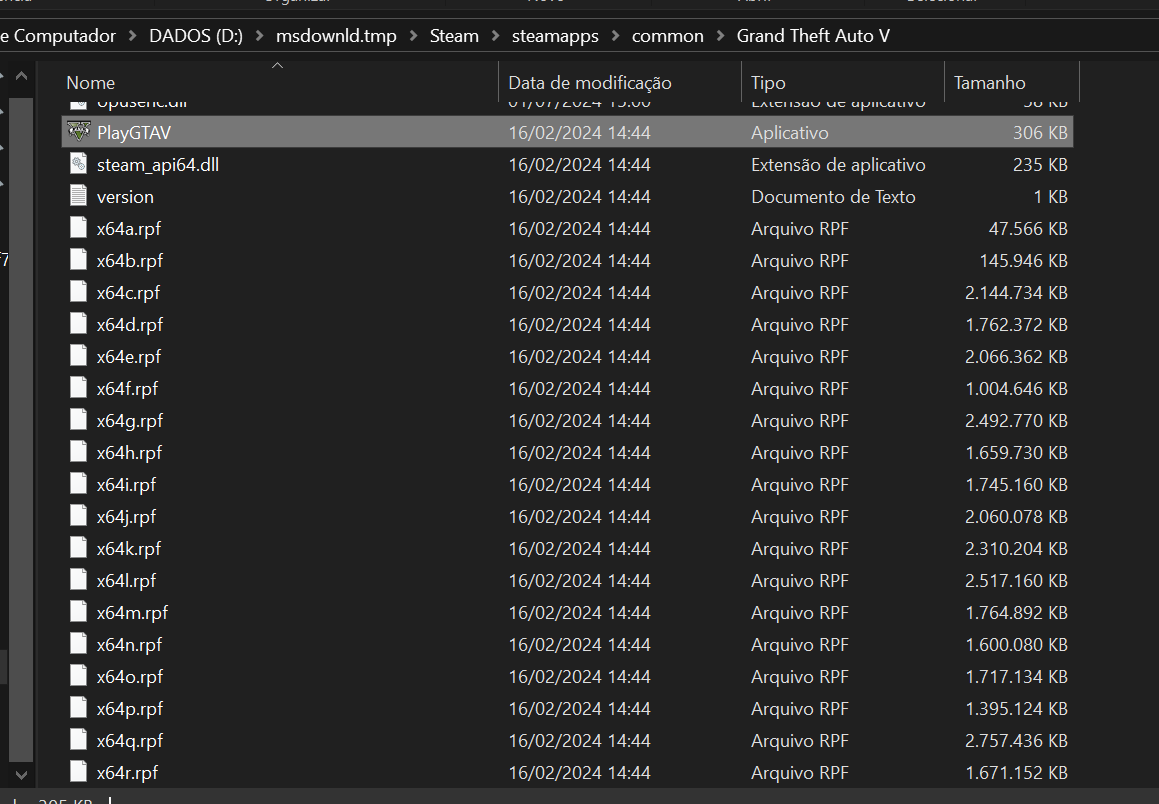
If you can’t start the game
GTA V folder screenshot:

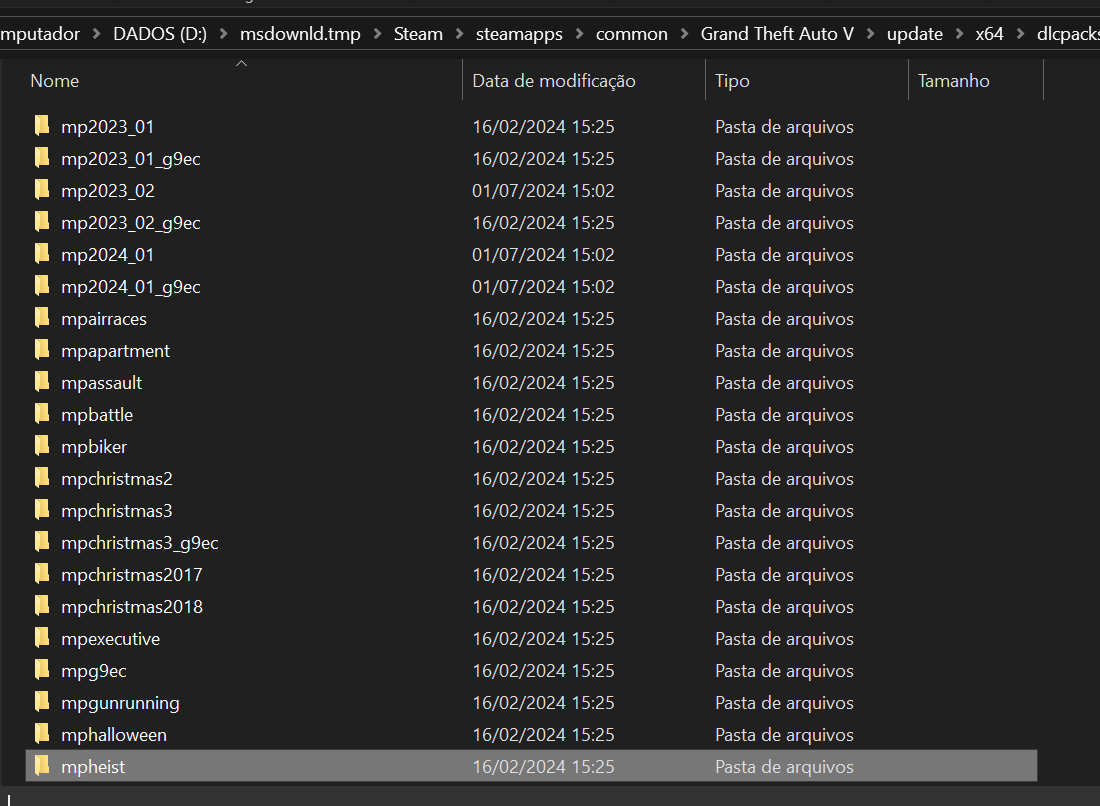
Screenshot of GTA V/update/x64/dlcpacks:
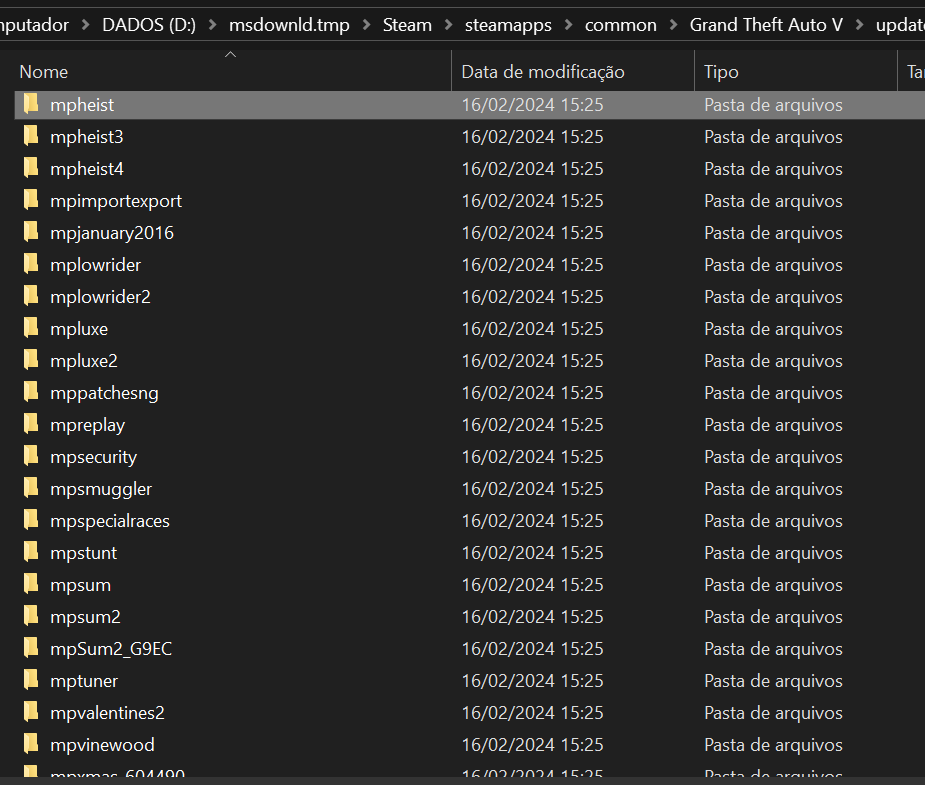
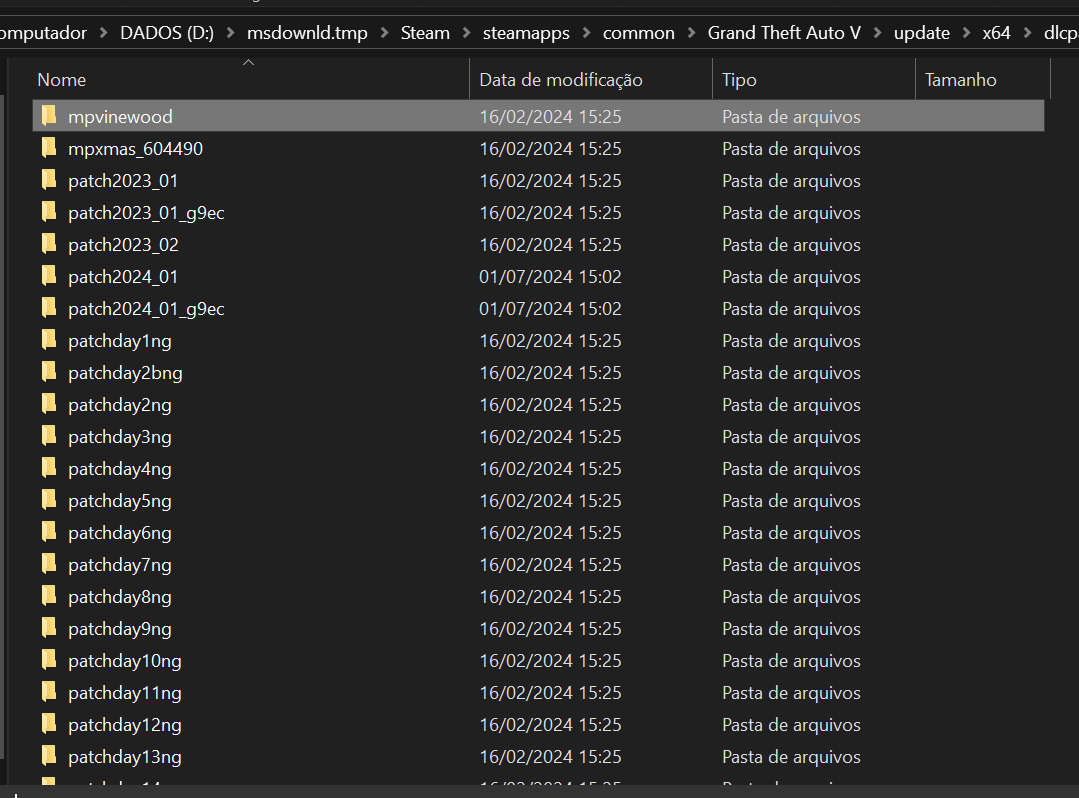
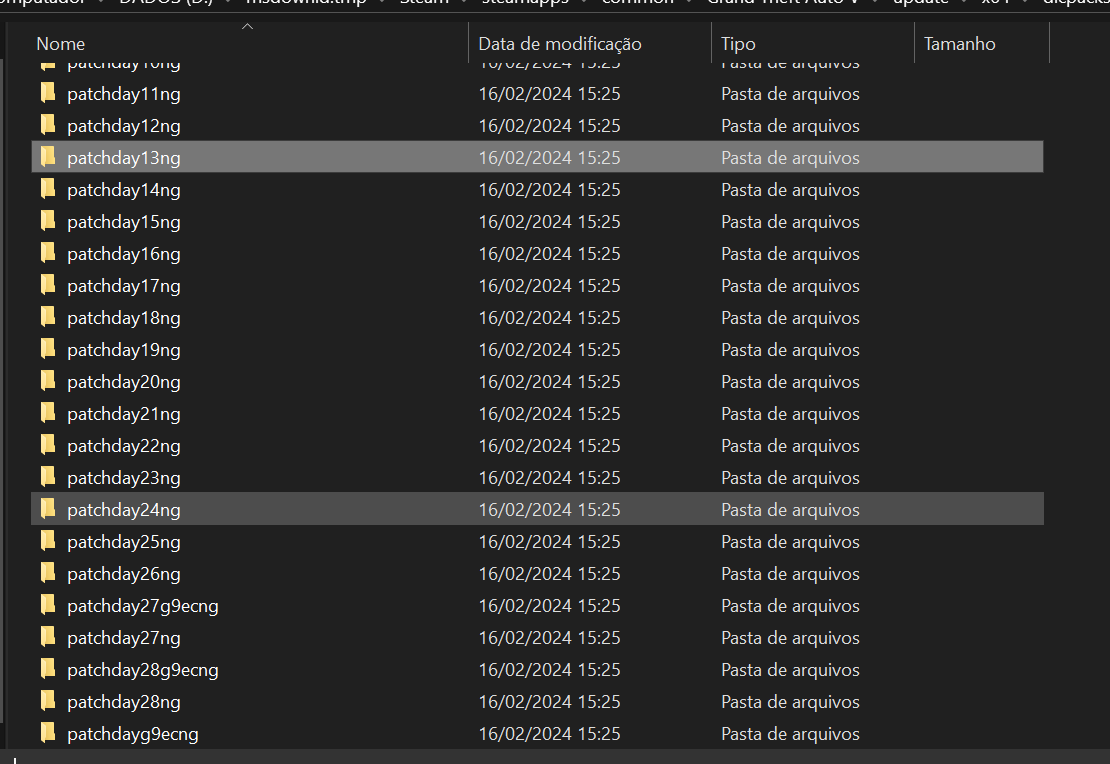
File path to the FiveM folder:
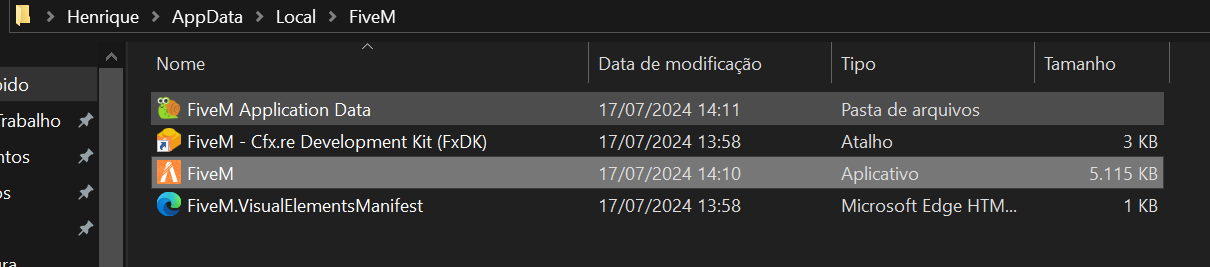
FiveM client folder screenshot:
What antivirus/firewall software are you using? I don’t use any programs
Have you tried disabling/uninstalling your antivirus? No
Important parts
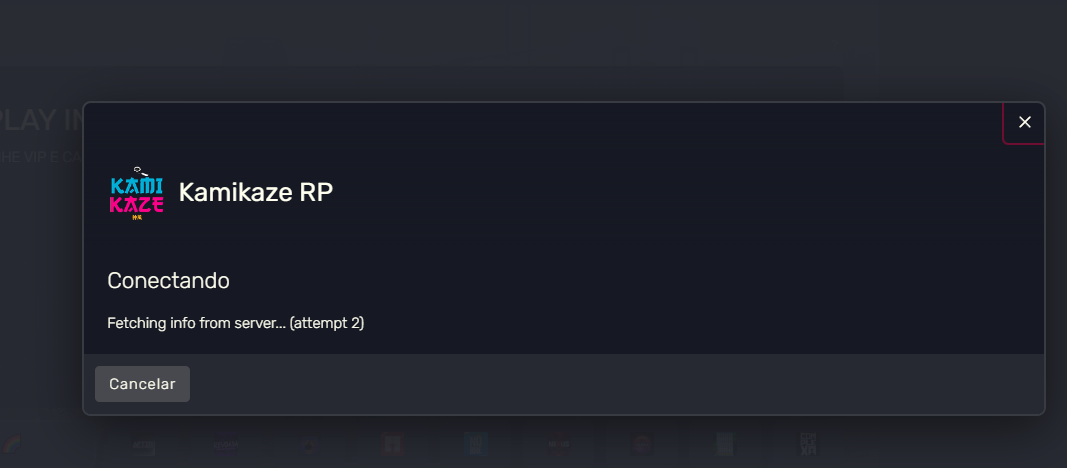
What is the problem you are having? I can’t access any servers
What are you trying to do? I’ve been trying to play on my main server for almost 5 hours, but I can’t get past the FIVEM loading screen, because I always get an error, I’ve even done several tests and it seems to be something that applies to all servers.
What have you tried to fix the problem? I cleaned the cache, updated the driver, uninstalled and clean installed, finally restarting the PC and the application
Screenshot of the error (if any):
What did you do to resolve this problem? Problem still unsolved
On which server did you encounter this problem? Kamikaze RP, and some public servers with Nexus RP and 011 ROLEPLAY
Additional comments: I watched several tutorials on YouTube with different solutions, but without success, I then uninstalled and clean installed leaving FiveM as if it were the first time it had been downloaded, and the error persisted in all my tests on the servers that I could to enter.
