Overview
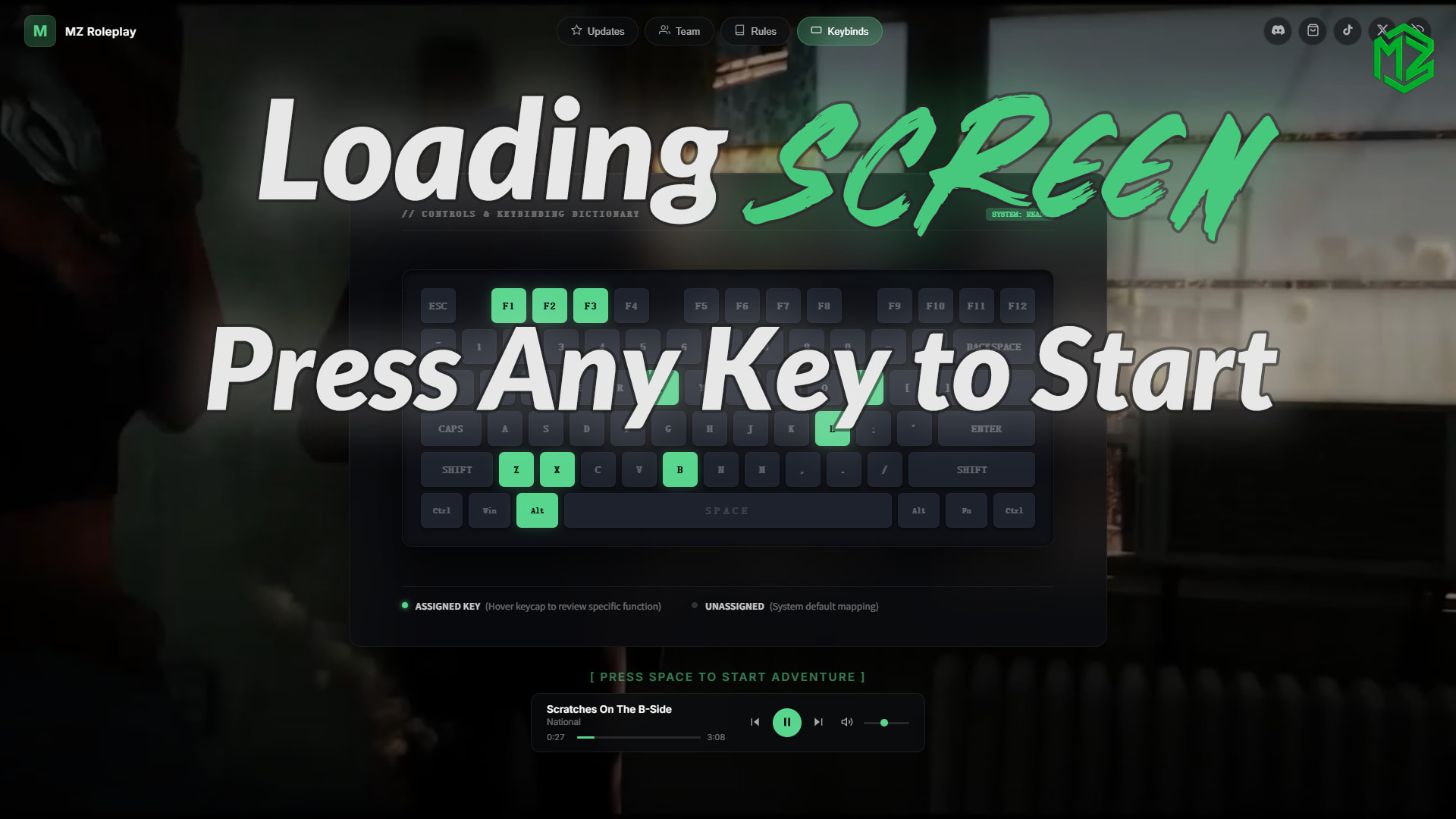
A brand-new, clean, and minimal loading screen built for FiveM servers. By requiring a keypress to enter the game, it delivers a uniquely premium and immersive interaction, leaving a powerful first impression on your players.
 Video Preview
 Key Features
1. Press Key to Enter
Instead of forcing players into the server automatically when loading finishes, this script shows a clean pulsing key prompt. Players can press the key to enter the server with a smooth fade-out effect. It works perfectly with multicharacter and spawn scripts.
2. Smart Music Player & Volume Memory
A clean visual music player with three smart features:
- Chorus Start (2 Modes):
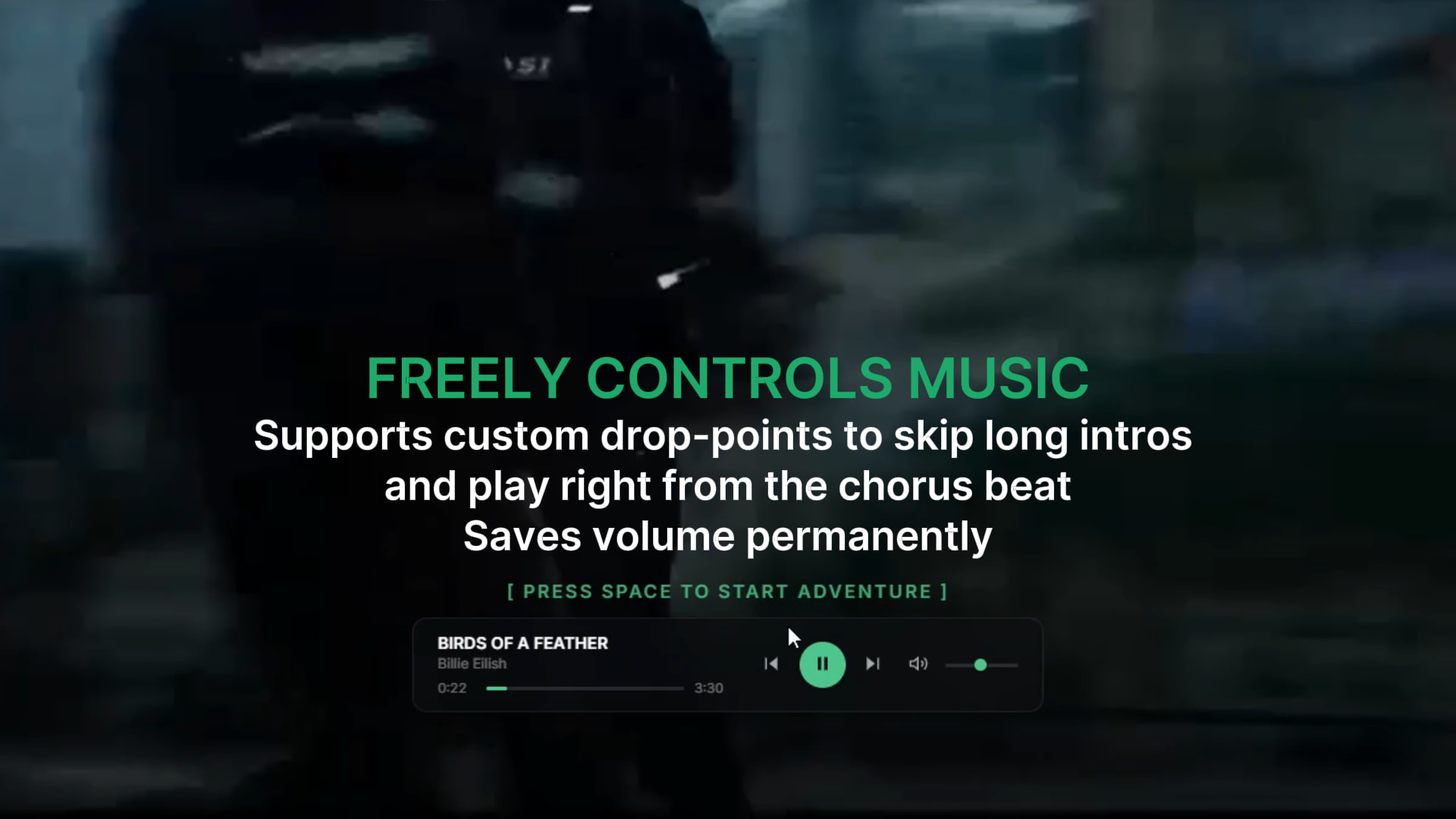
- Custom Time: Set a specific timestamp for each song to skip long intros and start exactly at the chorus.
- Random Start: Automatically start playing from a random position in the first half of the song.
- Shuffle Mode: Supports randomly shuffling the playlist instead of always playing songs in the same order.
- Volume Memory: It automatically saves the player’s adjusted volume locally. The next time they join the server, it remembers their preference so it won’t blast their ears.
3. Live Data Updates (No Restarts)
You can edit the loading screen text, rules, team members, and keybinds directly in-game using the companion editor plugin. Once you click save, the data updates instantly in the server memory. You don’t need to restart the resource, the server, or the database.
 Other Features
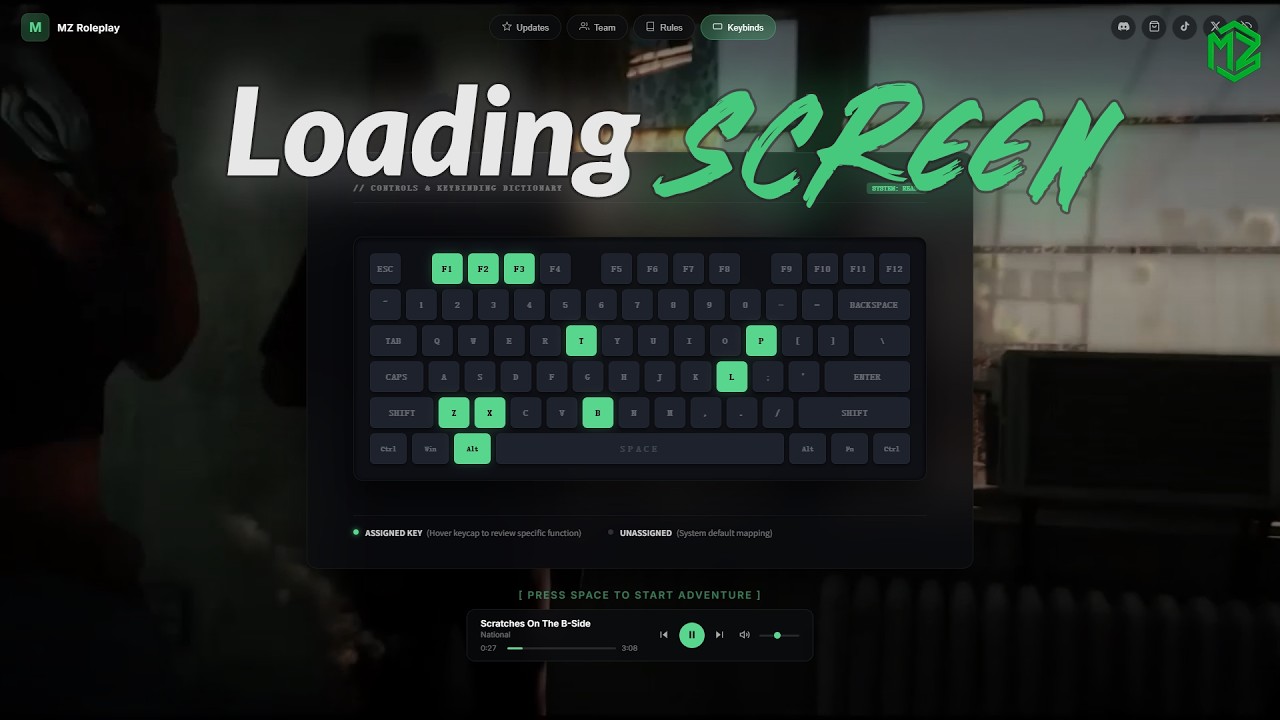
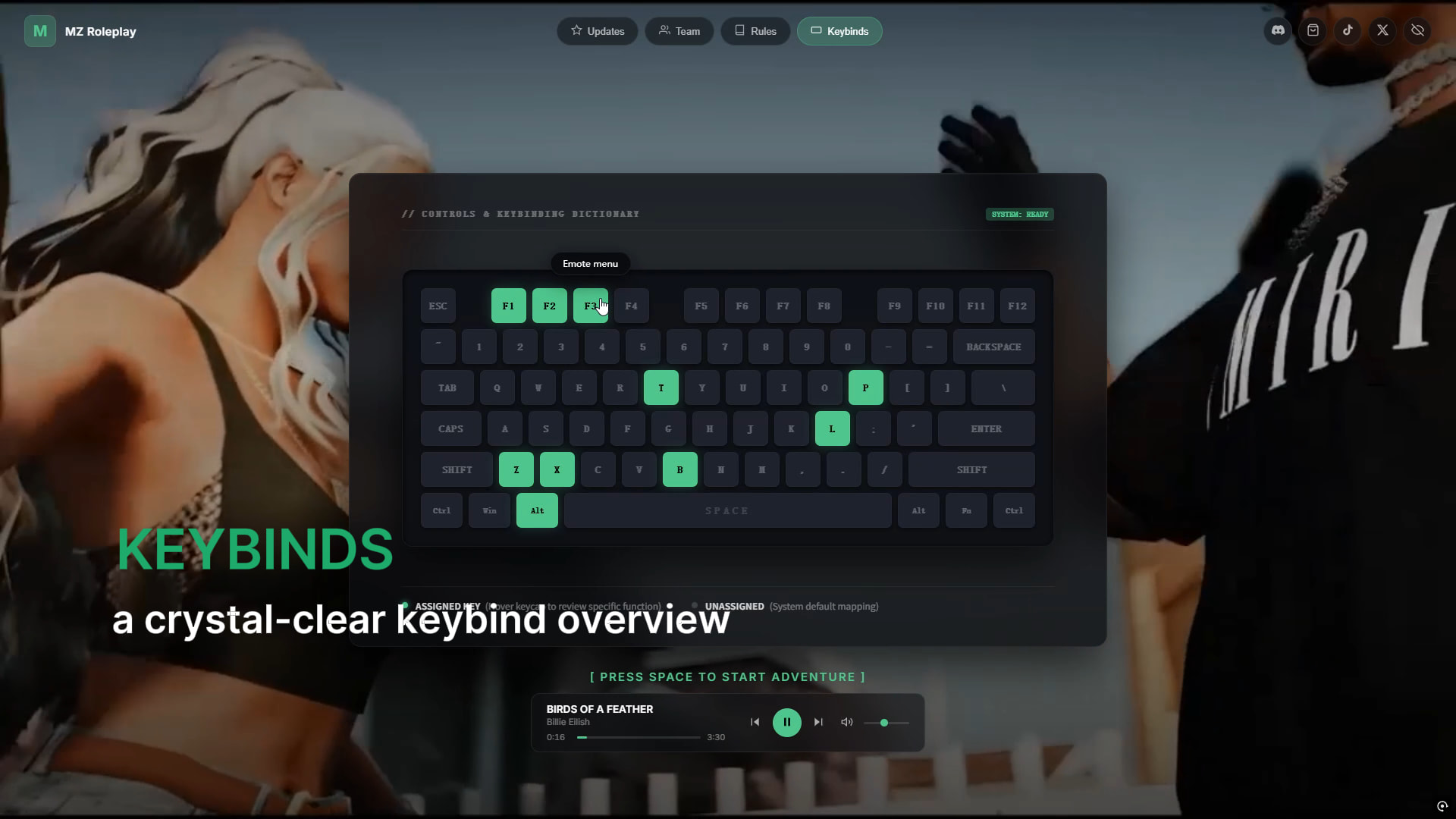
- Keybinds Grid: Aesthetically pleasing keyboard layout; server control options are displayed when the mouse hovers over the keyboard.
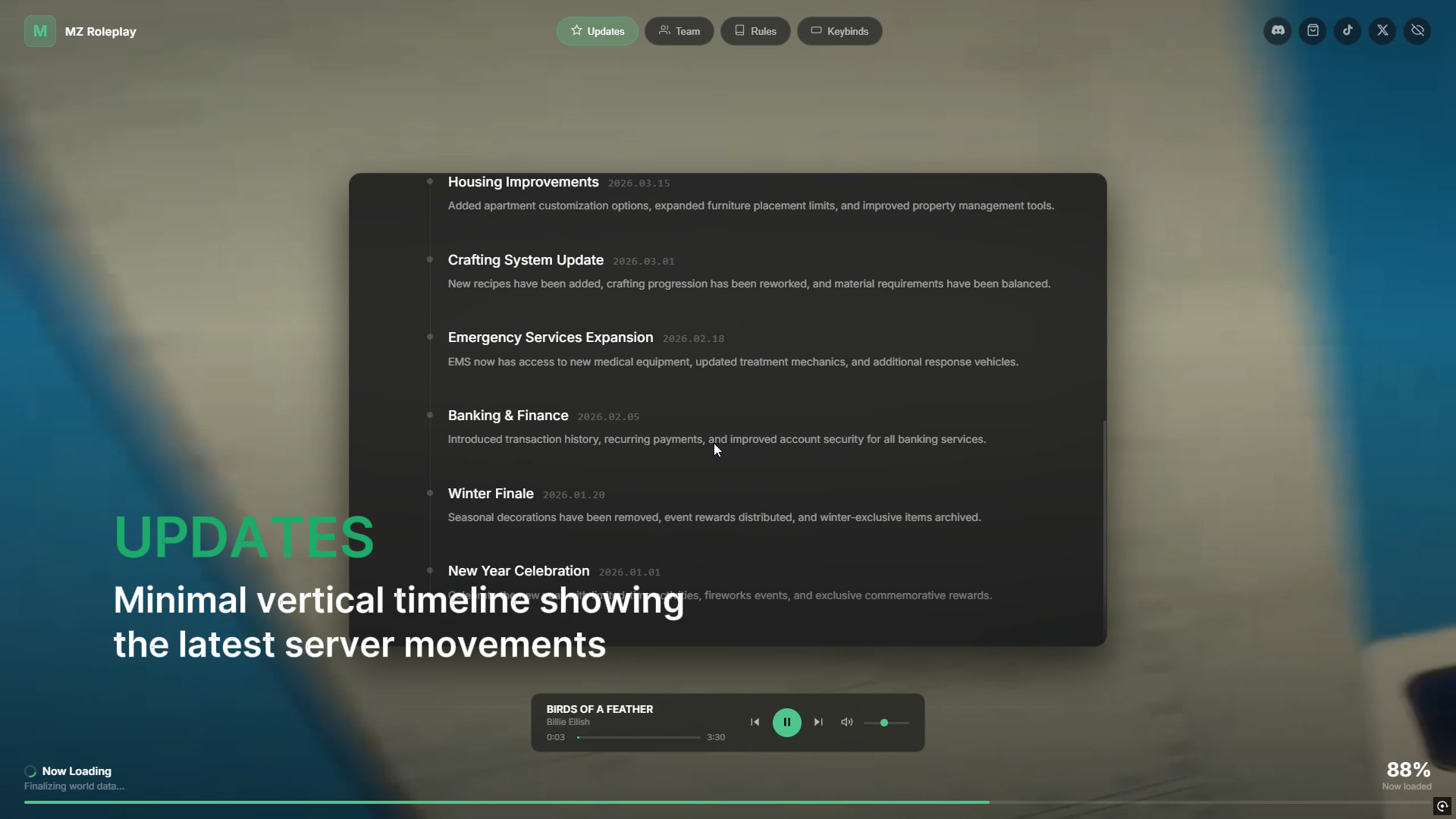
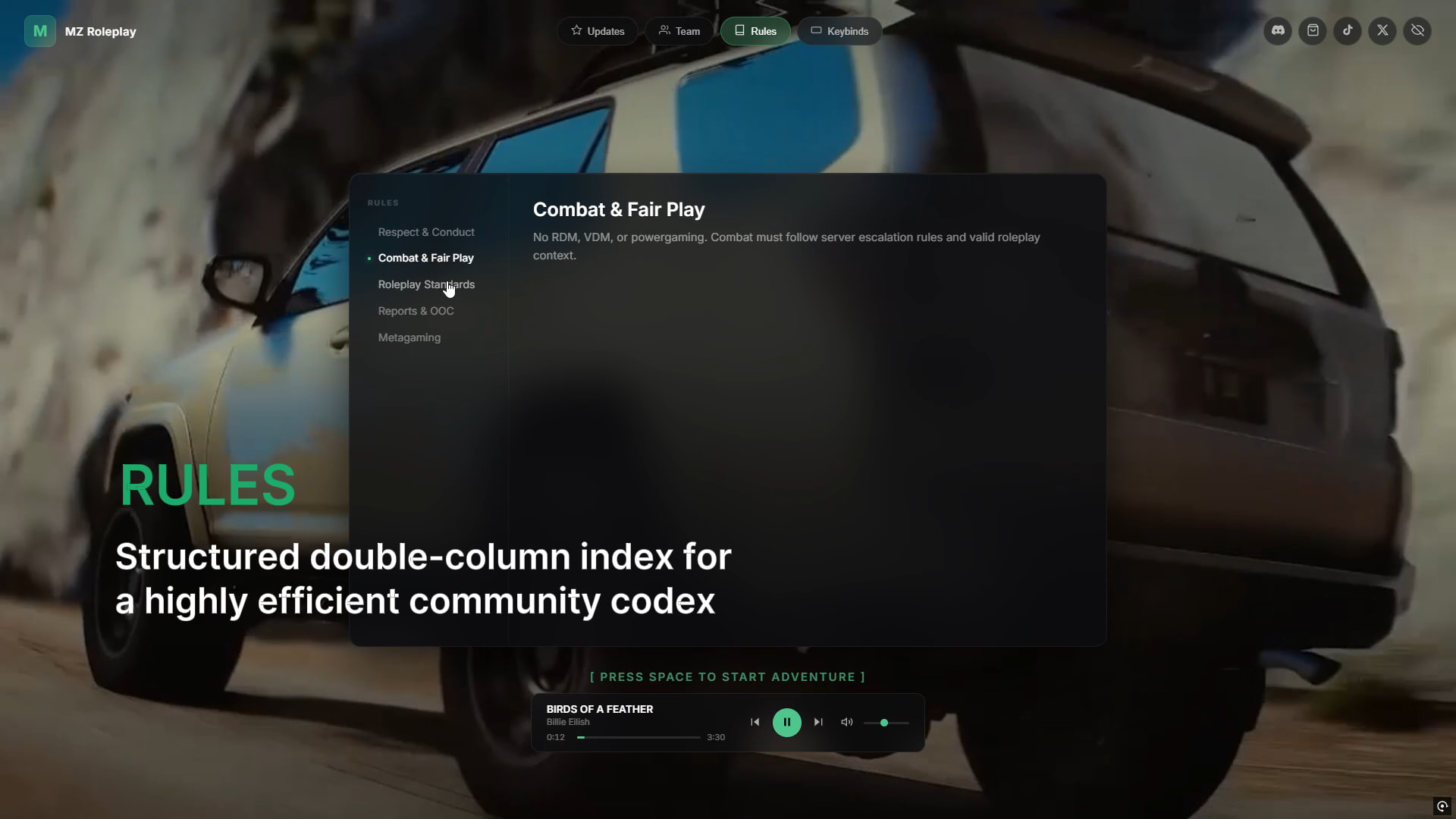
- Patch Notes & Rules: Simple layouts to show your latest server updates and community rules.
- Team Section: Clean profile cards to show your staff or management team.
- Flexible Backgrounds: Supports using images, slideshows, or videos as the background. Videos can be loaded from both local files and direct video URLs.
- Social Media Links: Clean social media buttons to direct players to your platform links and better showcase your community.
- Custom Color Themes: Easily customize the color scheme to perfectly match your server’s unique brand and color identity.
 Compatibility
Frameworks
- QBCore
- Qbox
- ESX
- Standalone Compatible
Multi Character Support
Supports virtually all popular multicharacter systems.
 Purchase & Links
 Purchase: loadingscreen | Muzi Studio
Config Preview: Click Here
 Documentation: MZ-Studio Documentation


| Code is accessible | No |
| Subscription-based | No |
| Lines (approximately) | ~2000 |
| Requirements | ox_lib, qb/qbox/esx |
| Support | Yes |