
------------------------------------------------ PMD RedM Tool “YTD” [For Dev] ---------------------------------------------------------
ENGLISH —
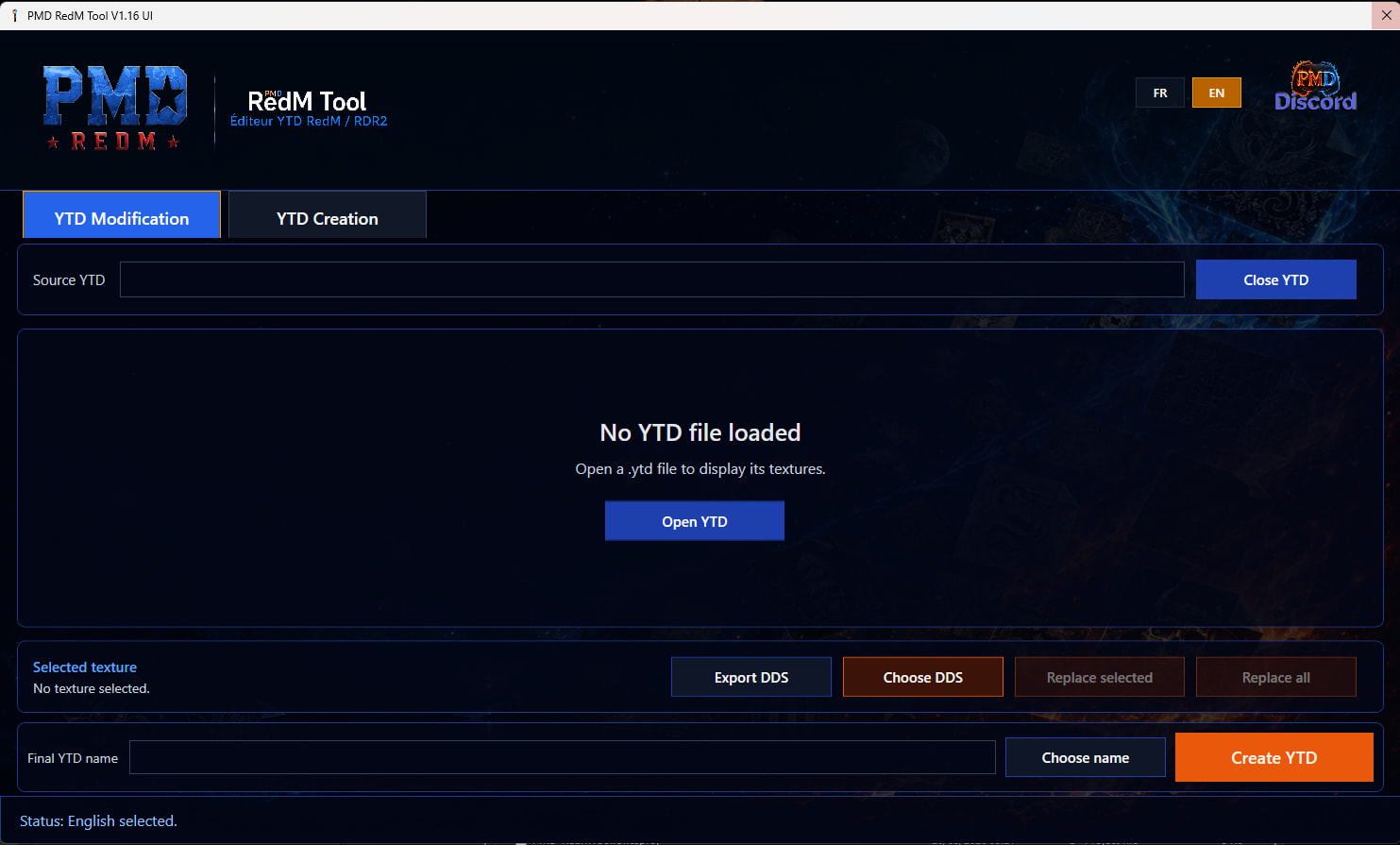
- PMD RedM Tool is a Windows desktop application designed to help RedM / RDR2 creators manage YTD texture files more easily.
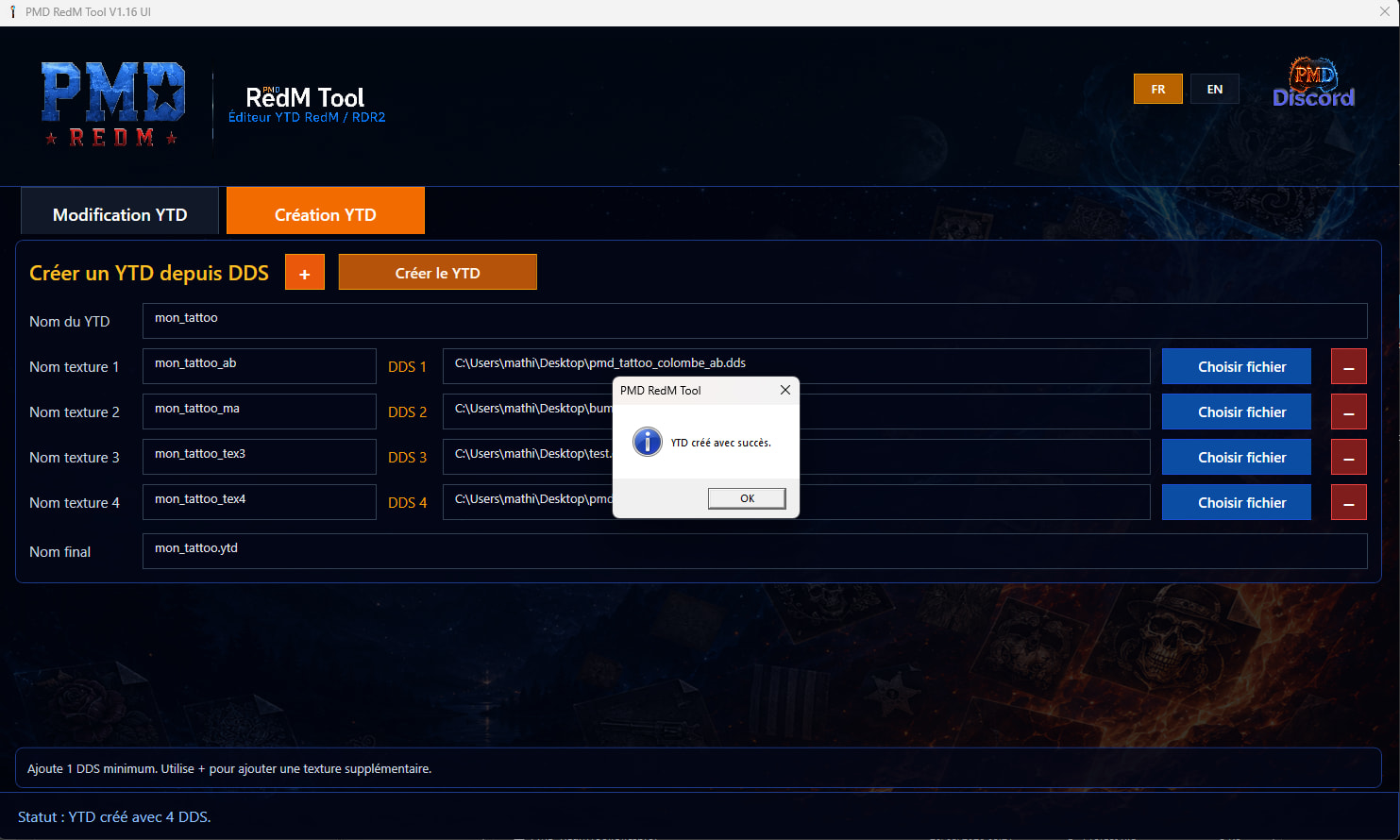
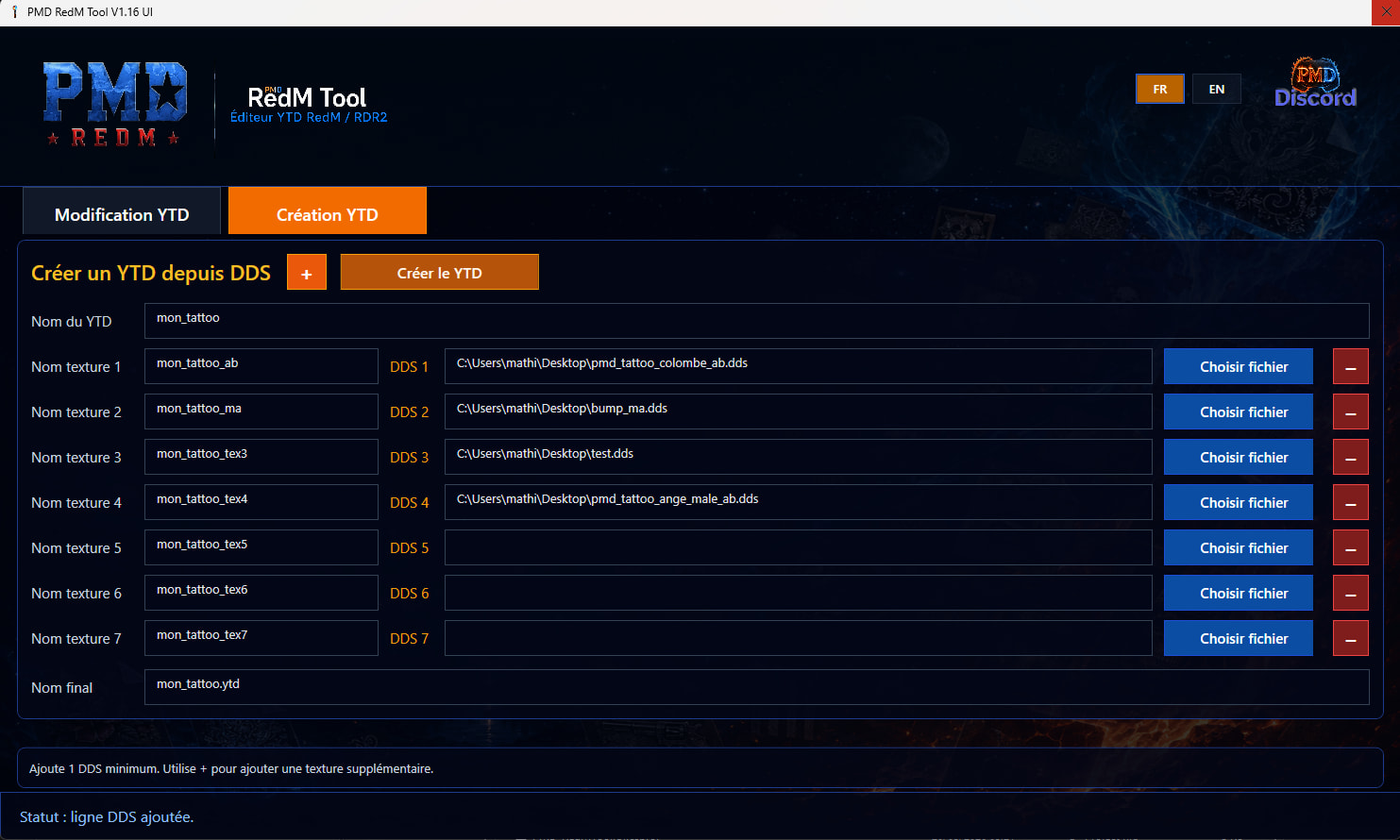
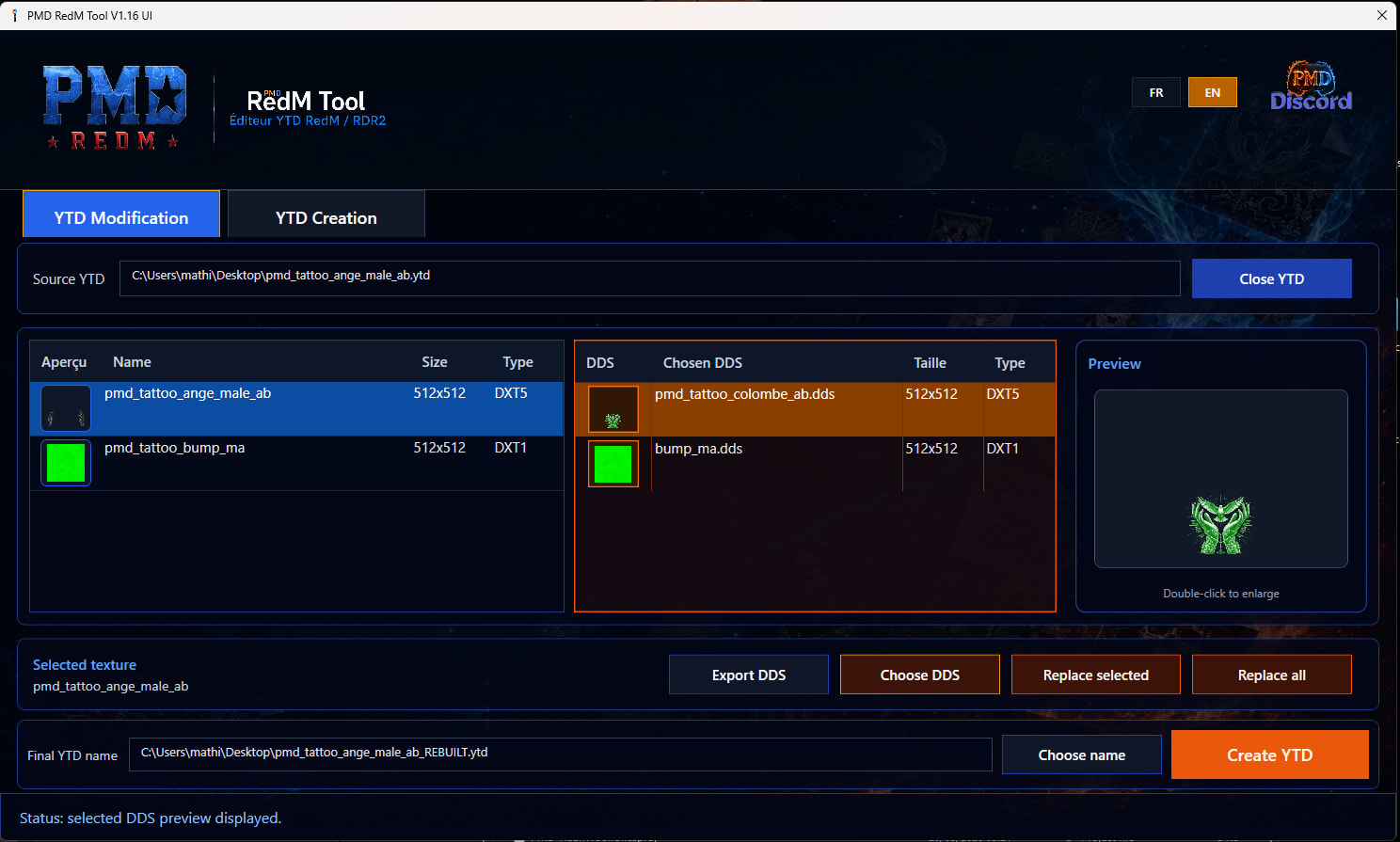
- With this tool, you can open .ytd files, preview internal textures, export textures as .dds, replace textures with your own DDS files, rebuild a new YTD file, and create a complete YTD directly from one or multiple DDS textures.
- The interface has been designed for a clean and premium workflow, with texture previews, selected texture information, replacement controls, and a dedicated YTD creation tab.
# Windows SmartScreen / Antivirus NoticePMD RedM Tool is a Windows .exe application.
On first launch, Windows Defender SmartScreen may display a message such as: “Windows protected your PC”.
This warning often appears for new or unsigned applications, even when they are safe. It does not mean the application is a virus.To launch the tool:
- Click “More info”
- Click “Run anyway”
Do not disable your antivirus. If your antivirus blocks the file, only add the PMD RedM Tool folder to your antivirus exceptions.
Main features:
- Open and read RedM / RDR2 .ytd files
- Display internal textures with preview
- Export textures to .dds
- Import and replace textures using DDS files
- Replace one selected texture or multiple textures
- Rebuild a new YTD file after replacement
- Create a new YTD from DDS files
- DDS duplicate protection
- Texture name duplicate protection
- FR / EN interface
- License activation system included
# License system:-After purchase, your license key is sent by email. Please check your spam/junk folder if you do not receive it immediately.
-One license = one activated PC.
-If you change your computer or need a license reset, please contact PMD support.
# Important antivirus note:
- PMD RedM Tool is a Windows executable. Some antivirus software, especially Avast Hardened Mode or similar protection systems, may temporarily flag or block new unsigned applications because they are unknown or not yet widely used.
- This does not mean the tool is malicious.
- If your antivirus blocks the application, add the PMD RedM Tool folder to your antivirus exceptions / allowlist, then launch the tool again.
Recommended:
- Do not disable your antivirus completely.
- Only add an exception for the PMD RedM Tool folder.
- Extract the ZIP into a clean folder before launching the EXE.
- Keep the original package downloaded from this Tebex page.
| This tool is made for RedM / RDR2 texture editing workflows. It is not affiliated with Rockstar Games, Take-Two Interactive, Cfx.re, or RedM.|



Youtube : Coming-Soon
|----|----|
| Applications | YES |
| Code is accessible | No |
| Subscription-based | No |
| Requirements | * Windows 10 / Windows 11 * 64-bit system * Internet connection required for license activation |
| Support | Yes/No |
|---|