Overview
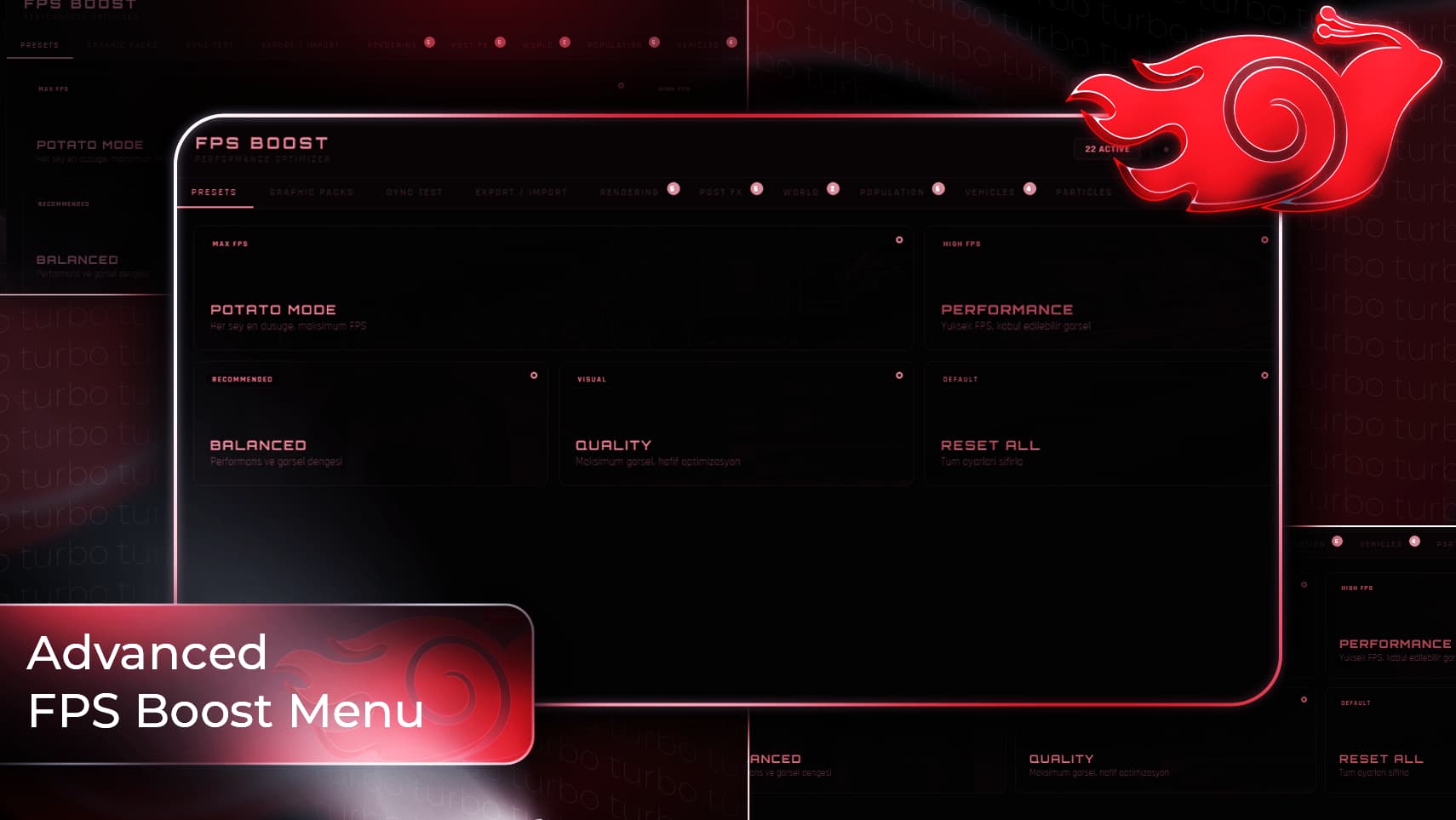
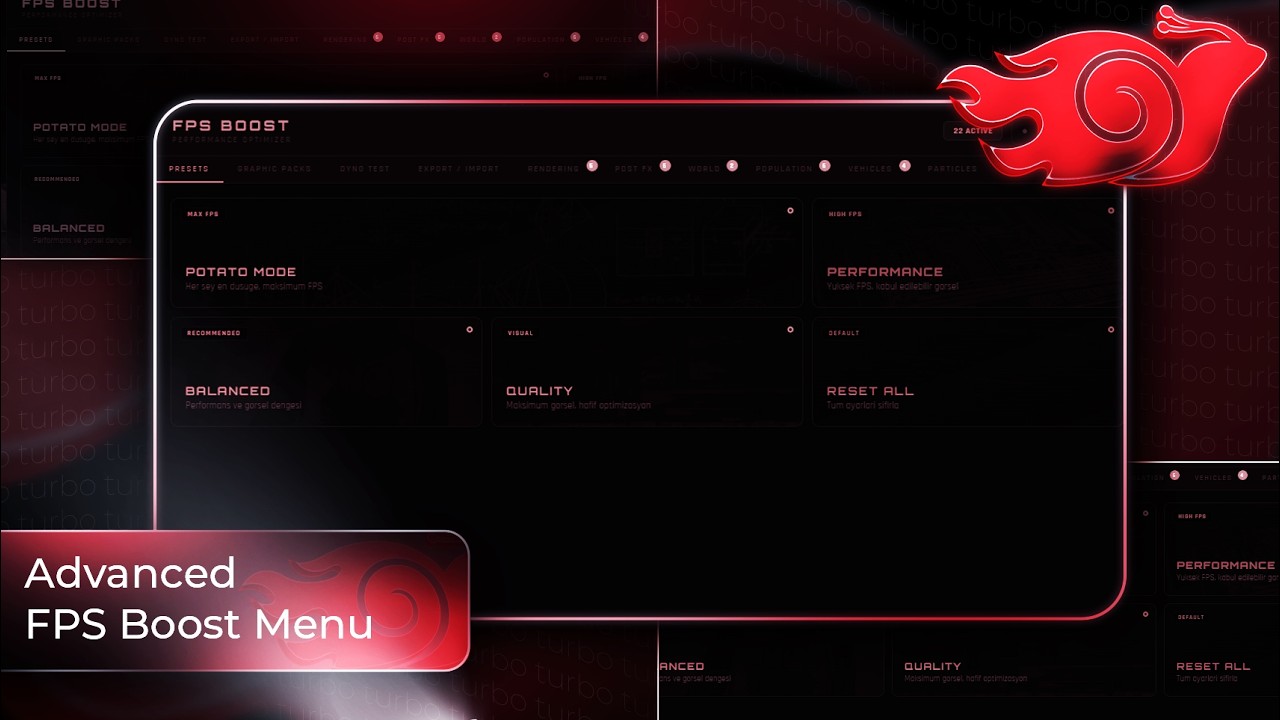
Turbo FPS Boost Menu is an advanced NUI-based performance & graphics optimization menu for FiveM.
Players can instantly apply FPS-focused settings, select ready presets, enable visual Graphic Packs (timecycle/weather/time overrides), run an in-game Benchmark, and even export/import their setup with a shareable code.
Features
 Performance Optimization (Client)
- Shadow / reflection / LOD / draw distance controls
- Grass & foliage removal, decal cleanup
- Traffic / ped / parked vehicle density control
- Ambient scenarios / dispatch / random boats & trains toggles
- Vehicle visual optimizations (dirt, deformation, neon, tire smoke)
- Particle reduction options (explosions/fire/exhaust/dust/water splash etc.)
- Real-time per-frame application for density & selected effects
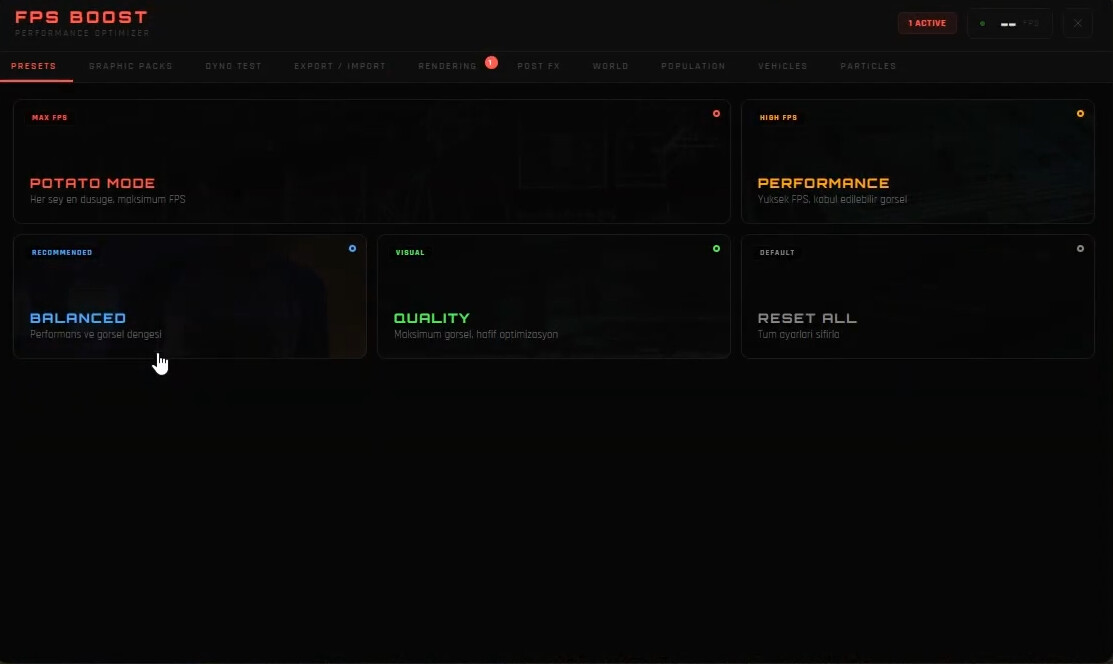
Presets (One-Click)
Included presets (editable from config):
- POTATO MODE (max FPS)
- PERFORMANCE
- BALANCED (Recommended)
- QUALITY
- RESET ALL (Default)
Graphic Packs (Visual Profiles)
Selectable Graphic Packs (configurable):
- Applies timecycle + optional extra timecycles
- Optional weather/time override
- Optional fog / wind / rain / clouds control

Note: Graphic Packs affect the player’s visuals locally (client-side).
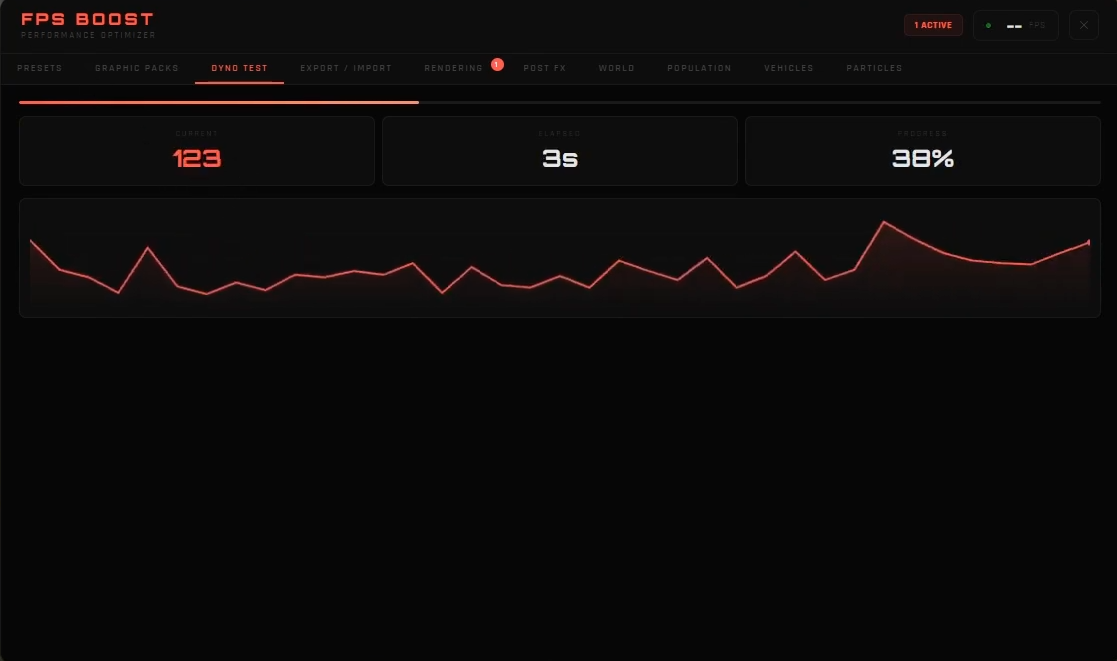
Built-in Benchmark System
- Live FPS tracking
- Results include: Avg / Min / Max / 1% Low / 0.1% Low / Stability / Grade / Std Dev
- Great for comparing settings & presets
Export / Import (Share Code)
- Players can export their current settings as a code
- Import code to apply the exact same setup instantly
Saving System
- Settings can be saved with KVP (per-player local save)
- Toggle with
Config.SaveSettings
Controls
- Keybind:
F7 - Command:
/fpsmenu - Keybind and command are configurable in
config.lua.
Framework
- Standalone / Framework Auto
- Works client-side; no heavy server dependency.
Configuration
All settings are configurable in:
config.lua
You can edit:

- Menu title/subtitle
- Categories & items (toggles/sliders)
- Presets settings
- Graphic Packs list & visuals
- Save system
What’s Included
client/main.lua(menu logic + setting apply + benchmark + export/import)html/index.html(NUI interface)config.lua(full control)server/main.lua(basic logging event)fxmanifest.lua(config.lua ignored for escrow)
24/7 Support
We provide 24/7 active support through our official Discord server.
If you encounter any issues, need installation help, or have configuration questions, simply open a support ticket and our team will assist you as quickly as possible.
 Join our Discord: (Turbo Shop)
 Open a ticket from the support channel.
BEFORE FPS BOOST
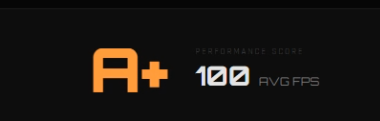
AFTER FPS BOOST (Potato Mode)

Purchase (Tebex)
You can securely purchase the script through our official Tebex store.
After purchase, you will receive the download automatically.
 Tebex Store: https://www.trbscripts.com/scripts/7308188
Preview
 Video
Video
| Code is accessible | Configurations |
| Subscription-based | No |
| Lines (approximately) | 2000 |
| Requirements | N/A |
| Support | Yes with future updates |