Overview
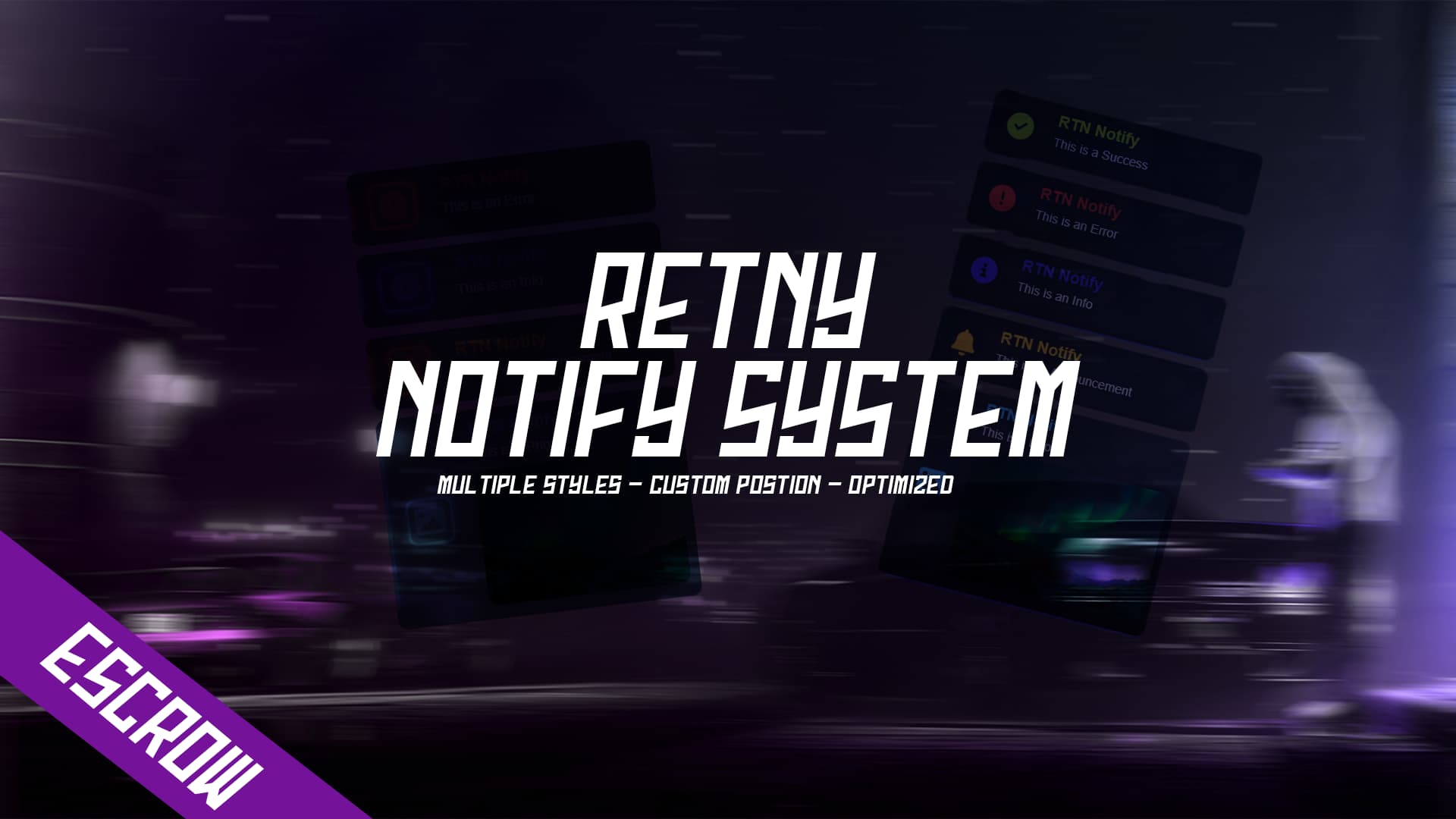
Elevate your FiveM gameplay with our highly customizable notification system. This script allows players to drag and reposition notifications anywhere on their screen, ensuring they have the freedom to place alerts where they find them most convenient. Additionally, players can select from three distinct notification styles, allowing for a personalized and immersive experience.
Features
- Drag-and-Drop Functionality: Easily move notifications around the screen to your preferred position.
- Customizable Styles: Choose from three unique notification styles to match your aesthetic preferences.
- Versatile Usage: Notifications can be triggered through exports or events, providing flexibility for developers.
Usage
You can utilize the notifications system in two ways:
Using Exports
exports['rtn_notify']:notify(type, icon, title, msg, photo, timer, notify)
Using Events
TriggerEvent('rtn_notify:triggernotify', type, icon, title, msg, photo, timer)
Parameters
type: The type of notification (e.g., success, error, info).icon: The icon to be displayed with the notification.title: The title of the notification.msg: The message content of the notification.photo: An optional photo to be displayed with the notification.timer: The duration the notification will be displayed.notify: Additional notification settings (optional).
Example
To trigger a notification using exports:
exports['rtn_notify']:notify('success', 'check', 'Notification Title', 'This is a customizable notification message.', 'example.jpg', 5000, true)
To trigger a notification using events:
TriggerEvent('rtn_notify:triggernotify', 'info', 'info-circle', 'Another Notification', 'This is another customizable message.', 'example2.jpg', 3000)
PREVIEW:
TEBEX:
https://rtn-scripts.tebex.io/category/2463939
| Code is accessible | No |
| Subscription-based | No |
| Lines (approximately) | 300 |
| Requirements | none |
| Support | Yes |