Here You just change “TriggerClientEvent(‘esx:showAdvancedNotification’” by youre own system off notification
(Dont forget to replace “kaiizen:NotifOFF” to )
@Kaiizen This is in no way standalone sir! both scripts that you have released and i purchased from ur tebex store and claim to be standalone aren’t!, this is Completely dependent on ESX!!!
Its very Cheesy Move to Put [Standalone] On your topic and when people find out Its not Standalone Telling them to do modification based on their own Notification system.
Btw if you didn’t know You can use a Public notification library (there is a ton out there for free) and reference your script to that.
or use gta native notification system !
Btw if you didn’t know The ESX function that you used is just simply a native function of the GTA itself. Instead of using a Complete Framework and forcing your buyers to do their modification. You could easily put this as a local function in your script and make it completely Standalone
ESX.ShowAdvancedNotification = function(sender, subject, msg, textureDict, iconType, flash, saveToBrief, hudColorIndex)
	if saveToBrief == nil then saveToBrief = true end
	AddTextEntry('esxAdvancedNotification', msg)
	BeginTextCommandThefeedPost('esxAdvancedNotification')
	if hudColorIndex then ThefeedNextPostBackgroundColor(hudColorIndex) end
	EndTextCommandThefeedPostMessagetext(textureDict, textureDict, false, iconType, sender, subject)
	EndTextCommandThefeedPostTicker(flash or false, saveToBrief)
end
Notification and function create item, is a the only one stuff ESX, you can totally change this for you’re framework ! Just don’t be lazy. If you are/have developper, is to simple to change that. Thx
for you it might be, but your code is completely dependent on esx ! for someone who is not a developer wouldn’t know how to adjust your code!!! change it yourself and sell it as standalone since you claim is standalone!
What part of people dont know you do not understand ?
now you changed the topic of your release and you eliminated standalone wording from it! soo you are acknowledging this was never standalone and you sold something completely dependent on esx! …
If anyone ever converts this to actual Standalone let me know. I would love to use it, but it does not work with our Standalone server which sucks. Shoot me a message or something, thanks!
 I put ESX notification and create item founction (You can change it for your Framework)
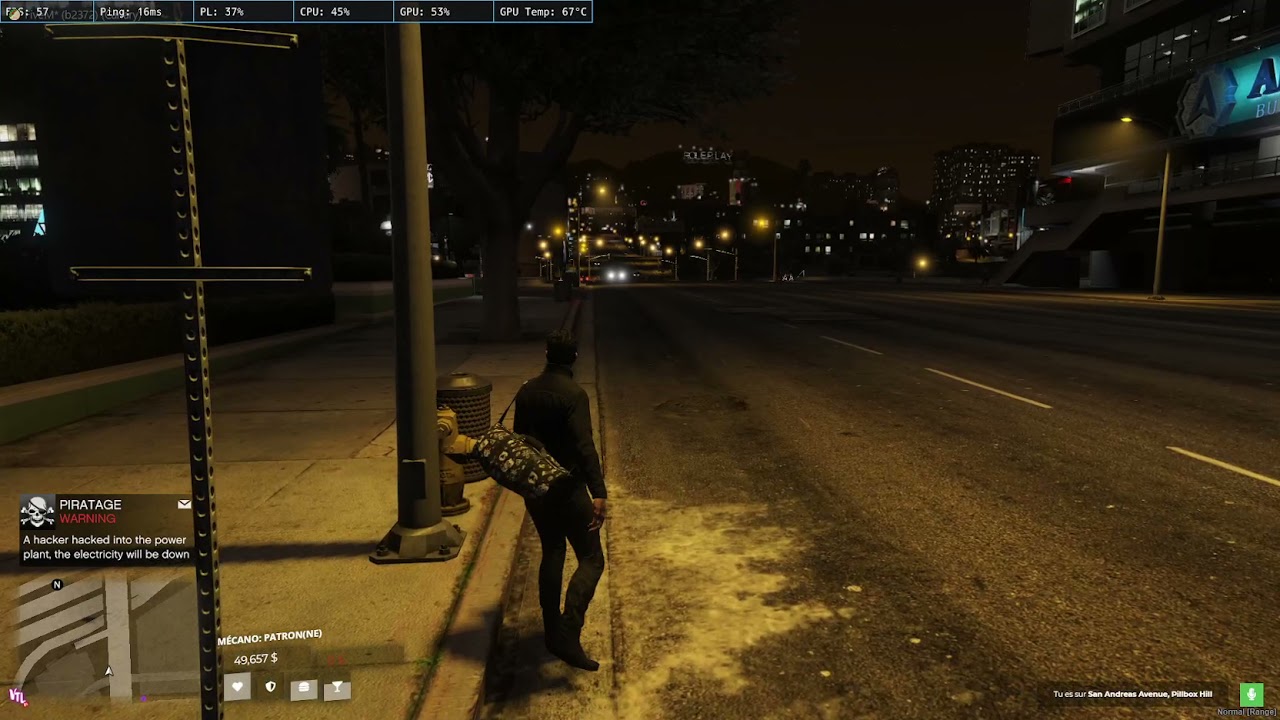

 You just change “TriggerClientEvent(‘esx:showAdvancedNotification’” by youre own system off notification
  )
)