[PAID] Radio UI V2 for PMA with player list UI


Radio

The radio every roleplay community needs.

Features:

• Easy to use config where you can enable/disable certain features.

• You can move the radio wherever you want on the screen in-game.

• Has 14 different colours to choose from which can be changed in the config and also optionally have the ability for players to change their radio colour in-game using optional radio items or commands.

• Supports Server Core and QBCore callsigns but also has a system in place for standalone users to set character names and callsigns within the radio UI.

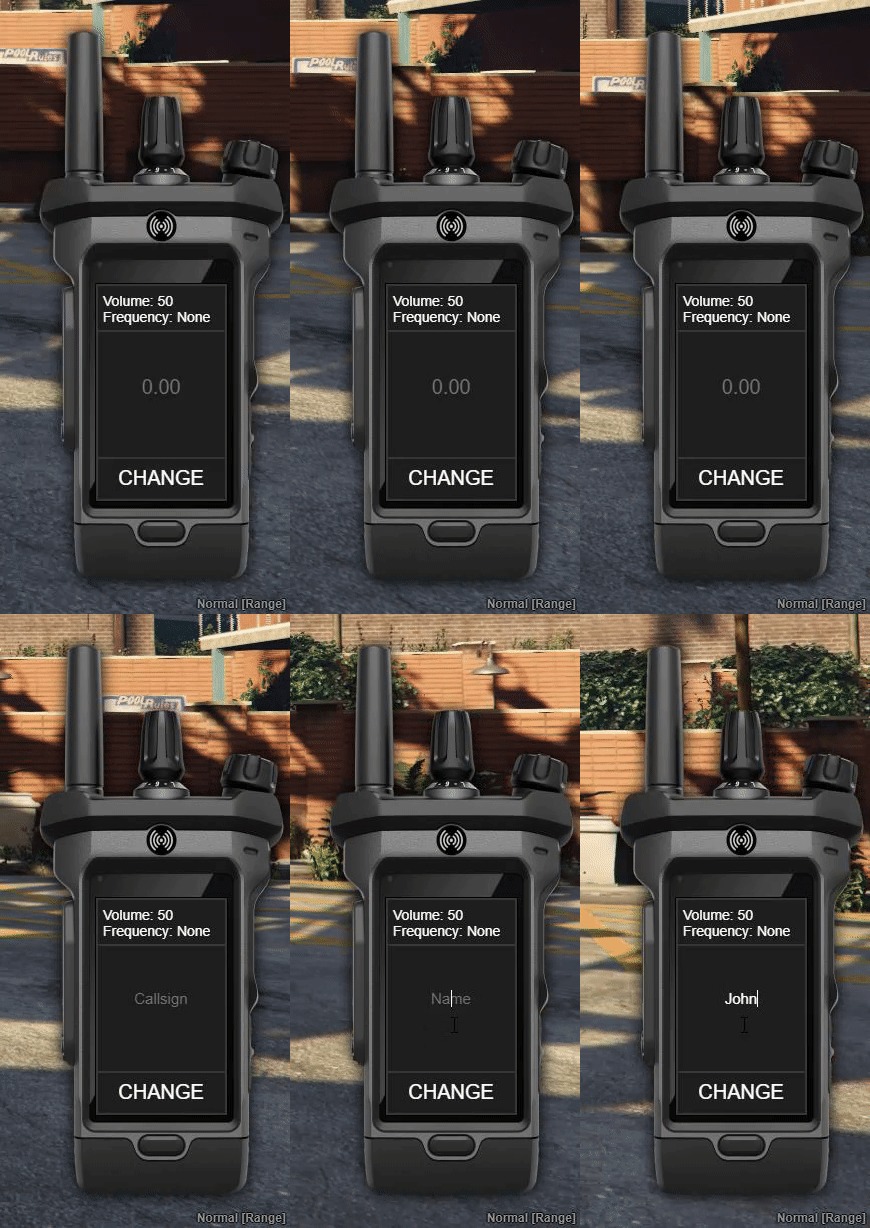
• Different screens to join channels and change your displayed radio name and callsign.

• Supports my server core, qbcore and esx but can be used without them as a standalone resource.

• Supports pma-voice.

• Optional list that displays everyone in your channel with an optional command to toggle it in-game and lights up when they talk, can also optionally show yourself.

• Whitelisted channels.

• Config option for mic clicks.

• Buttons to turn off, switch between light and dark mode and change the volume on the radio.

• Optional radio item for ESX and QBCore.

• Optional keybind to open the radio.

• Includes inventory icons for every radio colour available.

• Option to set custom radio channel names in the config.

• If using ESX, QB-Core or Server Core it will automatically use their notification systems instead of the default one.
Preview of UI: Gyazo
Purchase Here: Radio v2
Purchase Source: Radio v2 Source
Code is accessible Partial, Full open source only on source version
Subscription-based No
Lines (approximately) 350
Requirements None
Support Yes
7 Likes

wow, preview please!

1 Like

hello
those who bought the first version also have v2 or not?

■■■■■■■■■?

No but if you purchased v1 then you’ll automatically be discounted on v2 until the 17th

preview please!

esx and ■■■■■■■■■ Rdy ?

S a l t y c h a t ?

pma voice only, I will never support resources that require 3rd party applications in my scripts. I suggest switching to pma voice, it’s much better.

same ui as the photo shown bought it nice work, no bugs easy to use recommended

1 Like

Best radio script for PMA out there.

1 Like

Update Released

  • Fixed error thrown when item check is done.
  • Added support for restarting the resource while in-game.
  • Added multicharacter support, if you log out of your character it will disconnect you from your radio.
  • New optional features added such as the ability to change your name and callsign within the radio UI and ability to use the different radio colours as items.
  • Added 3 new colours, brown, cherry and mint which now makes a total of 11 colours.
  • Added inventory icons in an icons folder for QBCore and ESX customers.
  • Added usage guide to resource directory.
  • Added an optional feature to show yourself on the radio list.
  • Added the ability to have the radio display configurable custom channel names.
  • Updated read me with item info for esx and qb-core.
  • Updated forum post with new info and preview link.

Is there a also a ui to see the callsigns and player inside a friequency ??

When you join a channel / frequency it’ll show who is in there as long as you have the list enabled in the Config.

1 Like

Update Released

  • Improved the item check.
  • Made light mode compatible with the new screens.
  • Fixed the bug with the show self option not showing when switching channels.
  • Added a command to toggle the radio list display that can be changed in the config.
  • Added white radio colour which now makes a total of 12 colours.

So i got this a few days ago , only thing missing , is not animation when using the radio , is this going to be added?

There is an animation while holding the radio, if you mean the talking animation that is included in pma-voice but you need to enable it with the convars which is documented on the pma GitHub

Ok i will see if i can find that , As no animation when talking on a radio looks strange on a RP Server.

1 Like

Any idea what i am changing to turn it on , as i can not seem to find what file it is?

add this to your server.cfg

setr voice_enableRadioAnim 1