The first ever QuickMark system!
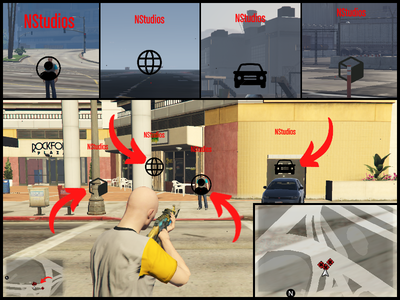
Let your players communicate with QuickMarks allowing a fast pace gameplay while fighting, missions or just giving information to each other
Features :
- Fully Optimised
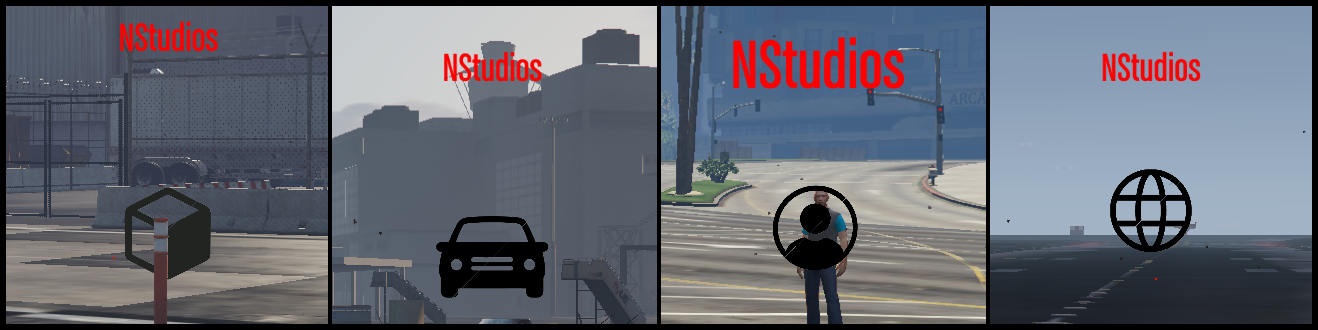
- 4 different custom types of markers
- Editable markers
- Team - Job - Group shared markers
- Display above the marker the steam name of the person who created it
- Markers are scalable so they can be visible even from the max distance of rendering (300m)
- Markers visible on mini map
- Simple to use , Simple to config
- ESX , QBcore , Standalone
How to use:
Press the middle button of your mouse to add a marker .
Based on where you are aiming at it will take the proper form ( vehicle , object , world , player)
Aim at a marker and press the middle button of your mouse again to remove it.
Configuration
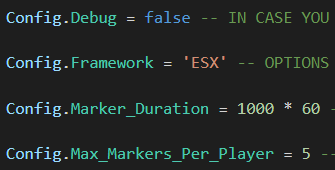
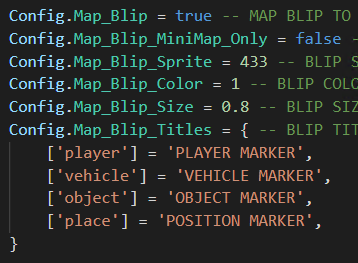
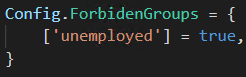
There are more advanced options in the config.lua file , every option has a comment explaining what it does and what are the accepted values for it !
Tebex : Buy Here
More information and preview are available in the TEBEX page!
Price is only 12€ + tax
Since this is our first release we would like to hear feedback and we are here to provide support and fix any problems you might have as fast as possible!
| Code is accessible | No |
| Subscription-based | No |
| Lines (approximately) | 600 |
| Requirements | ESX / QBcore / Standalone |
| Support | Yes |