[PAID][QBCORE] JA-Rental Script - Rent Cars

This is a simple rental system which allows you to have more than one rental spot and as many vehicles available. When a vehicle is rented you will get rental papers to show the cops to prove you rented it, also when using the papers you get given the keys so you can car share with friends.
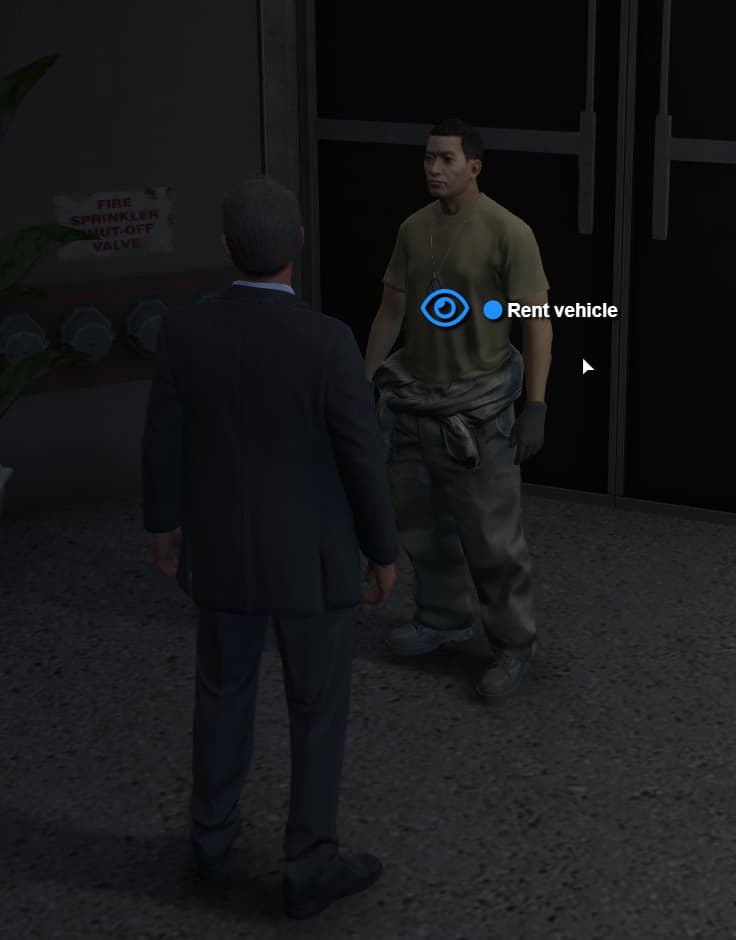
  • A simple vehicle rental script that allows for multiple locations

  • Easy to add new locations

  • have as many vehicles you want in the menu

  • Receive rental papers for proof to police

Preview - Watch Desktop 2022.08.29 - 20.56.49.02 | Streamable

https://ja-development.tebex.io/package/5273030

Code is accessible Config
Subscription-based No
Lines (approximately) 350
Requirements QBCORE
Support Yes
1 Like

good job

1 Like

Nice Script

1 Like

Is this still working? there is one similar but doesn’t work as Qbcore changed its code.

Hi,

Yes this is still working, was developed in the new qbcore build.

if you quit/crashed the game, can u still access the vehicle or can find in impound?

Hey,

You can use the rental papers to get the keys again if you crash etc.

The vehicle won’t be in the impound as its just a rental and not player owned

u need to go back to the rental spot to get the vehicle back?

another question: if your game crashed and go back in game right away, is the vehicle wont be deleted and can still use it?

Both of these depend on your server setup and not controlled via the script

can u show the config?

Config = {}

Config.setupMenu = ‘qb-menu’ – qb-menu / nh-context

Config.vehicleList = {
{ name = “Futo”, model = “futo”, price = 300 },
{ name = “Bison”, model = “bison”, price = 250 },
{ name = “Coach”, model = “coach”, price = 400 },
}

– Blips
Config.Locations = {
[“rentacar”] = {
[1] = {label = “Car Rental”, coords = vector4(-248.21, 6212.7, 31.94, 133.55)},
[2] = {label = “Car Rental”, coords = vector4(1134.53, 2668.51, 38.14, 90.03)},
[3] = {label = “Car Rental”, coords = vector4(109.82, -1089.71, 29.3, 329.08)},
},
}

Config.vehicleSpawn = {
— Paleto
[1] = {
workSpawn = {
coords = vector3(-245.11, 6204.12, 31.49),
heading = 133.27,
},
},
— Sandy
[2] = {
workSpawn = {
coords = vector3(1129.49, 2666.06, 38.02),
heading = 1.11,
},
},
— Legion Bank
[3] = {
workSpawn = {
coords = vector3(104.13, -1079.38, 29.19),
heading = 335.46,
},
},
}