Advanced Killfeed System
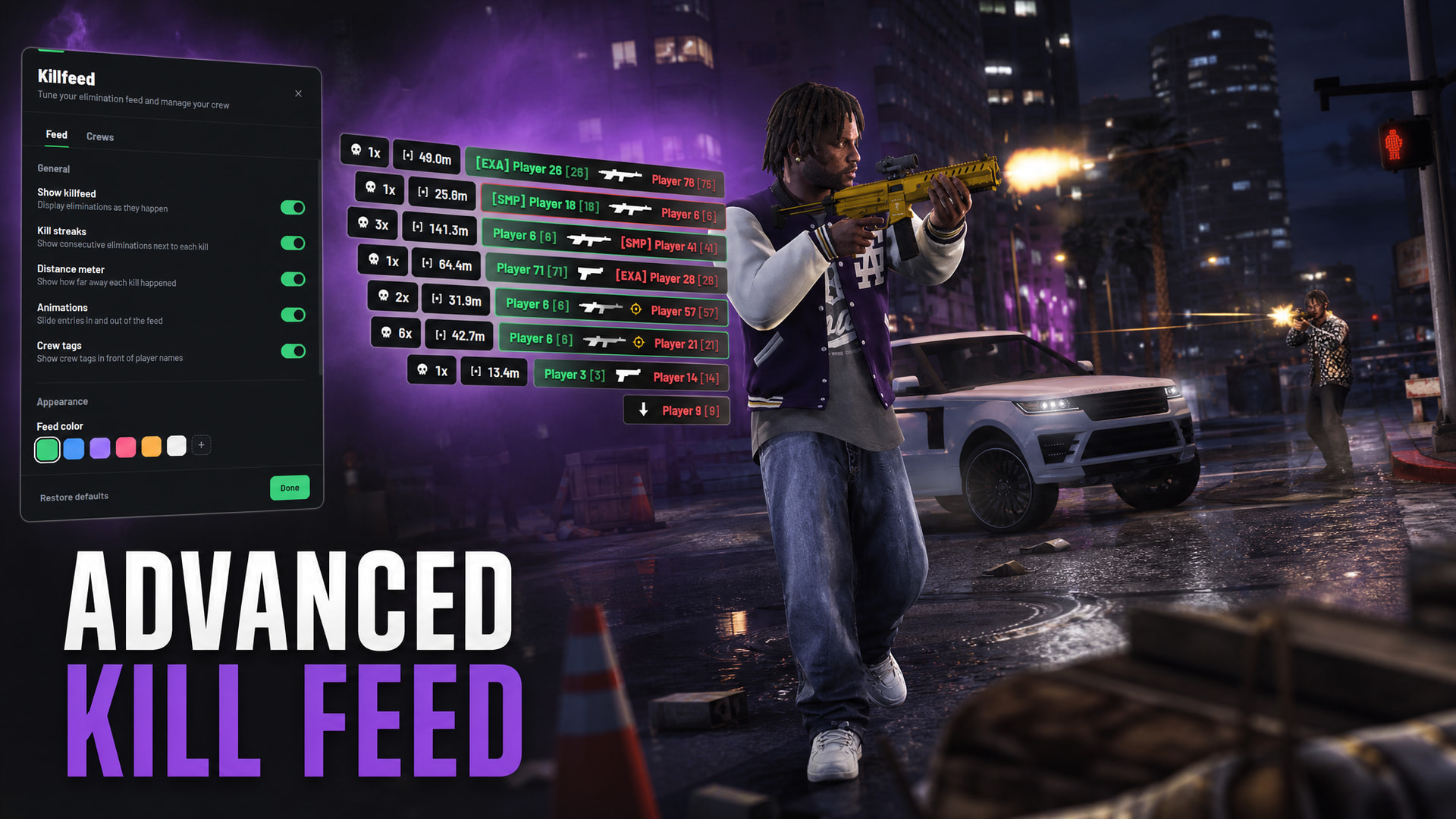
A clean and lightweight killfeed built for FiveM. Every elimination is displayed as it happens, with weapon icons, kill distance, streaks, headshot indicators, and crew tags.
Links:
Preview:

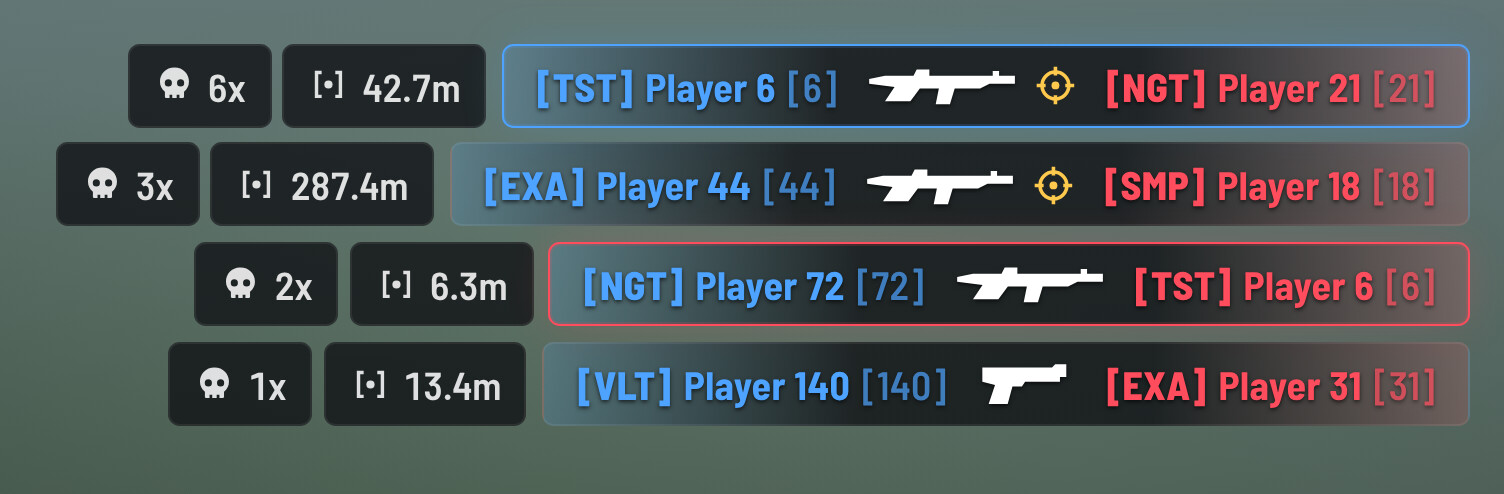
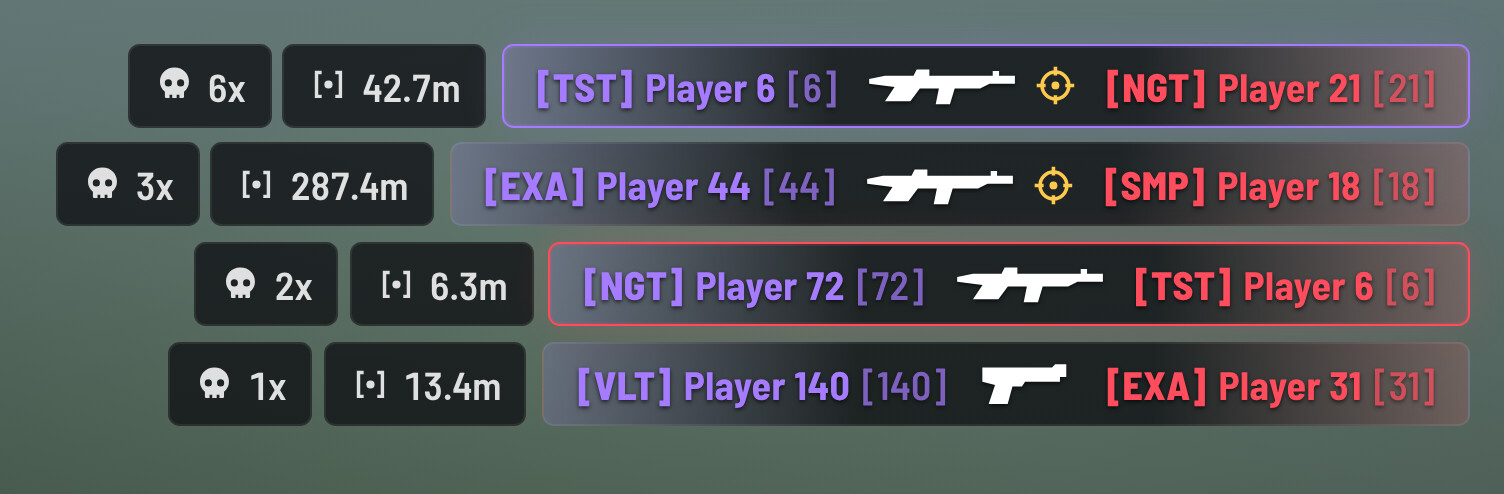
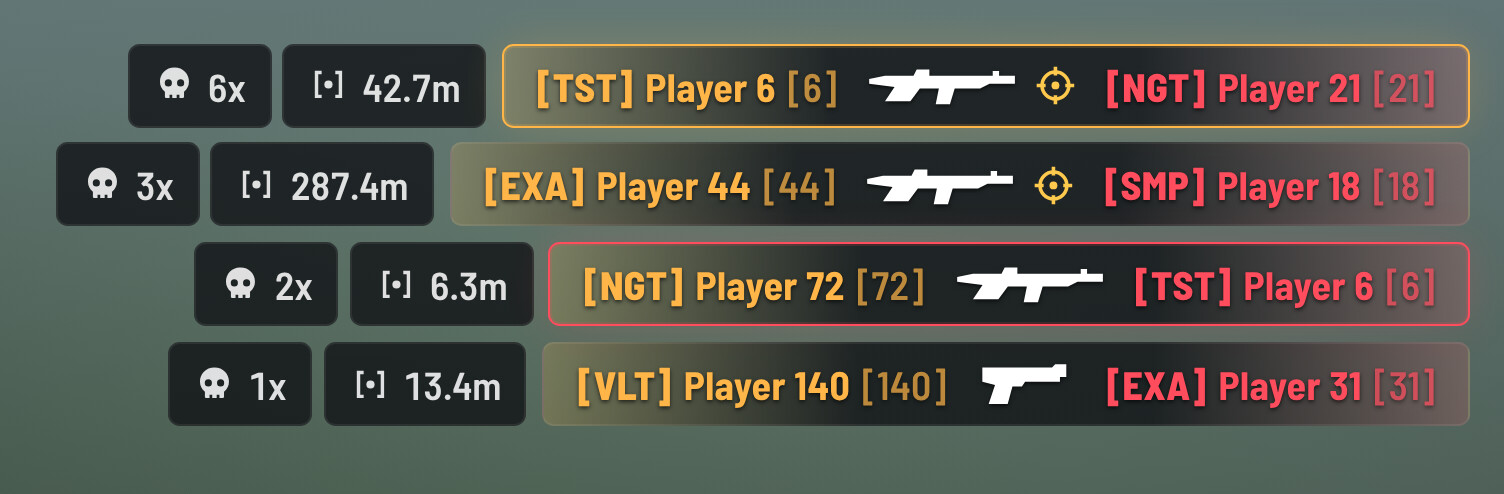
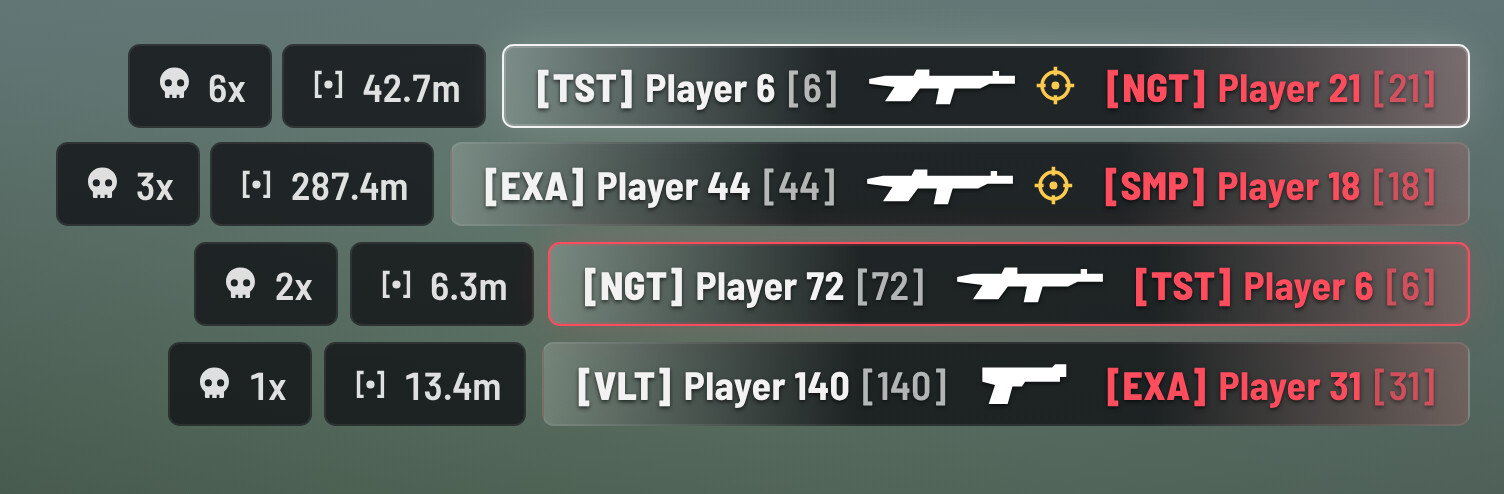
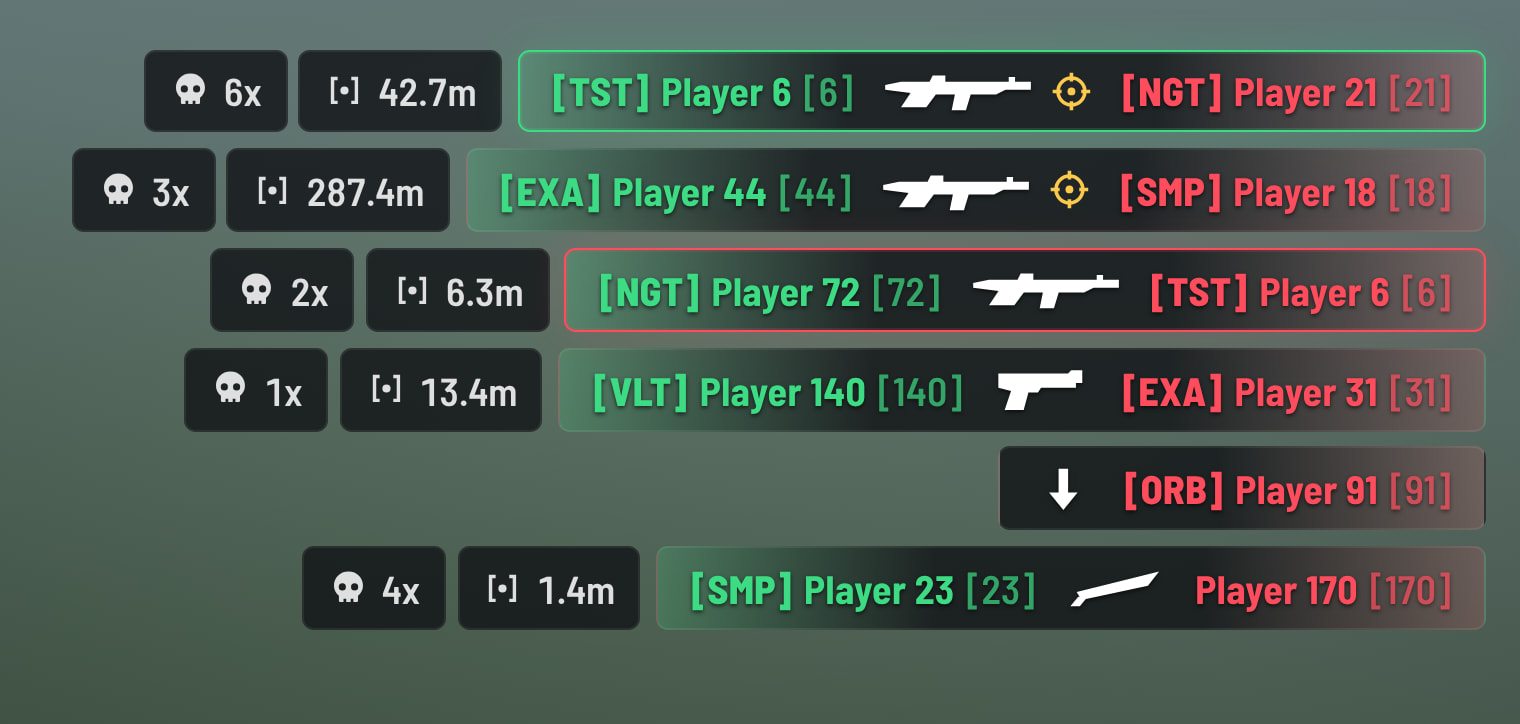

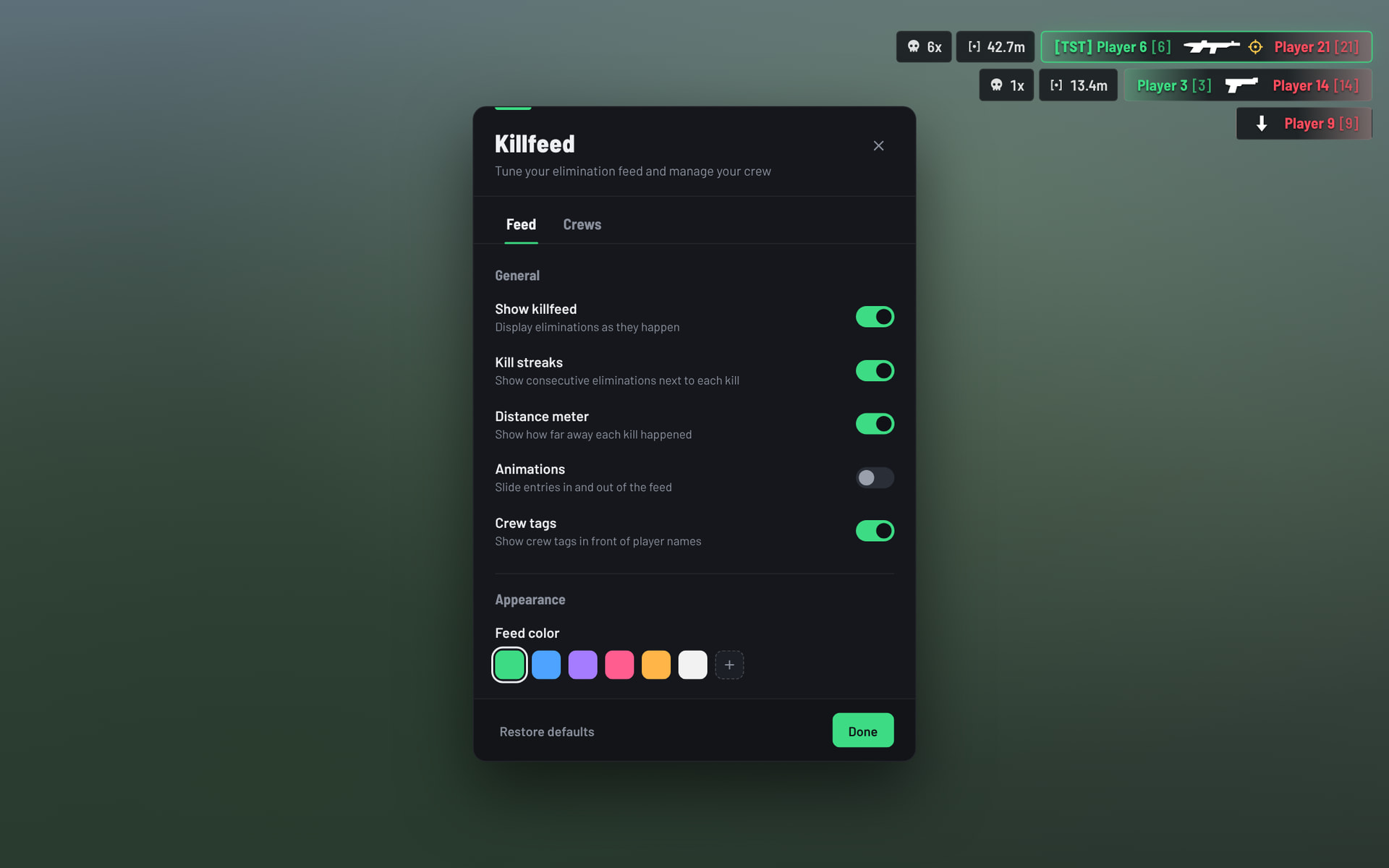

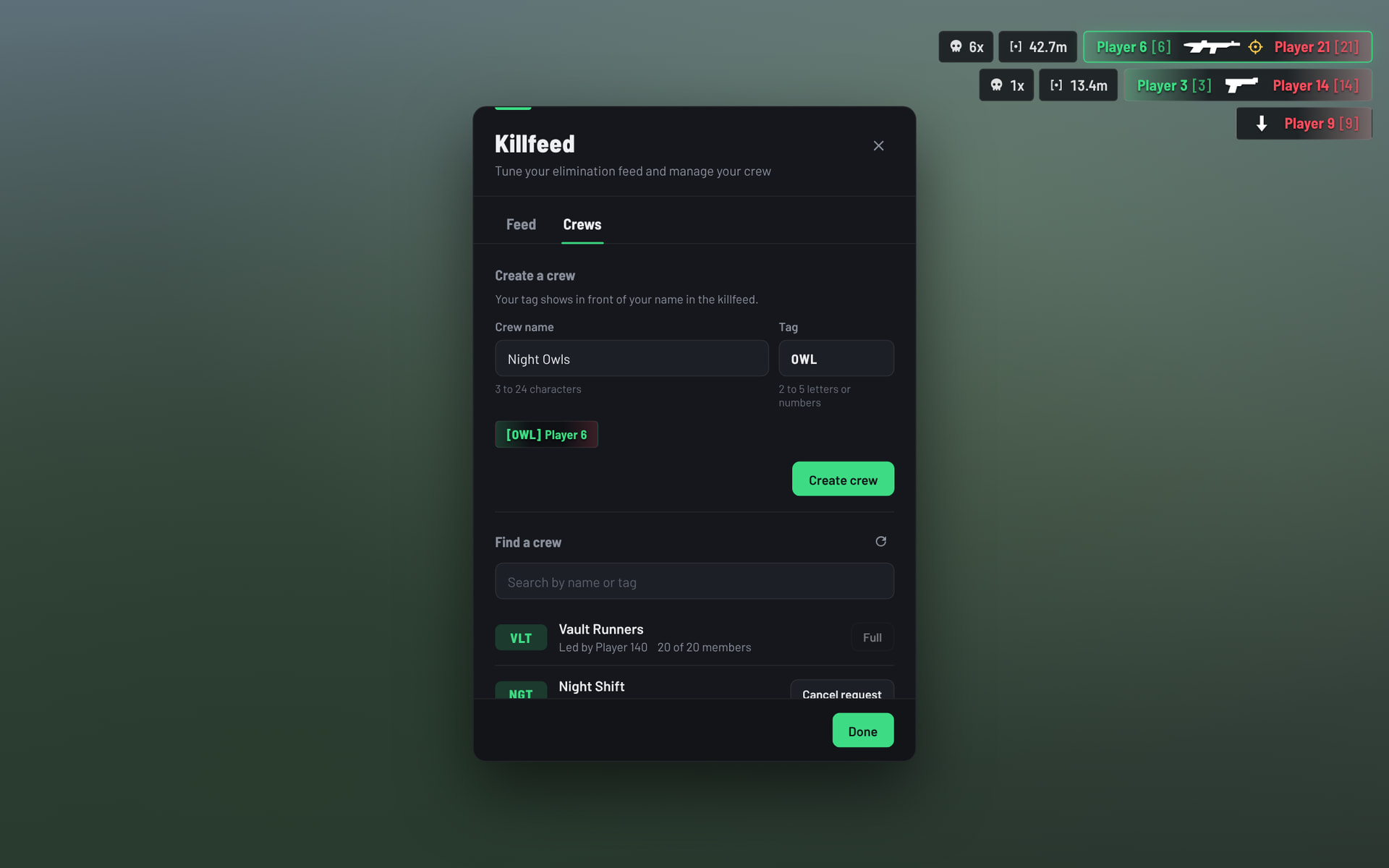
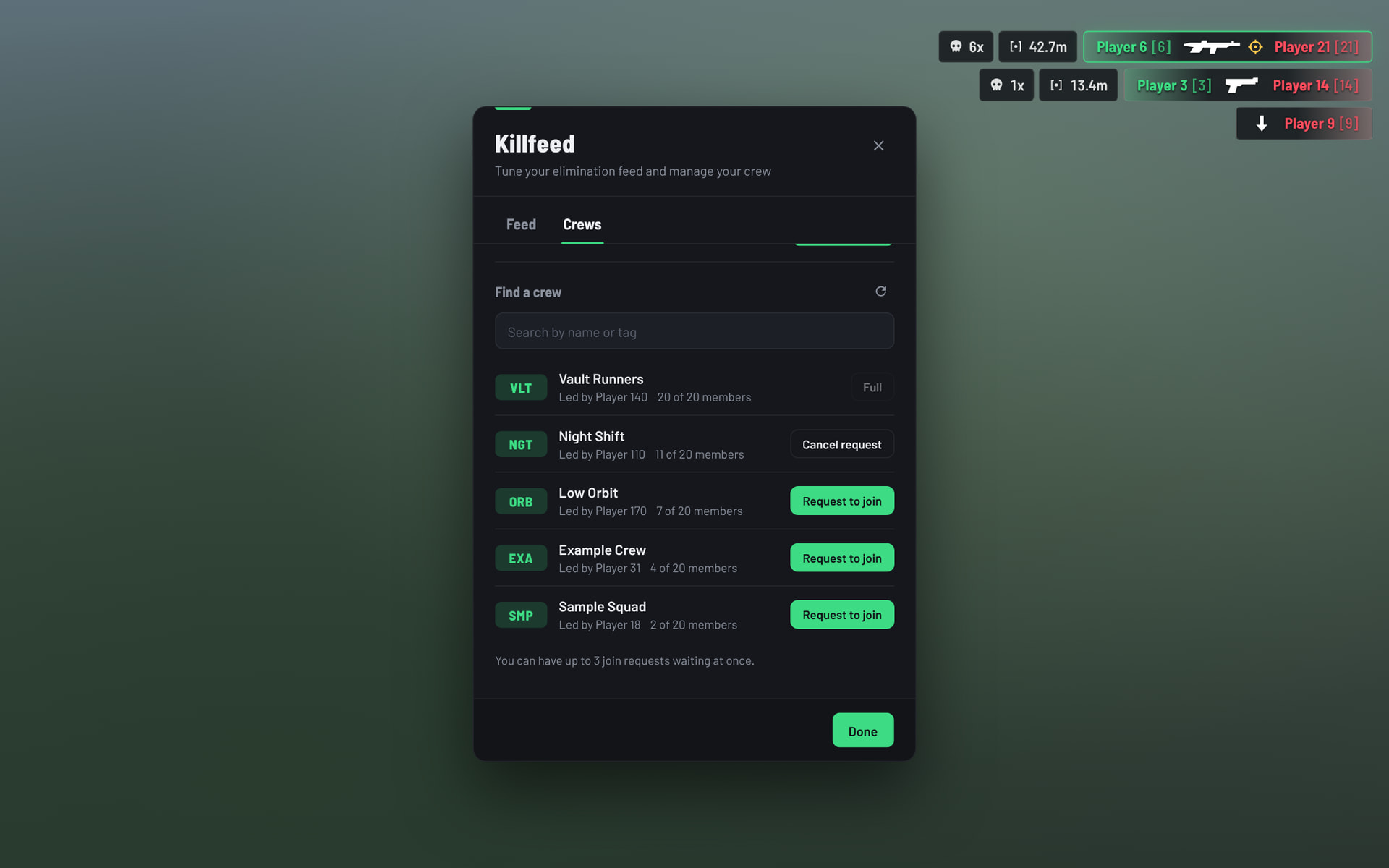
Players can customize the feed to fit their own HUD. Change the color and size, enable or disable individual features, and use edit mode to drag the feed anywhere on the screen. Settings are saved per player and persist between sessions.
Killfeed
- Live elimination feed | Killfeed entries appear as eliminations happen and automatically clear after a set amount of time.
- Weapon icons | Displays the weapon used for each kill, including falls, vehicles, explosions, fire, and drowning.
- Distance meter | Shows the distance between the attacker and victim.
- Kill streaks | Consecutive eliminations are tracked server-side and displayed with each kill.
- Headshot indicator | Clearly identifies headshot kills.
- Crew tags | Displays crew tags in front of player names.
- Personal highlights | Your own kills and deaths are highlighted so they are easy to spot during larger fights.
- NPC and environment deaths | Separate configuration options for NPC and environment-related deaths.
- Routing bucket support | Players in different arenas or instances only see kills from their own bucket. Radius mode is also available.
Crews
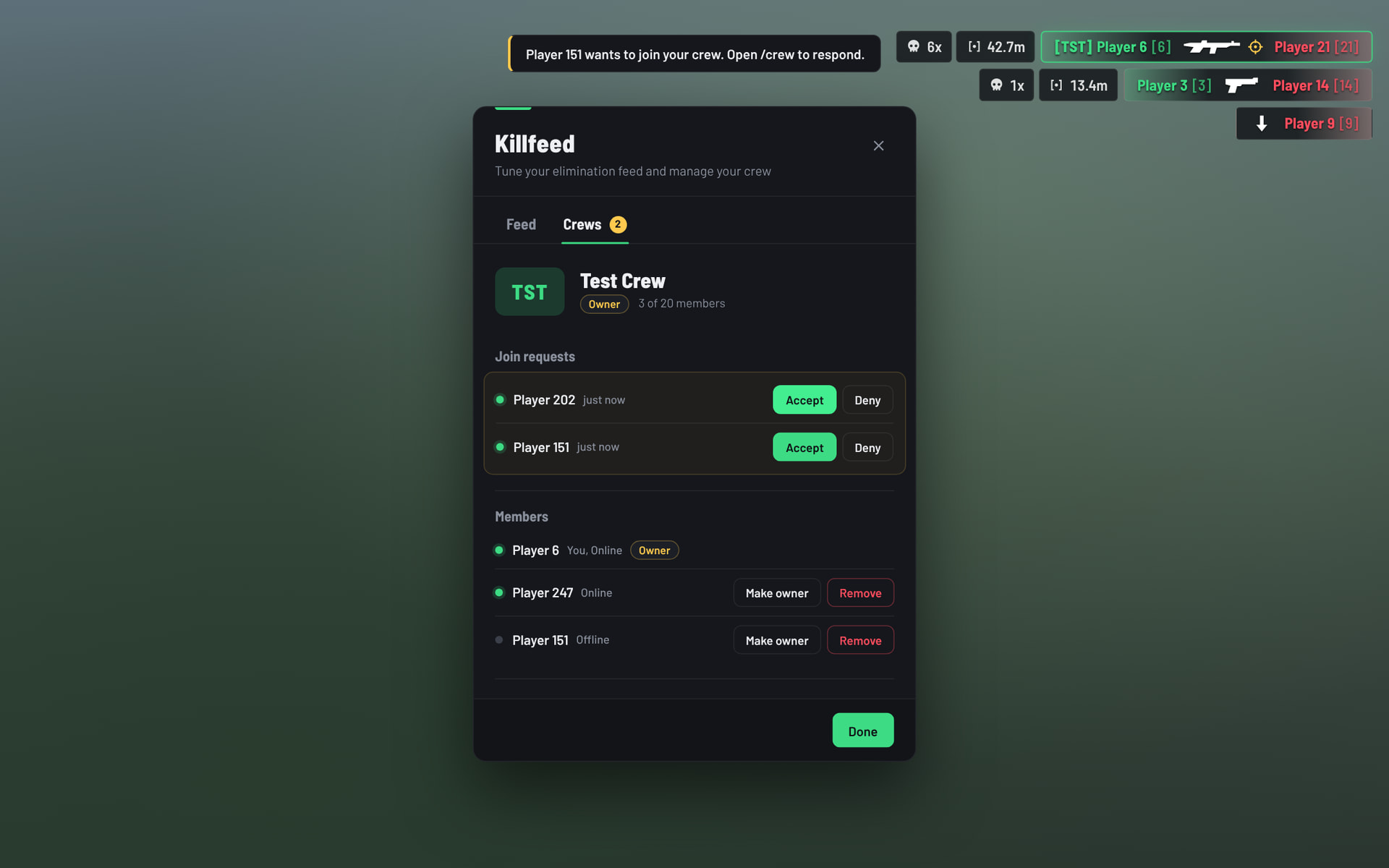
The built-in crew system lets players create and manage their own crews directly in-game.
- Create a crew with a custom name and 2–5 character tag
- Browse and search available crews
- Send join requests to crews
- Receive notifications for new join requests
- Accept or deny requests from the crew panel
- Remove members
- Transfer crew ownership
- Disband the crew
- Automatically display crew tags in the killfeed
- Configurable blocked-word list
- Configurable member limit
- Configurable maximum number of pending requests
- Crew data is saved and persists through server restarts
Player Settings
Players can open the settings panel with /killfeed and customize their experience.
- Show or hide the killfeed
- Show or hide kill streaks
- Show or hide the distance meter
- Enable or disable animations
- Show or hide crew tags
- Change the feed color using presets or a custom color picker
- Adjust the feed size
- Drag and position the feed anywhere on the screen using Edit Mode
All settings are saved per player and persist between sessions.
Commands
| Command | Description |
|---|---|
/killfeed |
Opens the killfeed settings |
/crew |
Opens the crew panel |
/togglekillfeed |
Shows or hides the killfeed |
/reloadkillfeed |
Reloads the interface |
/testkillfeed [count] |
Creates test eliminations that are only visible to you |
All command names can be changed through the configuration.
Framework Support
Advanced Killfeed automatically detects the following frameworks:
- qb-core
- qbx_core
- es_extended
- ND_Core
- vRP
| Code accessible | No (config = yes) |
| Subscription-based | No |
| Lines of code | Approximately 3,700 |
| Requirements | Oxmysql |
| Support | Yes |