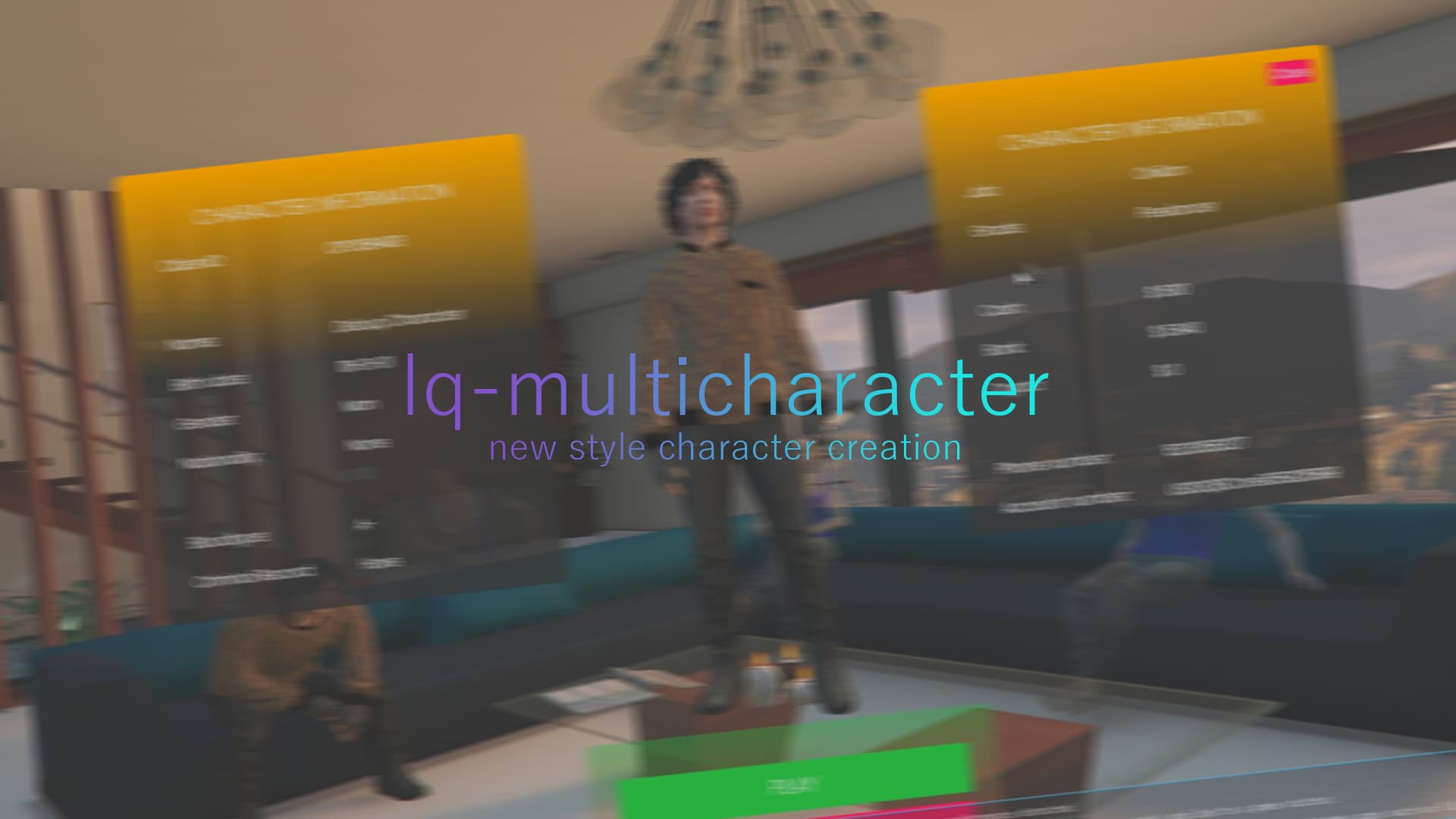
[PAID] lq-multicharacter | New Style Character Creation | QBCore

Multichar-finalrenderxxtentacion

Hello everyone, I made multicharacter script with new features.

Features

Character selection with mouse
Eye-friendly color adjustment

Code is accessible Server / JavaScript
Subscription-based No
Lines (approximately) ~500
Requirements QBCore
Support Yes

(Preview)
(Tebex $3.99 without tax)

2 Likes

How did you make the NUI follow entities? Scaleforms? DUI?

Please really be selling everything

I do with sprites

The Idea behind this is really cool but the NUI really needs a look over the colors destroy alot of the asthetics

I’m bad at color adjusting but colors easily editable

yeah but defenetly a turnoff for less experienced server owners

I provide support for such situations

In this way, you can automatically bring your character to the screen.

function createPedScreen()
CreateThread(function()
heading = GetEntityHeading(PlayerPedId())
upaljeno = true
SetFrontendActive(true)
ActivateFrontendMenu(GetHashKey(“FE_MENU_VERSION_EMPTY”), true, -1)
Citizen.Wait(100)
PlayerPedPreview = ClonePed(PlayerPedId(), heading, false, false)
local x,y,z = table.unpack(GetEntityCoords(PlayerPedPreview))
TaskSetBlockingOfNonTemporaryEvents(PlayerPedPreview, true)
SetEntityCoords(PlayerPedPreview, x,y,z-10)
FreezeEntityPosition(PlayerPedPreview, true)
SetEntityVisible(PlayerPedPreview, false, false)
N_0x98215325a695e78a(false)
NetworkSetEntityInvisibleToNetwork(PlayerPedPreview, false)
Wait(200)
GivePedToPauseMenu(PlayerPedPreview, 5)
SetPauseMenuPedLighting(true)
SetPauseMenuPedSleepState(true)
Wait(500)
end)
end

function deletePedScreen()
DeleteEntity(PlayerPedPreview)
SetFrontendActive(false)
PlayerPedPreview = nil
end

function refreshPedScreen()
deletePedScreen()
Wait(200)
createPedScreen()
end

1 Like

I was not referring to the ped showing up in the middle of the screen. I was referring to the dots and squares, on the peds in the background.

oh my bad :smiley:

qb-multicharacter color changer

Is the html/css file editable?

how do you install this?