vicexstudios_redgreenzones – Grand RP Style Green & Redzone System
vicexstudios_redgreenzones brings a Grand RP inspired Green- & Redzone system to your FiveM server. Define safe Greenzones where civilians can’t shoot – and dangerous Redzones where everyone knows it’s war. Zones are polygon-based, editable in-game and saved in zones.json.
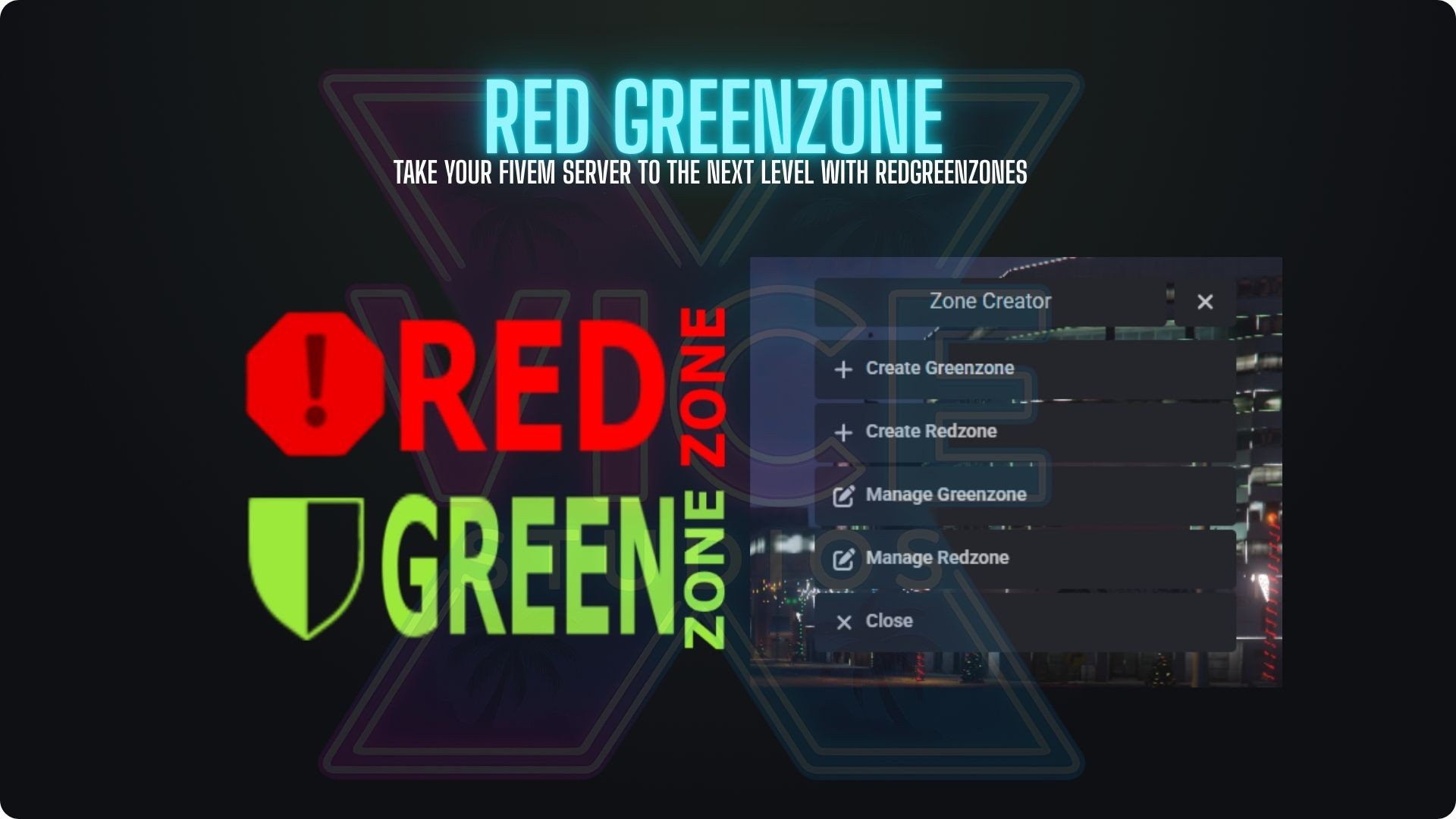
Perfect for city hubs, hospitals, government buildings, gang ghettos and event areas. All zones are handled by one optimized resource and managed with a clean ox_lib menu.
System Snapshot
Greenzones (safe areas) with weapon block for civilians
Redzones (danger areas) with clear on-screen indicator
Polygon zone creator & manager using ox_lib
Zones saved in zones.json – no manual coord editing
Key Features
Greenzones – Safe City Areas
Configure safe zones where normal players cannot shoot or punch: weapon usage is blocked, fire controls are disabled and the player is forced to an unarmed state. Perfect for city spawn, hospitals, government, banks and RP hubs.
Redzones – High Risk War Zones
Mark danger zones like gang ghettos, cartel areas or events. When a player enters a Redzone, a clear red icon appears on the HUD so everyone knows: you are now in a high risk PvP area – leave or fight.
Grand RP Style Zone Icons
Minimalistic NUI overlay with two clean badges in the top-right corner: a Greenzone shield and a Redzone warning badge. Icons fade in/out automatically when entering or leaving configured zones – no spam, just clear information.
In-Game Polygon Zone Editor
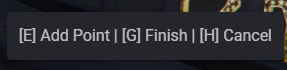
Forget static circles. Use the built-in polygon editor: walk the boundary, press a key to drop points and finish the shape. The zone is then stored in zones.json and loaded automatically on restart.
Manage, Teleport, Edit & Delete
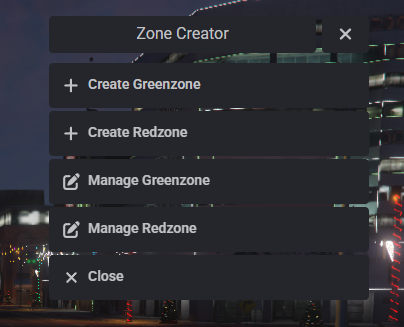
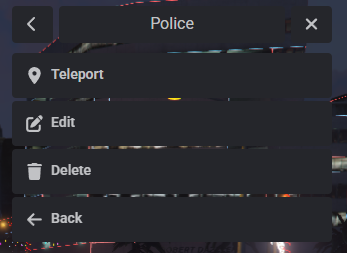
Use an ox_lib context menu to list all zones, teleport to them, edit polygons and delete zones. Everything is handled in-game – no need to touch config files once your base settings are done.
Job Exceptions for Police & Staff
Configure which jobs may still use weapons in Greenzones (for example police, sheriff, fib). The system checks the player job and only blocks weapons for non-whitelisted jobs.
Multi-Framework Support
Built to run on ESX, QBCore, QBox, vRP or standalone. Select your framework in config.lua and the script automatically adapts job detection and player checks.
Localization: EN & DE
Language texts (menus, prompts, notifications) are fully localized via Config.Language and a locales table. English and German are included by default and can be expanded to any other language easily.
How It Works In-Game
- Admins use a command (for example
/createzone) to open the zone creator menu. - Choose if you want to create a Greenzone or a Redzone.
- Walk around the area, drop polygon points and save the zone with a custom name.
- Zones are automatically written to
zones.jsonand loaded on every restart. - Players entering a Greenzone see the green icon and have weapon usage blocked (unless whitelisted job).
- Players entering a Redzone see the red icon and know they are in a PvP/high risk area.
- Use the management menu to teleport to zones, inspect them, edit or delete them live.
Requirements
- FiveM server (ESX, QBCore, QBox, vRP or standalone supported).
- ox_lib for context menus, TextUI and notifications.
- Proper ACE permission setup for your zone creation command (for example admin group only).
Quick Installation
- Upload the
vicexstudios_redgreenzonesfolder to yourresourcesdirectory. - Open
config.luaand set:
– your framework (esx,qbcore,qbox,vrp,standalone)
– allowed jobs (police etc.)
– language (EN / DE)
– base settings for create/manage commands - Make sure ox_lib is started before this script.
- Add the resource to your
server.cfg:
ensure ox_lib
ensure vicexstudios_redgreenzones
- Restart your server and start creating zones with your admin command.
Control your city like a true Grand RP server
Add vicexstudios_redgreenzones to your setup and manage safe hubs, gang ghettos and war zones with one professional system – polygon zones, clean UI icons and an in-game editor, fully in the ViceX Studios Grand RP style.
 Get Involved:
Join our Discord
Tebex
SCREENSHOTS


| Code is accessible | n/a |
| Subscription-based | No |
| Lines (approximately) | 1100 |
| Requirements | Standalone |
| Support | Yes |