







F4 Inventory - Changing your inventory has never been this easy
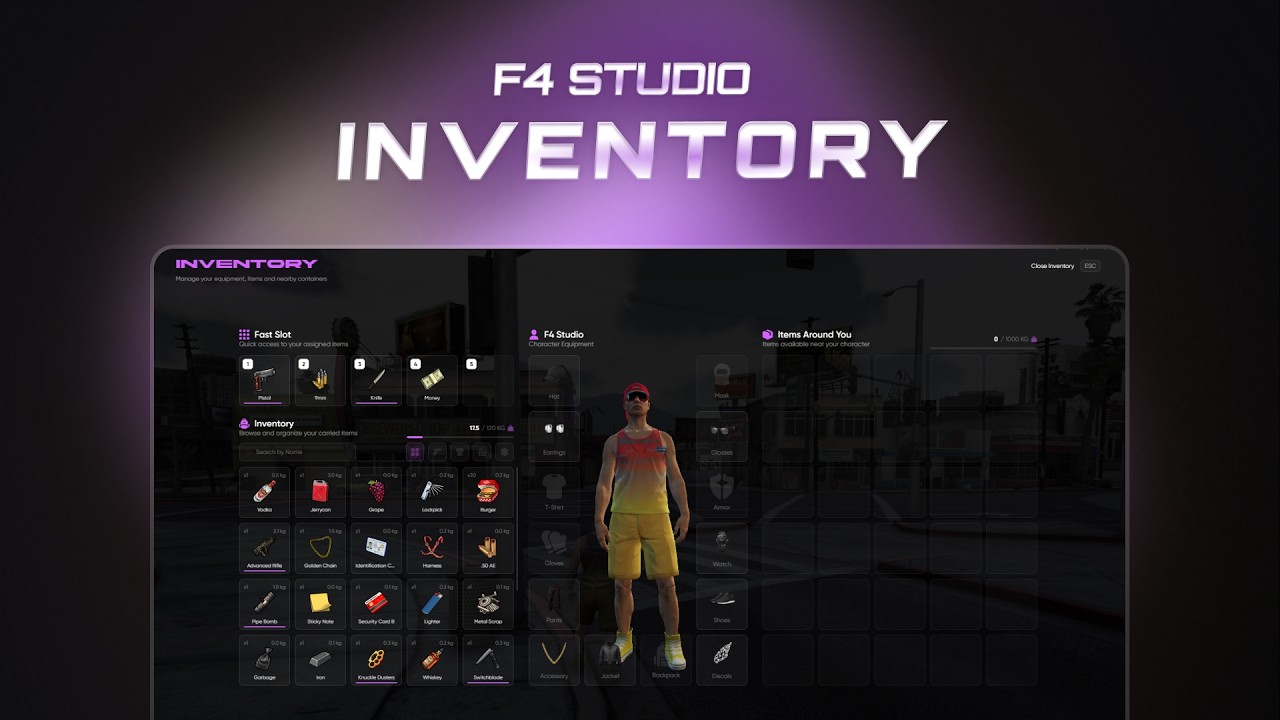
F4 Inventory is a modern inventory system developed by F4 Studio.
The main idea is simple: you should be able to change your server inventory without rebuilding half of your server from zero.
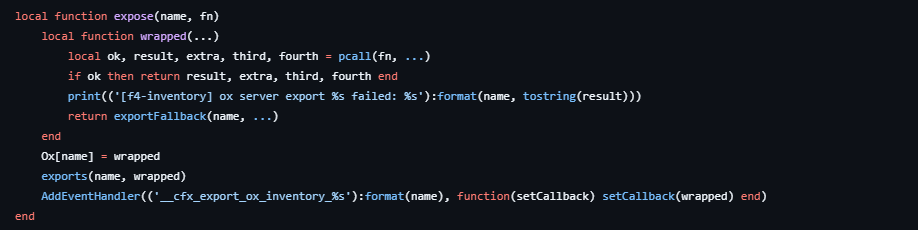
If your server is already using scripts made for ox_inventory, qb-inventory or ESX inventory, F4 Inventory is made to make that switch much easier.
Why F4 Inventory?
Changing inventory systems is usually painful.
One script wants ox exports, another script uses qb-inventory events, another one checks ESX item events, and suddenly a simple inventory change becomes a full server rewrite.
F4 Inventory solves that problem by providing compatibility layers for the systems people already use.
Provided Inventory Systems
F4 Inventory provides:
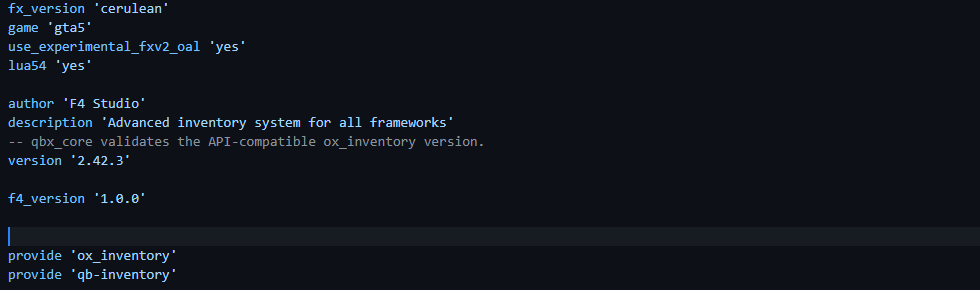
ox_inventoryqb-inventoryesx_inventory
That means many scripts that already expect ox, qb or ESX inventory functions can keep working through F4 Inventory.
You do not need to rewrite every script just because you changed your inventory.
Framework Support
F4 Inventory supports:
- QB-Core
- QBX
- ESX
The framework can be detected automatically, or you can set it yourself in the config.
Built for Easier Migration
F4 Studio built F4 Inventory with server owners in mind.
You can import from:
- ox_inventory
- qb-inventory
- qb-core shared items/weapons
- qbx_core shared items/weapons
The importer can bring over:
- Items
- Weapons
- Shops
- Stashes
- Evidence
- Crafting
- Images
- Player inventories
- Stash inventories
- Trunk inventories
- Glovebox inventories
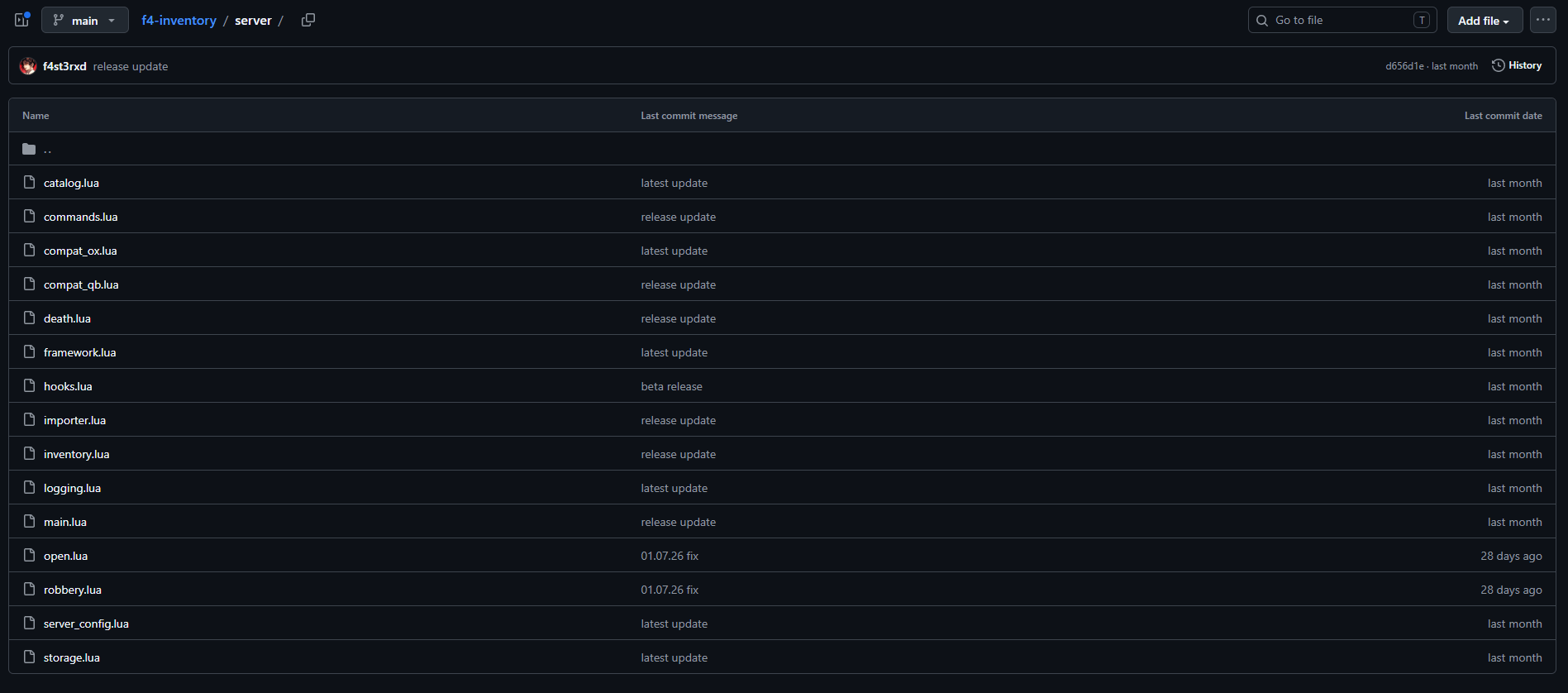
It also creates backups before importing SQL data, so you are not taking a blind risk with your server database.
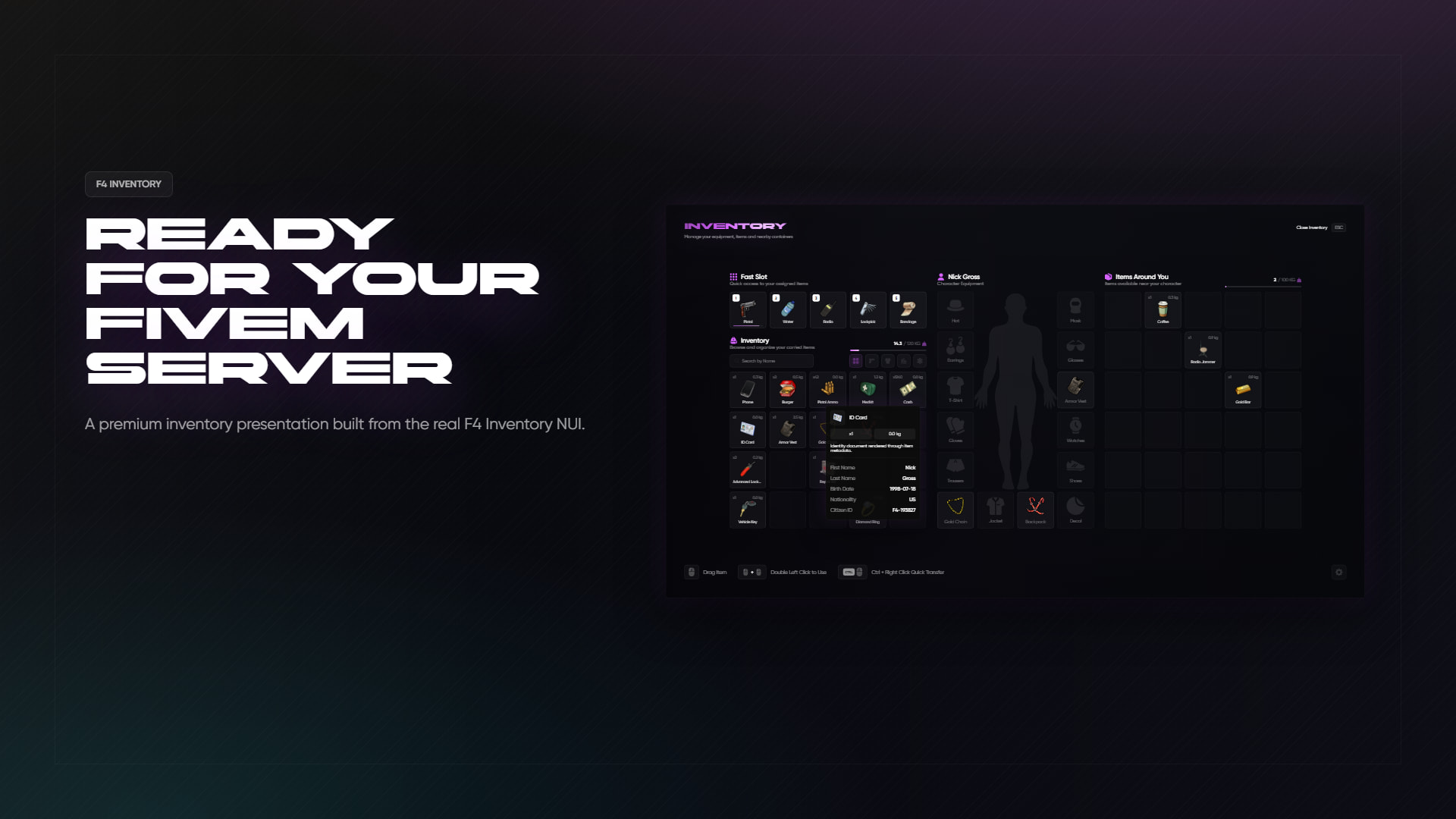
Modern Inventory UI
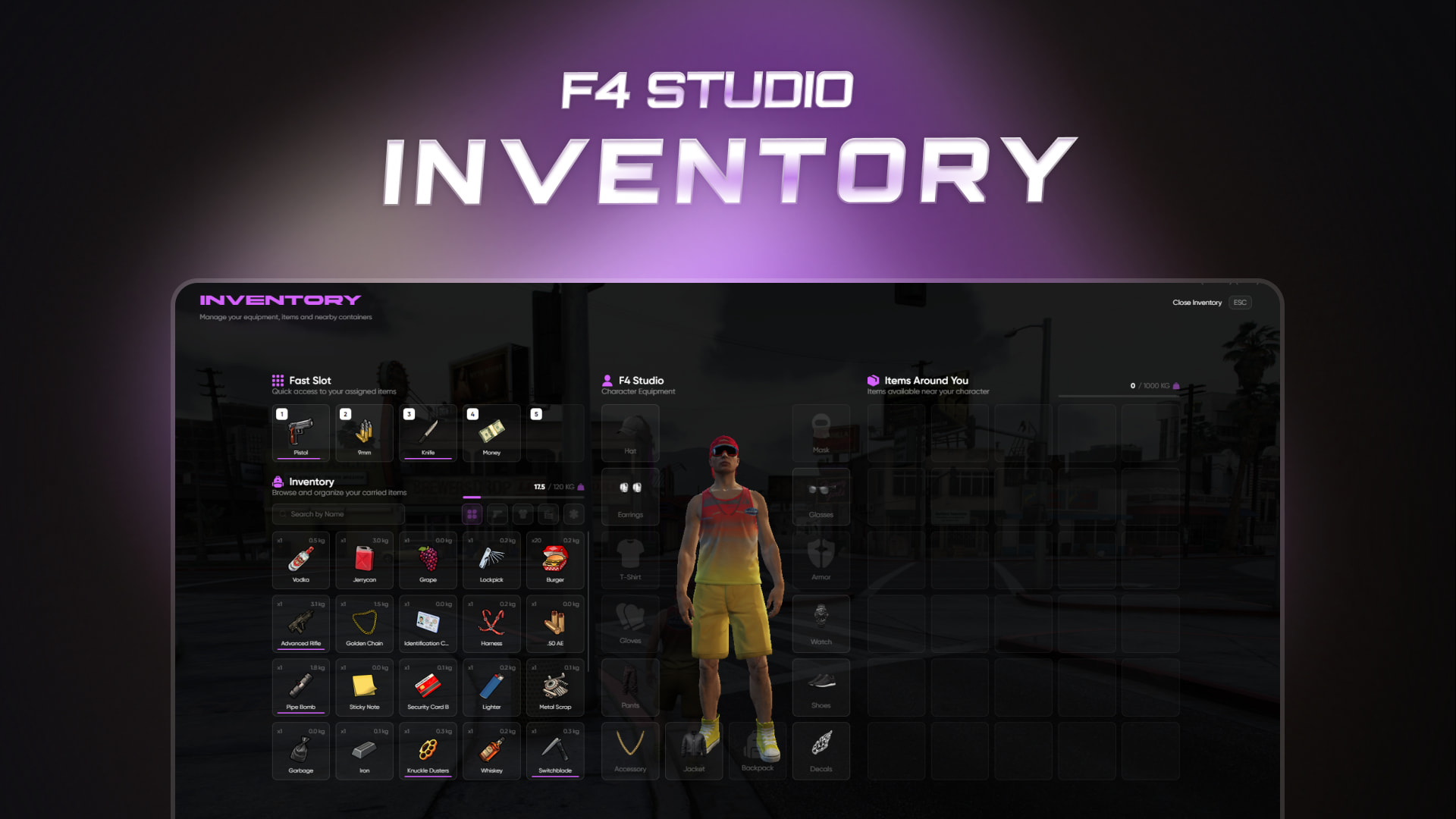
F4 Inventory comes with a clean and modern UI.
Players get:
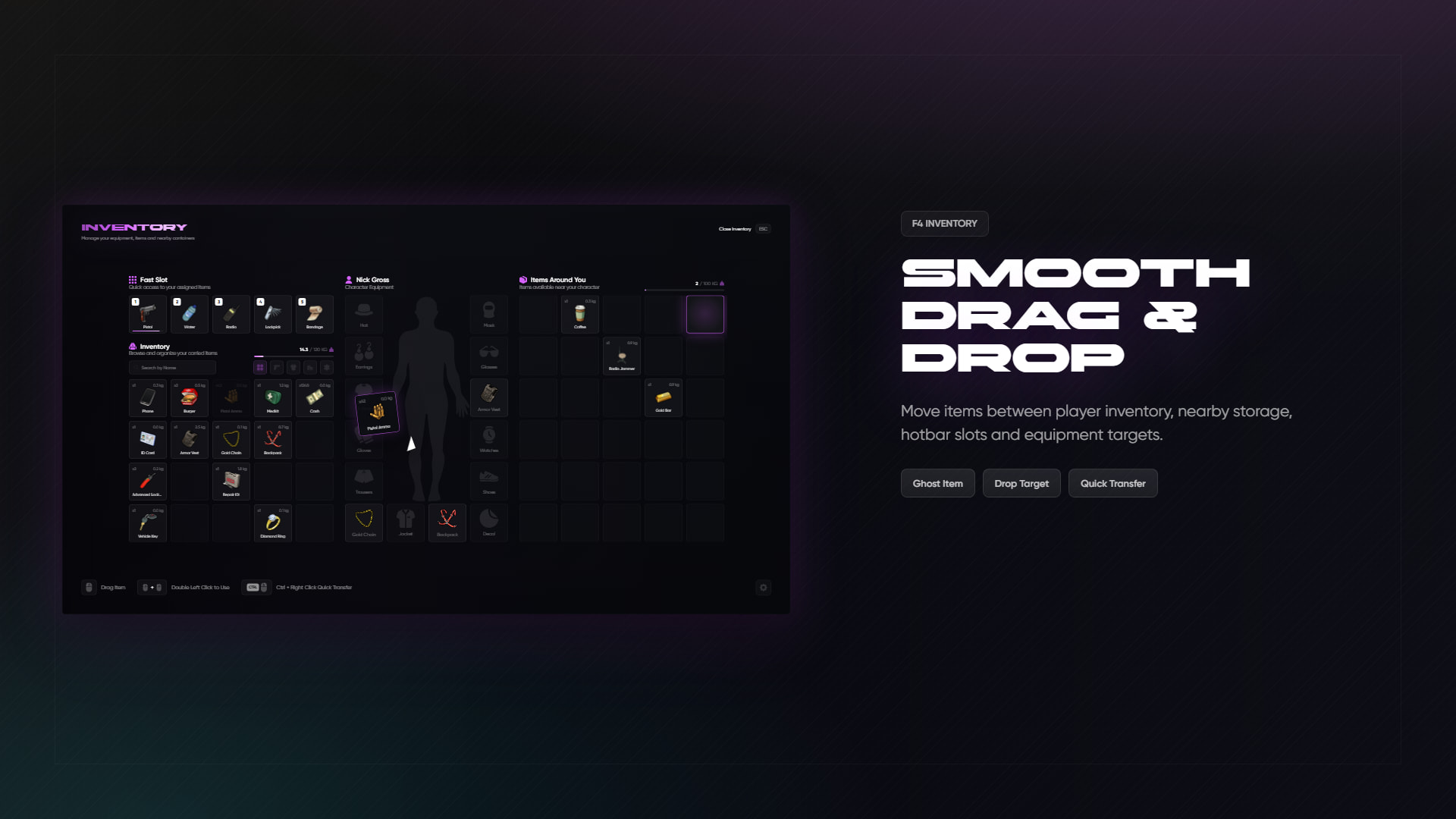
- Drag and drop
- Double click to use
- Right click action menu
- CTRL quick transfer
- Search bar
- Category filters
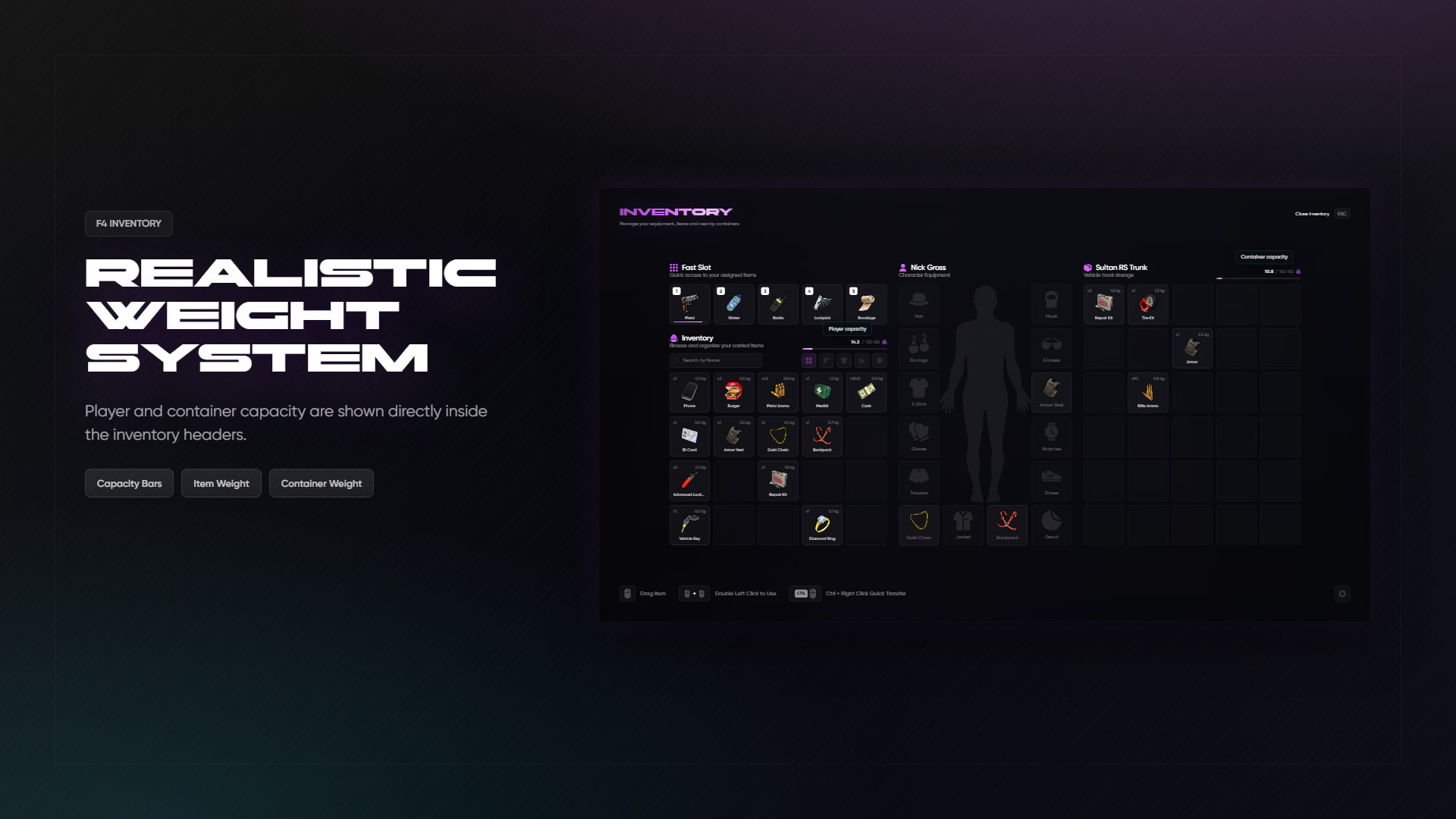
- Weight display
- Hotbar
- Hold TAB hotbar view
- Number key hotbar usage
- Item hover information
- Metadata display
- Amount slider/input
- Item use notifications
- UI sounds
- Sound toggle
- Custom accent color picker
It feels like an actual finished inventory, not just a basic grid with items inside.
Inventory Types
F4 Inventory supports the inventory types a roleplay server normally needs:
- Player inventory
- Nearby inventory
- Shops
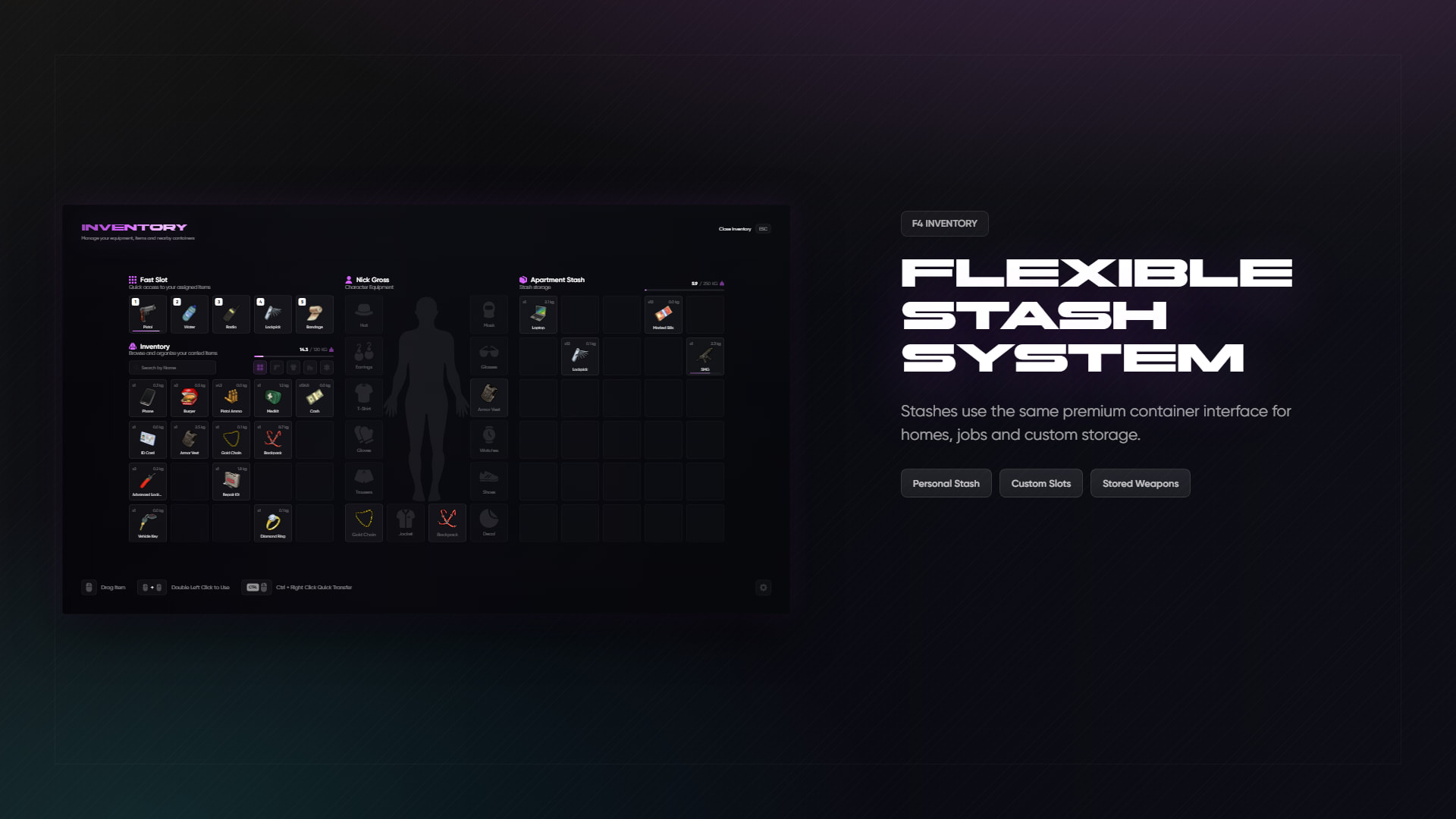
- Stashes
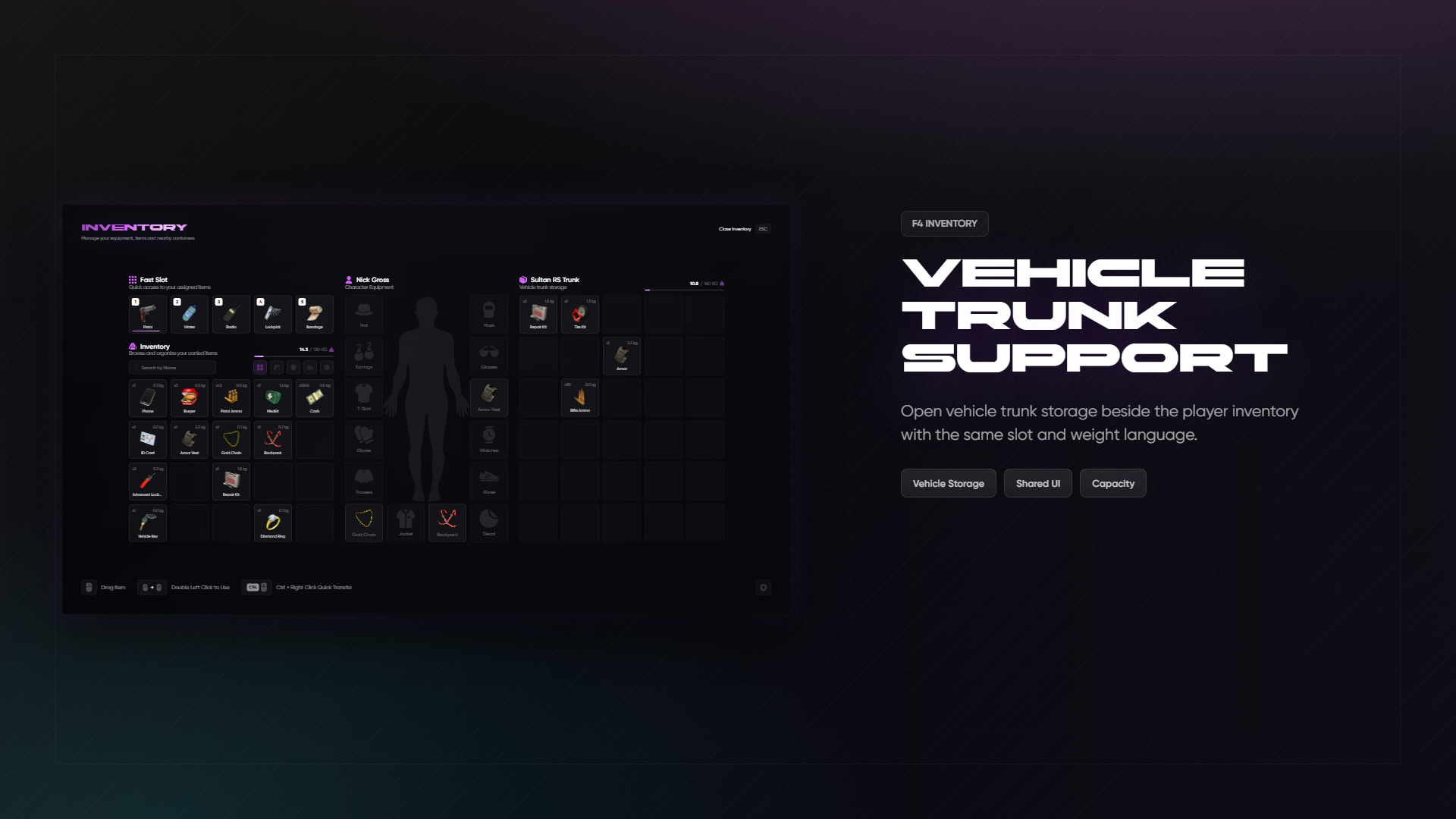
- Trunks
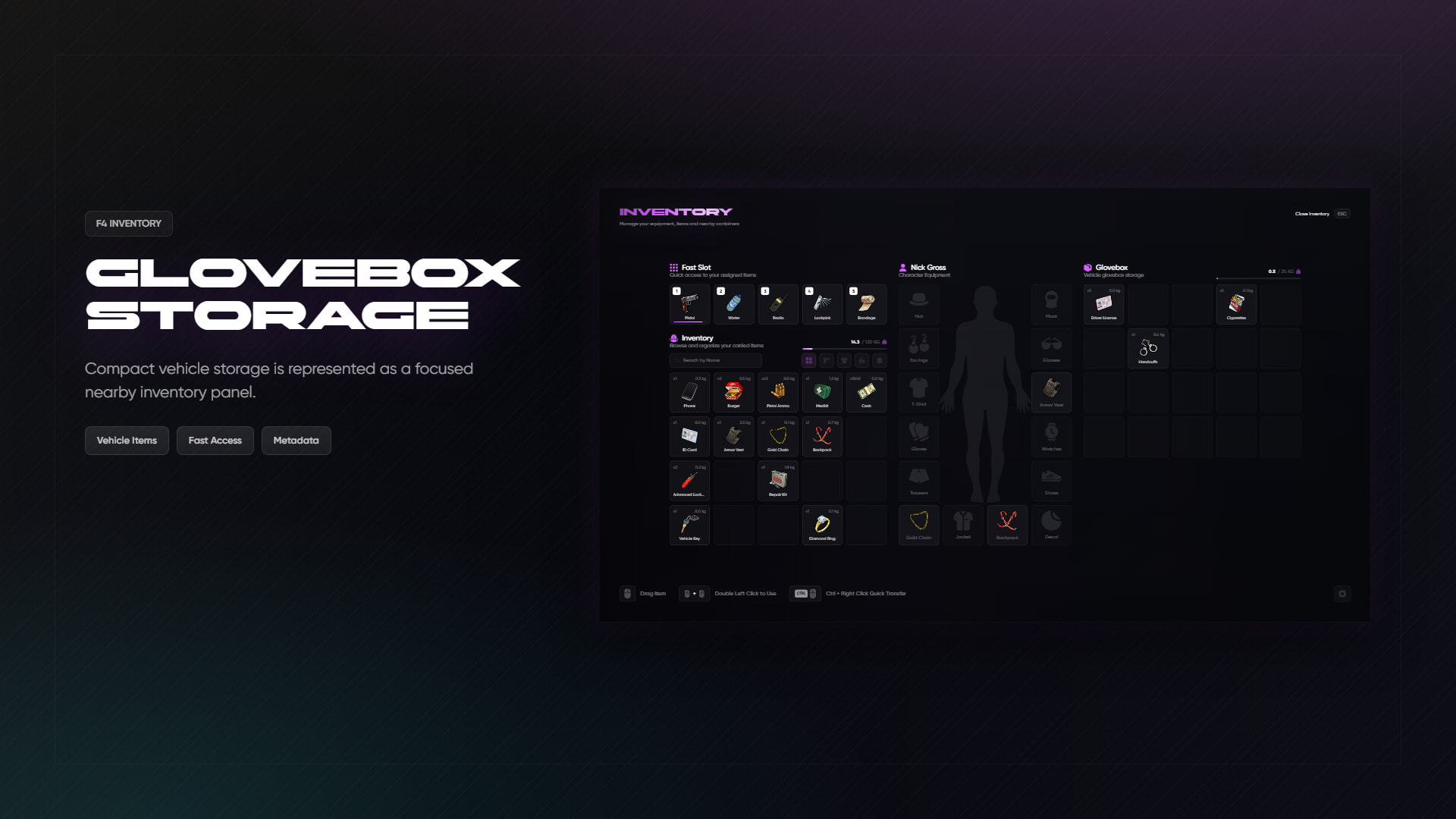
- Gloveboxes
- Drops
- Evidence lockers
- Crafting benches
- Temporary stashes
- Custom containers
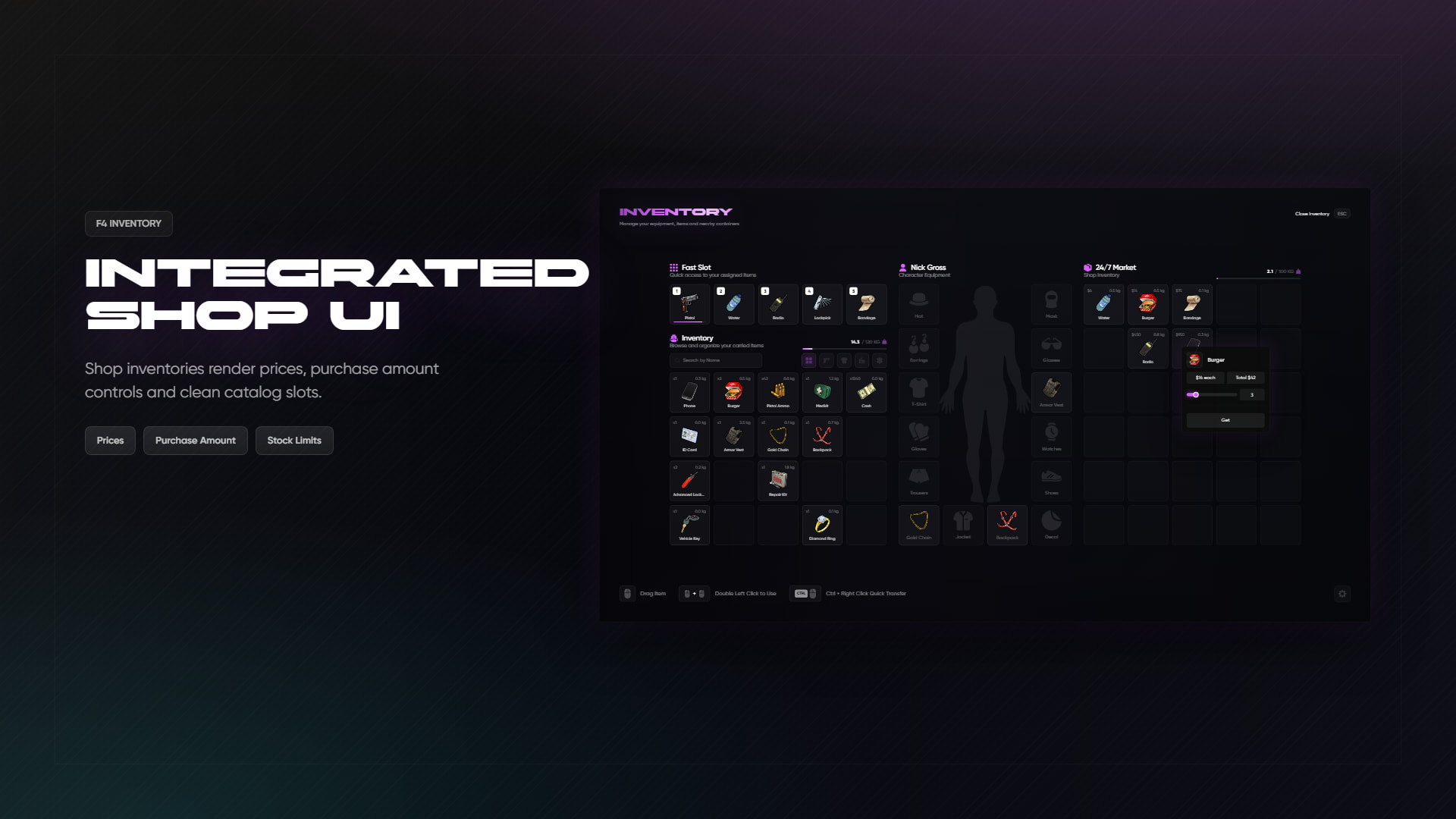
Shops
Shops are fully supported.
You can have:
- Normal shops
- Weapon shops
- Black market style shops
- Job locked shops
- Group locked shops
- Different currencies
- Item based currency like black money
- Weapon license checks
- Shop blips
- Shop NPCs
- Target zones
- Model targets
- Draw text
- Markers
So you can make a simple store, a police armory, a black market, a vending shop or whatever your server needs.
Stashes
Stashes are also included.
Supports:
- Public stashes
- Job/group locked stashes
- Police lockers
- Custom stash slots
- Custom stash weight
- Target support
- Marker support
- NPC support
- Blip support
Vehicle Storage
F4 Inventory includes trunks and gloveboxes.
Supported features:
- Plate based trunk storage
- Plate based glovebox storage
- Custom slot limits
- Custom weight limits
- Vehicle class based trunk sizes
- Optional trunk door opening
- Distance checks
- Server side validation
You can make compact cars, SUVs, trucks and vans all feel different.
Drops
Ground drops are built in.
Includes:
- Drop object
- Drop slots
- Drop weight
- Drop cleanup timer
- Pickup animations
- Drop animations
- Drop target support
- Local drop streaming
Players can drop items on the ground without the system turning into a mess.
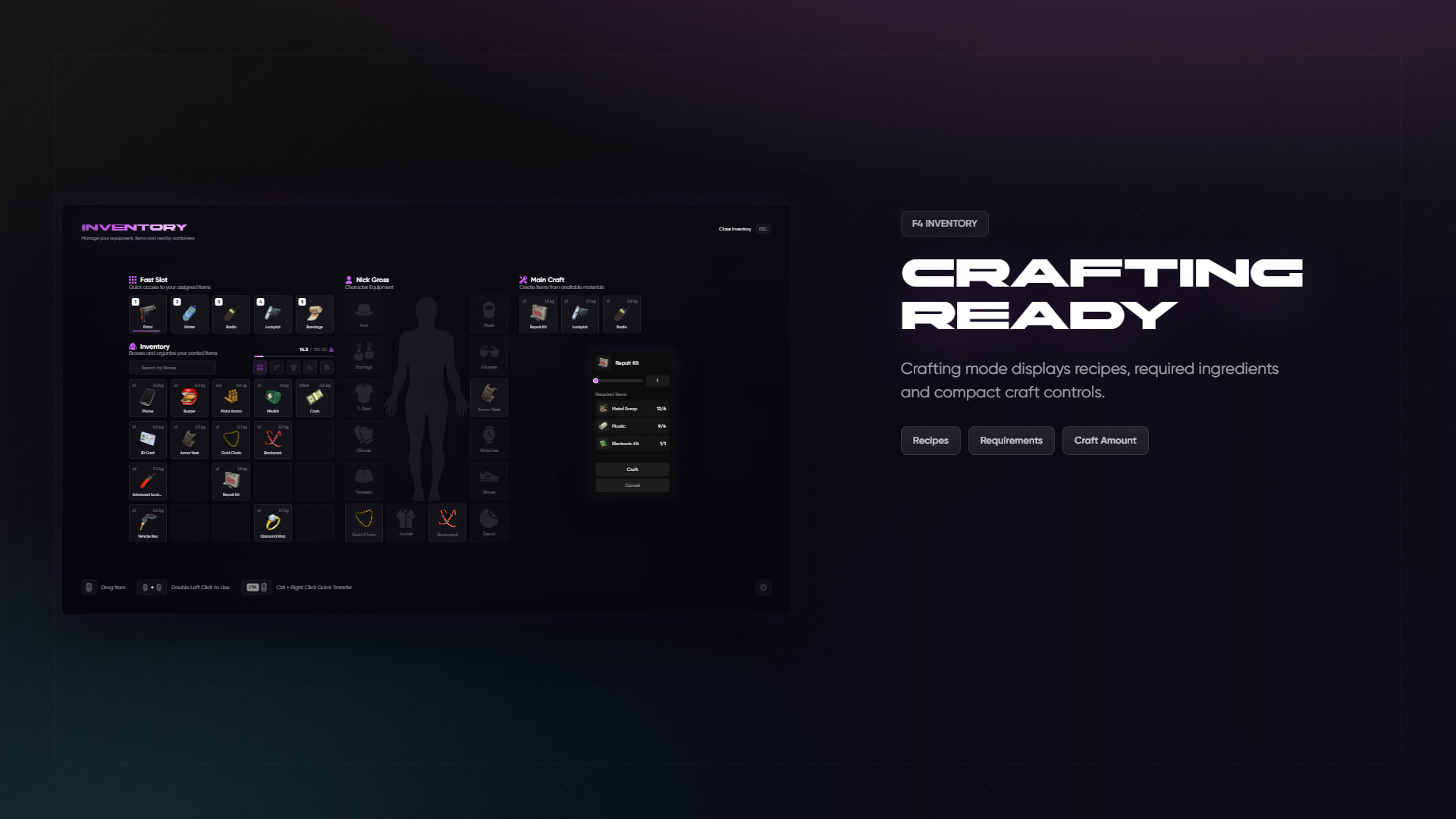
Crafting
Crafting is included too.
Supports:
- Crafting benches
- Crafting locations
- Required items
- Recipe display
- Craft amount selection
- Missing item display
- Job/group restricted crafting points
- Markers, blips and target support
Players can clearly see what they need before crafting.
Evidence
Police evidence storage is included.
You can set evidence lockers with:
- Police/job access
- Target support
- Location checks
- Custom labels
- Custom distance
Clothing, Equipment and Appearance Support
F4 Inventory has equipment slots built in.
Supported equipment slots include:
- Hat
- Mask
- Glasses
- Earrings
- T-shirt
- Vest
- Gloves / hands
- Watch
- Pants
- Shoes
- Accessories
- Bag
- Decals
- Top / outfit
F4 Inventory also works with common appearance systems, including:
- qb-clothing
- fivem-appearance
- illenium-appearance
- ESX skinchanger
- esx_skin
- esx_clotheshop
When a player changes skin, reloads skin, saves an outfit, loads an outfit or changes job outfit, F4 Inventory waits for the appearance system to finish first.
That means your equipped clothing items do not randomly get overwritten or desynced.
In simple words: your appearance script handles the player look, and F4 Inventory keeps the clothing items and equipment slots synced with it.
There is also an export/event for custom appearance systems, so other clothing resources can tell F4 Inventory when an appearance change starts and ends.
Weapons
Weapons are handled properly.
Includes:
- Weapon durability
- Weapon break option
- Ammo metadata
- Reloading
- Weapon tint support
- Weapon attachments
- Attachment menu
- Removing attachments
- Repair/cleaning support
- Police-only weapon support
- Current weapon sync
- Back weapons with visible props
Weapons are not treated like boring normal items. They keep their ammo, components, durability and metadata.
Hotbar
F4 Inventory includes a hotbar system.
- Default open key: F2
- Default hotbar key: TAB
- Number keys for quick use
- Hold hotbar display
- First 5 slots work as fast slots
Simple for players, clean for servers.
Player Robbery
Player robbery is built in.
Includes:
/robcommand- Default key: G
- Distance check
- Cooldown
- Optional weapon requirement
- Progress bar
- Hands up animation checks
No need to add a separate basic robbery script just to let players search someone.
Death Handling
F4 Inventory can block inventory actions while a player is dead or in last stand.
Optional settings include:
- Block inventory while dead
- Clear inventory on respawn
- Clear inventory on disconnect while dead
- Keep selected items
Supports common death events from QB/QBX/ESX medical systems.
Admin Features
Included admin tools:
/giveitem/clearinv/adminshop
Admin permissions support:
- ACE permissions
- QB/QBX permissions
- ESX groups
Logging
F4 Inventory includes logging support.
Supported providers:
- Discord webhooks
- FiveManage
Logs can be separated by type:
- Inventory actions
- Give item
- Clear inventory
- Weapon actions
- Drops
- Shops
- Item usage
You can use one webhook for everything or separate webhooks for different log types.
Compatibility Exports
F4 Inventory includes native exports and compatibility exports.
Native F4 exports include things like:
- Add item
- Remove item
- Check item
- Get item count
- Get slot
- Search items
- Set metadata
- Clear inventory
- Register stash
- Register shop
- Open inventory
- Close inventory
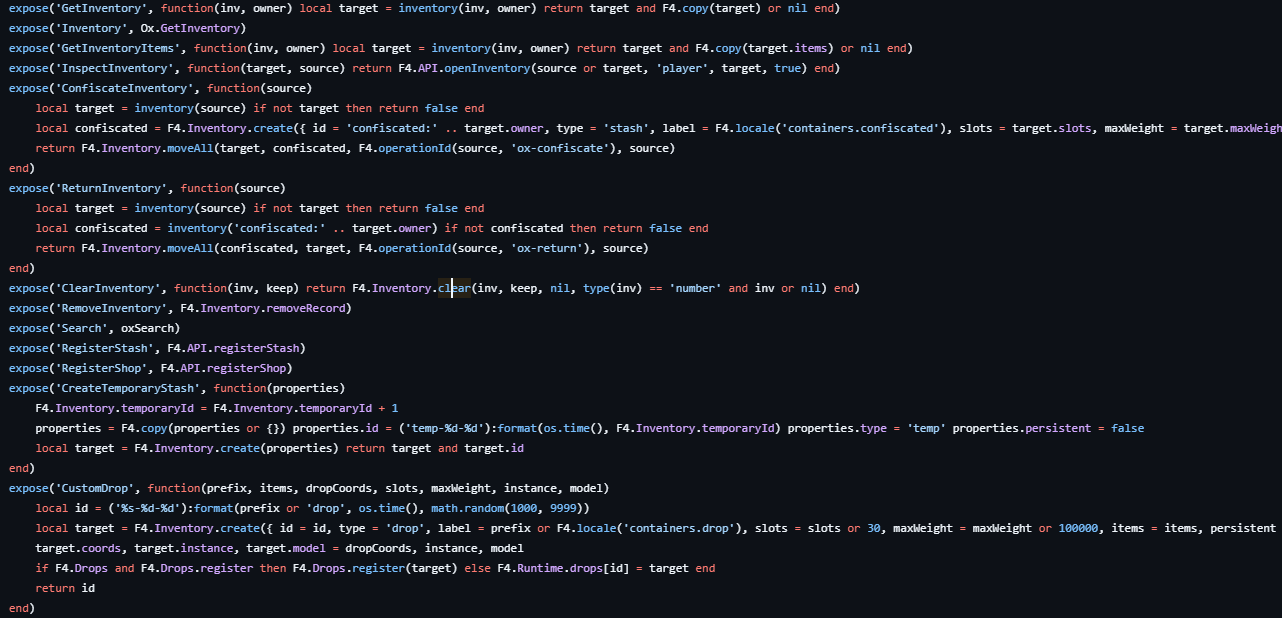
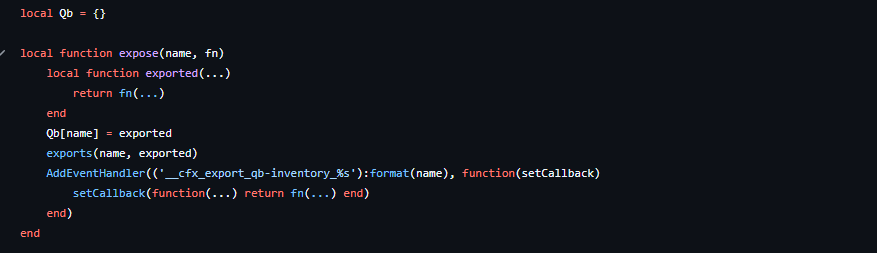
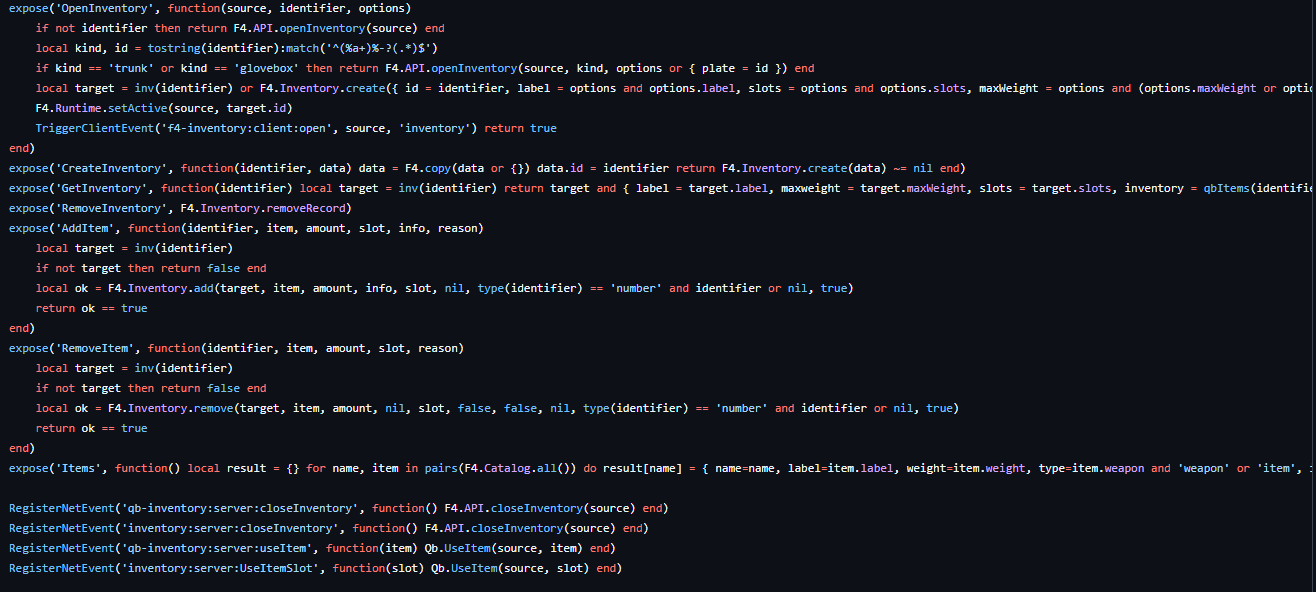
It also supports many common ox_inventory and qb-inventory exports/events, so existing scripts have a much better chance of working without edits.
Hooks
F4 Inventory supports hook style logic for important inventory actions.
You can listen to or control things like:
- Opening inventories
- Creating items
- Buying items
- Crafting items
Useful if you want custom checks, custom protection, anti-abuse logic or server-specific rules.
Item Money
F4 Inventory can sync item money with framework money.
Example:
moneyitem can represent cash
This is useful for servers that want money to actually exist as an inventory item.
Performance and Saving
F4 Inventory is designed to avoid unnecessary database spam.
It uses:
- Inventory cache
- Deferred saves
- Save batching
- Retry on failed saves
- Flush on logout
- Flush on resource stop
- Cached inactive inventories
In simple words: it does not try to write to SQL every time someone moves one item.
Configurable Interaction System
F4 Inventory supports different interaction styles.
Works with:
- ox_target
- qb-target
- ox_lib TextUI
- Draw text
- Markers
- NPCs
- Model targets
- Box zones
You can use target based interaction or simple press E style interaction.
Locale Support
Included languages:
- English
Locale can be changed from config/convar.
Who is it for?
F4 Inventory is for server owners who want a modern inventory without spending days fixing every script after switching.
It is especially useful if your server already has scripts built around ox_inventory, qb-inventory or ESX inventory behavior.
Short Version
F4 Inventory is a full inventory system developed by F4 Studio.
It provides ox, qb and ESX inventory compatibility, imports old inventory data, supports QB-Core, QBX and ESX, works with common appearance systems, includes modern UI, hotbar, equipment, shops, stashes, trunks, gloveboxes, drops, crafting, evidence, robbery, logging, admin tools and weapon handling.
Changing your inventory has never been this easy.
 Purchase & Links
 Purchase Escrow (QBCore & Qbox)
Purchase Escrow (ESX)
 Video Preview
 F4 Studio Discord
 Documentation
| Code is accessible | No |
| Subscription-based | No |
| Lines (approximately) | 10,000+ |
| Requirements | ox_lib, oxmysql, QBCore/Qbox or ESX |
| Support | Yes |