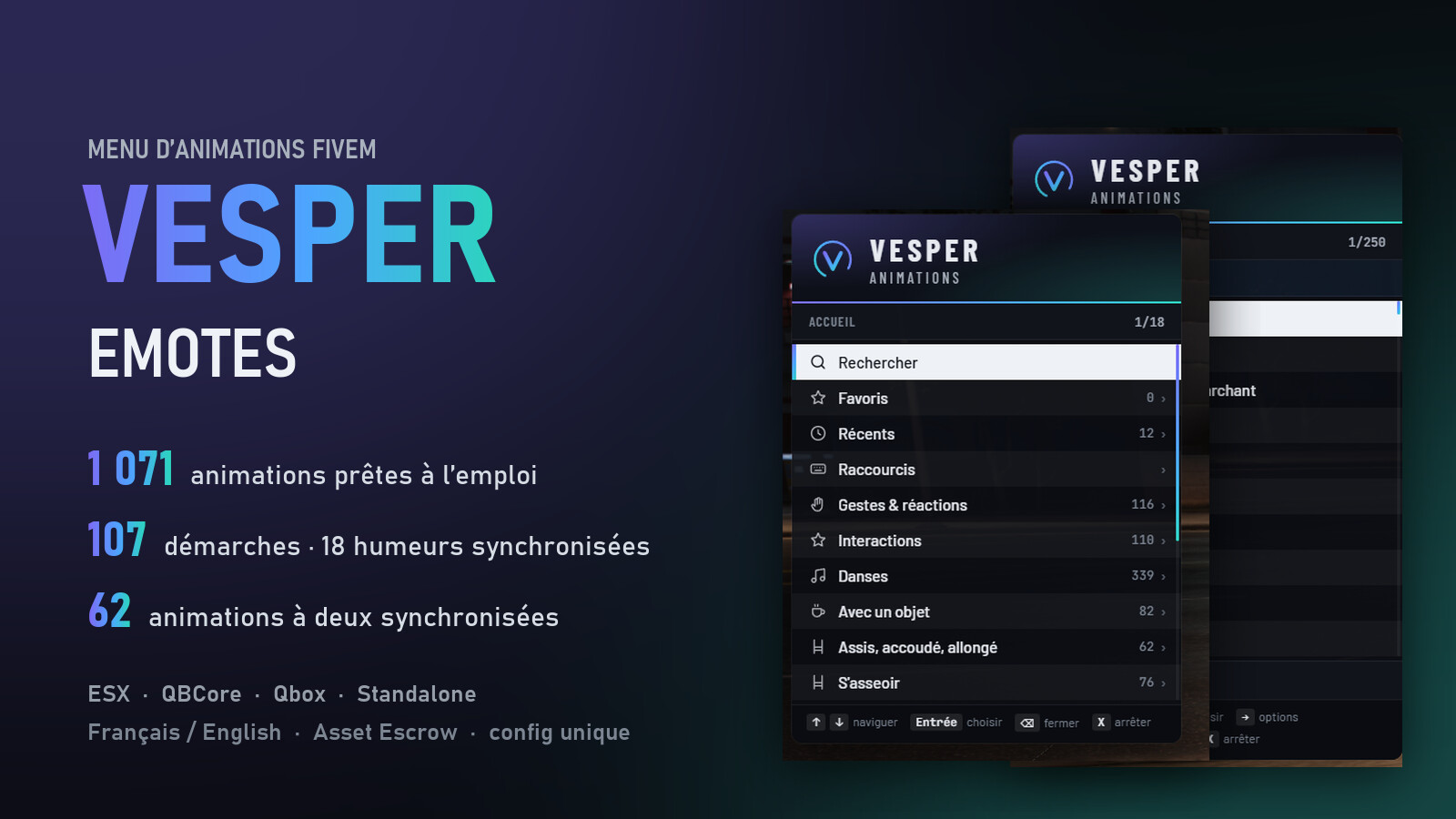
vesper-emotes is the emote menu we built for our own RP server, now available for any server. It’s a small keyboard-driven panel on the side of the screen (RageUI style): no mouse cursor, so players keep walking and looking around while they pick an animation.
F2 opens it, X stops the animation, /e name plays one without the menu.
Content
| 1,071 animations | every entry was checked against a full dump of GTA V’s animation dictionaries before going in |
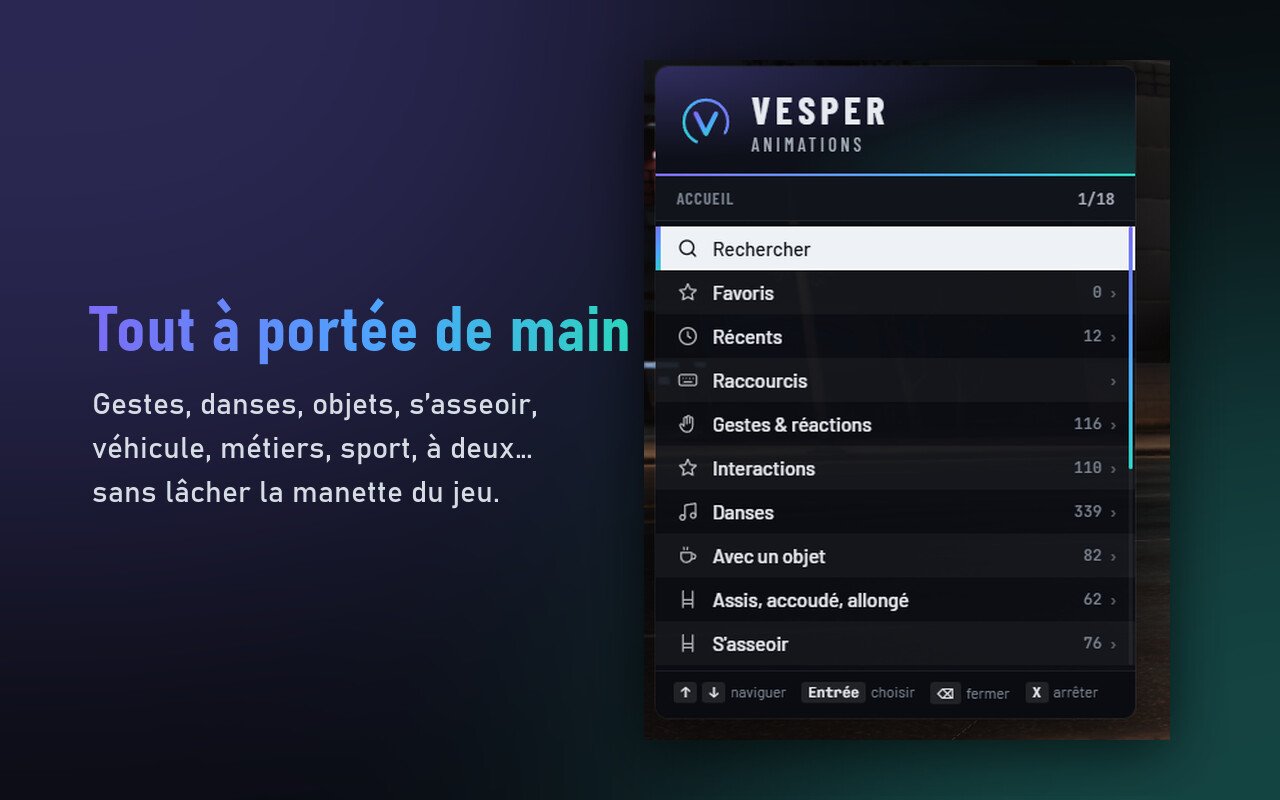
| Gestures & reactions | 116 — wave, agree, refuse, point, react, taunt, surrender |
| Interactions | 110 — all GTA Online interactions, standing or while walking |
| Dances | 339 |
| With a prop | 82 — coffee, smoke, phone, tablet, briefcase, guitar, megaphone, jerrycan, fishing rod, flowers, glowsticks, money rain… |
| Sitting | 76 ways to sit, plus 62 lying / leaning / kneeling / waiting poses |
| In vehicle | 69 — GTA Online gestures behind the wheel, passenger version picked automatically |
| Jobs & scenarios | 96 — police, medic, construction, farm, lab, street |
| Sport | 34 — workout, stretching, yoga, meditation |
| Duo | 37 — handshake, hug, slow dance, give, CPR, barber, carry (shoulder, back, arms), arm wrestling, play fight. The other player always has to accept. |
| Mature (optional) | 50 club dances and base-game mature scenes (25 of them duo). One line removes them completely: Config.Adulte = false |
| 107 walk styles | saved per character, seen by everyone |
| 18 moods | facial expressions, synced to other players (the base game doesn’t do it) |
What makes it different
- Duo animations placed properly. Most GTA pairs are synced scenes written by Rockstar. The server sends one shared origin and each client plays its side from there, so both players end up exactly where the scene expects them instead of “0.9 m in front”.
- Place & play. A ghost of your character appears, you move it onto the chair, bed or wall, then confirm. It refuses to go through walls.
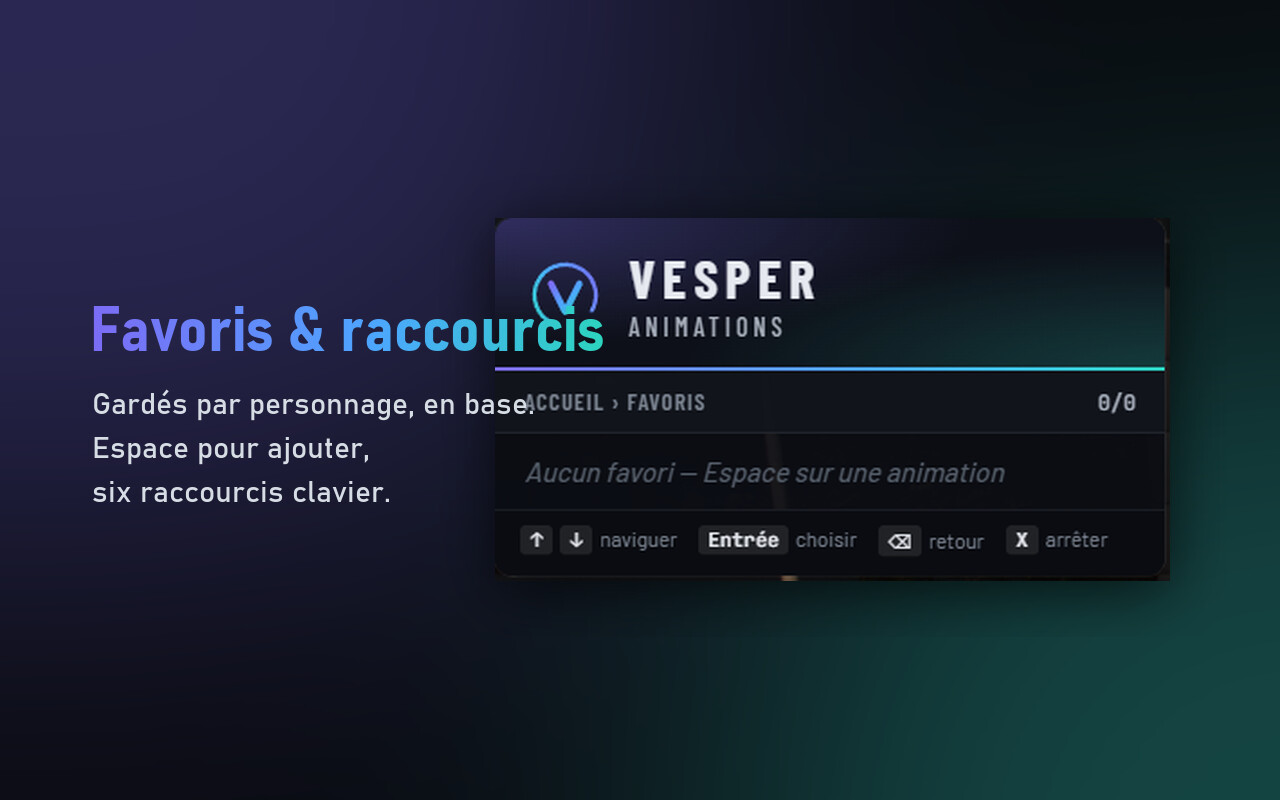
- Favourites, recent list and 6 hotkeys, stored in the database per character.
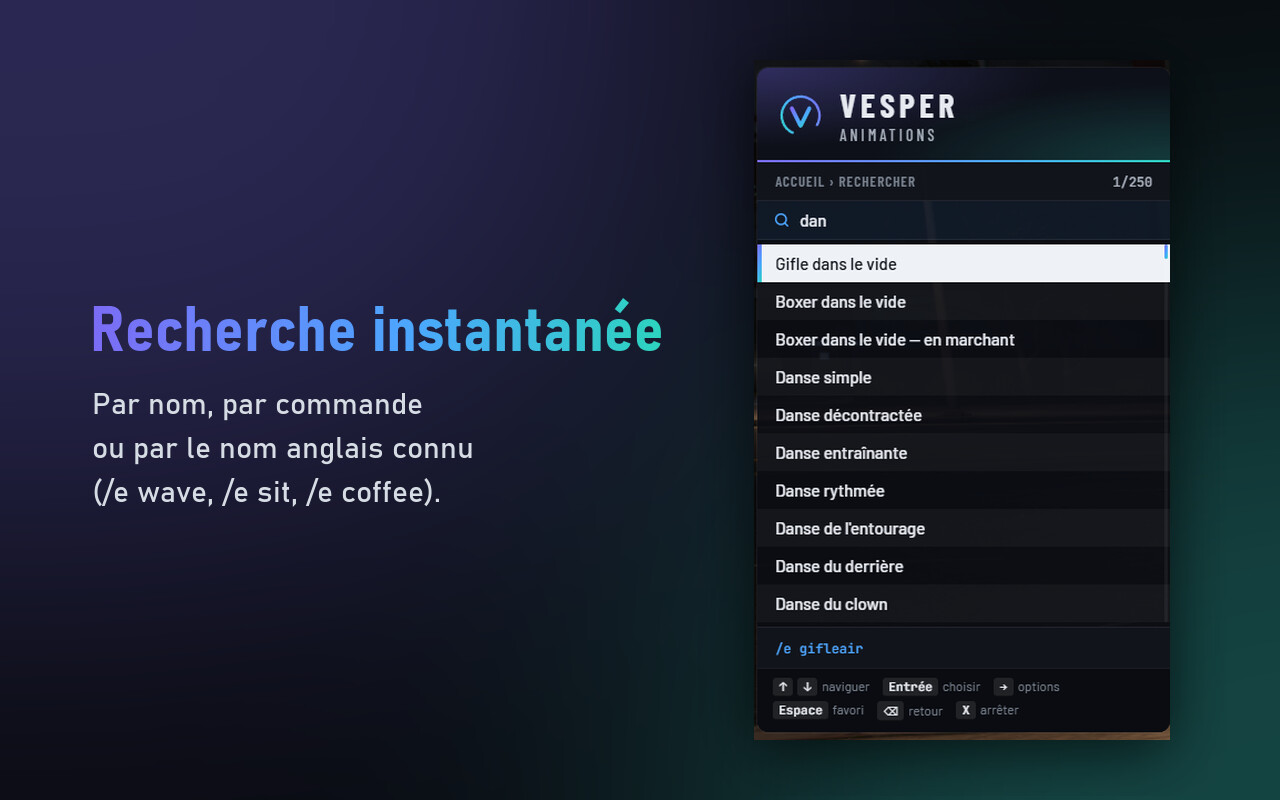
- Search by name, by command, or by the usual English name (
/e wave,/e sit,/e coffee). - Random animation, random dance, or random inside a category. Crouch, point (B, on foot only), ragdoll.
- It tells you what’s missing. If an animation doesn’t exist in a player’s game build, it’s reported to the server (
echecs.json,emotesechecsin the console) and marked as missing in the menu./emotestest(admin) loads the whole catalogue in game and writes a report.
For the server owner
- One config file, fully commented (11 sections): title, logo, colours, position, size, sounds, keys, chat command names, categories to hide.
- ESX, QBCore, Qbox or standalone, detected at start. The framework bridge is open source in
bridge/if you run a custom one. - Notifications through ox_lib, ESX, QBCore, qs-interface, or your own function.
- Restrictions: lock an animation or a whole category to a job, from a given grade.
- Disable any animation, or add your own in the config without touching the code.
- Update check: the console and admins are told when a new version is out. It never updates itself.
- Languages: French and English for the menu, messages and key bindings.
 The animation names in the catalogue are in French; English search aliases exist for the common ones (
wave,sit,lean,coffee…).
Installation
- Drop
vesper-emotesin yourresourcesfolder. - In
server.cfg, after ox_lib, oxmysql and your framework:
ensure vesper-emotes
- Set
Config.Langue = 'en'inconfig/config.luaif you want English. The database table is created automatically.
Every key can be changed by players in Settings › Key Bindings › FiveM.
Performance
- Menu closed: no per-frame loop. Three light timers (1 s, 1 s, 2.5 s) for the duo invitation, character changes and synced moods.
- Menu open: one per-frame loop that reads the keys (it’s what lets you walk while choosing). It stops as soon as the menu closes.
- During an animation: one check every 150 ms.
- The catalogue is sent to the page in the background after the character loads, one category per frame: opening the menu the first time costs nothing.
- The player’s job (for restrictions) is cached and updated by framework events, never read in a loop.
Get it
Tebex (delivered to your Cfx.re Granted Assets, updates included): https://cedricpoint-developpement.tebex.io/package/7769383
Questions and support on Discord: CedricPoint - Developpement
| Code is accessible | Partially — config, locales and framework bridge are open (Asset Escrow) |
| Subscription-based | No |
| Lines (approximately) | 7,100 |
| Requirements & dependencies | ox_lib, oxmysql, OneSync · framework optional |
| Support | Yes (Discord) |