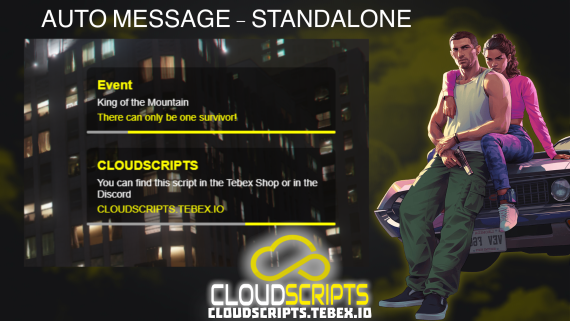
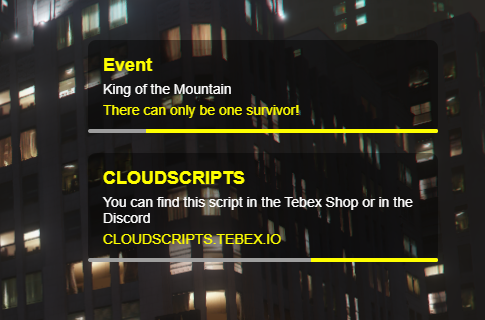
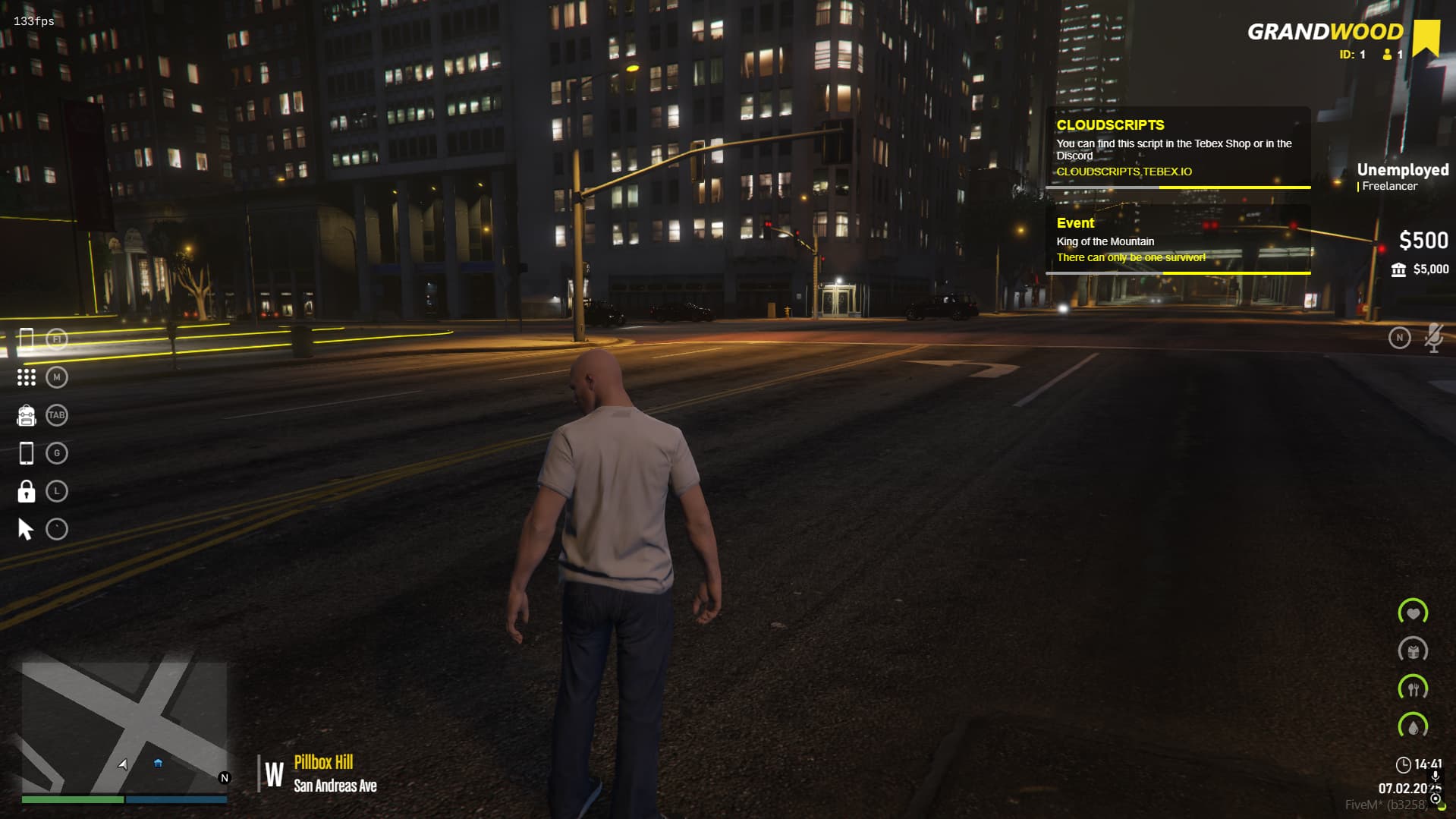
Description: CloudScripts AutoMessage is a notification system designed to send dynamic messages to players in FiveM. With this script, you can display customizable notifications in the game, which can be used for events, information, or announcements. The notifications are displayed with a loading bar that fills up and can contain multiple types of messages with different colors and timings. This script is designed to be used both by the server for automatic event messaging and by other scripts via an exportable function.
Key Features:
- Dynamic Notifications:
- The script sends notifications with two types of messages:
- A main white message (
message1) - A secondary yellow message (
message2)
- A main white message (
- Each notification has a title (e.g., “Event” or “Info”) and two customizable messages that can be set in other scripts.
- Loading Bar:
- Each notification is accompanied by a loading bar that fills from right to left, giving users a visually engaging experience.
- The loading bar has a customizable duration and can be configured to complete in 6 seconds.
- Automatic Event Messaging:
- The script allows server admins to schedule automatic messages that will be sent to players after a specified period of time (e.g., every 10 seconds or every 5 minutes).
- This can be configured easily by setting a list of messages with their respective timings and titles in the script.
- Exportable Function for Other Scripts:
- The script exposes an exportable function, allowing other scripts to call the
notifyfunction to display notifications from anywhere. - Example usage:
exports["cloudscripts_automessage"]:notify("INFO", "This is the first message", "This is the second message")
- This makes it simple to integrate CloudScripts AutoMessage into other scripts or custom commands.
- Customizable Design:
- You can modify the notification’s appearance, such as the background color, text color, and font, to fit your server’s theme.
- The notification container is fixed at a specific position and can be adjusted to match the server’s design aesthetics.
- Integrated with In-Game Commands:
- The script can be easily integrated with in-game commands. For example, when a player types
/help, a notification can be displayed providing useful information or instructions. Example:
RegisterCommand("help", function(source, args, rawCommand)exports["cloudscripts_automessage"]:notify("INFO", "If you need help, contact us on Discord", "or use in-game support with /Calladmin")end)
Screenshot
| Code is accessible | N/A |
| Subscription-based | No |
| Lines (approximately) | 400 |
| Requirements | Standalone |
| Support | Yes |