Cube Game - Procedural Hacking Minigame
Purchase Here
All purchases go through tebex and strictly adhere to the FiveM and Tebex TOS
Overview
The Pixel Apocalypse Cube Game is a standalone hacking minigame built for FiveM. Every puzzle is procedurally generated so no two games are ever the same. Players navigate a 3D cube avatar through a node graph, completing timed challenges to unlock paths and reach the goal.
This resource is designed to be called as a success condition from other scripts. Bank heists, robberies, laptop hacks, door panels, or even as a standalone arcade game. One export, one callback, and you are integrated.
Zero dependencies. No framework required. Works with QB-Core, ESX, or any standalone setup.
Features
Procedural Puzzle Generation
Every game creates a unique node graph driven by seed and difficulty. Branching paths, dead ends, and multiple routes keep players engaged. You can even pass a fixed seed for reproducible puzzles.
Two Minigame Types
Arrow-key QTE sequences and memory grid challenges. Configurable weights let you control how often each type appears, or disable one entirely.
Password System
Number nodes scattered across the map each reveal a digit. Players must remember and enter the full code at a password gate to proceed. Password length scales with difficulty.
Firewall Mechanic
At higher difficulties, stepping on a firewall trigger node starts a spreading fire that burns nodes behind the player. Move fast or get caught.
Lives and Timer
Configurable starting lives and a dynamic timeout that scales based on actual puzzle complexity so players always get a fair amount of time.
Named Presets
Ship with 12 built-in presets for common scenarios: easy, medium, hard, phone, laptop, fleeca, paleto, bank_vault, pacific_standard, thermite, casino, and more. Create your own in config.
Difficulty Overrides
Fine-tune individual generation parameters per call without creating a whole new difficulty level. Disable the firewall for a bank job, shorten QTE sequences for a phone hack, whatever you need.
Full Color Theming
Override any of the 11 UI colors from config. Want a red-themed hack for a gang heist? A blue-themed one for police systems? Just set the hex values.
Display Options
Control how much of the screen the game occupies (40% to 100%) and choose from three border styles: none, solid neon border, or a tablet device frame.
Text Console
An animated terminal in the corner displays flavour text as the player moves through the puzzle. Fully toggleable and every message category can be overridden with your own strings. Allows for a more immersive minigame for hacks, hidden messages and clues or just fun gags to distract players.
Sound Effects
17 event-driven audio hooks with 3 sounds included out of the box. Drop in your own .ogg files to customize. Missing files are silently skipped so nothing breaks.
Game Lifecycle Events
A rich event system fires 14 different events throughout gameplay (movement, QTE start/pass/fail, firewall triggers, password attempts, and more). External scripts can hook into these without touching the resource.
Screenshots
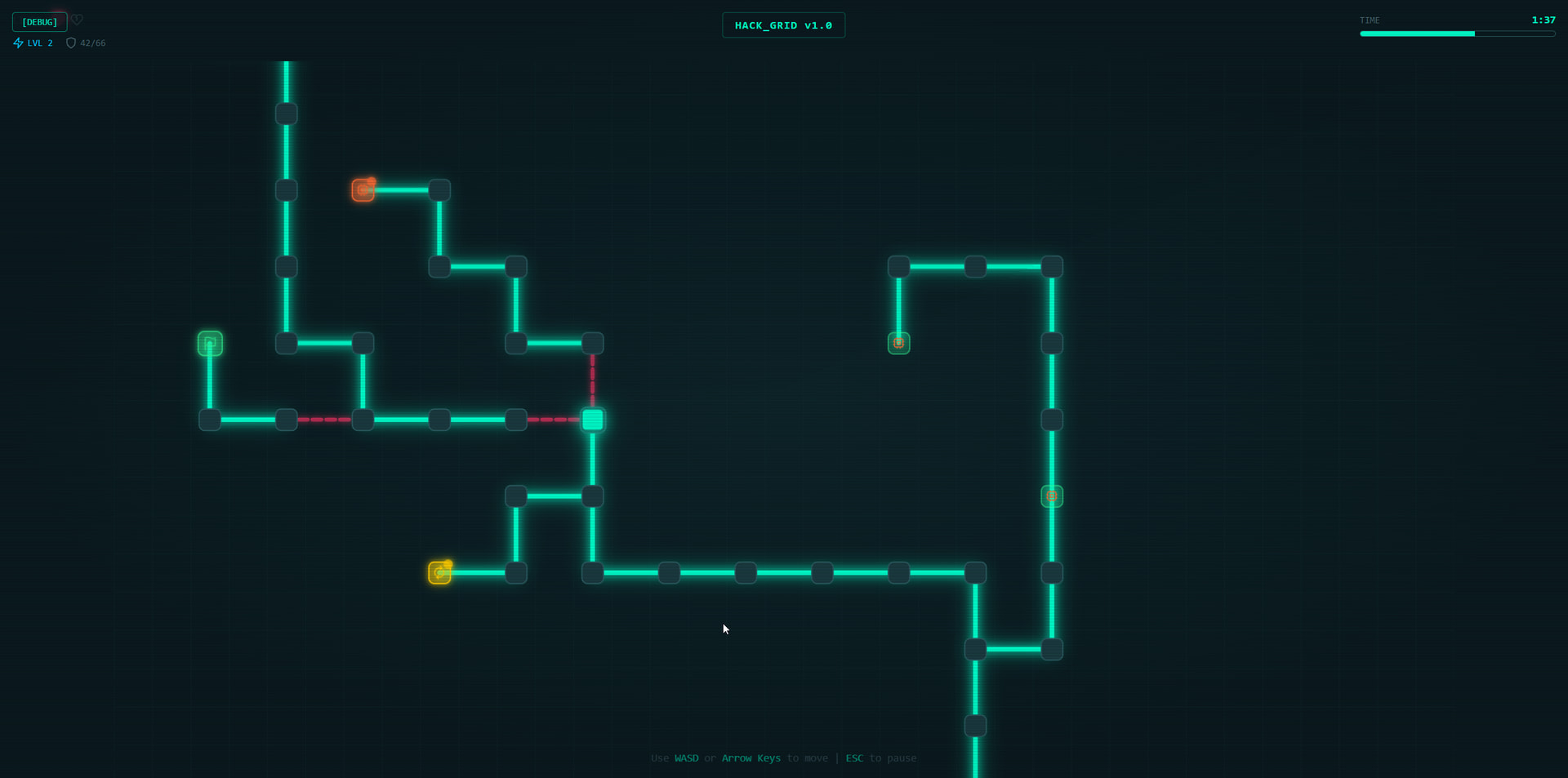
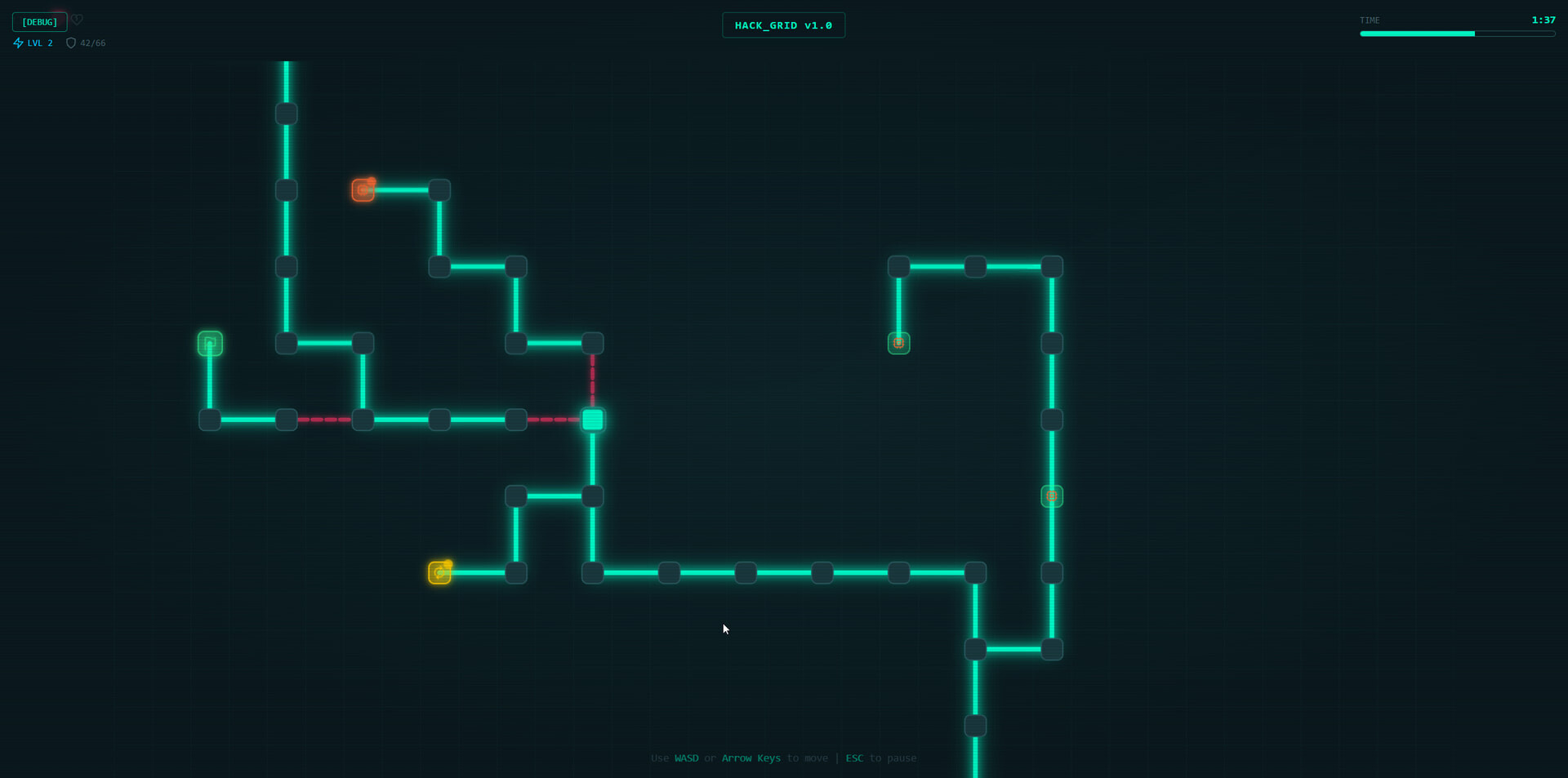
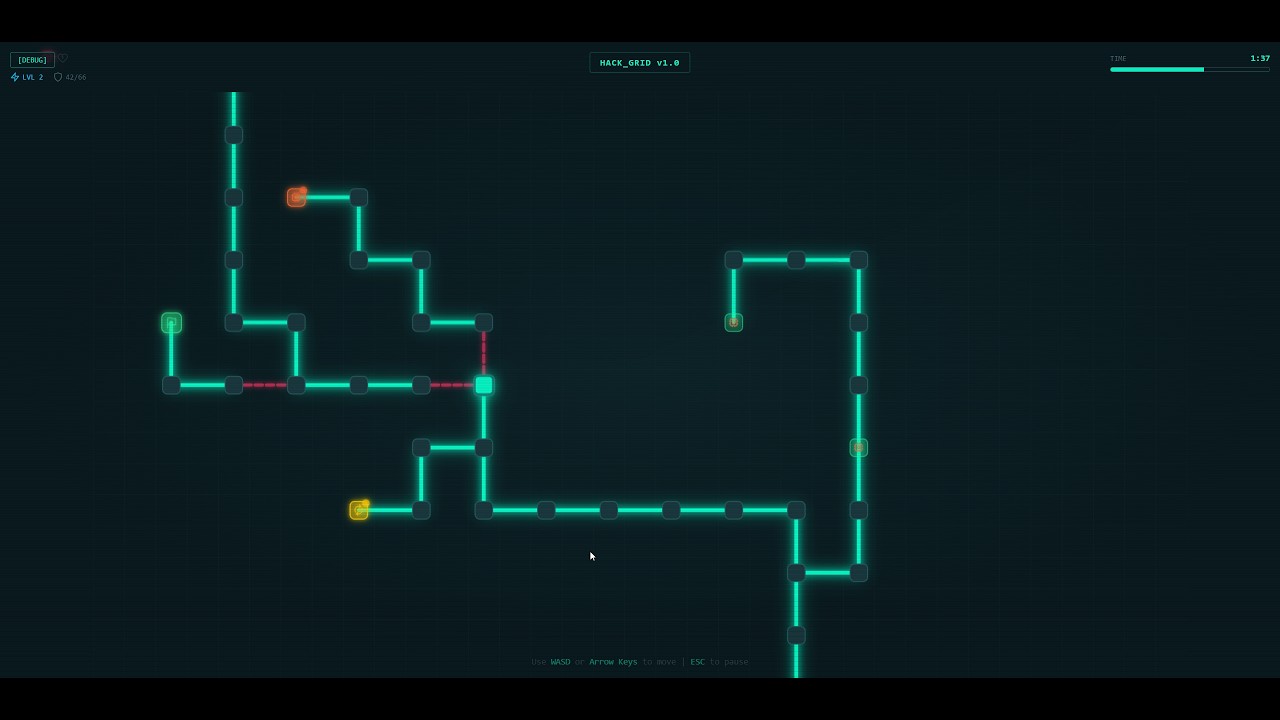
Freshly Generated with the Hard preset difficulty
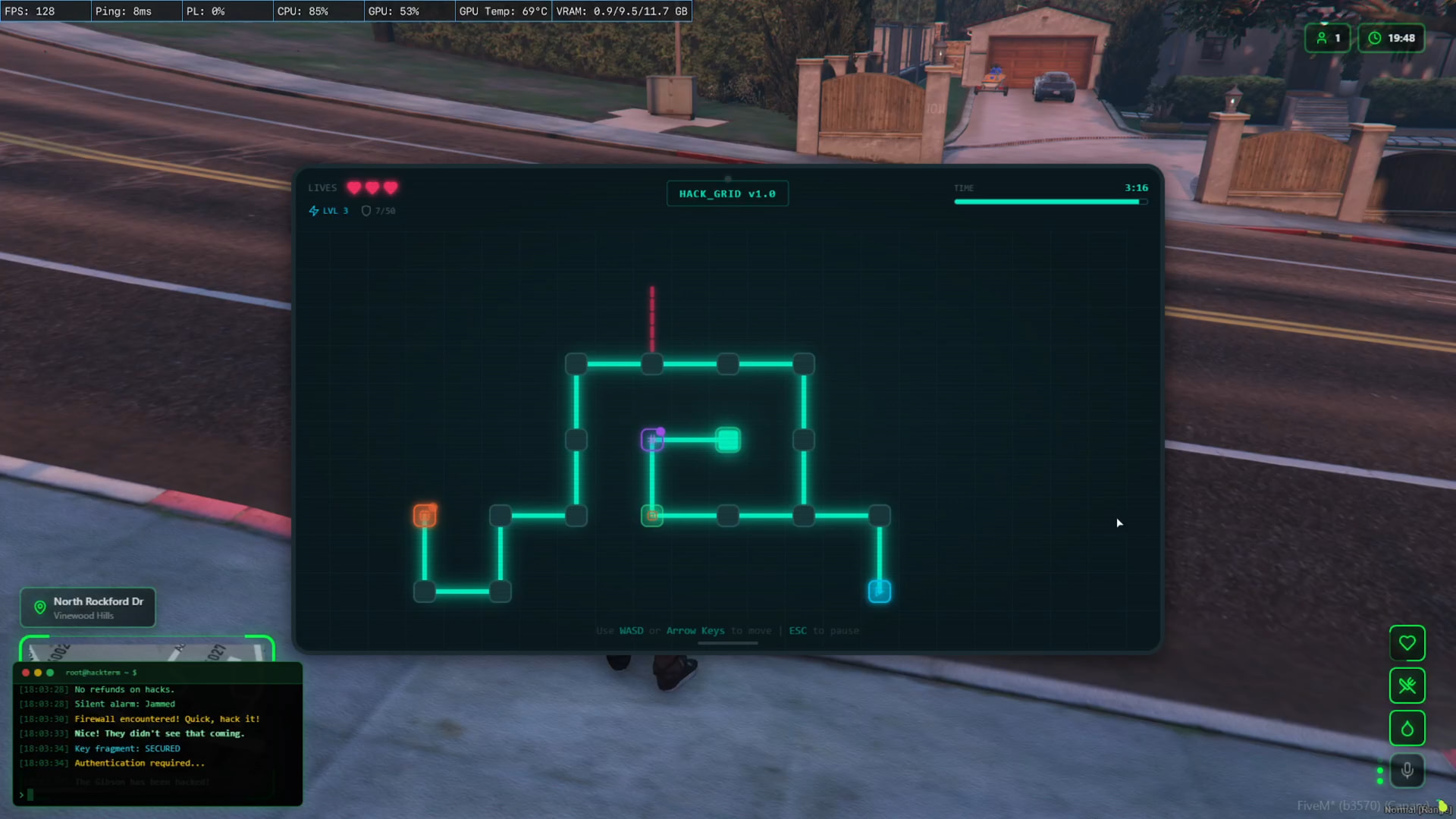
Fully configurable - 60% size with border set to tablet
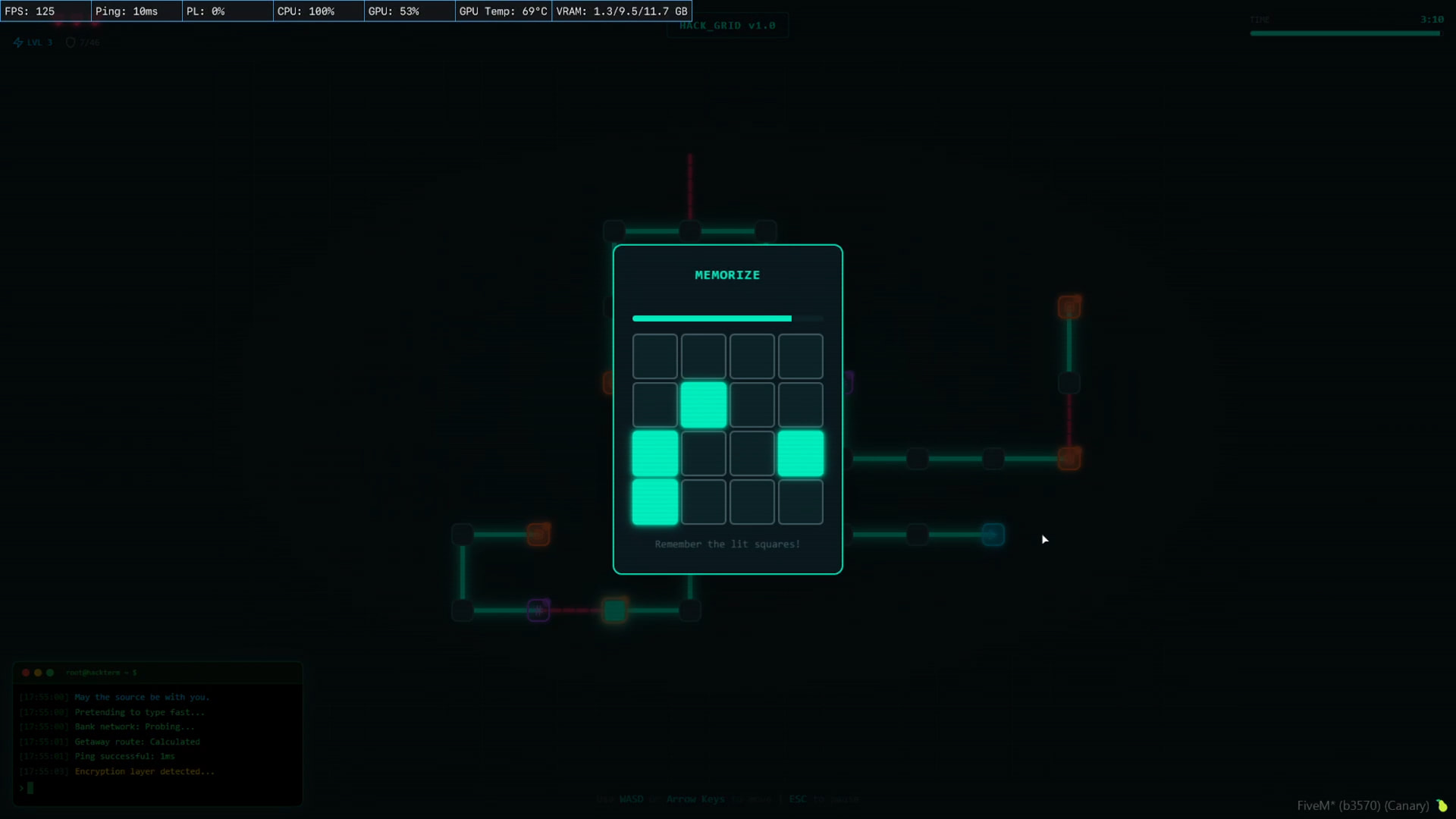
Memory Minigame
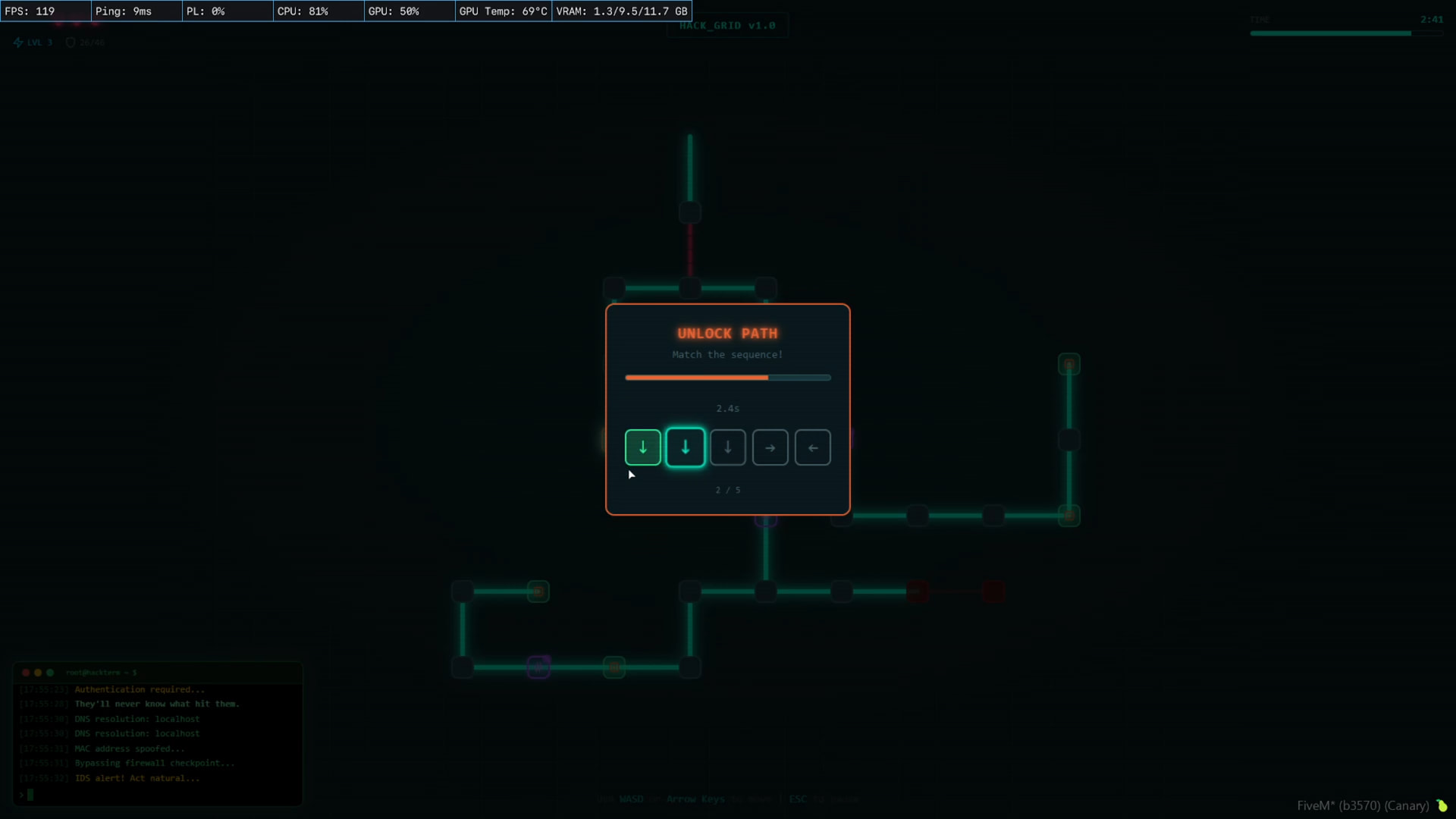
QTE Minigame
Integration
This script is a minigame/success condition tool. It provides a single export that opens the hack UI and fires a callback with the result. It is up to you to integrate it with whatever system you need.
Before purchasing, make sure the script you want to use this with either has a config option for custom minigames or has open code that allows you to add an export call. Most heist, robbery, and door-lock scripts support this.
Basic Example
exports['pxa_game_cube']:startHackGrid({
    difficulty = 3,
    lives = 3,
}, function(result)
    if result.success then
        -- Player passed the hack
    else
        -- Player failed: result.reason tells you why
    end
end)
Using a Preset
exports['pxa_game_cube']:startHackGrid({
    preset = 'bank_vault',
}, function(result)
    if result.success then
        TriggerServerEvent('bank:hackComplete')
    end
end)
Common Use Cases
- Bank heists (Fleeca, Paleto, Pacific Standard, Vault)
- Store robberies
- Laptop/phone hacking sequences
- Door panel bypasses
- Jewelry store cases
- Casino heist systems
- Drug lab access
- Standalone arcade game (it is genuinely fun to play)
Configuration
Everything is in config.lua which is fully open-source and extensively commented.
Difficulty Levels (5 built-in tiers)
| Level | Nodes | QTE Keys | Password | Firewall | Lives |
|---|---|---|---|---|---|
| 1 Easy | 8-12 | 3-4 | 2-3 digits | No | 5 |
| 2 Medium | 12-18 | 4-6 | 3-4 digits | Slow | 4 |
| 3 Hard | 16-24 | 5-8 | 3-5 digits | Medium | 3 |
| 4 Very Hard | 18-26 | 6-9 | 4-5 digits | Fast | 3 |
| 5 Extreme | 22-32 | 6-10 | 4-6 digits | Very Fast | 2 |
Every parameter within a difficulty level is individually configurable: node counts, branch lengths, QTE timing windows, memory grid sizes, minigame weights, password lengths, firewall speed, and more.
Presets
12 ready-to-use presets included. Create unlimited custom presets in config:
Config.Presets = {
    ['my_heist'] = {
        difficulty = 4,
        lives = 3,
        label = 'my_heist',
        difficultyOverrides = {
            firewallSpeedMs = 1000,
            passwordMinDigits = 5,
        },
    },
}
Display
Config.Display = {
    screenSize = 100,      -- 40 to 100 percent
    border     = 'none',   -- 'none', 'solid', or 'tablet'
}
Colors (11 customizable)
Config.Colors = {
    primary    = '#00ffcc',
    secondary  = '#00ccff',
    accent     = '#ff6b35',
    danger     = '#ff3366',
    success    = '#33ff99',
    warning    = '#ffcc00',
    muted      = '#4a6670',
    bg         = '#0a1a1f',
    bgLight    = '#0d2429',
    node       = '#1a3a40',
    nodeBorder = '#2a5a60',
}
Override only the ones you want. Everything else falls back to defaults.
Console
Config.Console = {
    enabled = true,
    messages = nil,  -- Override with your own strings per category
}
13 message categories (movement, QTE start/success/fail, password, firewall, ambient, FiveM RP flavour, and more) with hundreds of built-in messages. Replace any category with your own.
Sounds
Config.Sounds = {
    enabled = true,
    volume  = 0.5,
}
17 sound hooks. Drop .ogg files into web/build/sounds/ and they are picked up automatically. 3 sounds included.
Documentation
A comprehensive DOCS.md file ships with the resource covering:
- Full installation guide
- Every config option explained with examples
- Complete export API reference with all options and callback fields
- Client event reference for external script integration
- Game lifecycle event table (14 events with data fields)
- Integration examples for QB-Core, ESX, and standalone
- Full controls reference
- Sound file list and customization instructions
- Display and color theming guides
Controls
| Context | Keys | Action |
|---|---|---|
| Navigation | WASD / Arrow Keys | Move between nodes |
| Navigation | E / Space | Re-trigger interaction |
| Navigation | ESC | Pause |
| QTE | WASD / Arrow Keys | Input sequence |
| Memory | Mouse Click | Select cells |
| Password | 0-9 | Enter digits |
| Password | Backspace | Delete last digit |
| Password | H | Toggle number hint |
| Password | ESC | Go back to collect numbers |
Technical Details
- Client-side only. No server scripts, no database, no network traffic beyond the NUI
- 0.0% CPU while closed. 0.0 to 0.2% CPU during active gameplay at max difficulty.
Purchase Here
All purchases go through tebex and strictly adhere to the FiveM and Tebex TOS
Support
Join our Discord for support, questions, feature requests, and future releases:
Please direct all support questions to the correct discord channels and / or tickets as apposed to making comments on the forum as we do not check the forum post as often and you may have to wait longer for a response.
| Code is accessible | All Lua is available, UI source files are not |
| Subscription-based | No |
| Lines (approximately) | ~8,400 |
| Requirements | None |
| Support | Yes |