 [RedM] CAPONNE GUNTRICKS - Custom Gun Tricks Menu
 Description
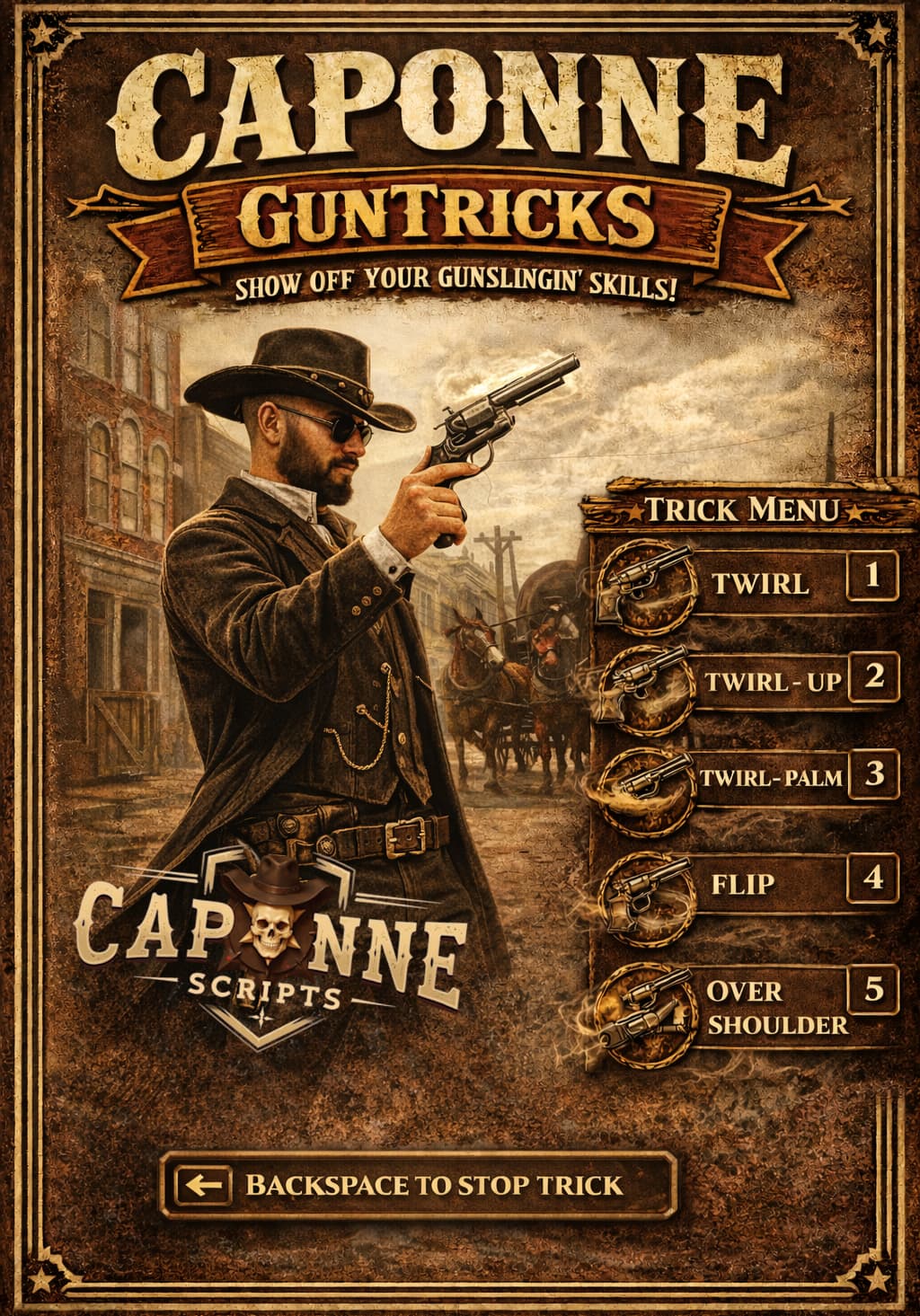
CAPONNE GUNTRICKS is an elegant and immersive gun tricks script for RedM that allows players to execute different revolver trick styles through a beautiful vertical menu with an Old West theme.
This script provides a seamless way for players to perform 5 different gun tricks (TWIRL, TWIRL-UP, TWIRL-PALM, FLIP, OVER SHOULDER) using a simple key press and intuitive menu system. The menu is fully customizable, repositionable, and supports multiple languages.
 Features
 5 Different Gun Tricks - TWIRL, TWIRL-UP, TWIRL-PALM, FLIP, OVER SHOULDER
- Elegant Vertical Menu - Immersive design with Old West theme
- Fully Configurable - Key, language, sounds, cooldown, and more
- Multi-Language Support - Portuguese, English, and French
- Sound Effects - Audio feedback for menu interactions
- Repositionable Menu - Drag and resize to fit your screen
- Standalone - No framework dependencies required
- Fully Editable - All files can be customized
- Cooldown System - Prevents spam and ensures smooth transitions
- Toggle/Hold Mode - Choose between press once or hold to open
 Download / Store Link
 Screenshots
Elegant trick menu interface
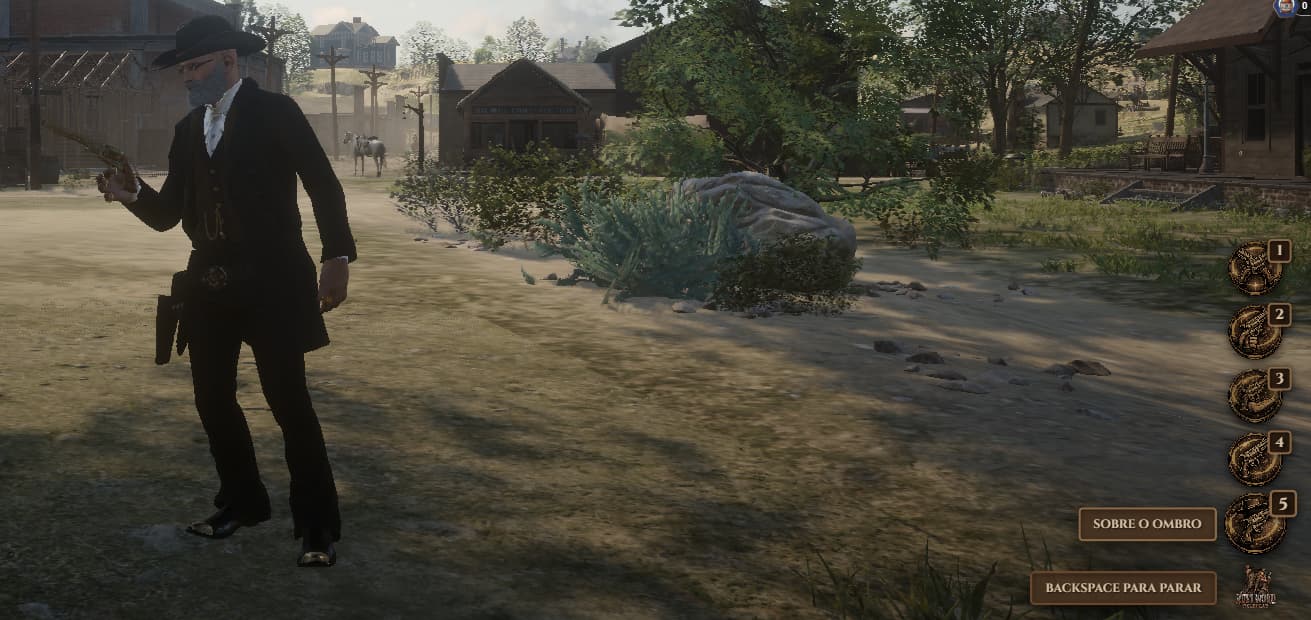
Character performing gun tricks
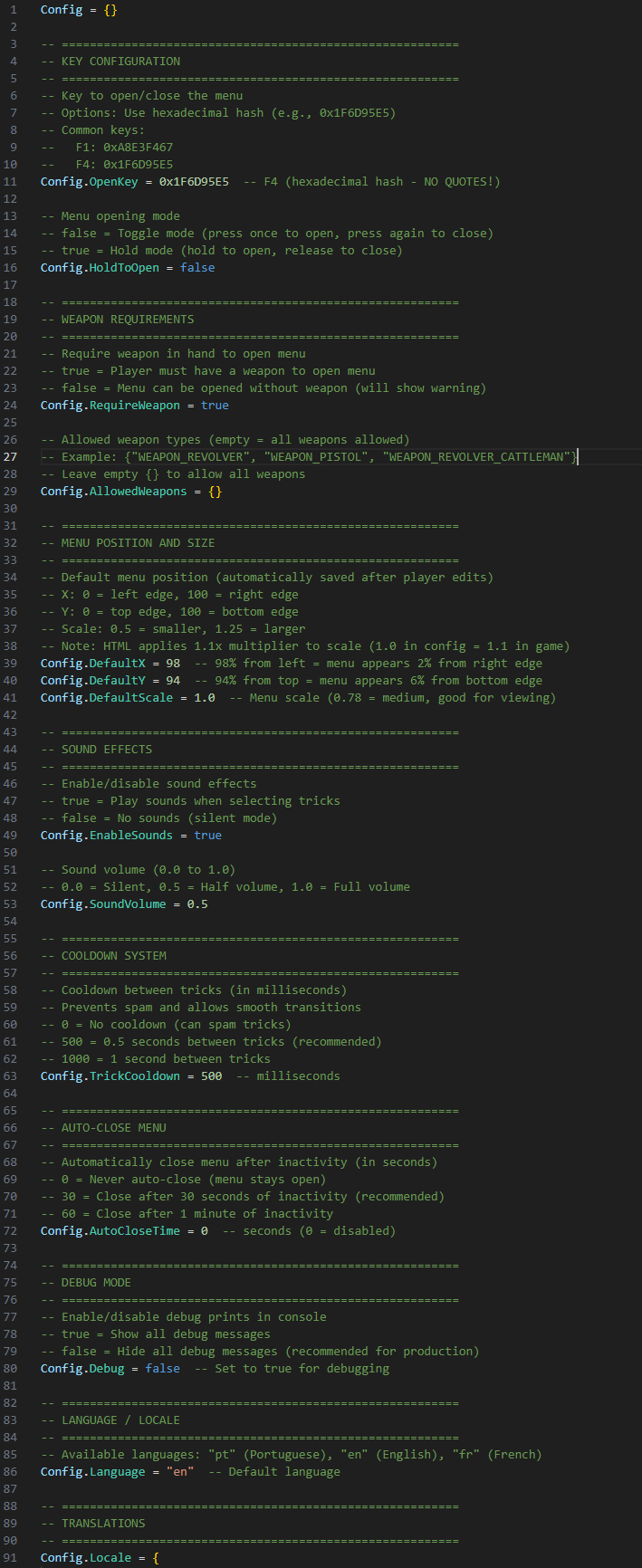
Fully commented configuration file
 Installation
- Download the resource
- Place the
Cap-GunTricksfolder in your server’sresourcesfolder - Add
ensure Cap-GunTricksto yourserver.cfg - Configure your desired key in
config.lua - Restart your server or run
restart Cap-GunTricks
 Configuration
Set Menu Key
Open config.lua and change:
Config.OpenKey = 0x1F6D95E5 -- F4 (change to your preferred key)
Common keys:
- F1:
0xA8E3F467 - F4:
0x1F6D95E5
Set Language
Config.Language = "en" -- "pt" (Portuguese), "en" (English), "fr" (French)
Sound Effects
Config.EnableSounds = true   -- Enable/disable sounds
Config.SoundVolume = 0.5     -- Volume (0.0-1.0)
Cooldown
Config.TrickCooldown = 500 -- Milliseconds between tricks (0 = no cooldown)
How to Use
- Open Menu: Hold a weapon and press the configured key (default: F4)
- Select Trick: Press keys 1-5 to choose a trick
- Stop Trick: Press BACKSPACE to stop the current trick
- Close Menu: Press BACKSPACE again or the open key again
 Requirements
- RedM Server
/assetpacksdependency (for animations)- No framework dependencies (standalone)
 Commands
/guntricksor/gt- Open/close the menu/guntricks_debug- Toggle debug mode/guntricks_soundtest [sound]- Test sound effects
 What’s Included
- Full script files (client-side)
- Fully editable
config.lua - HTML/CSS/JS interface files
- Installation instructions
- Configuration guide
 Customization
Editable:
config.lua- All configuration options
 License
Copyright (c) 2026 Reubhen Caponne. All Rights Reserved.
This is proprietary software. The resource name MUST remain as Cap-GunTricks. Redistribution, reselling, or sharing is strictly prohibited.
 Support
For configuration help, see the CONFIG_GUIDE.md file included in the package.
For issues or questions, check the console (F8) for error messages.
For any help or information please contact me on our Development Discord Group at:
Checklist
- I have reviewed the latest version of the Releases rules.
- I have included a detailed description of my work as described in the rules.
- I have included a download link or a store link.
- I have filled out the required information at the end of the topic
 Resource Information
| Code is accessible | Yes (only config file) |
| Subscription-based | No |
| Lines (approximately) | ~811 lines |
| Requirements | RedM Server, /assetpacks |
| Support | Yes |
Developed for the RedM/VORP community
CAPONNE SCRIPTS