Blend Radio is a premium, fully featured FiveM radio script built on top of pma-voice. Give your roleplay server realistic two-way radio communication with a clean modern UI, push-to-talk, private frequencies, an in-car radio head unit, job-restricted channels, radius voice, and much more.
Works out of the box on QBCore, QBox, and ESX. The framework is automatically detected with no configuration edits required.
I had this script in my desktop for almost a year in the server i dev for and since many people around me asked me to sell it i decided to share it with the community, I really hope you all like it
Lets start with the features
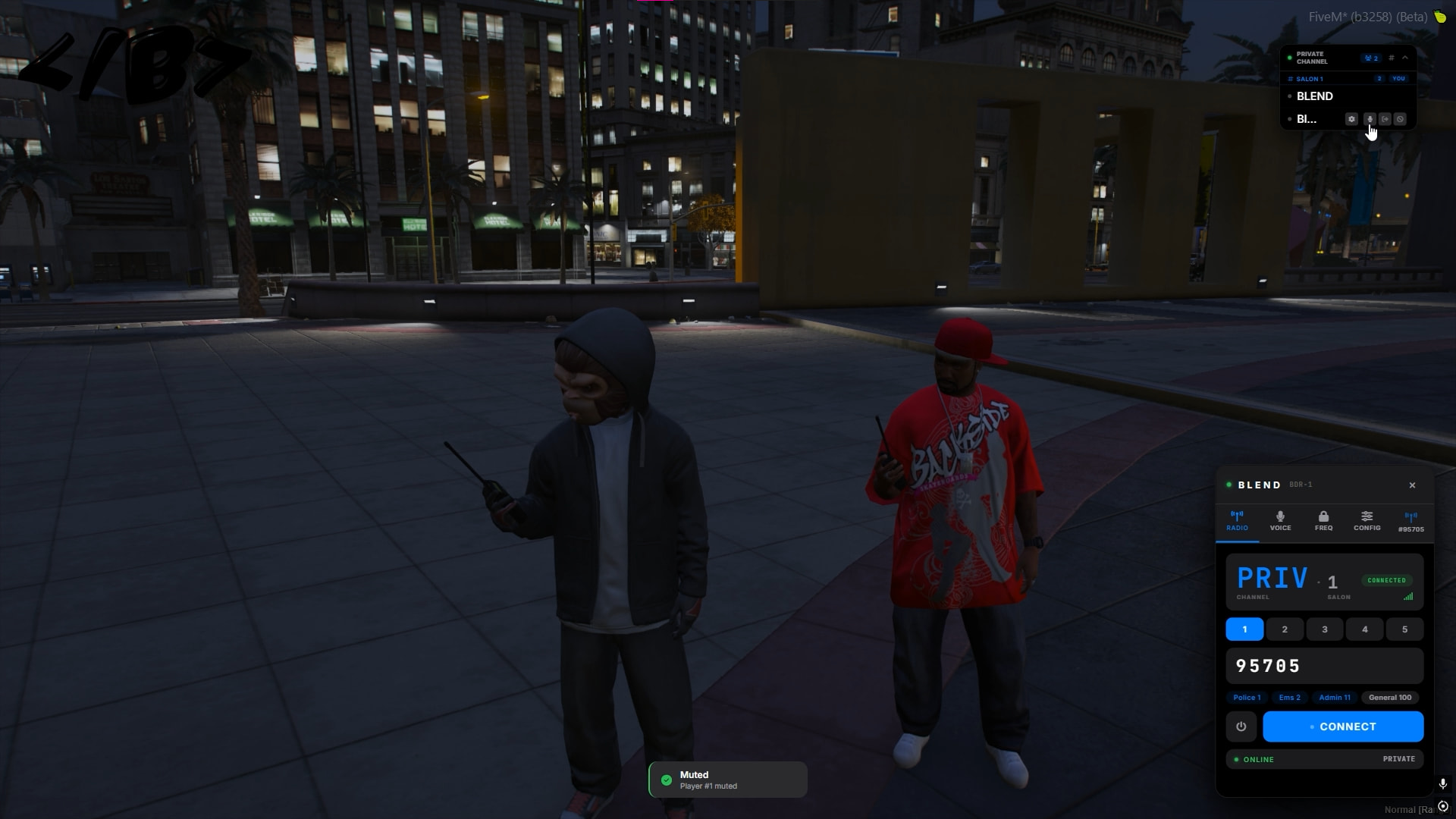
Starting with the radio UI, this ui allows you to insert a frequency and each frequency is divided to 5 channels it like discord rooms where you have 2 keys to press to talk, the first one is to talk only to those in your channel. the second key is to talk to they 5 channels at the same time.
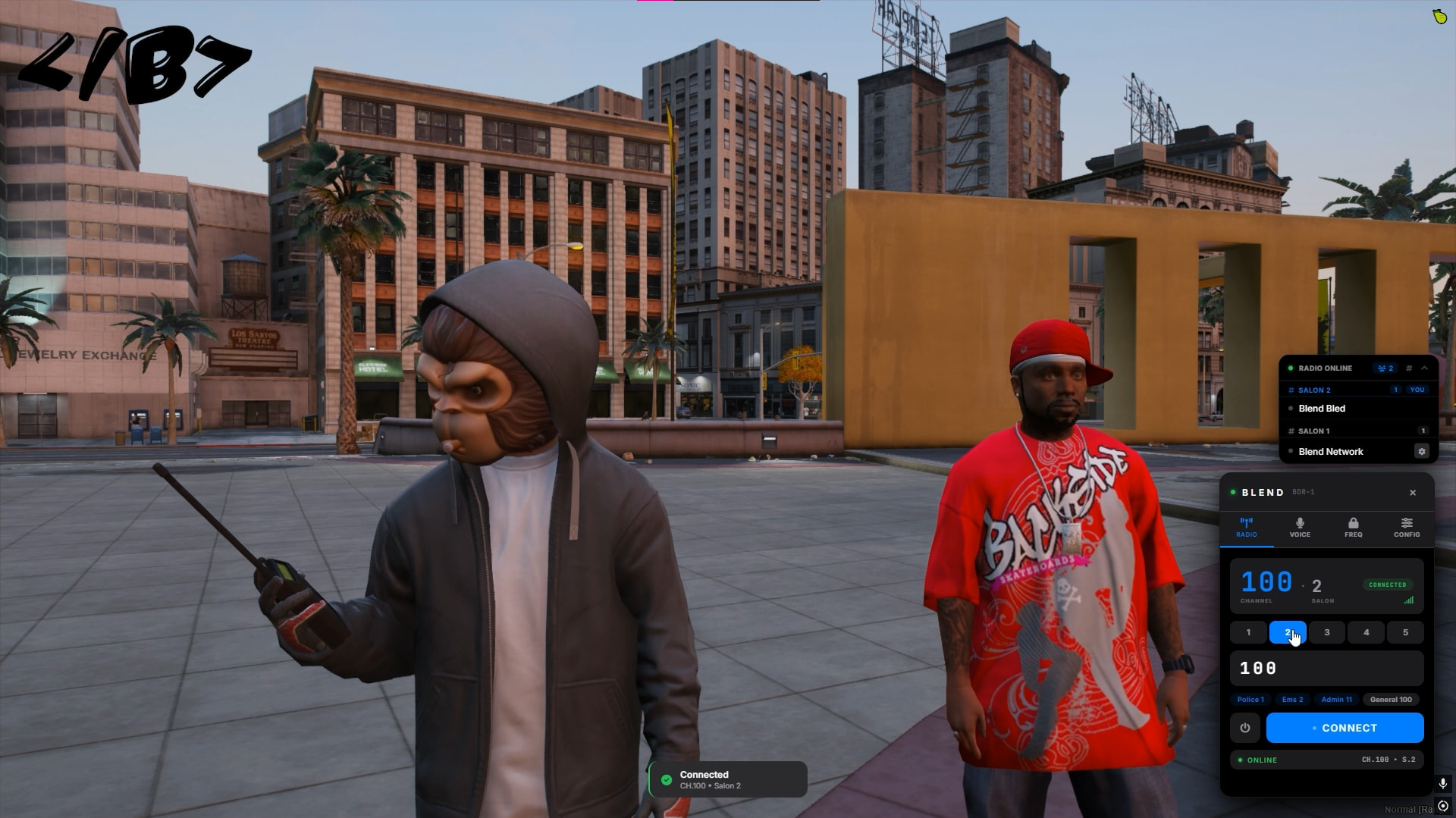
in the config tab, s the tab where you can chose to change the colors of the ui and also to change its settings based on your needs
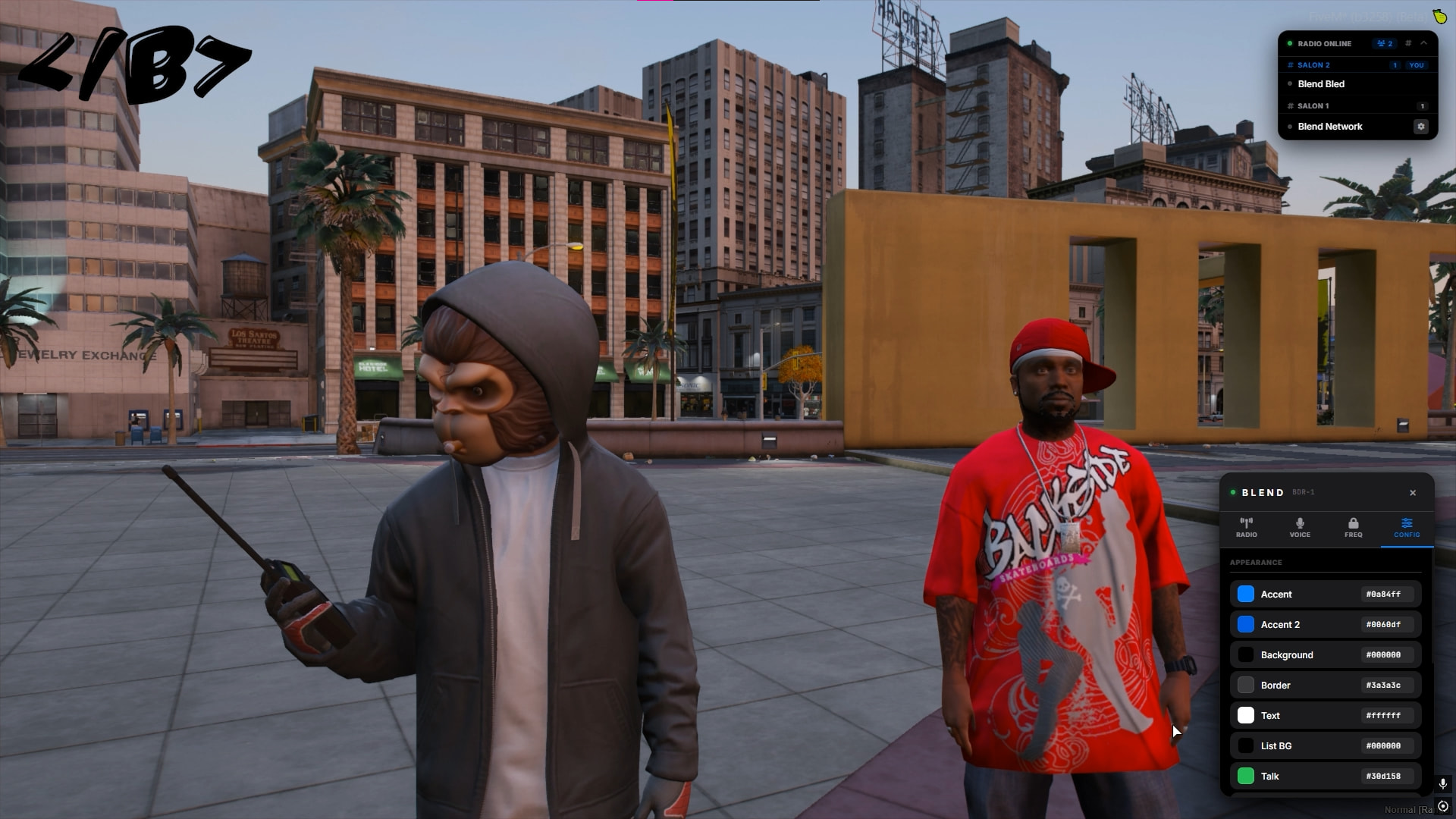
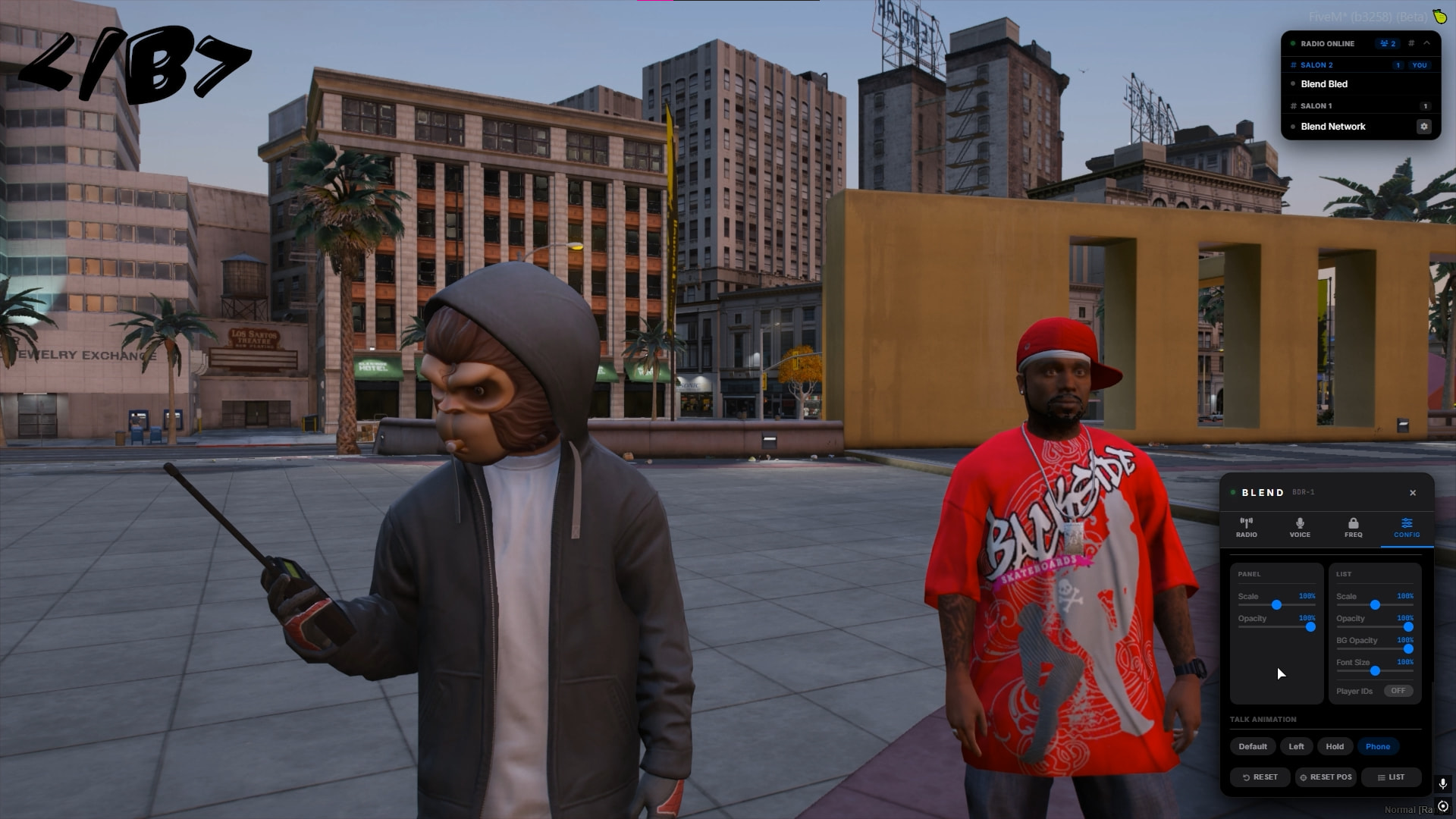
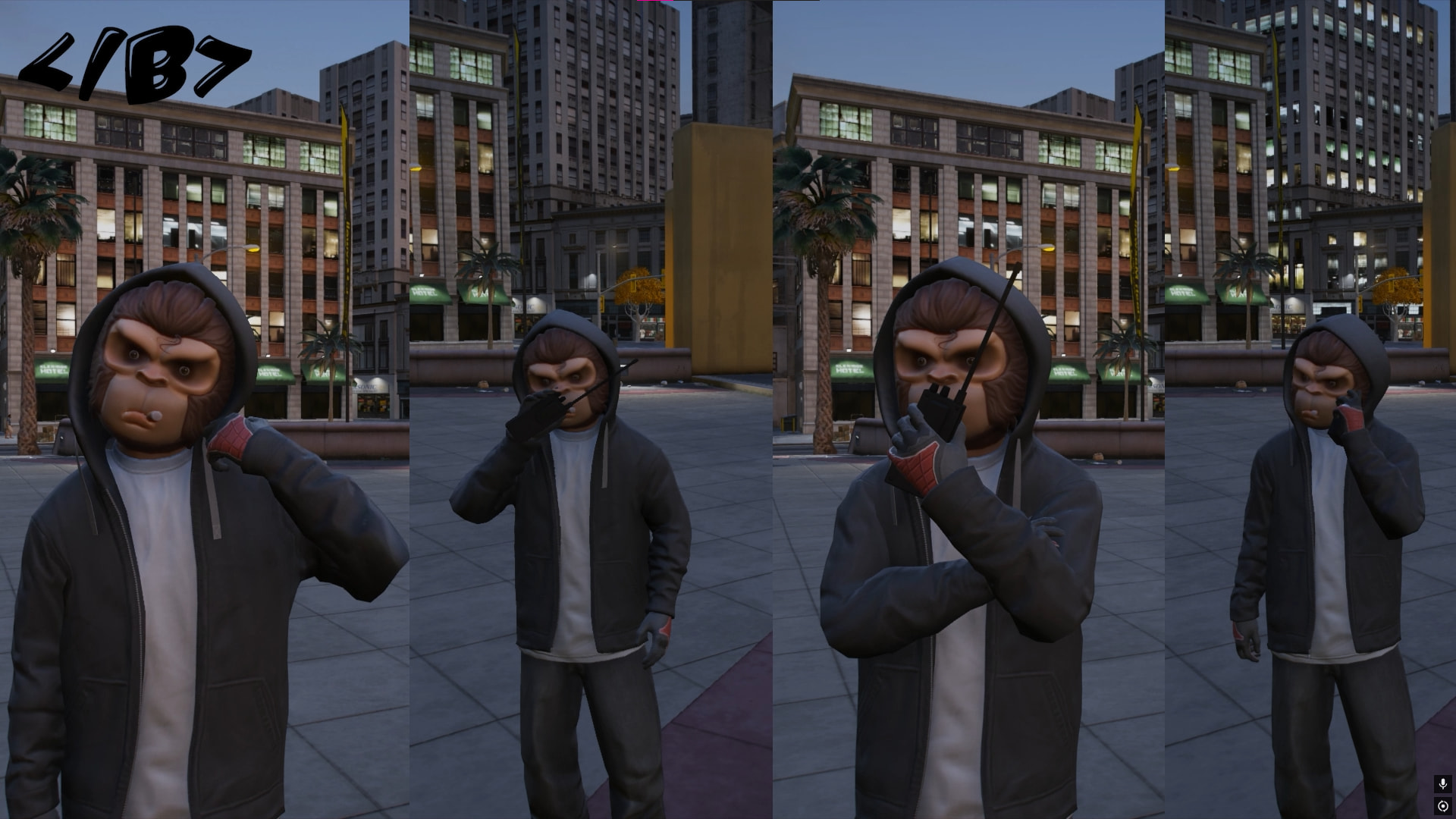
You also can chose between 4 talking animations
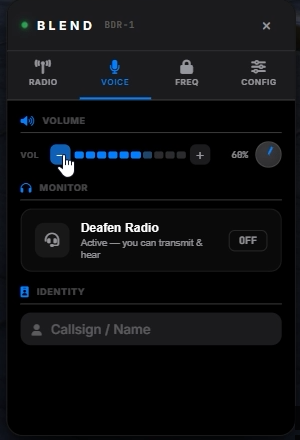
This voice section to adjust the volume and add you custom callsign to appear in the radio list. or Deafen ( I added this feature because many times i want to talk to someone next to me and the boys in the radio talks i always have to leave the frequency and comeback )
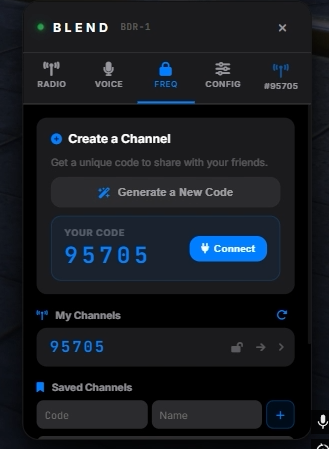
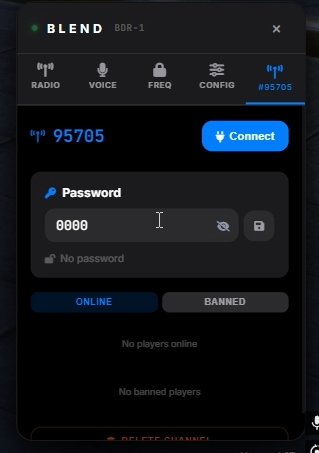
Also any player can chose to create his one Frequency, this frequency is kinda special because you can set a password to it
And you can Mute anyone in your channel, kick ban or adjust the volume individually ( You can change the volume individually also in the normal radio frequencies)
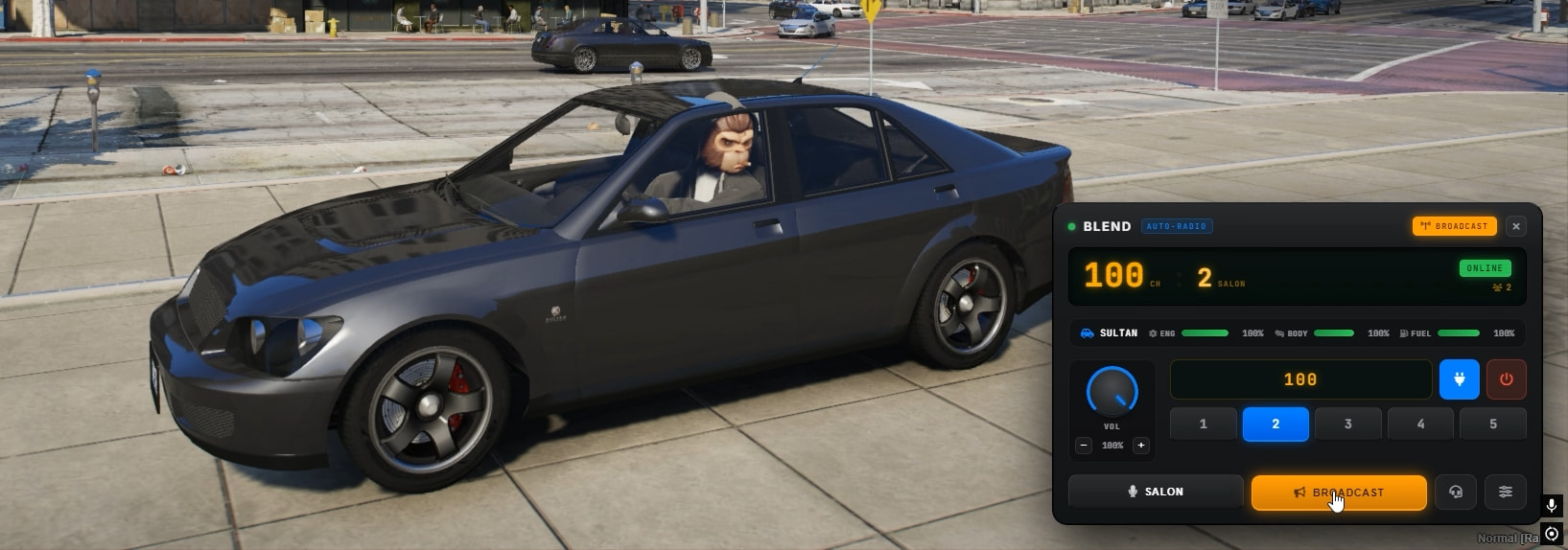
One last feature is i added a UI specially when players are in vehicles
Some features from config
Config.CancelEmoteWhenAiming = true
Config.VehicleRadioDriverOnly = false
Config.VehiclePassengerControl = false
Config.RequireItemInVehicle = false
Config.DeafenKey = ‘k’
Config.SalonsPerFrequency = 5
Config.DefaultSalon = 1
Config.MaxFrequency = 200
Config.AllowRadioWhileDead = false
Config.AllowRadioWhileCuffed = false
Config.AllowRadioInWater = false
Config.ShowPlayerId = true
Dependencies
• oxmysql
• pma-voice
• QBCore / ESX / Qbox
Preview
Download / Purchase
 Tebex: [Tebex]
 Documentation: [GitBook]
 Support: [Discord]
Code is accessible : No
Subscription-based : No
Lines (approximately) : 9000
Requirements oxmysql + QBCore or ESX or Qbox + pma-voice
Support Yes