in case of need you can find my detailed reply here [PAID] [Standalone] Rounded Minimap - #36 by manups4e
2 Likes
I have added an additional tile which has half off an island on it, the other half is in the normal map files.
Both halves of the island are a different colour in game but identical in photo editor even after adjusting the alpha in the config they never match.
Do you know what could cause this?
Edit:
I thought I would solve the issue by just using the script to replace all the map tiles using my own which does work.
But I have realised that for any tiles added with the script GPS will not work as the line is hidden under the map tiles, I don’t imagine there will be a fix for this 
Thank you
Kinda works, but personally I don’t really like how it looks. What I have done previously and would suggest that you do so that the colors match:
- Separate the extra graphics from the original Los Santos map graphics (usually if you’re using a map such as Vice City or anything like that, there will be a “clean” version of the graphics, that don’t overlap with the LS map)
- Stream the tiles for the Los Santos map normally, as with any other minimap resource.
- For the extra map tile that overlaps with a LS map tile, draw it over that LS tile.
I had pretty good results using this method and if this explanation wasn’t clear, I guess I could post some images 
Could you post a picture of this?
Thanks for the guidance i understand the explanation and will give that a try!
The GPS issue images:
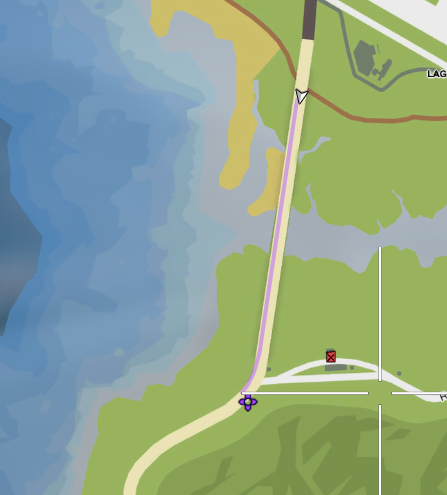
This is with alpha set to 50 on the tile.
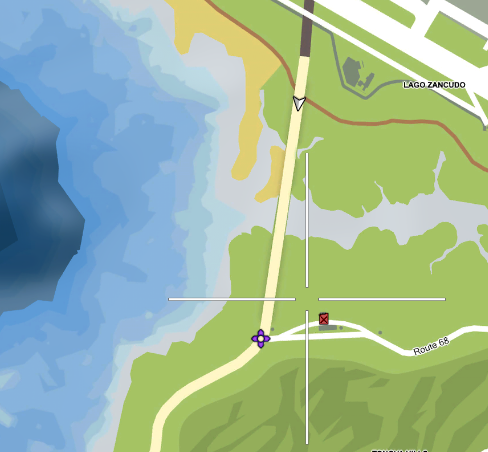
This is with alpha set to 100 on the tile.
Yeah… that’s unfortunate and probably can’t be fixed.
That is a shame. No problem I’ll just try to keep land within the bounds. 
I have an issue im trying to add an island it shows accurately on server restart but then when trying to configure the position it just goes multicolour and i dont know how to sort it out…
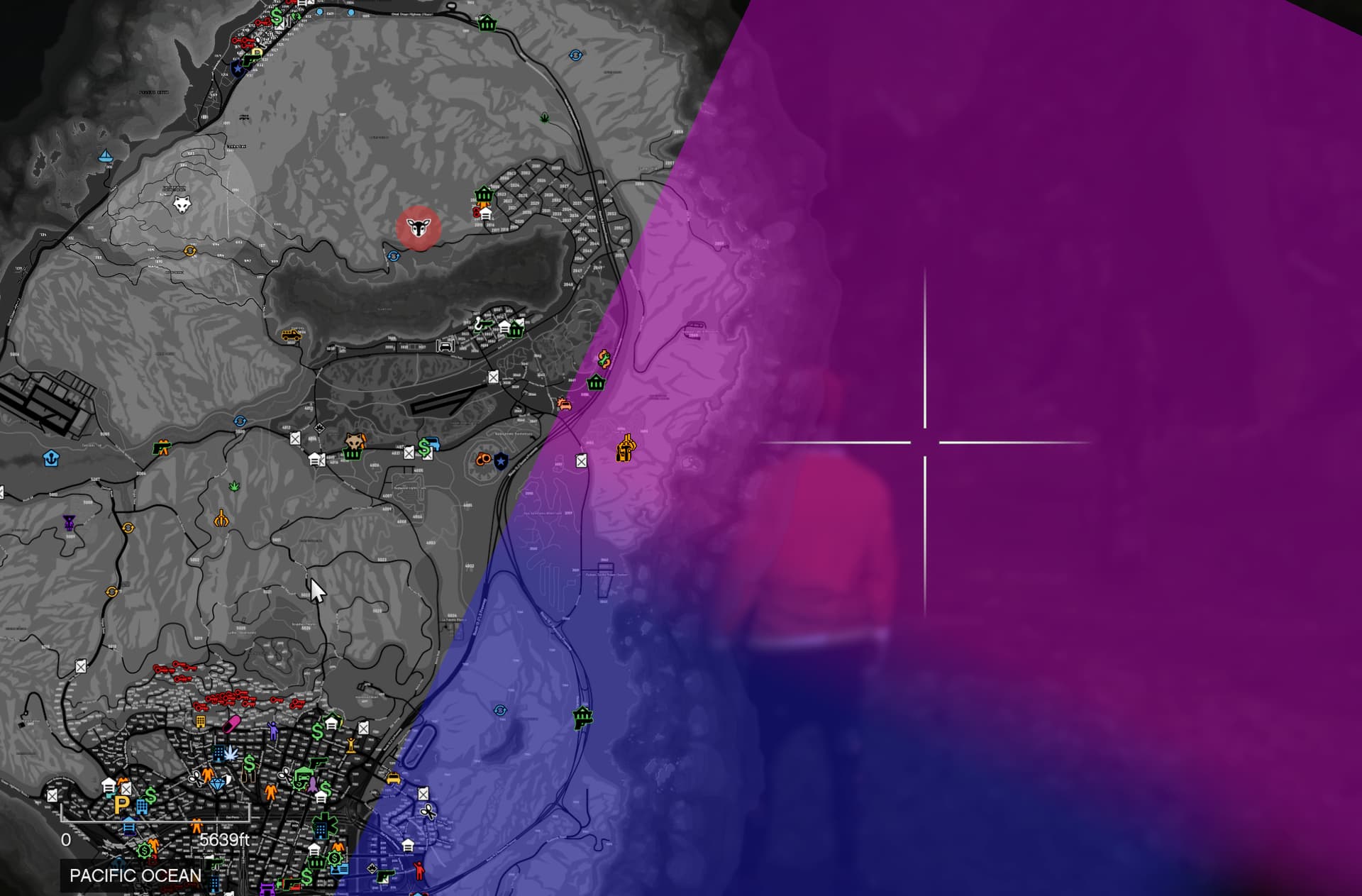
That’s just how it behaves, sometimes it shows up correctly when you restart the resource, sometimes not.
1 Like
aww right i thought i was doing something wrong, but i also cannot move the island image that i have
Does anyone in the thread have the same issue with no GPS line showing on these added tiles?
Are you doing anything to get around it?
i now have the island in and working but the tile just wont move at all, any suggestions?
Do me a favour please and let me know if the GPS works ok on the tiles?
I don’t understand what “won’t move at all” means? How should it move?
I’m changing the tiles location but it just doesn’t seem to move on restarting the resource or the server so I’m a little bit stumped,
Also I don’t know if the gps works with the tile yet as I can’t get the location to go where I need it to, to be on land currently on the opposite side of the map to where it needs to be.
I’ve never had that problem before?? Maybe you’re doing something wrong? Can you share your config file?
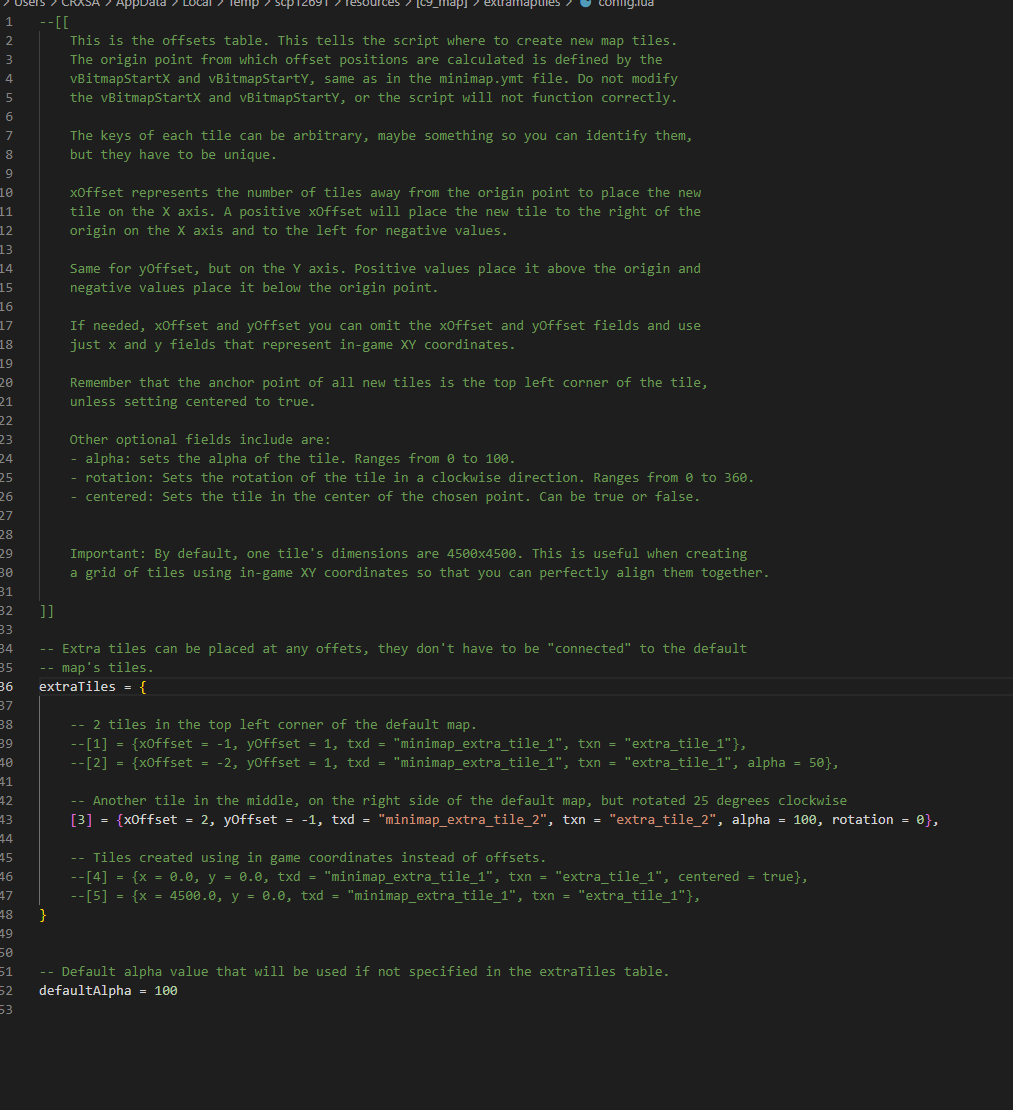
am i doing the right thing here? since i only need the one tile right now,
Ill attach a ss of where I need the tile around as well.
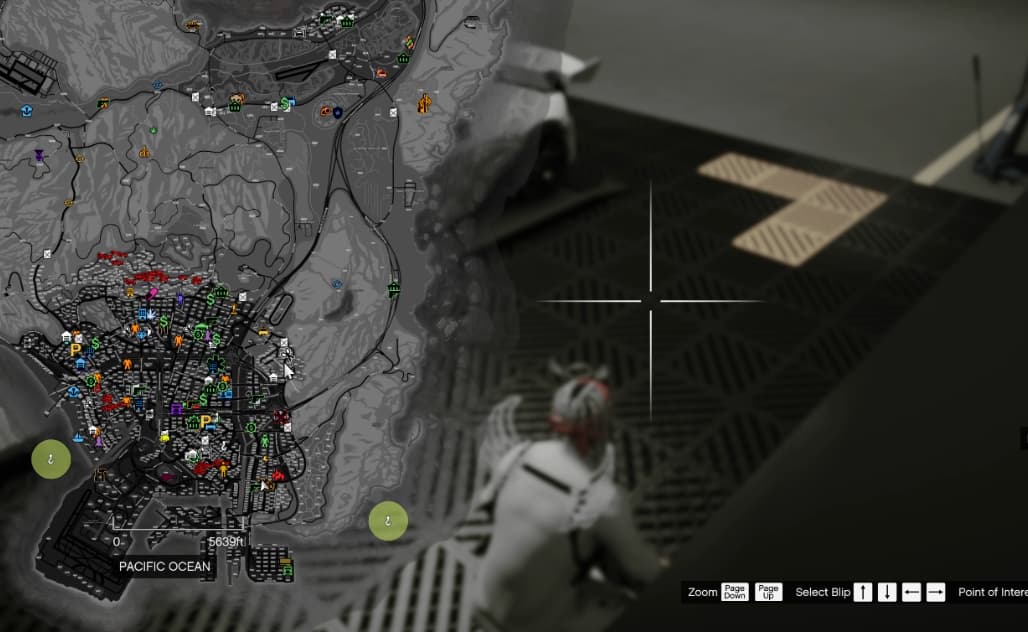
Thanks for checking the GPS for me
I’m gonna go ahead and say that the problem is somewhere on your side. I tested the resource with the same options if your config, this is the result:
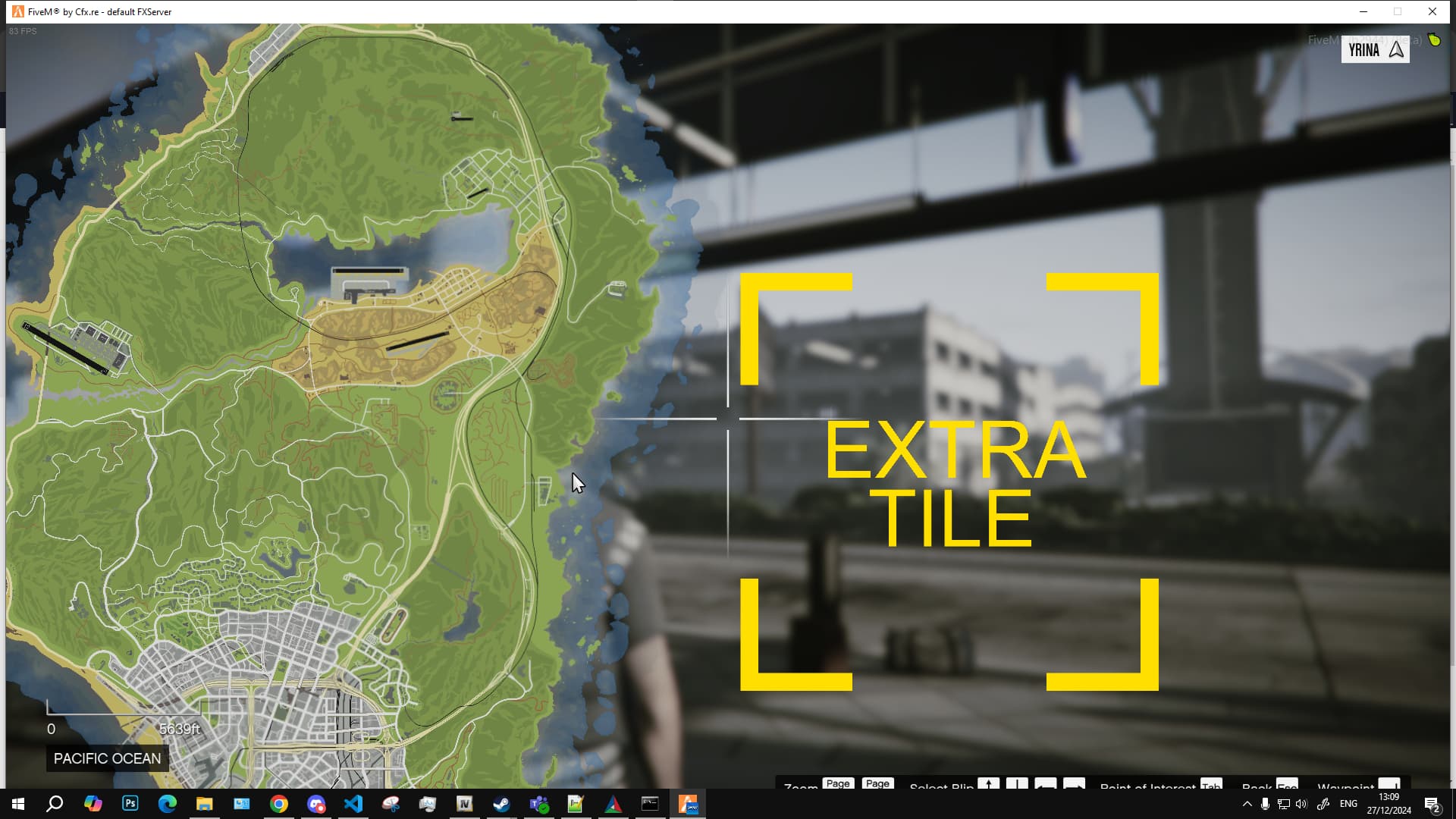
So it works as intended.
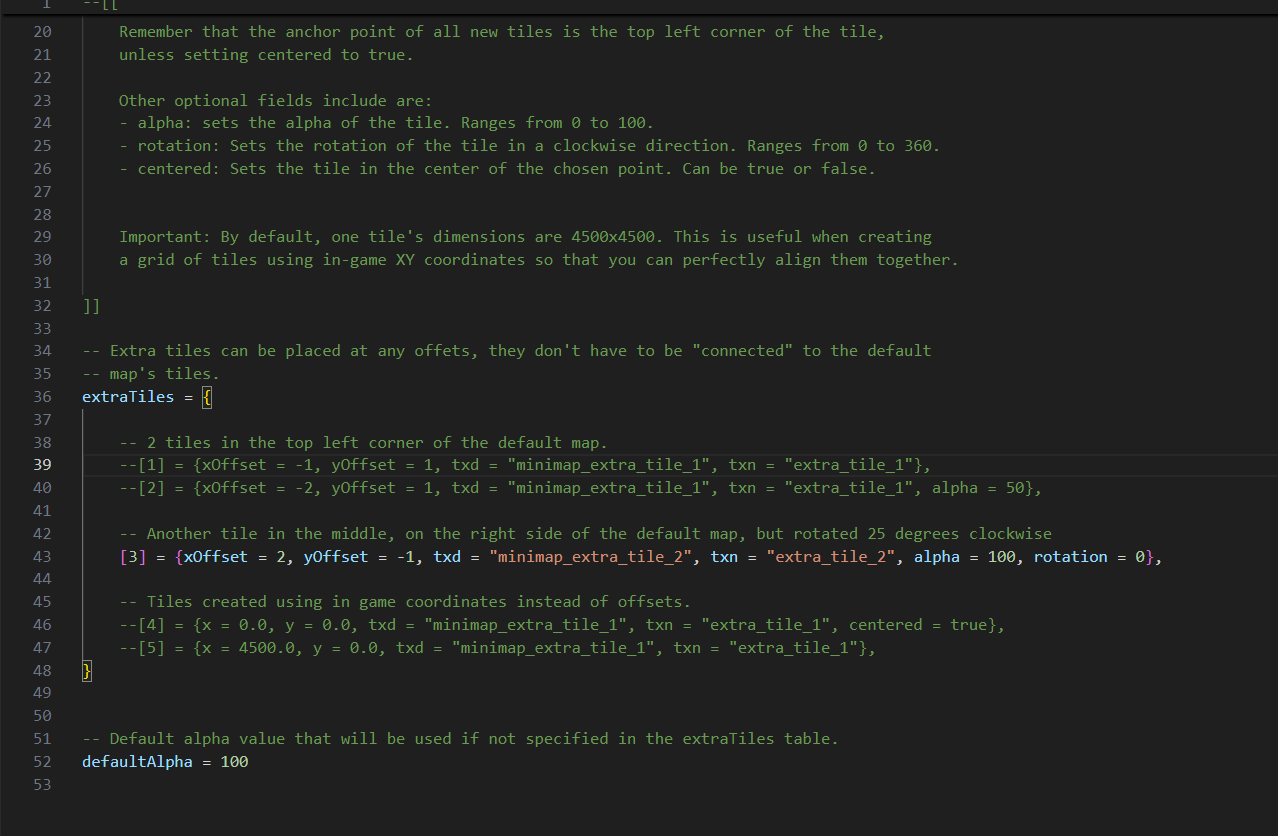
That being said, what I suggest you check out:
- I see you modified the name of the resource. Are you actually starting it?
- I also see a weird file path in VS code there, is the resource actually in the right folder?
- Are you streaming the texture files? (“minimap_extra_tile_2.ytd” specifically) And is there a texture inside called “extra_tile_2”?
Other than that, I don’t see why it wouldn’t work.
Unfortunately, that is a limitation of this resource, most custom maps don’t have navmeshes so waypoints won’t display a route anyway, plus I don’t know why you would be drawing over the default los santos tiles in the first place.