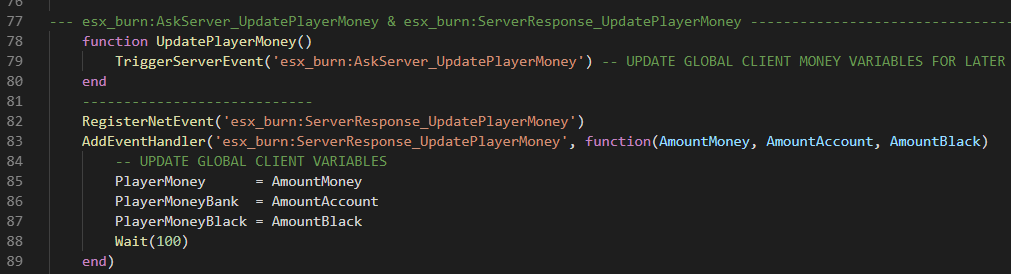
which load too early for my specific use… (it start at my multi char menu selector and trigger too soon)… and i dont want to use a Wait command inside the AddEventHandler.
Is there a native somewhere that wait until the player is able to move… the real spawn where you actually control your ped. ?
Maybe checking if the peds coords are moving then triggering a “real spawn” function… or something better… i would really appreciate someone pointing me in the right direction
This sentence is confusing, are you trying to open your char menu selector on the right time or are you trying to trigger something after your char select?
Keeping the client side feed with accurate money, black money and bank…
I need to start that somewhere after the player selection… but if i do now, it generate errors because a part of the ESX is not loaded yet… and as soon as i can move a player on ground, the variables are updated, the errors stops… and everything work… but its annoying me that the console is flooded.
I took the easy way out… until i fall on a piece of code that i can run outside the kashacter script… or i will make a “if the player move” then trigger… unless you spawn inside a car seated, that could work…
at least the console is clean until better way came out
RegisterNUICallback("CharacterChosen", function(data, cb)
    SetNuiFocus(false,false)
    DoScreenFadeOut(500)
    TriggerServerEvent('kashactersS:CharacterChosen', data.charid, data.ischar)
    while not IsScreenFadedOut() do
        Citizen.Wait(10)
    end
    TriggerServerEvent('esx_burn:AskServer_UpdatePlayerMoney')  <----------
    cb("ok")
end)
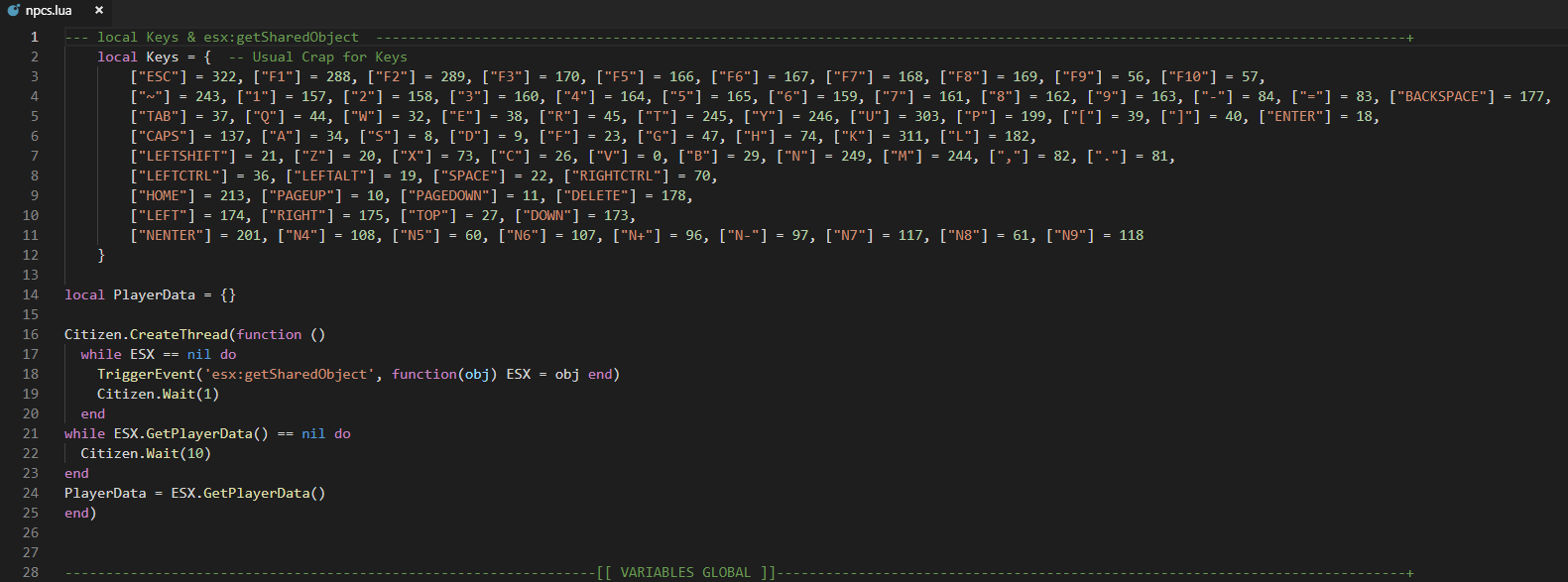
It is spamming Nil because esx hasn’t loaded when it try’s to get to that part of the script I would think. For a project I was working the script was checking for the job name before esx would finish loading. Adding a check at the top when esx loads to make sure job is not nil fixed the issue and now waits till esx loads and then sets job name.
You could try this:
Citizen.CreateThread(function()
    while ESX == nil do
		TriggerEvent('esx:getSharedObject', function(obj) ESX = obj end)
		Citizen.Wait(0)
	end
	while ESX.GetPlayerData().job == nil do
		Citizen.Wait(10)
	end
	    PlayerData = ESX.GetPlayerData()
end)
This solved one of my problems of a nil value from xPlayer on load not sure if it will help yours or not
If you’re just wanting to do something after the player has loaded in and selected a character, just add onto your character script to fire a client and/or server event that you can handle wherever you need it.