PREVIEW IMAGES
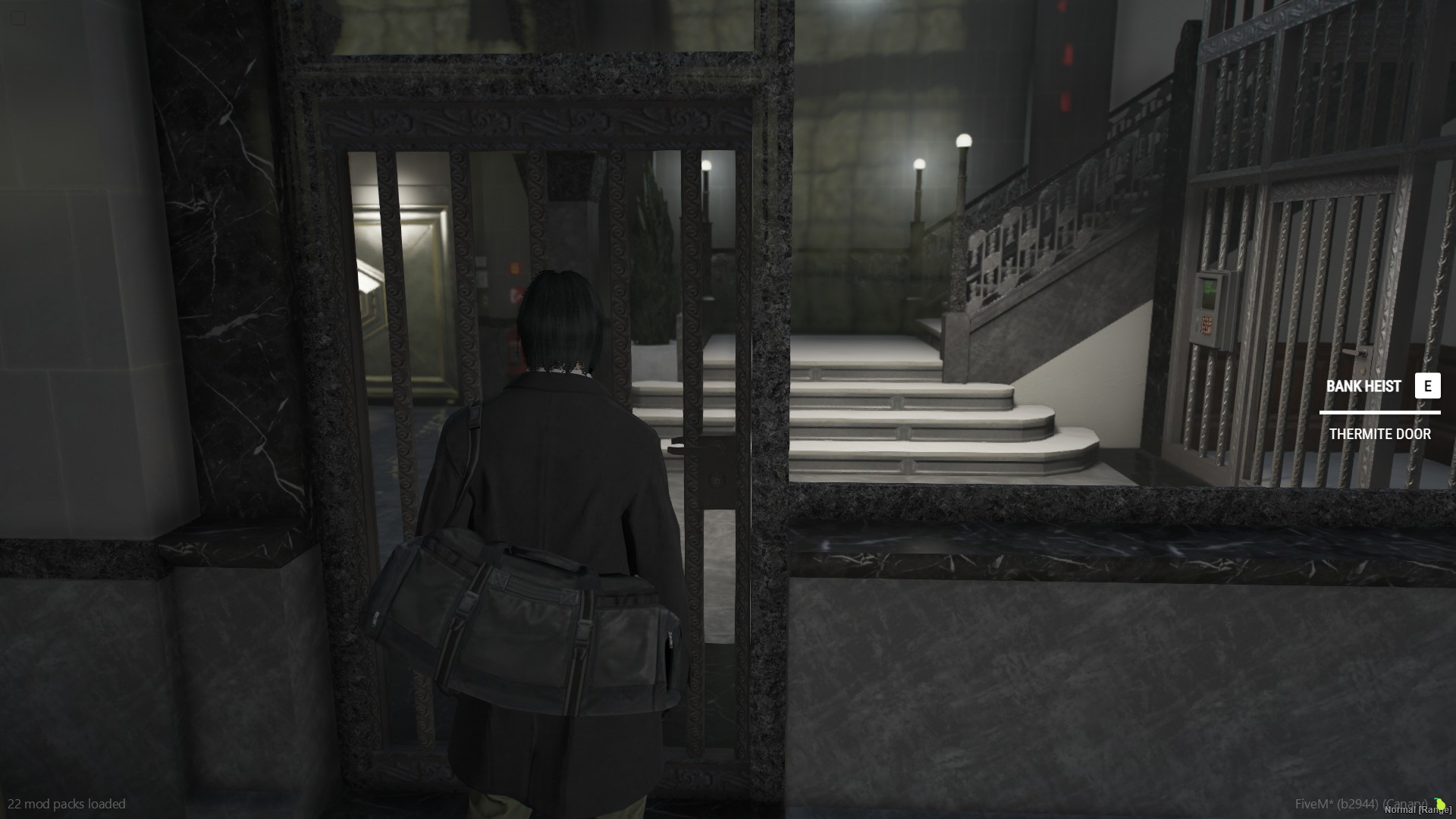
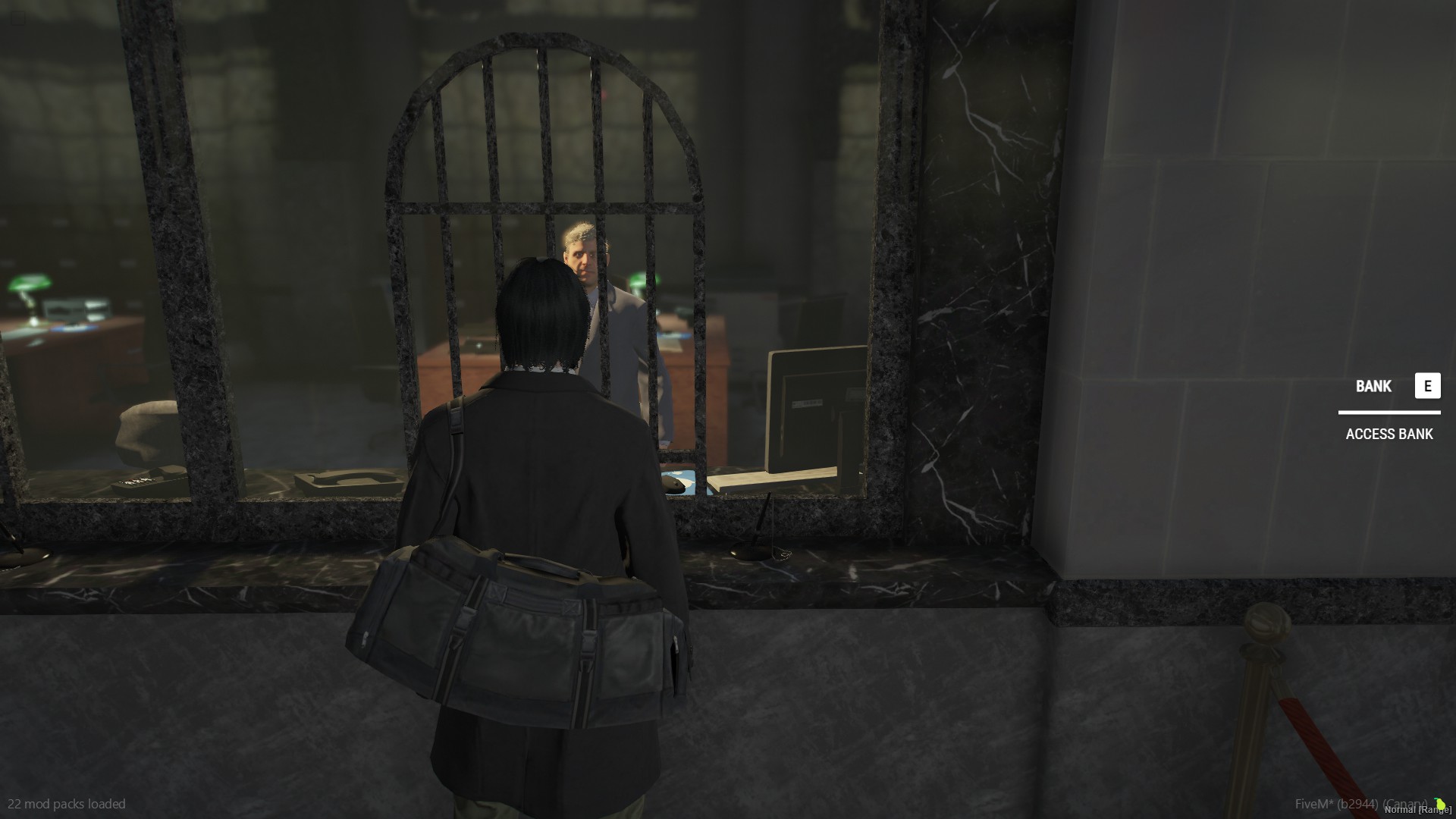
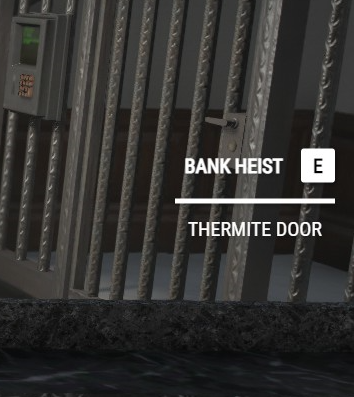
EXPORTS
exports['v-interact']:Show(title, input, description)
exports['v-interact']:Click()
exports['v-interact']:Hide()
EXAMPLE
exports[‘v-interact’]:Show(‘BANK HEIST’, ‘E’, ‘THERMITE DOOR’)
How to Use
Download and place the script into your server
Ensure resource in server.cfg “ensure v-interactui”
Add the export
exports['v-interact']:Show(title, input, description)(change the title, input and description) to any script you’d like it for example a bank script, heist, etcYou will need to use an “IsControlPressed” fivem native in your script
Optional Add
exports['v-interact']:Click()once pressedBe sure to add
exports['v-interact']:Hide()for when you want the ui to disappear like when button pressed or when not in range
GITHUB LINK
TEBEX LINK
DISCORD
| Code is accessible | Yes |
| Subscription-based | No |
| Lines (approximately) | 223 |
| Requirements | None |
| Support | Yes |