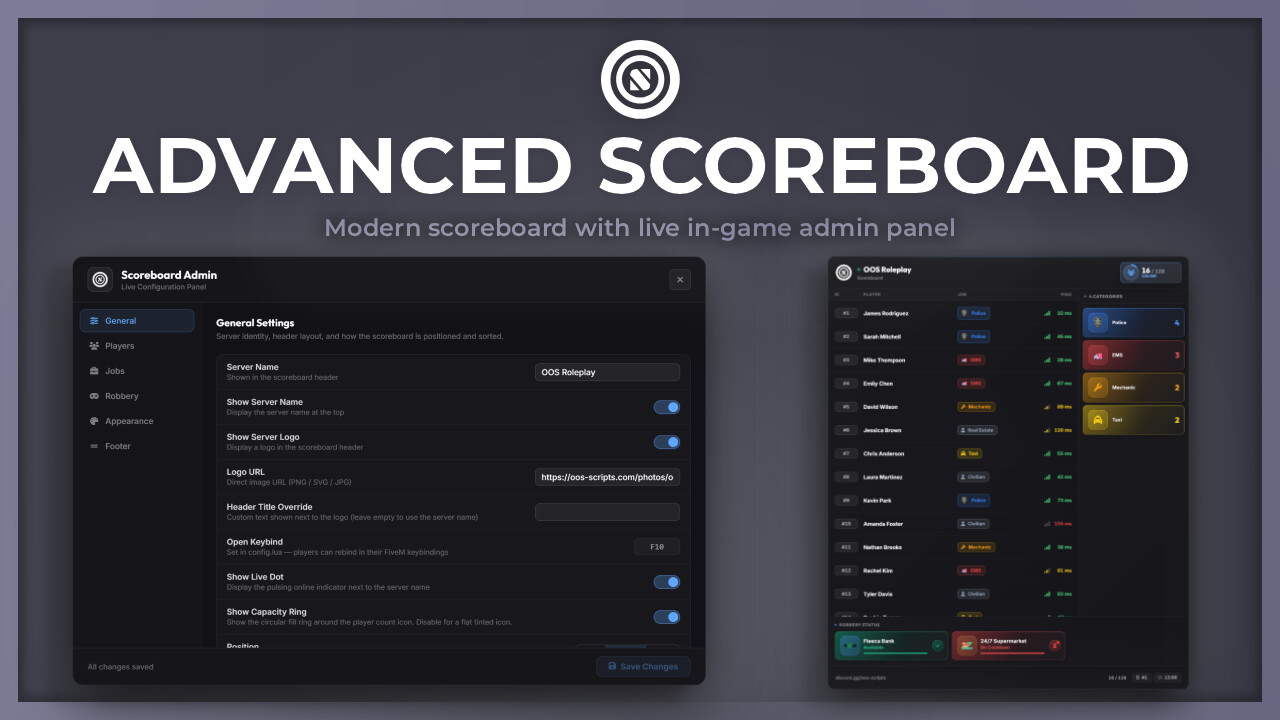
OOS Scoreboard
OOS Scoreboard is a modern, fully live scoreboard for FiveM. Everything is managed through one in-game admin panel where staff can configure the full look and layout while players are online. No restarts, no config files, no redeploying. Open the panel, tweak your settings, hit save, and it goes live instantly for everyone on the server.
Preview
Video: Watch on Youtube
Pictures:
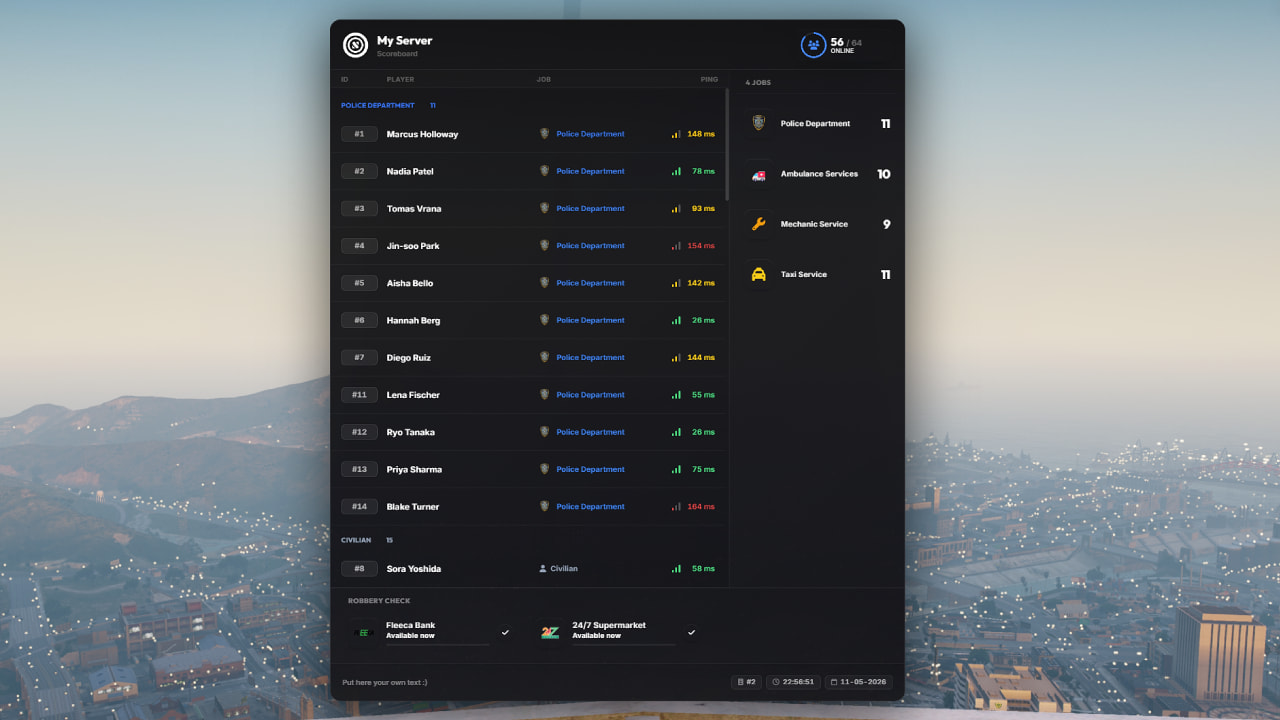
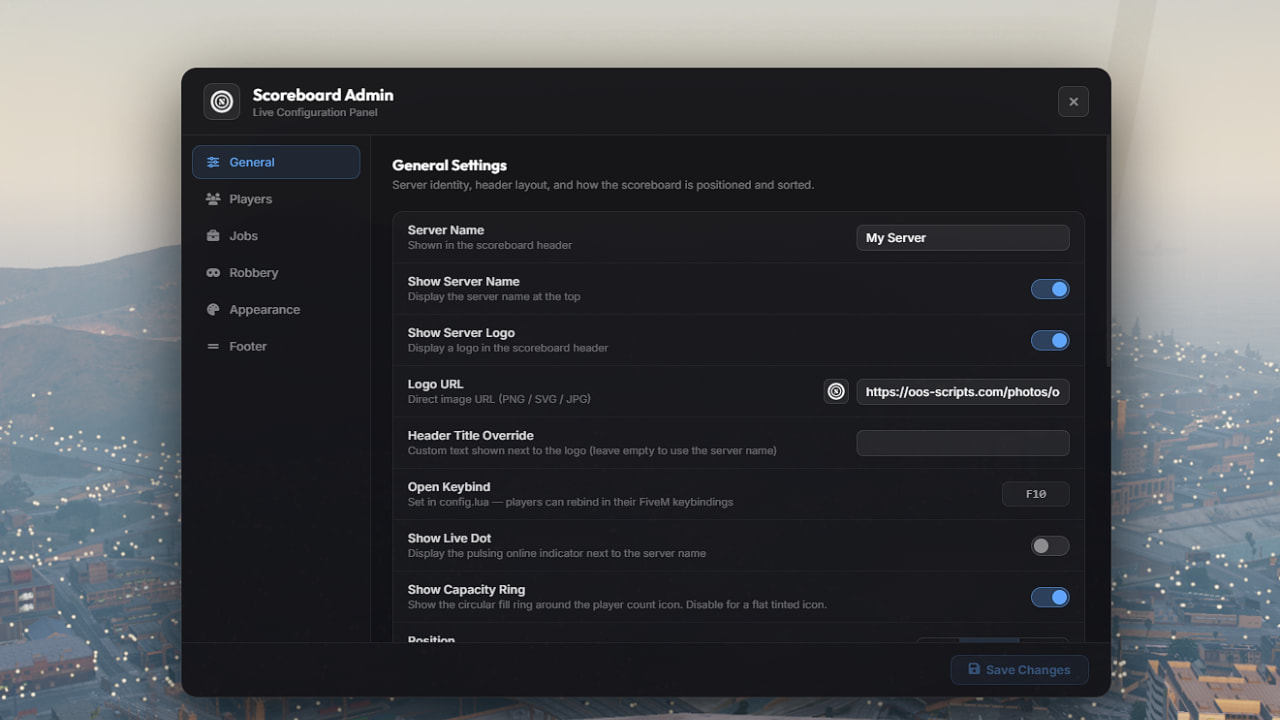
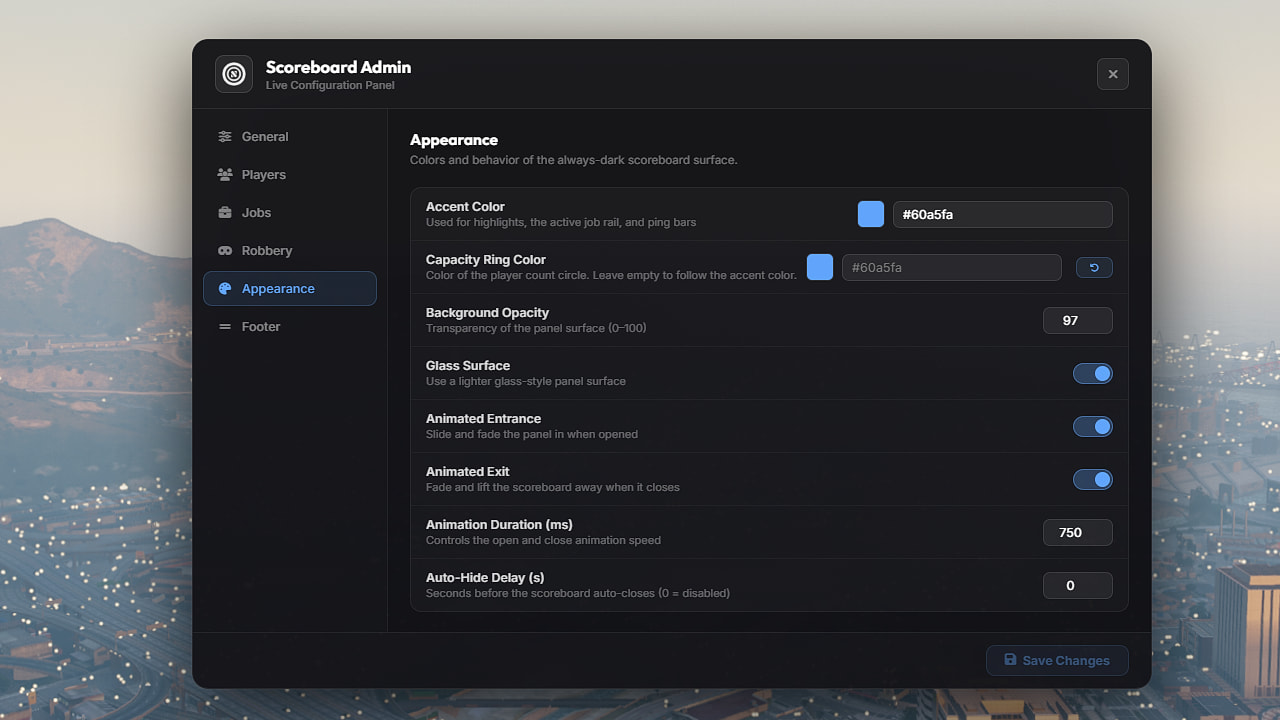
Overview
This resource is built for servers that want a fully managed, visually polished scoreboard experience without touching config files or restarting the server. Everything is handled through an in-game admin panel with live changes, visual customization, player list controls, job summaries, robbery availability tracking, demo mode, and logging integrations, all configurable while players are online.
Main Features
 The scoreboard uses a dark glass UI with a fully customizable accent color, adjustable background opacity, blur, and entrance and exit animations
 The player list can show server ID, player name, job, and ping, with each field individually toggleable from the admin panel
 Job categories support a custom icon, color, and display name, with support for Font Awesome classes, image URLs, and emojis
 The job summary sidebar shows how many players are online per category and can display count only, player names, or both
 Job categories can require a minimum grade, so lower ranks are automatically filtered out from summaries and requirements
 Players can be grouped by job under collapsible headers, or sorted live by ID, name, job, or ping without closing the scoreboard
 Ping values are color-coded based on thresholds you define, with fully adjustable green, yellow, and red ranges
 The robbery section shows live availability cards with a progress bar for each heist based on required job counts
 Robbery cooldowns can connect to existing heist scripts through exports or server events, so live cooldown status is shown without custom integration work
 Add your own server logo and server name to the header, with support for PNG, SVG, and JPG URLs plus live preview in the panel
 Position the scoreboard on the left, center, or right side of the screen and set a maximum panel height as a screen percentage
 Player data refreshes automatically while the scoreboard is open, with a configurable refresh interval from 1 to 10 seconds
 Choose between toggle mode or hold-to-show mode depending on how you want players to access the scoreboard
 The footer can show live date and time using local player time, server OS time, or GTA in-game world time
 Players can see their own server ID in the footer, alongside custom footer text, online player count, and configurable date and time formats
 A built-in demo mode generates simulated players with random names, jobs, and ping values so staff can preview changes without real players online
 Every admin action can be logged to Discord or FiveManage with the staff member’s name, server ID, and identifier
Compatibility
- ESX
- QBCore
- Qbox
- OneSync / OneSync Infinity
- Server build 7290 or newer
Performance
- Resmon idle: 0.00 ms
- Resmon in use: 0.01 ms
Purchase / Support
More Info/Purchase Here: OOS Scoreboard
Support / Documentation: https://oos-scripts.com/
Required Information
| Code is accessible | No |
| Subscription-based | No |
| Lines (approximately) | ~9,000 |
| Requirements & dependencies | ESX / QBCore / Qbox, OneSync / OneSync Infinity, Server build 7290+ |
| Support | Yes |