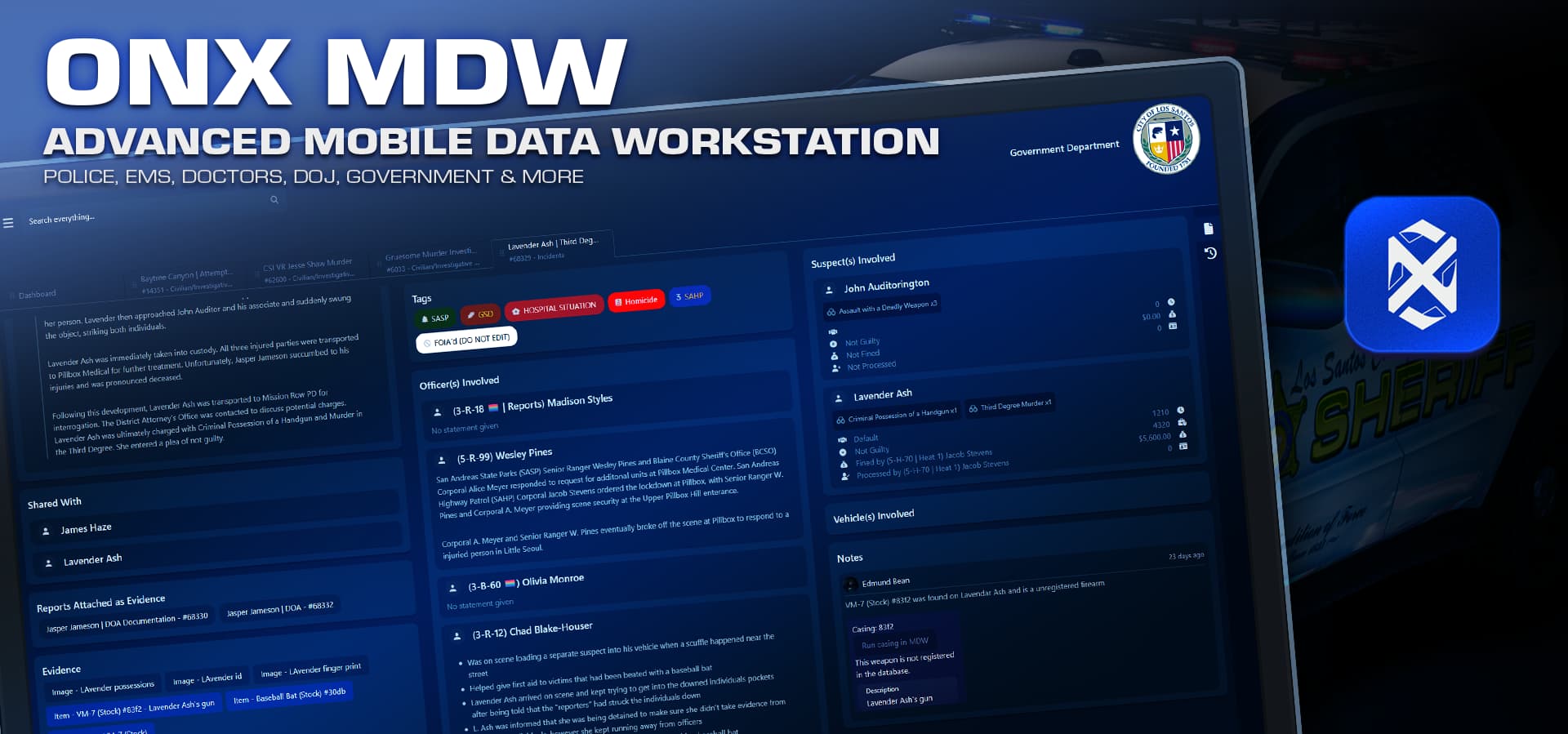
ONX MDW – Advanced Cloud Police & Government MDT Computer
 Cloud-hosted MDW – no SQL or web panel to host
 Plug & play install – drop in, authorize cfx account, go
 Serious PD/EMS/DOJ tools – reports, charges, licenses, applications, roles
 Premium extras – web MDW, live collab, image uploads, Discord bot & role sync
 PURCHASE MDW
PURCHASE MDW Premium
ONX MDW is a subscription-only cloud-hosted, plug-and-play Police & Government Computer built for RP servers.
The most powerful MDT in the FiveM space! Everything you need in one powerful police computer and we do all the backend heavy lifting for you.
No more wrestling with complicated set up – just drop the resource in, link your Tebex subscription and authorize your cfx account, give out an MDW item and you’re live.
- Live Service – ONX hosts and maintains the MDW backend & database
- Plug & play – 60 second install, no local DB setup, authorize via your cfx account
- PD / EMS / DOJ / Government ready – one unified system for your whole city
- You control access levels, roles, jobs, and data handling for your own users
 Core Features
Smart Search & Dashboard
- Global search bar across:
- Profiles, reports, tags, documents, applications, etc.
- Advanced filters depending on what you’re searching
- Dashboard overview:
- Warrants
- BOLOs
- Notices (including blocking notices that must be acknowledged)
- ICU patients

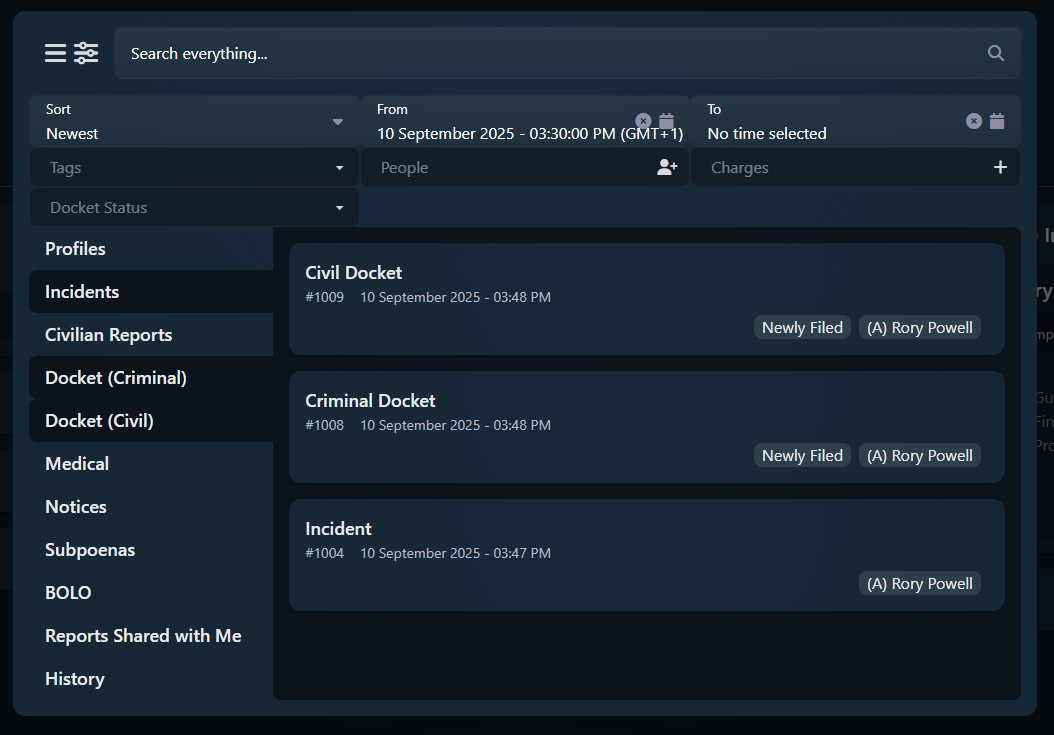

Profiles, Government & Medical
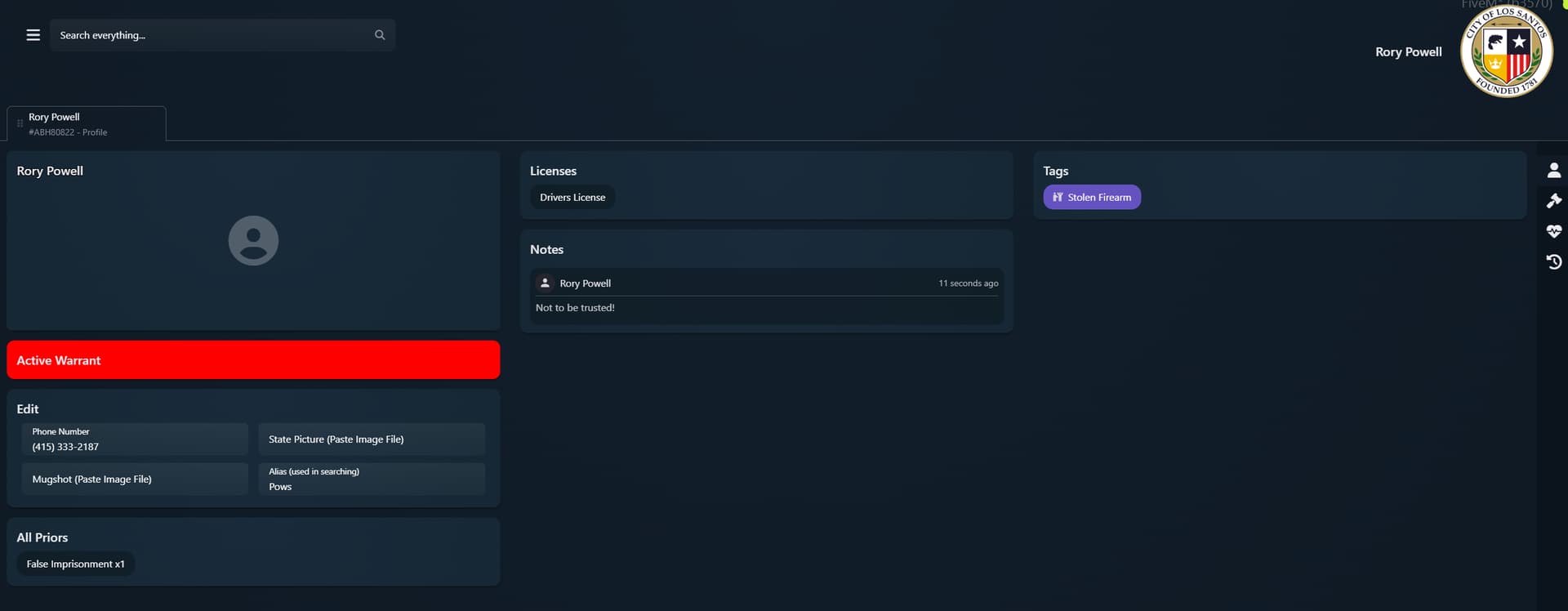
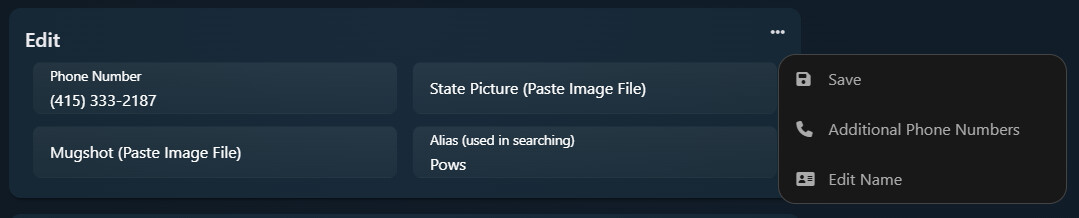
Profiles
- Character information: name, alias, mugshot, phone numbers (including extra numbers)
- Linked priors & reports
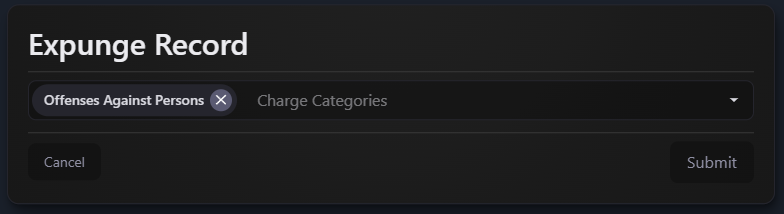
- Expungement tools
Government Profile
- Manage roles and certifications
- Jobs, departments & subdepartments (when jobs are enabled in Admin Settings)

Medical Record
- Private medical file (per character + authorised staff only)
- Medical notes, tags & emergency contacts

Reports & Case Management
Reports Manager
- Custom report categories with:
- Name, icon, label (Font Awesome support)
- Templates for standardized report formats
- Render types:
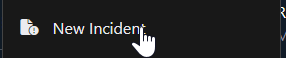
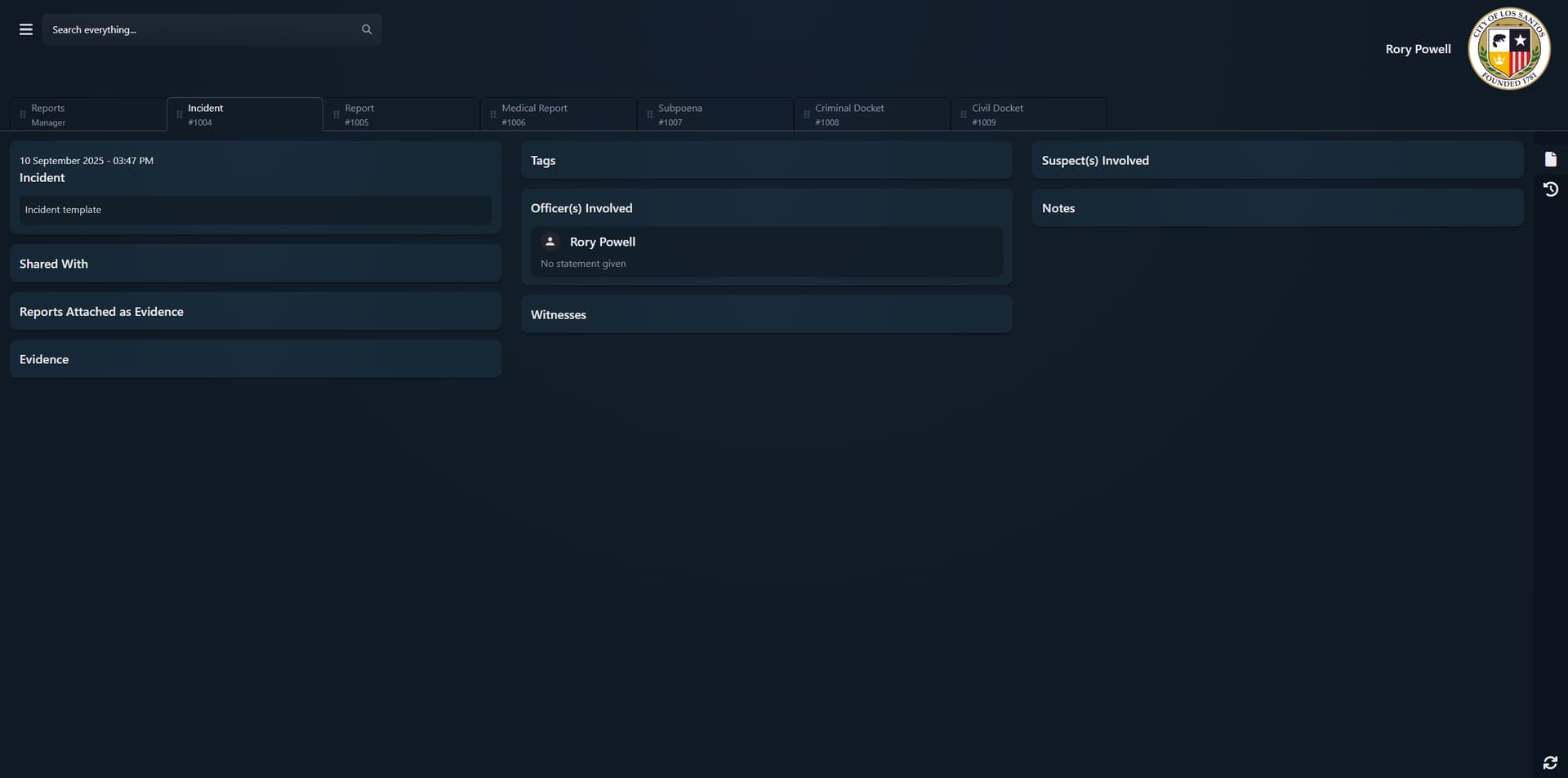
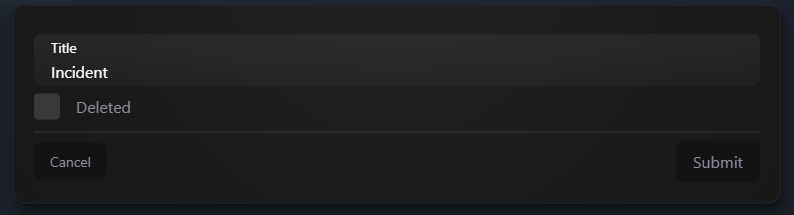
- Incident
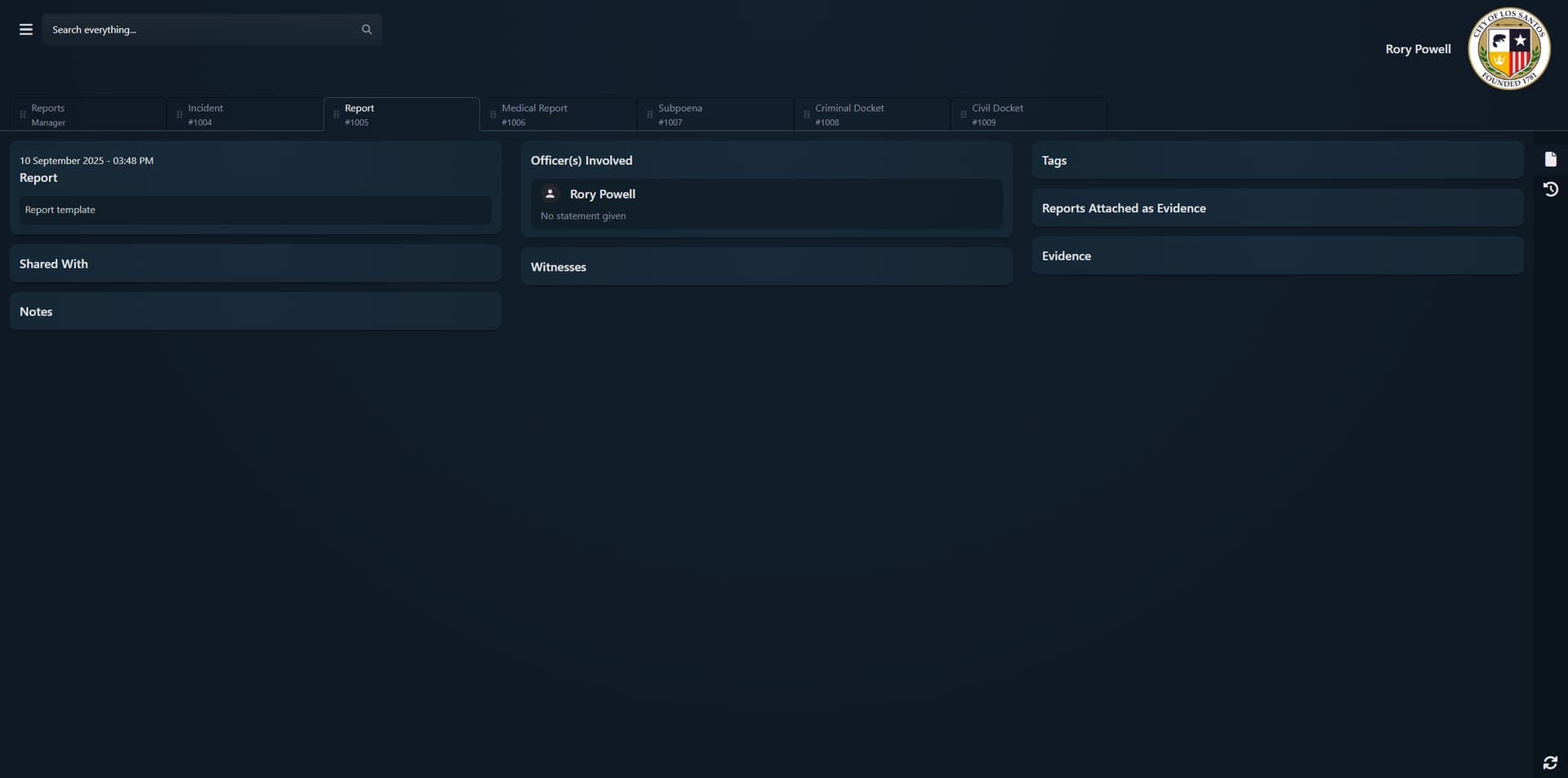
- General Report
- Criminal Docket
- Civil Docket
- Subpoena
- Medical Report
- Flags for:
- BOLOs
- Notices (including blocking notices)
- Autopsy with time of death
Incident Flow
- Attach suspects, officers, witnesses, evidence & related reports
- Edit charges per suspect:
- Principal / accomplice / accessory
- Time, fine, parole, points, license points
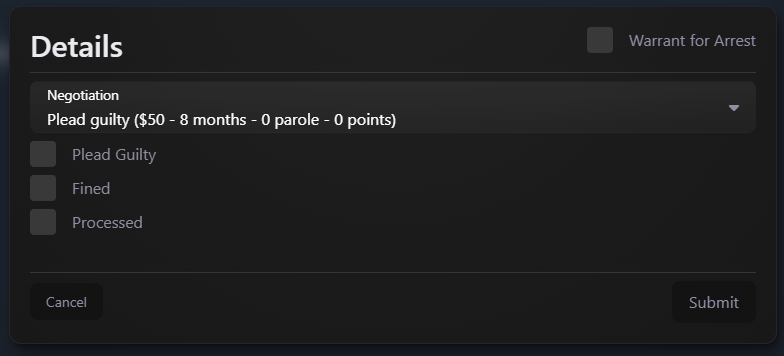
- Plea deals & negotiations
- Mark as processed to add to record
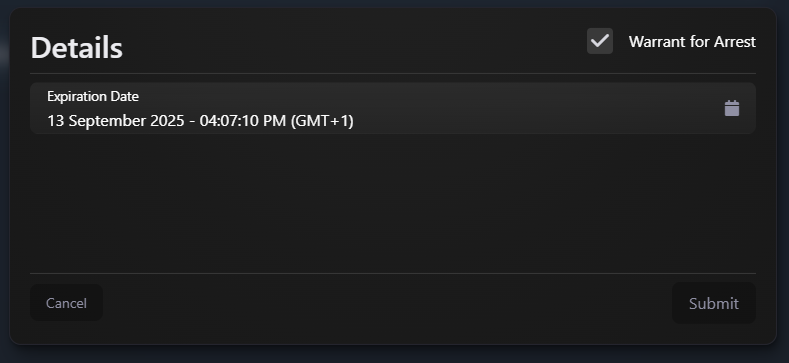
- Issue and manage warrants (with expiry) directly from the case
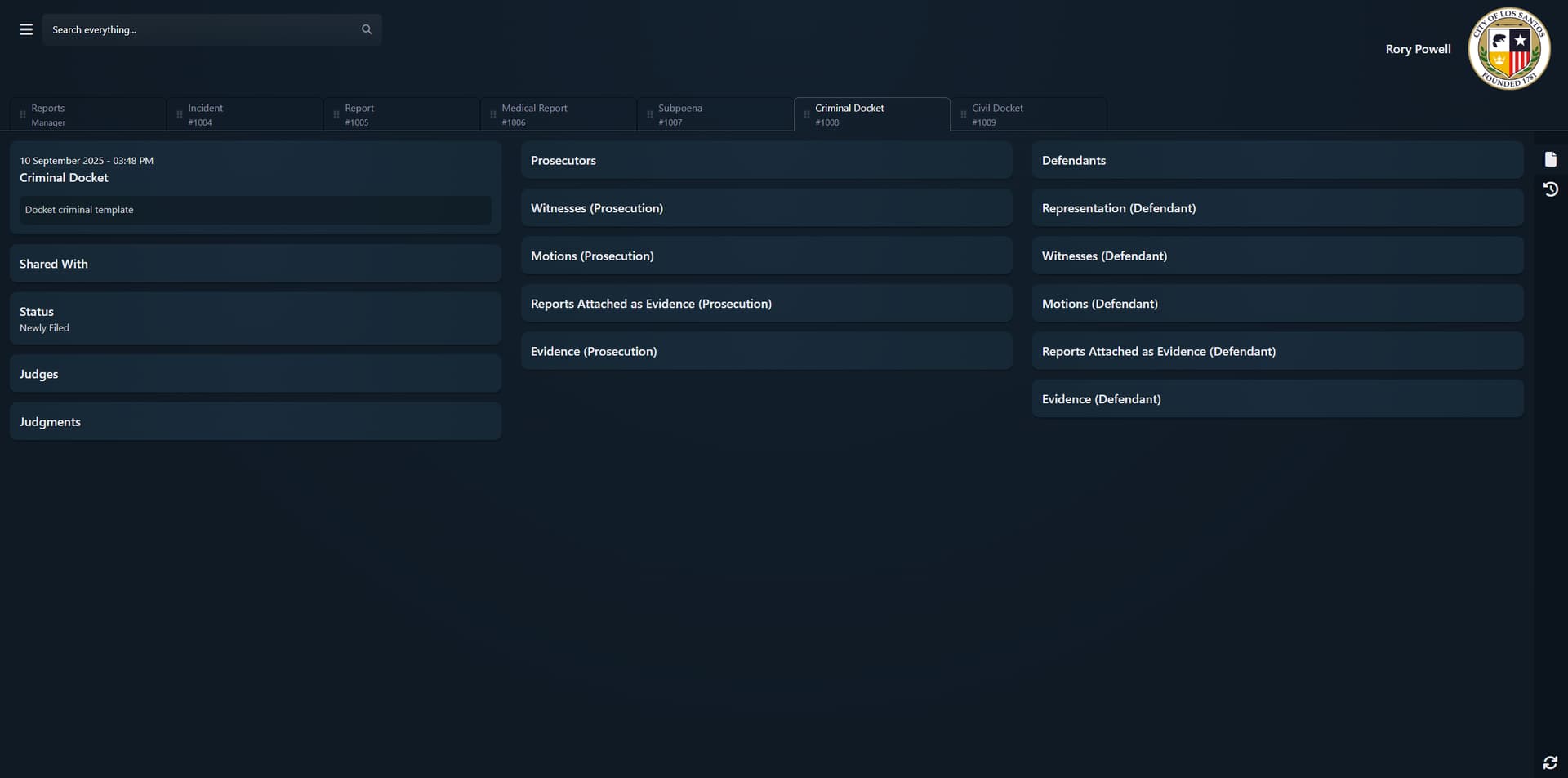
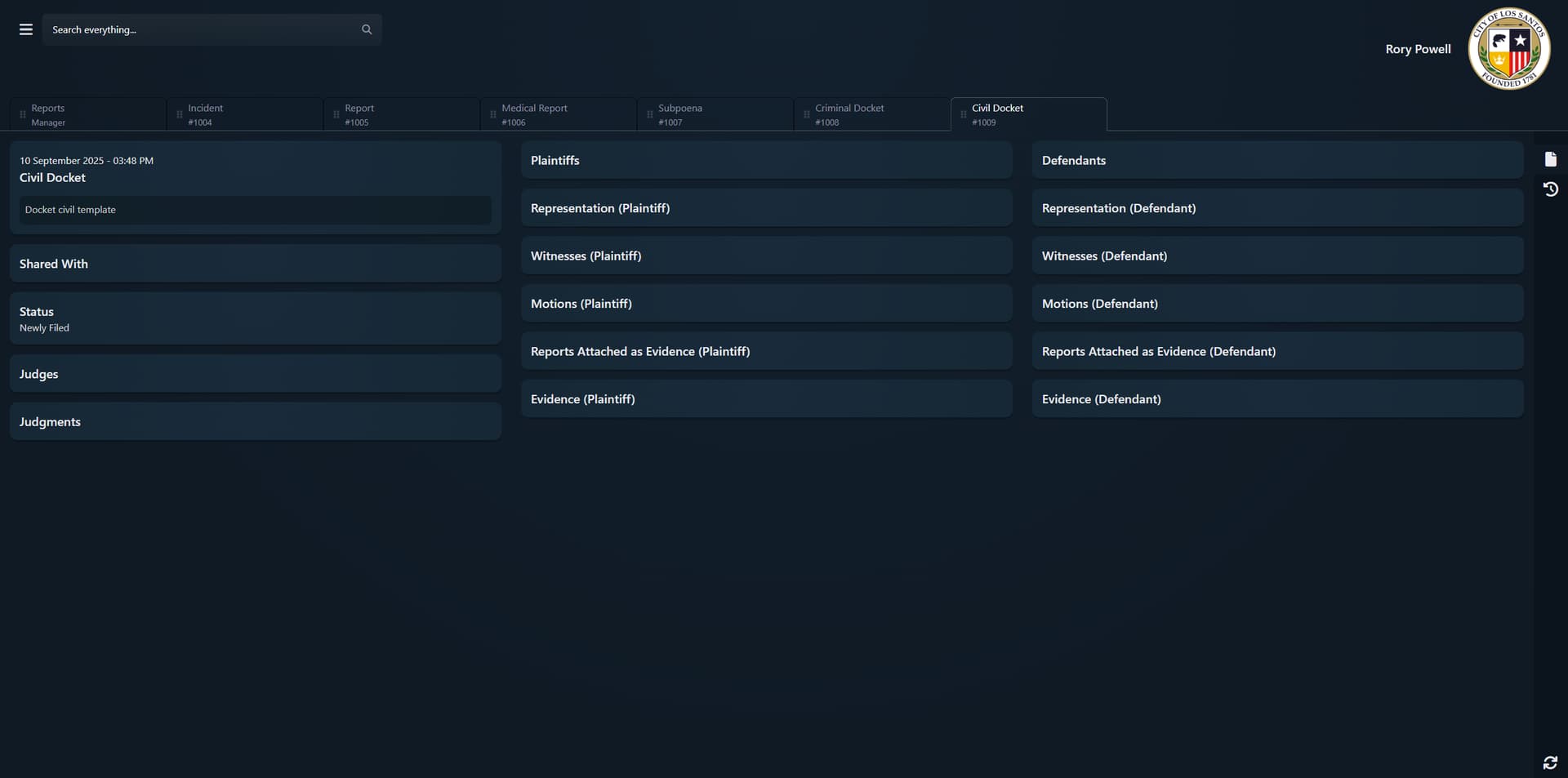
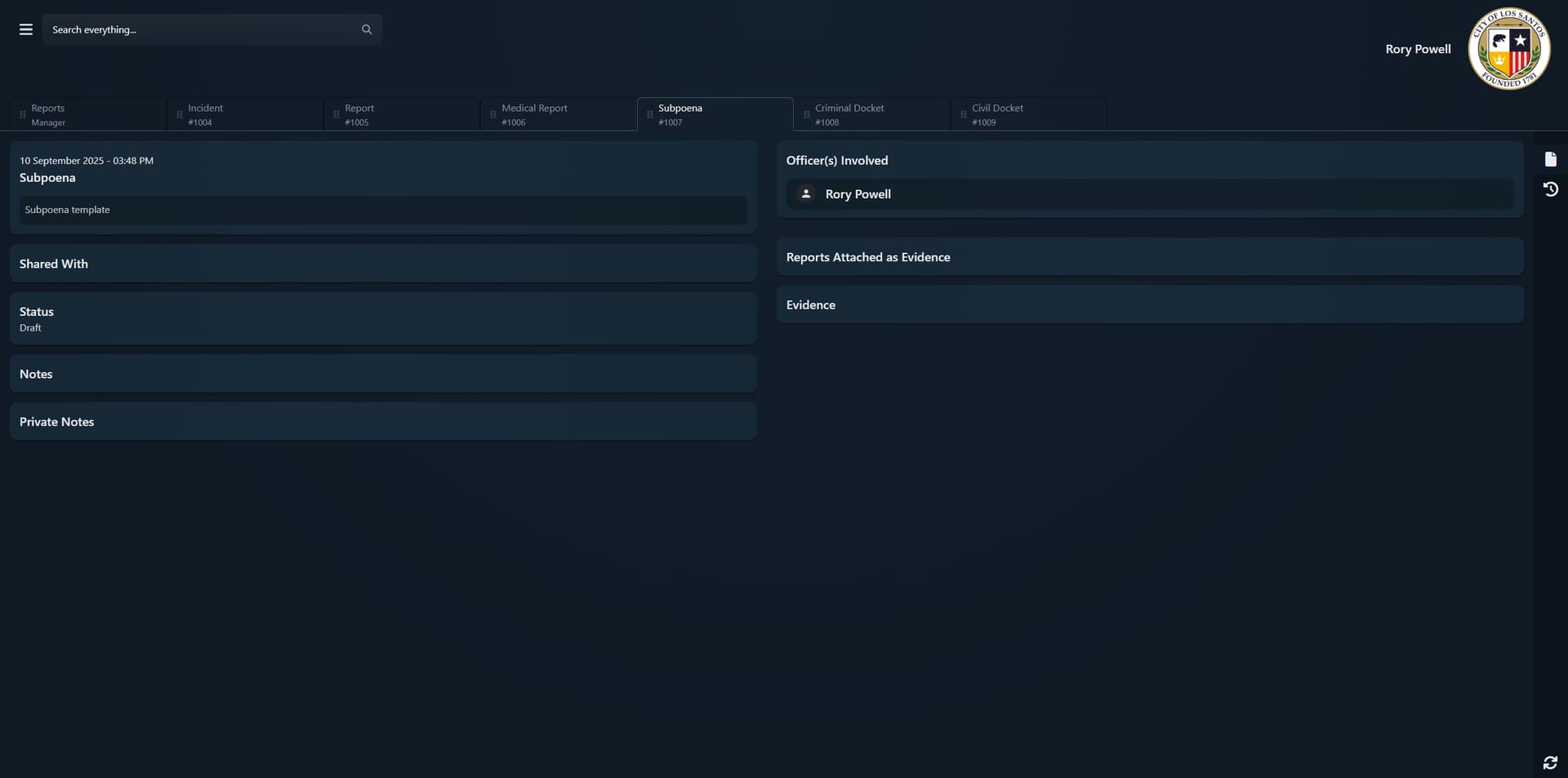
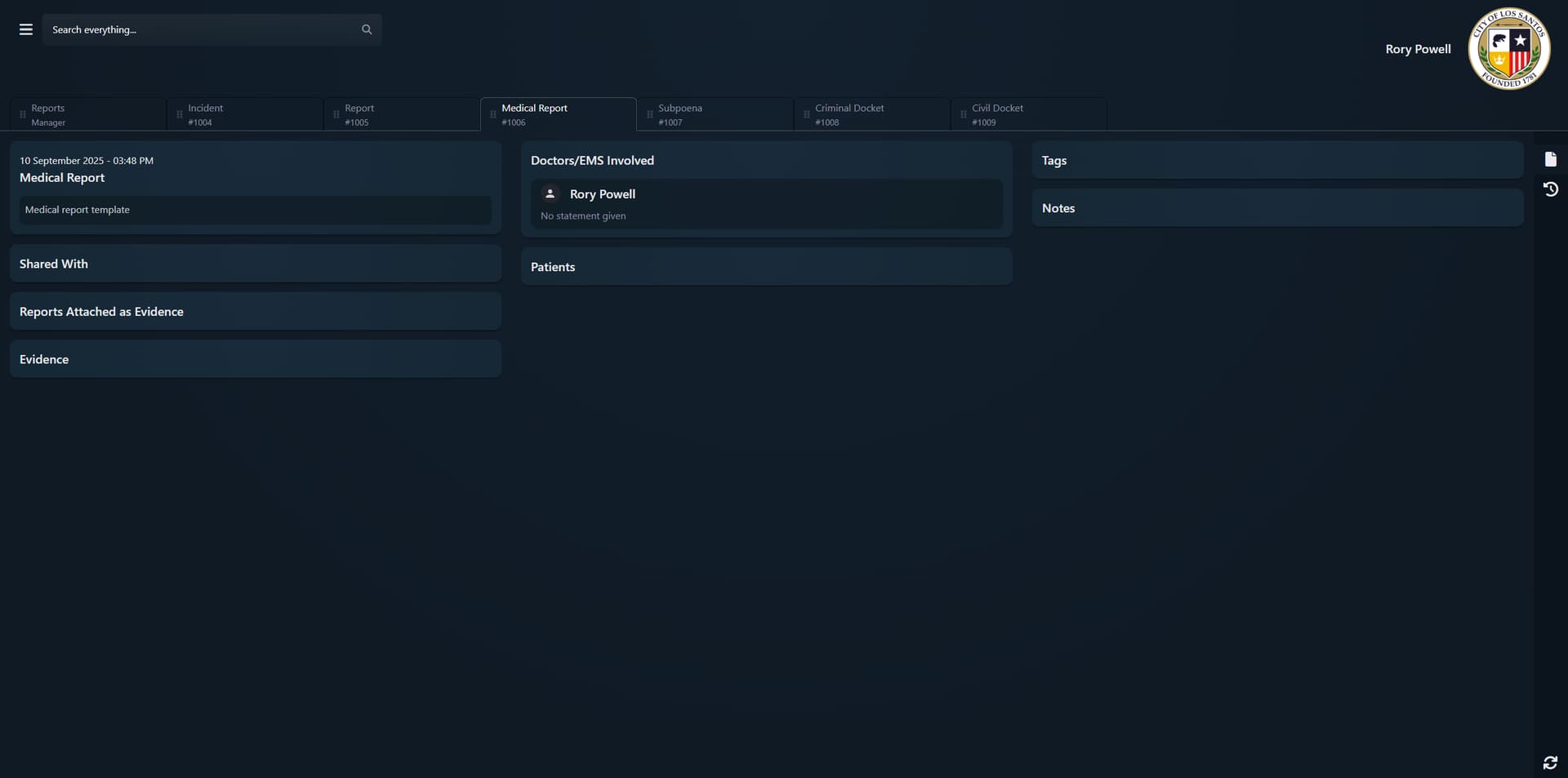

Tags, Charges, Documents & Licenses
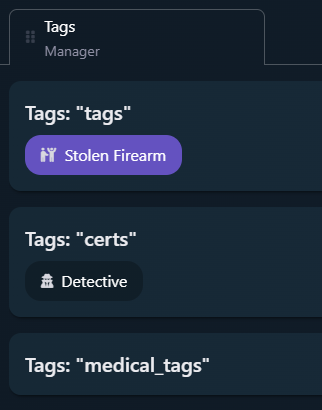
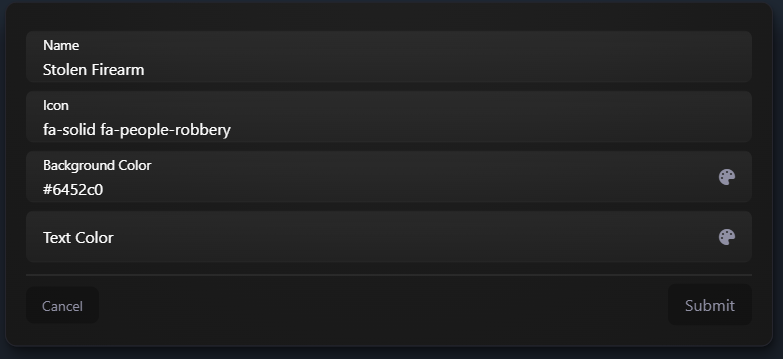
Tags Manager
- Standard tags, certifications & medical tags
- Custom icon, background colour and text colour
- Tags are searchable and usable for organisation
Charges Manager
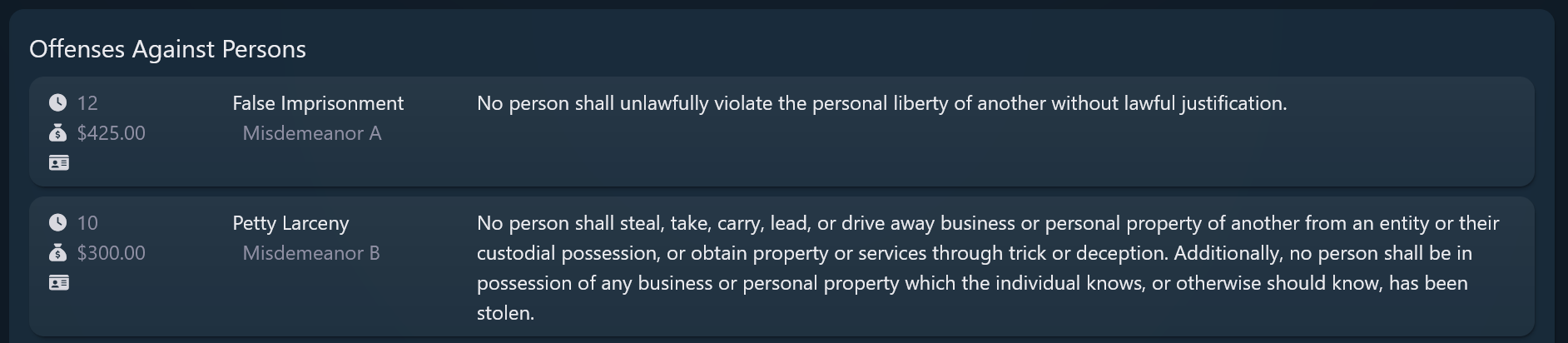
- Build your entire penal code inside the MDW:
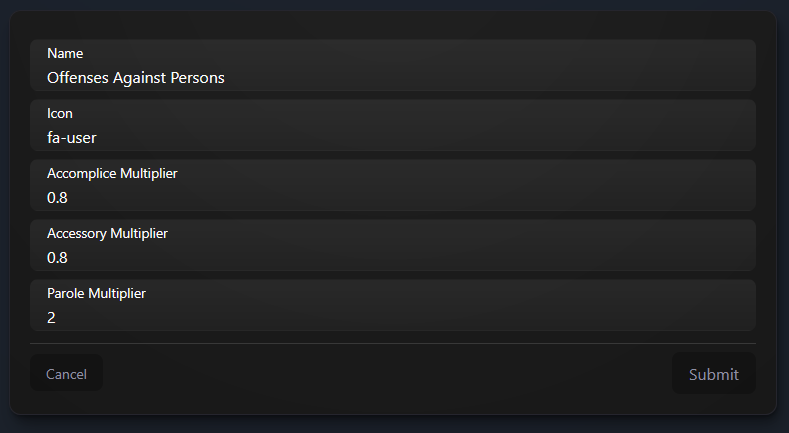
- Headings (e.g. “Offenses Against Persons”)
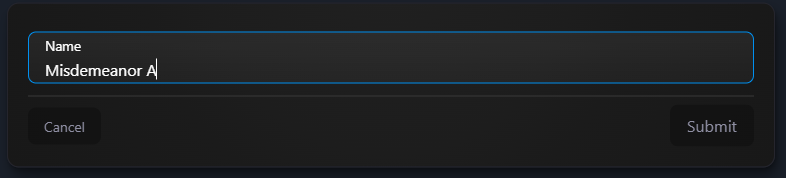
- Categories (e.g. Felony / Misdemeanor A / Misdemeanor B)
- Category options:
- Icon
- Accomplice multiplier
- Accessory multiplier
- Parole multiplier
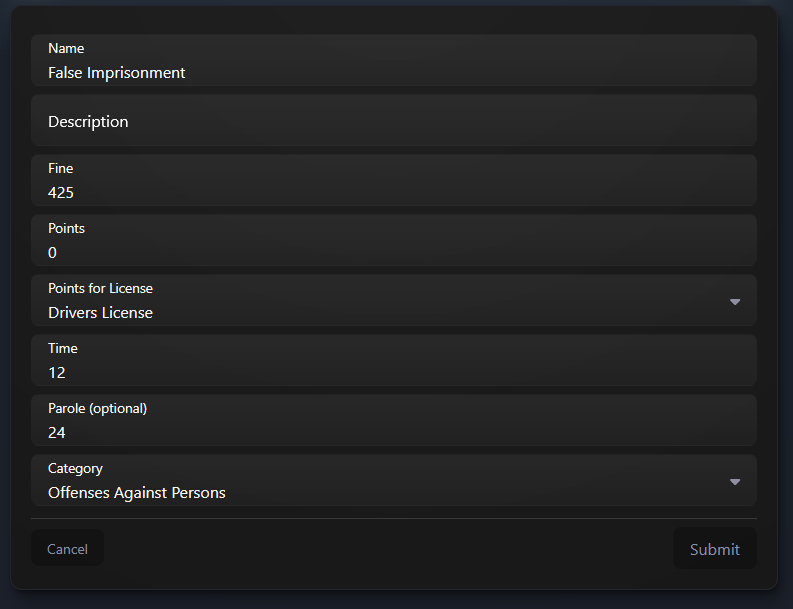
- Individual charge options:
- Name, description
- Time, fine
- License points & general points
- Parole override

Documents
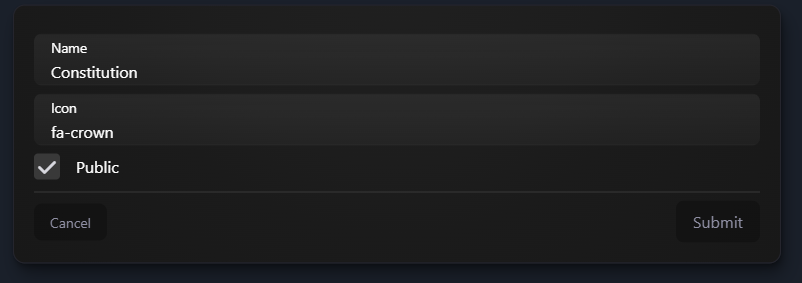
- Internal document categories for:
- SOPs, guidelines, policies, internal notes
- Per-category:
- Name, icon, public/private visibility
- Staff can view, edit & comment from inside the MDW

Licenses
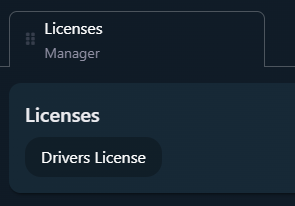
- Custom licenses (e.g. driving, firearms, pilot, bar card, etc.)
- Each license has:
- Code
- Name
- Expiry
Configuration & Customisation
Default Customisation
- Set default logo & branding for the MDW
- Department/job-specific logos (when jobs are enabled)

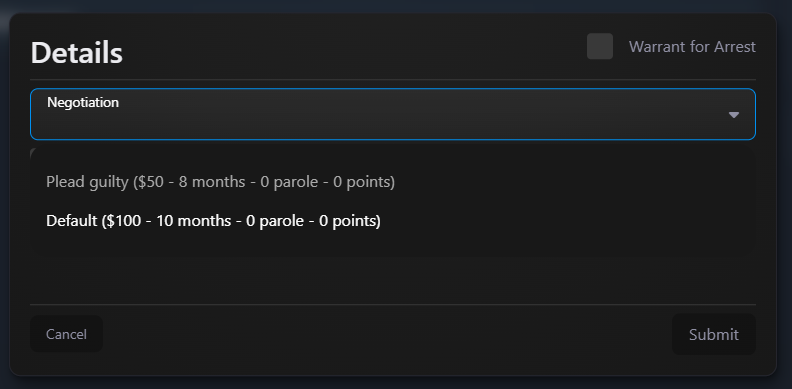
Negotiations
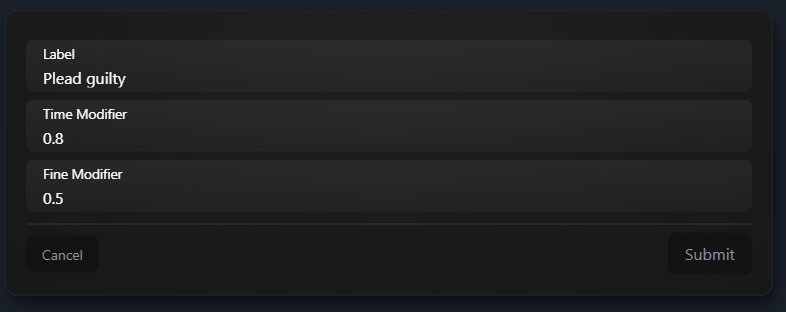
- Configure plea deals (e.g. guilty plea → 0.8x time, 0.5x fine)
- Officers pick negotiations when processing a suspect
Jobs / Departments / Ranks
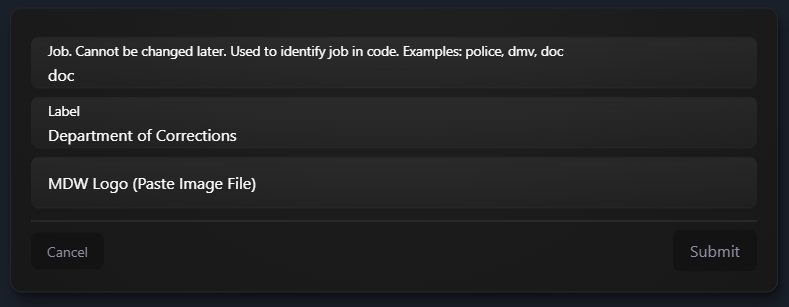
- Optional job integration:
- Jobs with labels & optional MDW logo
- Per-job ranks & department ranks
- Tie roles to jobs, departments and ranks for automated assignment

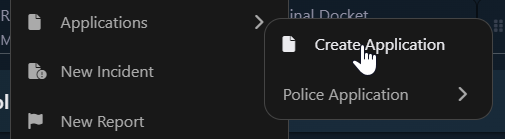
Applications (Internal Forms)
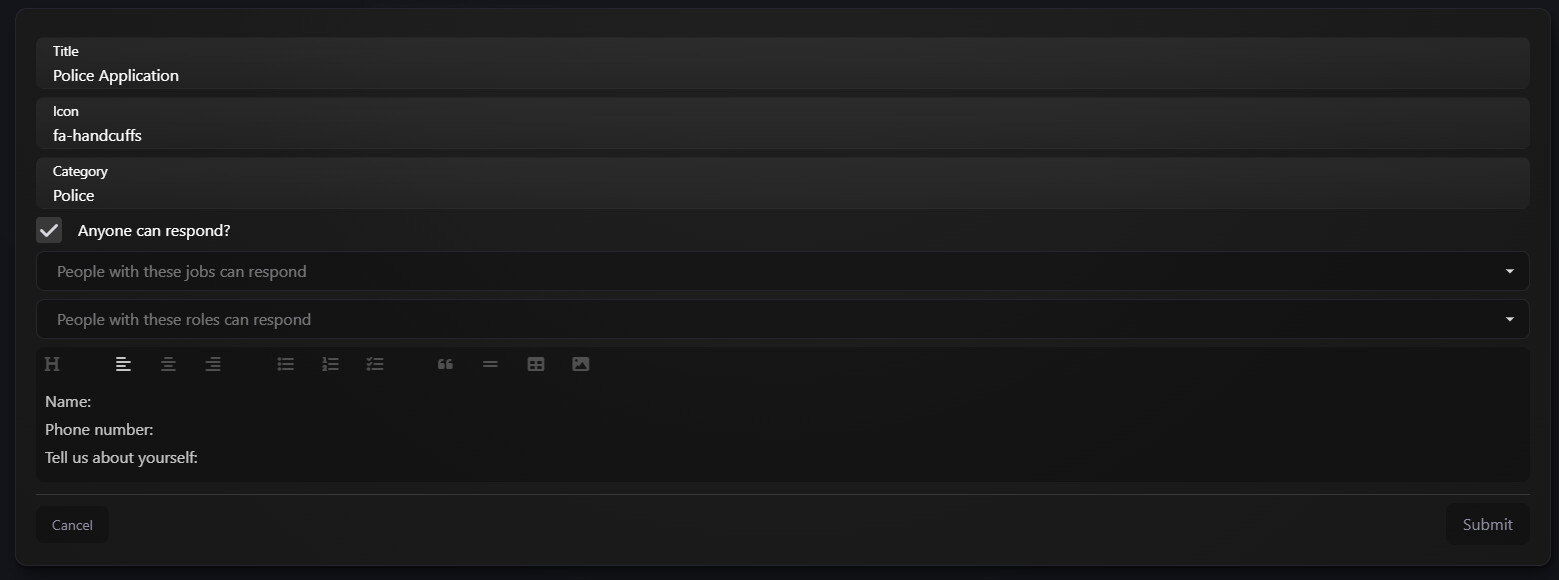
- Build in-MDW applications for:
- PD / EMS recruitment
- Internal promotions
- Department transfers
- Court filings, etc.
- Control who can respond:
- Everyone
- Specific jobs
- Specific roles
- Manage:
- Visibility of responses
- Editors / viewers
- Closing or deleting applications
Roles & Permissions
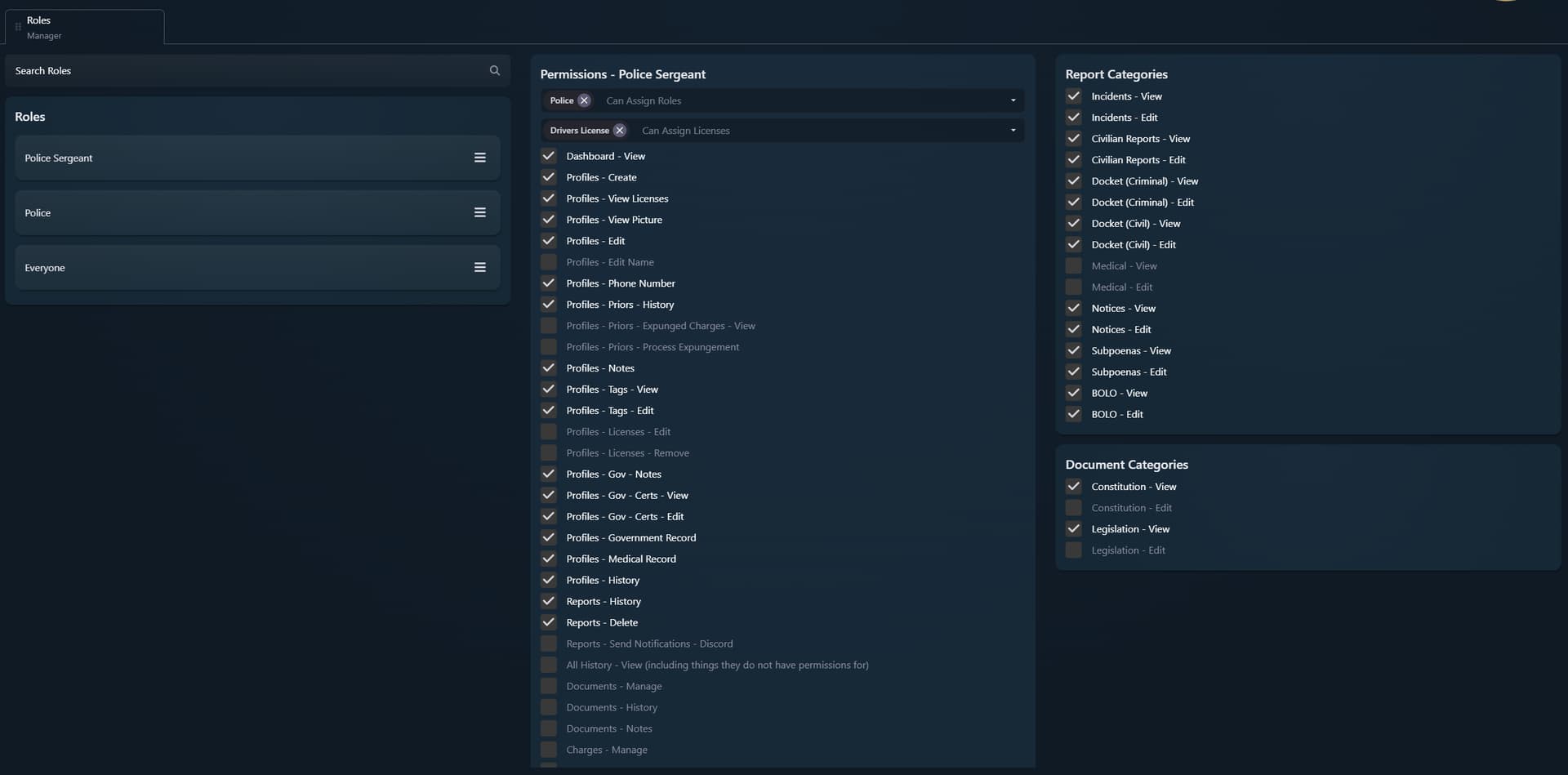
The Roles Manager controls permissions across the entire MDW:
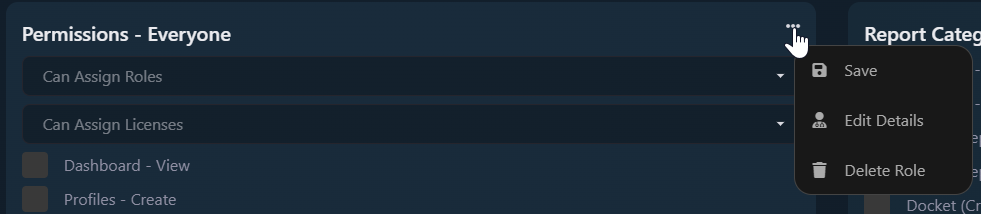
- Create, edit, delete and reorder roles
- “Everyone” role sets global baseline permissions
Per role:
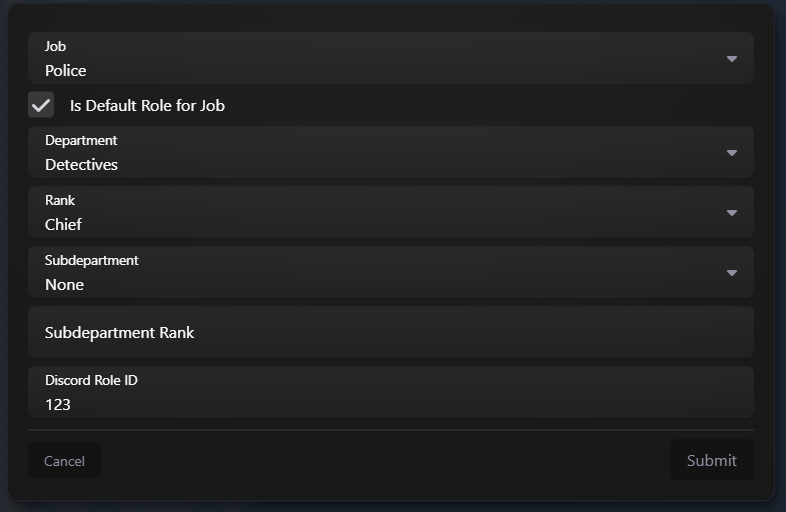
- Job / department / rank mapping (if jobs enabled)
- Default role for a job
- Which roles & licenses this role can grant
- Fine-grained permission toggles for:
- Profiles (incl. medical)
- Reports & report manager
- Tags, charges, documents, licenses
- Config, applications, roles, etc.
- Per-category:
- View / edit permissions for each report and document category
Compatibility, Integration & Access
Frameworks
- QBCore
- QBox
- ESX
- Support for custom frameworks via integration hooks
Inventory Systems
- QBCore inventory
- ESX inventory
- Quasar Inventory
- OX Inventory
- You can define your own integrations for custom inventories
Additional Scripts Support
- ESX SSN
- Rcore Prison
- Dynyx Prison
- Snipe Evidence
- wk_wars2x warrants
- qb-target and ox_target examples
Data Tools
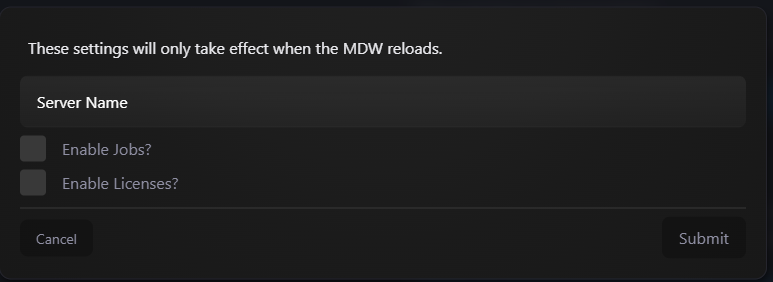
- Data export from Admin Settings:
- Request an export of all your MDW data
- Full role-based access control to restrict sensitive info

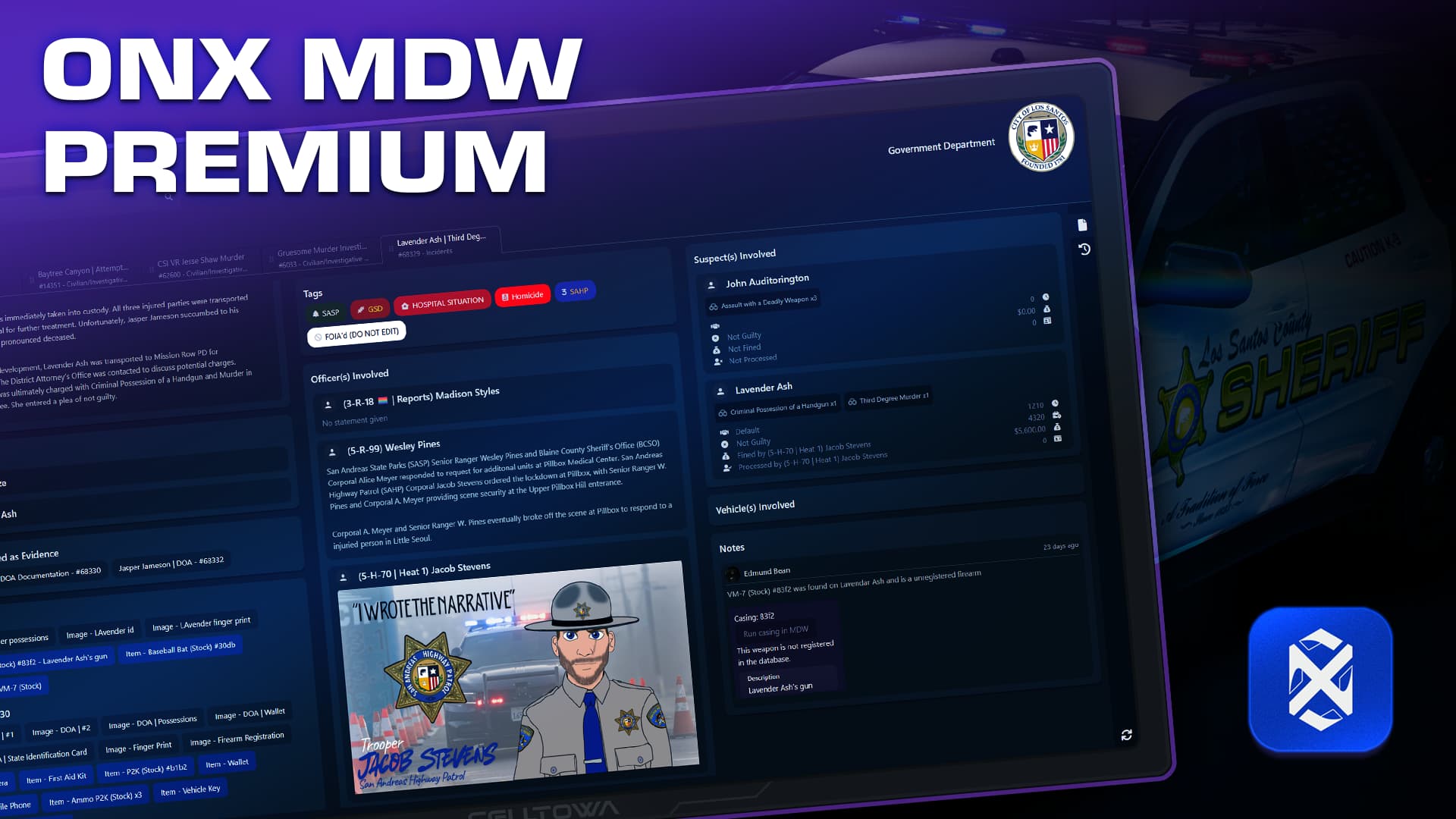
 ONX MDW Premium
Unlock even more with ONX MDW Premium (separate Tebex upgrade package):
1. External MDW (Web Access)
- Access the MDW outside of the game from any browser / phone
- Per-user external links
- Admin tools to:
- Disable links for specific character IDs
- Globally revoke all active links


Custom hostname
- Use your own domain instead of the default
2. Collaborative Editing
- Multiple users can edit report descriptions in real time
- Great for:
- Big cases
- Task forces
- Court dockets & long-form investigations
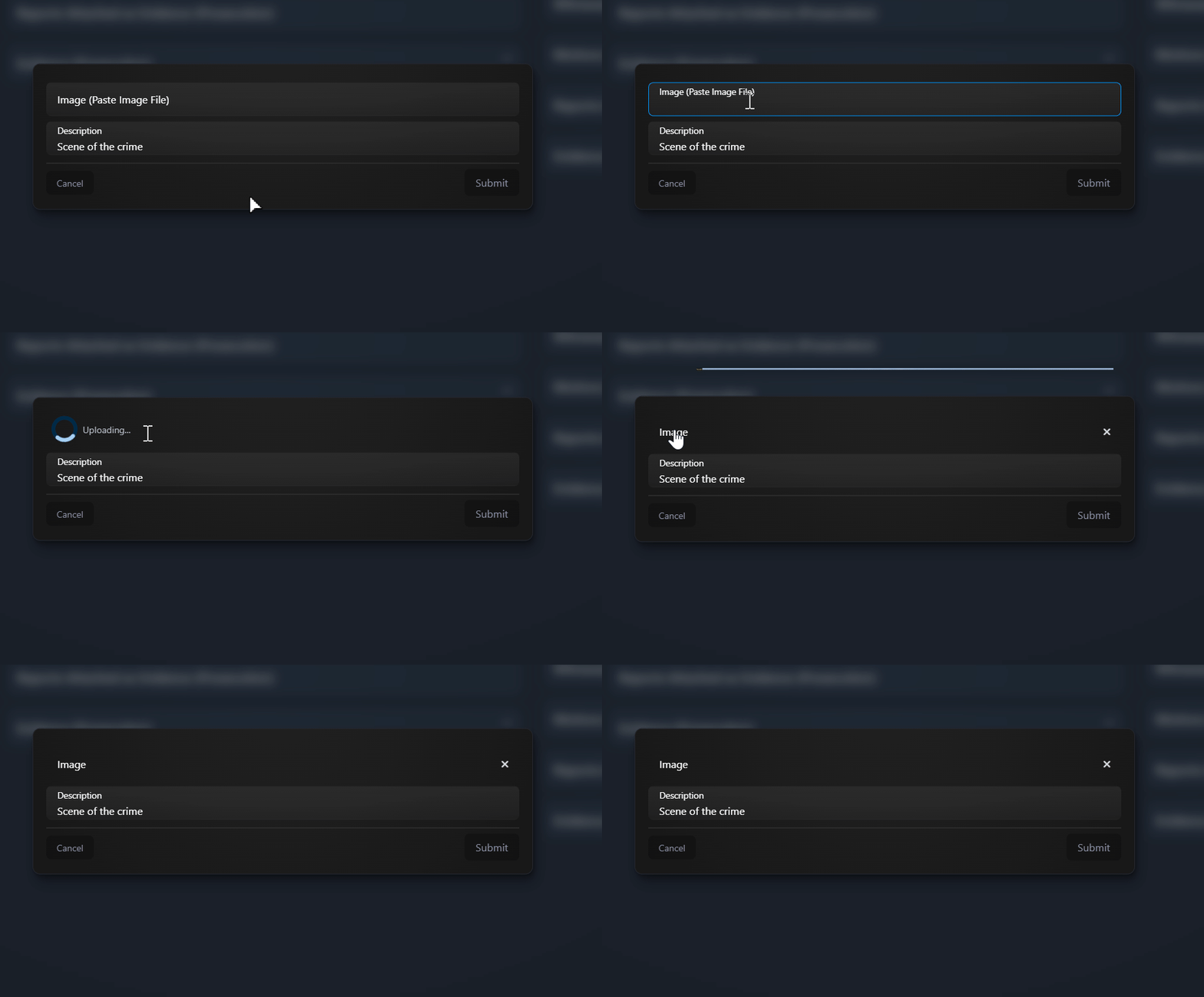
3. Image Uploads
- Upload evidence directly into the MDW (no 3rd-party hosts)
- Copy/paste images into the MDW
Examples
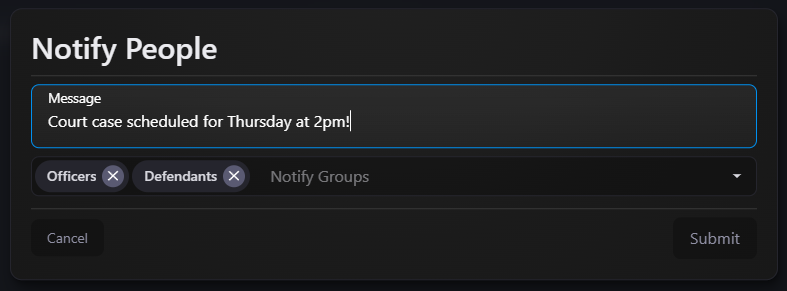
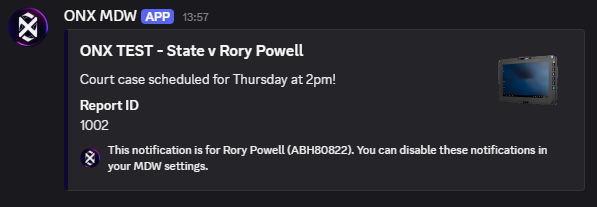
4. Discord Integration
Add the ONX MDW Discord bot from the Admin MDW Settings
- Users can connect their discord account
- Recieve Discord DM notifications for alerts/docket postings and other features for users attached to reports/documents
- Sync roles in your discord server with jobs/ranks in the MDW



 Quick Installation
- Add the resource
ensure onx-mdw
- Put
onx-mdwin yourresourcesfolder - Add
ensure onx-mdwto yourserver.cfg
- Configure framework / inventory
- Edit
config.lua:- Select QBCore, ESX or standalone
- Choose your inventory system (or integrate your own)
- Add the MDW item to your inventory system (examples for QBCore & ESX provided)
- Initial permissions
- Give at least one admin godmode:
add_ace group.admin "onx-mdw.godmode" allow
- Or define a custom permission check in
server.lua
- Link Tebex subscription
- Start/restart the resource
- Look for an authentication URL in the server console
- Open it, sign in to authenticate your CFX account and link the Tebex subscription
- You can link the same subscription to multiple servers you own
- (Note: they will share the same MDW DB – character ID conflicts may occur)
- Final configuration in MDW
- Open MDW in-game with the MDW item
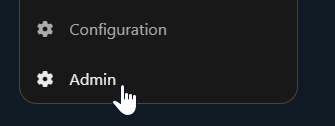
- Go to Admin:
- Set up roles & permissions
- Configure report & document categories
- Set tags, charges & licenses
- (Optional) enable jobs, departments & ranks
- (Optional) configure Premium features: External MDW, image uploads, Discord bot
 Documentation
Full documentation is publicly available:
 Policies
By purchasing, installing, or using ONX MDW (and any related services), you acknowledge that you have read and agree to the following policies:
 Support & Feedback
- Support & tickets: ONX Discord
- Bug reports & suggestions: Dedicated MDW channels in the ONX Discord
- Actively maintained and battle-tested on high-end RP environments
If you want your server to take policing, government and legal RP to the next level, the ONX MDW is built to be the last MDT system you’ll ever need.
 Patch Notes
V1.0.1
- Rcore & Dynyx Prison support
- ESX SSN support
V1.1.0
- Automatically register profiles
- Snipe Evidence integration
- Delete jobs & profiles
V1.2.0
- Licenses integration
- Show vehicles and properties on profiles
- Official Qbox support
- Added some more initial data to ease setup (can be deleted)
- Examples for using qb-target and ox_target
- Support wk_wars2x for warrants
- Added an option to reset all data in the MDW
- Add custom profile data (developer only)
| Code is accessible | No - config only |
| Subscription-based | Yes |
| Lines (resource) | ~1,000 |
| Lines (ui/api) | ~30,000 |
| Requirements | None |
| Support | Yes |