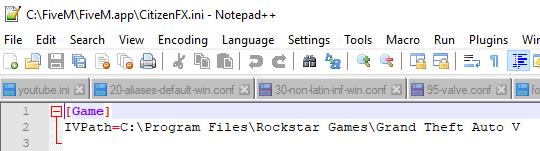
GTA V version? 1.0.231.0
Up to date? Yes.
Legit or Pirate copy? Legit.
Steam/CD/Social Club? Social Club
Windows version? Windows 10
Did you try to delete caches.xml and try again? Yes.
Error screenshot (if any) Nothing
System specifications Ryzen 1300x | GTX 1060 3GB | 8GB RAM
What did you do to get this issue? Just installed it first time and just couldn’t get passed the login screen
What server did you get this issue on? No server.
CitizenFX.log file
--------------------------------------------------------------------------------------------------
[ 0] Initialized system mapping!
[ 156] CitizenFX Steam child starting - command line: “C:\FiveM\FiveM.exe”
[ 594] Initialized system mapping!
[ 734] CitizenFX Steam child starting - command line: “C:\FiveM\FiveM.app\cache\subprocess\FiveM_SteamChild.exe” -steamparent:2480
[ 734] Initializing Steam parent.
[ 797] Initializing Steam parent: Steam’s running.
[ 875] Initializing Steam parent: Initializing presence.
[ 890] Initializing Steam parent: Attempting to run processes.
[ 1062] Initialized system mapping!
[ 1078] hello from “C:\FiveM\FiveM.exe”
[ 1203] Got ros:legit process - pid 12368
[ 1219] CitizenFX Steam child starting - command line: “C:\FiveM\FiveM.app\cache\subprocess\FiveM_SteamChild.exe” -steamchild:2480
[ 1234] game parent PID: 2480
[ 1234] waiting for process to exit…
[ 1656] Initialized system mapping!
[ 1797] hello from “C:\FiveM\FiveM.app\cache\subprocess\FiveM_ROSLauncher” ros:legit --parent_pid=2480 “C:\Program Files\Rockstar Games\Grand Theft Auto V\GTAVLauncher.exe”
[ 20890] EndpointMapper::HandleRequest: POST /ros/login
[ 21156] EndpointMapper::HandleRequest: POST /ros/validate
[ 22047] process exited with 54136688!
--------------------------------------------------------------------------------------------------
.dmp files/report IDs ?
If an issue with starting:
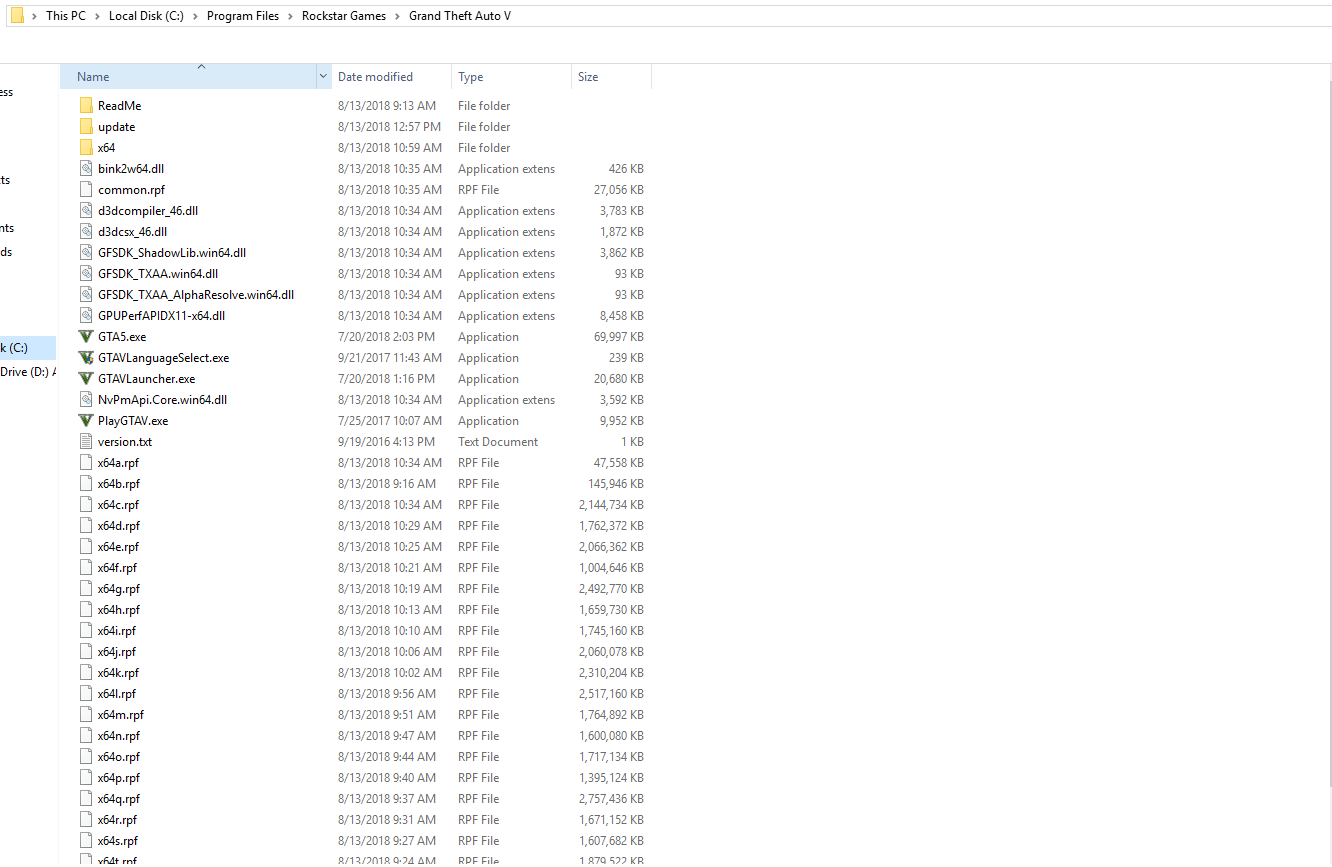
GTA V folder screenshot
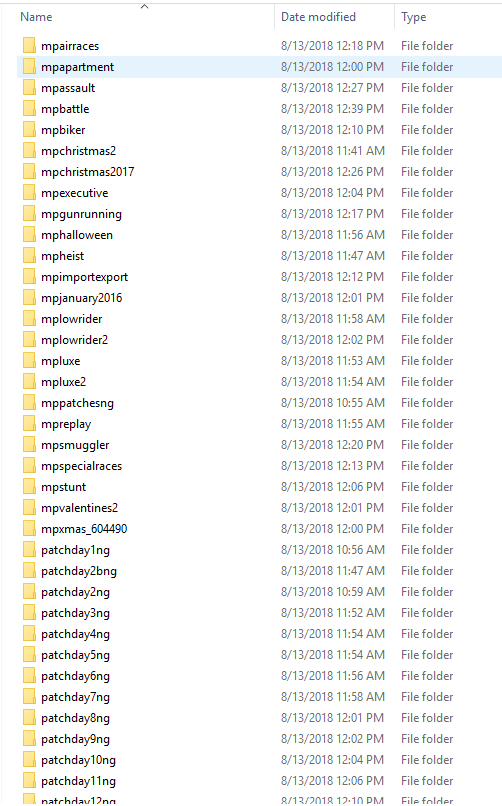
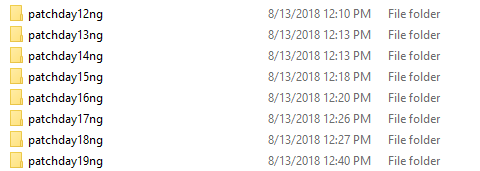
GTA V/update/x64/dlcpacks screenshot
Filepath to FiveM folder C:\FiveM (I tried to run it before in appdata folder)
FiveM client folder screenshot
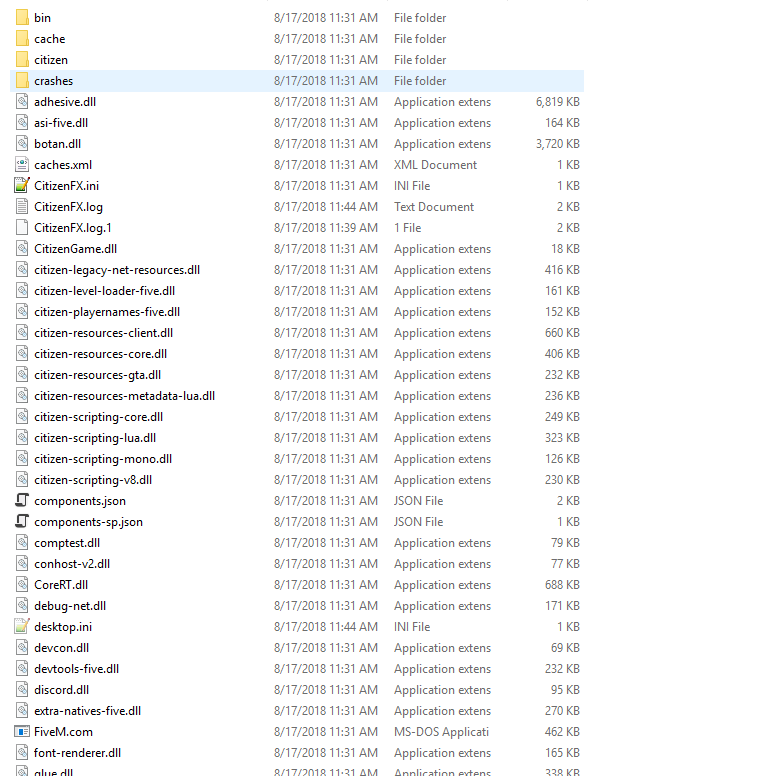
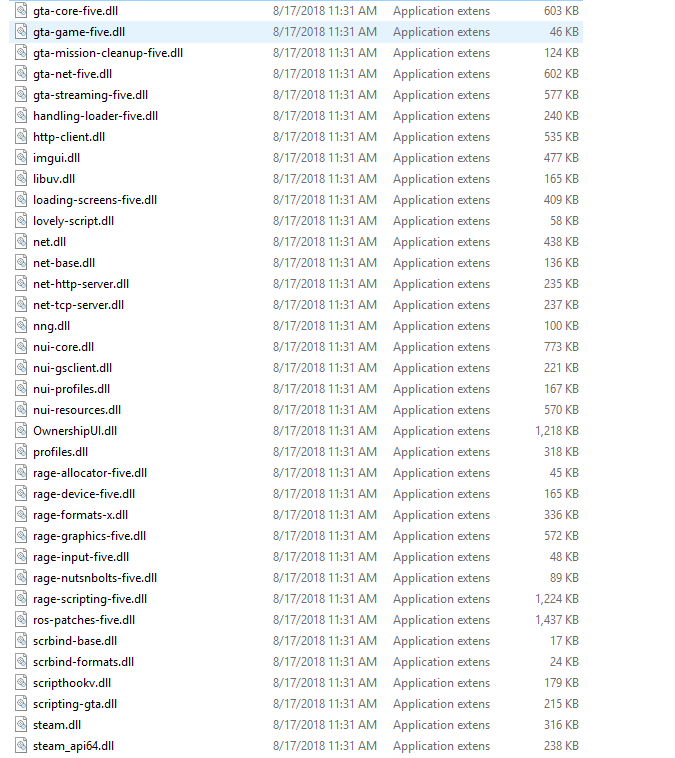
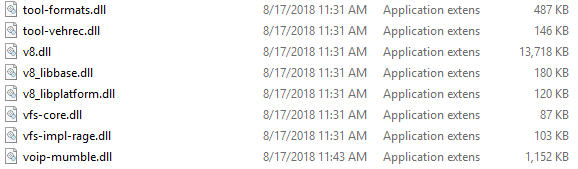
Did you try to disable/uninstall your Anti-virus? Yes.
I’ve tried multiple reinstallation and I’ve only downloaded GTA V few days ago, no modifications, every time I attempt to login, the window disappears and if I tried opening FiveM.exe again, the login screen comes back. I hope you can help me.