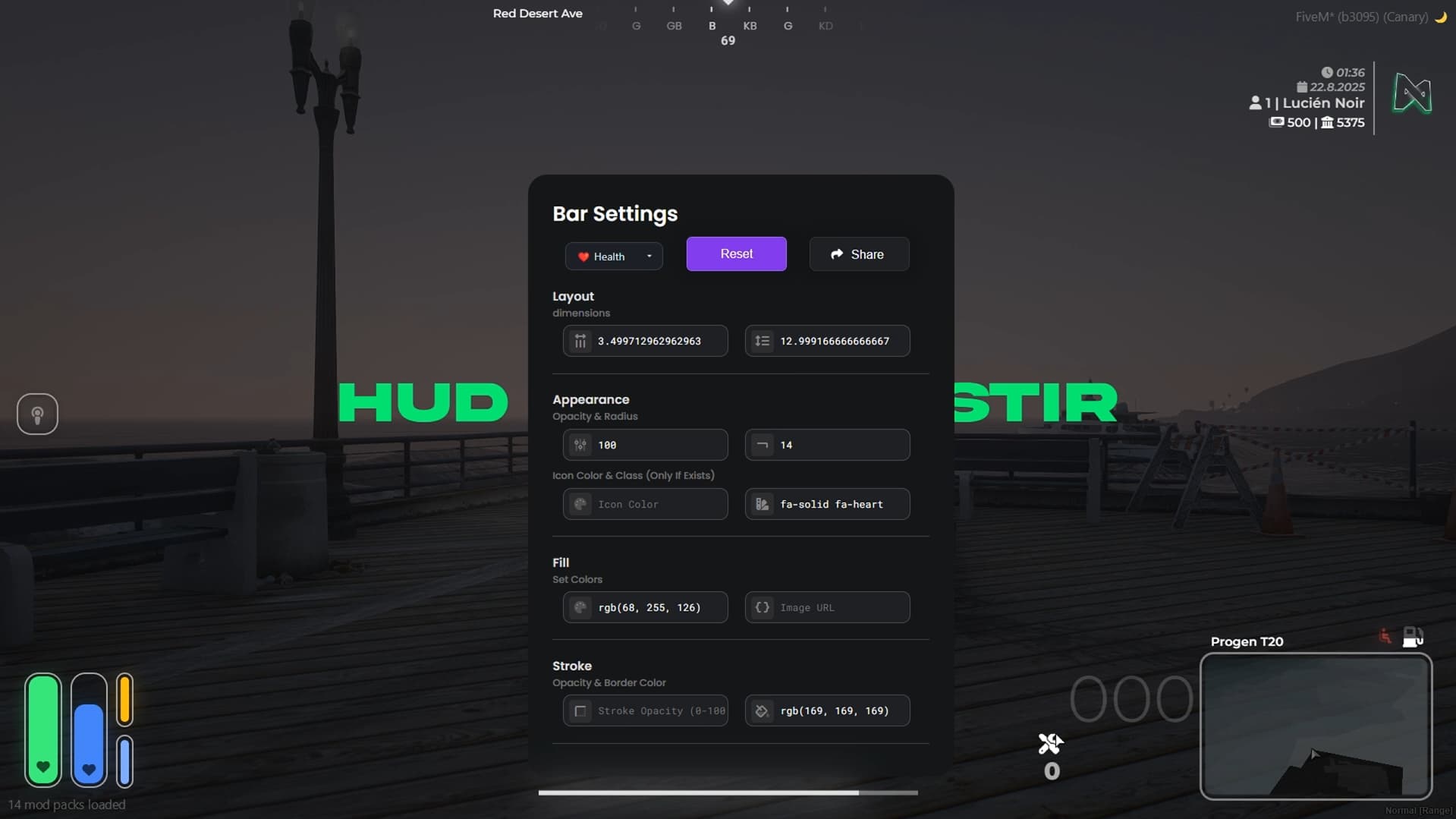
Meet the New Generation “Lite HUD”!
Hello everyone!
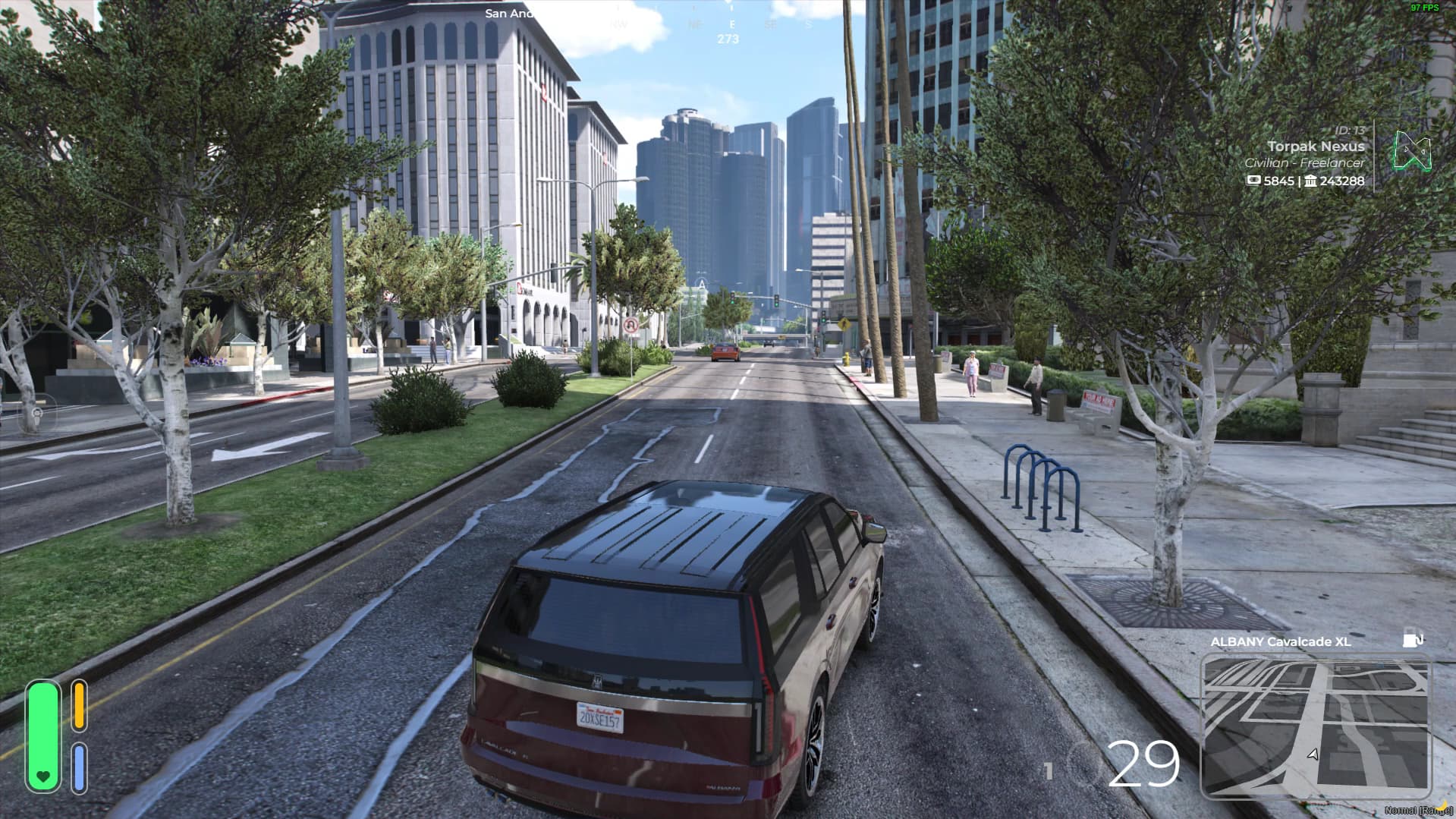
We are thrilled to introduce our brand-new HUD script: Lite HUD. With its modern design and functional structure, this HUD will add style to your server and elevate the player experience with tons of great features. Here are some highlights:
 Customizable Interface
• Moveable map location – Adjust the HUD position completely to your liking.
• Toggleable menus – Eliminate unnecessary clutter and display only the information you need.
 Dynamic Indicators
• Health-based icon changes – Icons automatically update as your health changes, keeping you informed in real-time.
• Oxygen indicator (follows character) – Get clear and instant information during diving or near-drowning situations.
• Fuel level inside icon – The fuel level icon decreases as your fuel runs low.
 Financial Information
• Bank & cash display – When spending money, a UI popup instantly notifies you on screen.
 Extra Features
• Modern microphone indicator – A sleek and clear speaking icon.
• Compass – Never lose your direction!
• Info section with optional server logo
• Cruise control and seatbelt indicators
• All settings are saved automatically
 And much more!
Lite HUD is designed to deliver maximum performance and aesthetics for both server owners and players. Try it now and feel the difference!
- Tebex
18 + tax
no refund
| Code is accessible | No |
| Subscription-based | No |
| Lines (approximately) | 1000+ |
| Requirements | qb, qbox |
| Support | Yes |