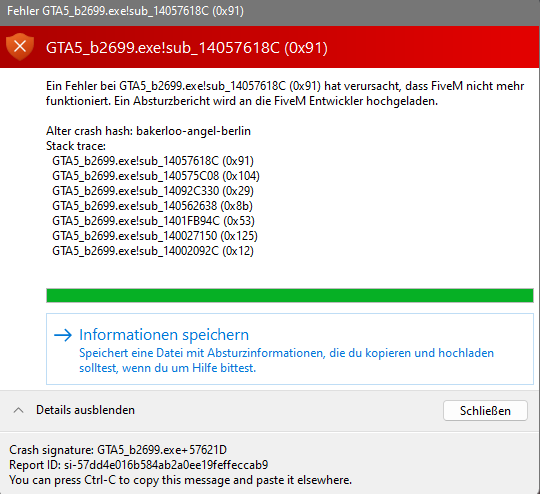
GTA V version: 2699 Up to date: yes Legit or Pirate copy: Legit Purchased where - Steam/Rockstar Launcher/Epic: Rockstar Launcher Windows version: Windows 11 Did you try to delete content_index.xml and try again? no System specifications: AMD Ryzen 5 3600 6-Core Processor, AMD Radeon 5600 XT CitizenFX crash zip file (‘Save information’ on a crash): CfxCrashDump_2022_10_27_17_12_09.zip (1.7 MB)
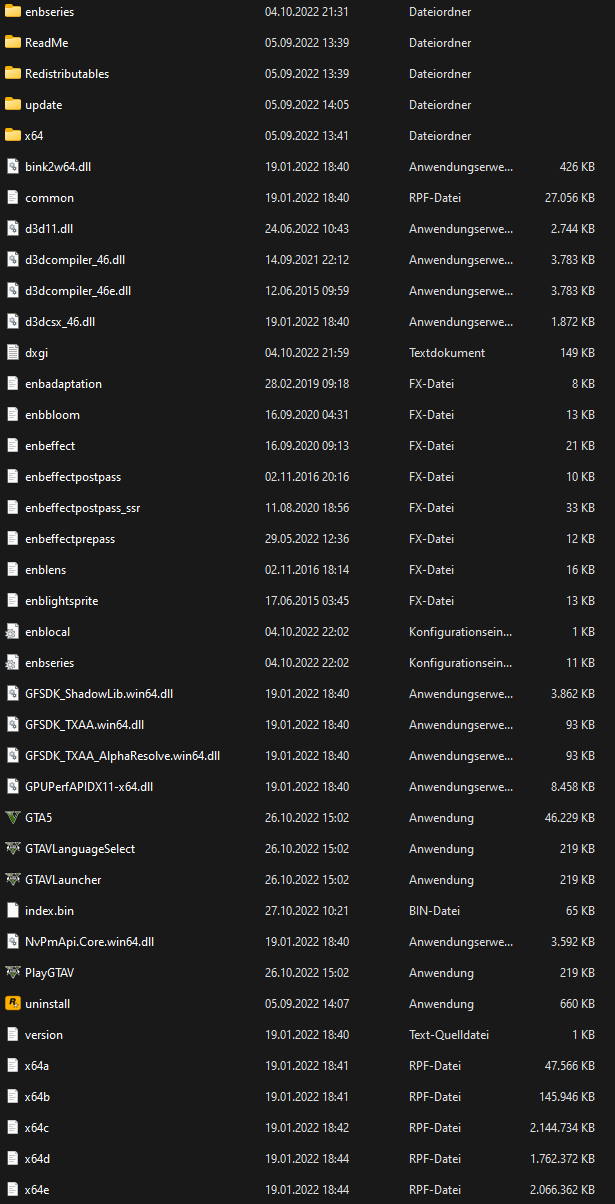
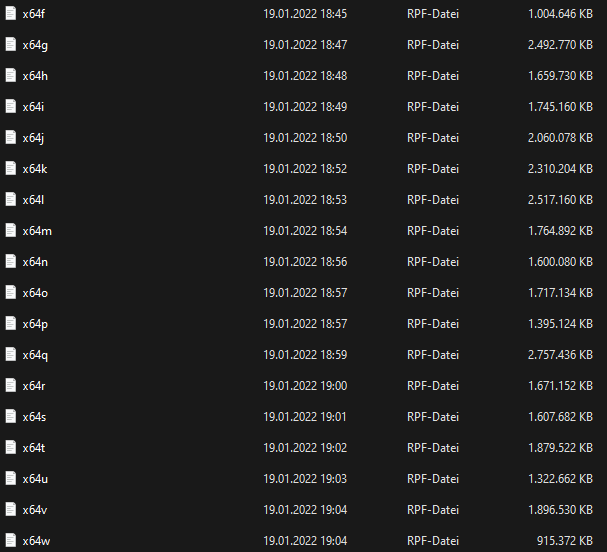
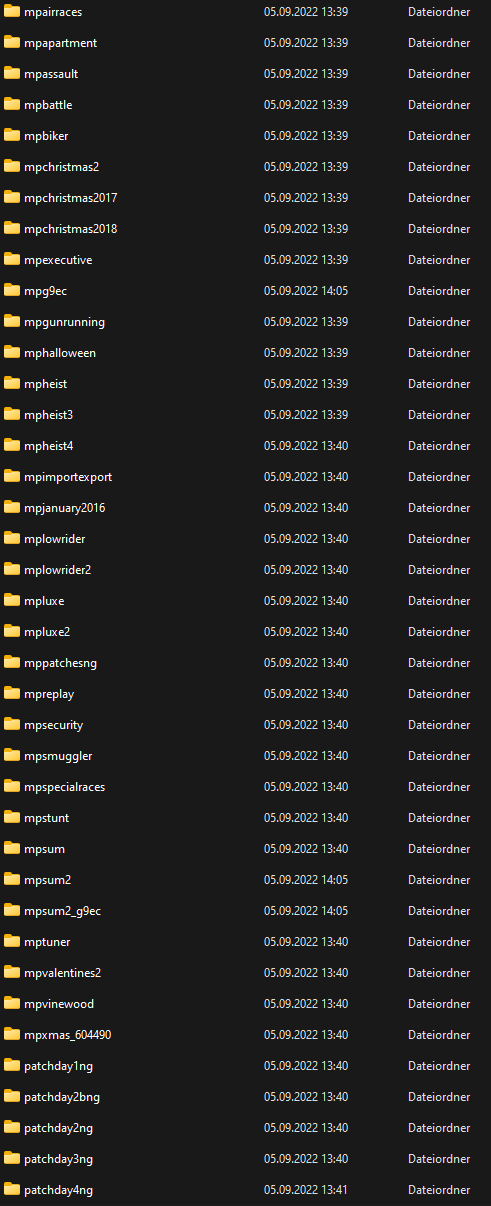
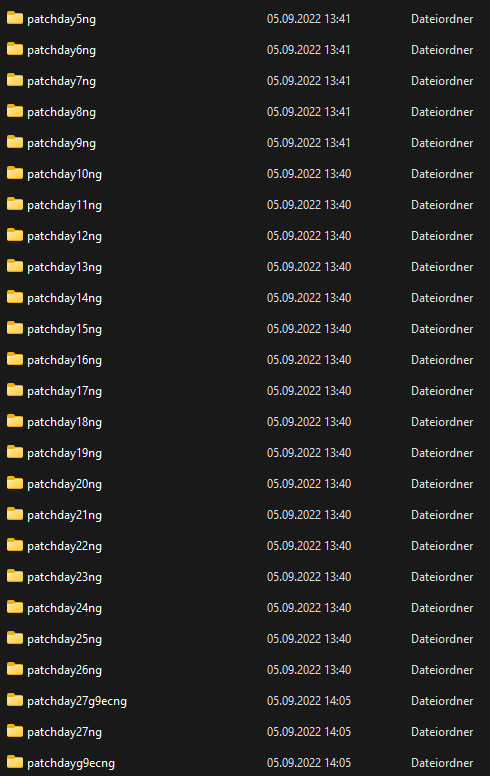
Filepath to FiveM folder: C:\Program Files\Rockstar Games\Grand Theft Auto V FiveM client folder screenshot: Which antivirus/firewall software are you using? Windows Defender Did you try to disable/uninstall your Anti-virus? no
Important parts
What is the issue you’re having?
I crash directly when i join a server What are you trying to do?
Joining a Server What have you tried already to fix the issue?
reinstall fivem Error screenshot (if any):
What did you do to get this issue?
Join a server What server did you get this issue on? Be specific and name some, ‘all of them’ by itself isn’t useful!
Austria X
[Expanded Information]
Crash signature: GTA5_b2699.exe+1378EF4
Report ID: si-814a2b048dfb43fb825ad4546f6a8797
You can press Ctrl-C to copy this message and paste it elsewhere.
im getting the same error, but this is the first time ive ever installed fivem
Hello, i’m Luca. Please note that most of the support is provided by the Cfx.re community on a voluntary basis and to avoid unnecessary/duplicate topics, please browse the forums before creating a topic.
1.Try to start FiveM from steam;
2.You can try this totorial