GTA V version: The last version
Up to date: yes
Legit or Pirate copy: Legit
Purchased where - Steam/Rockstar Launcher/Epic: Epic
Windows version: 10
Did you try to delete content_index.xml and try again? yes
System specifications: Amd Ryzen 3 3200g , Rx 550/550 4gb vram, 12gb ram
CitizenFX crash zip file (‘Save information’ on a crash):
CfxCrashDump_2022_10_29_17_17_21.zip (72.9 KB)
logs/CitizenFX_log files:
.dmp files/report IDs: si-d57c11b0486944179db1df48b6fea873
If you can’t start the game at all
GTA V folder screenshot:
GTA V/update/x64/dlcpacks screenshot:
Filepath to FiveM folder:
FiveM client folder screenshot:
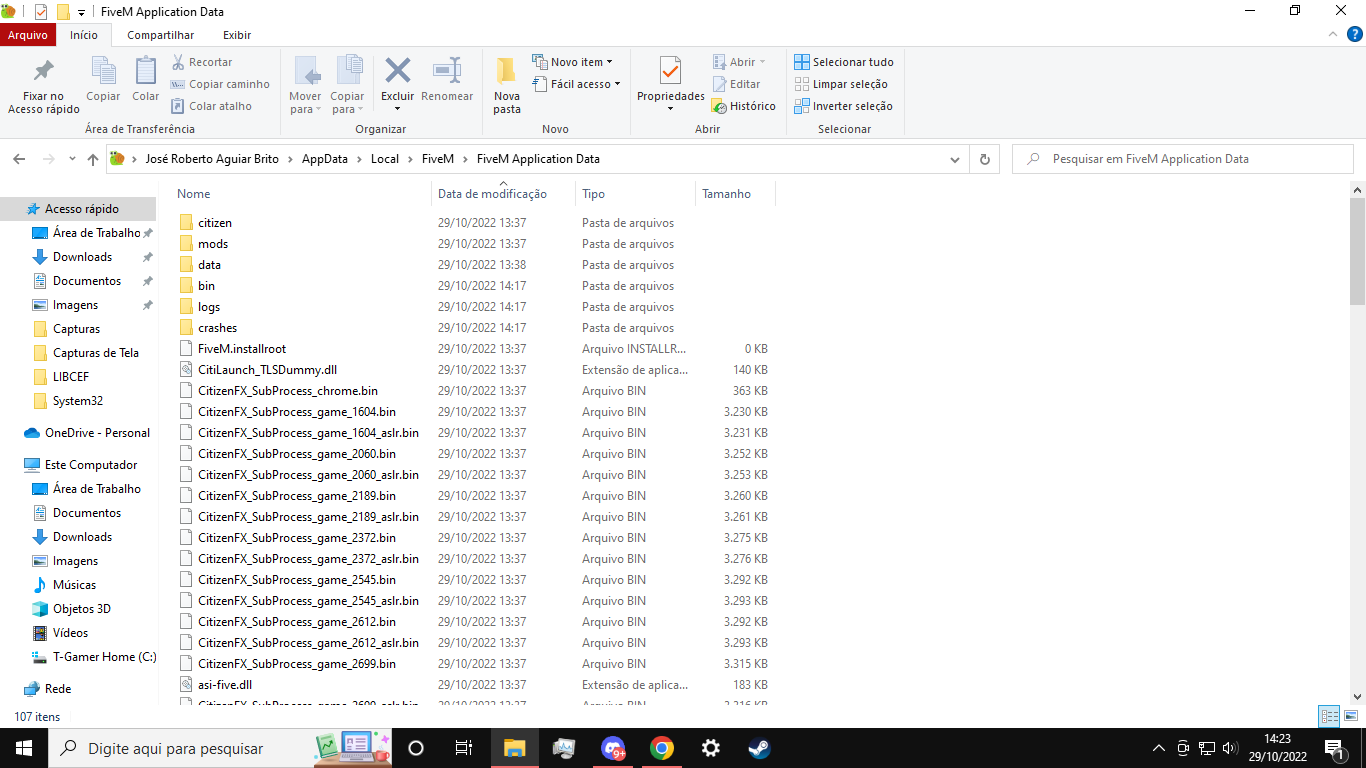

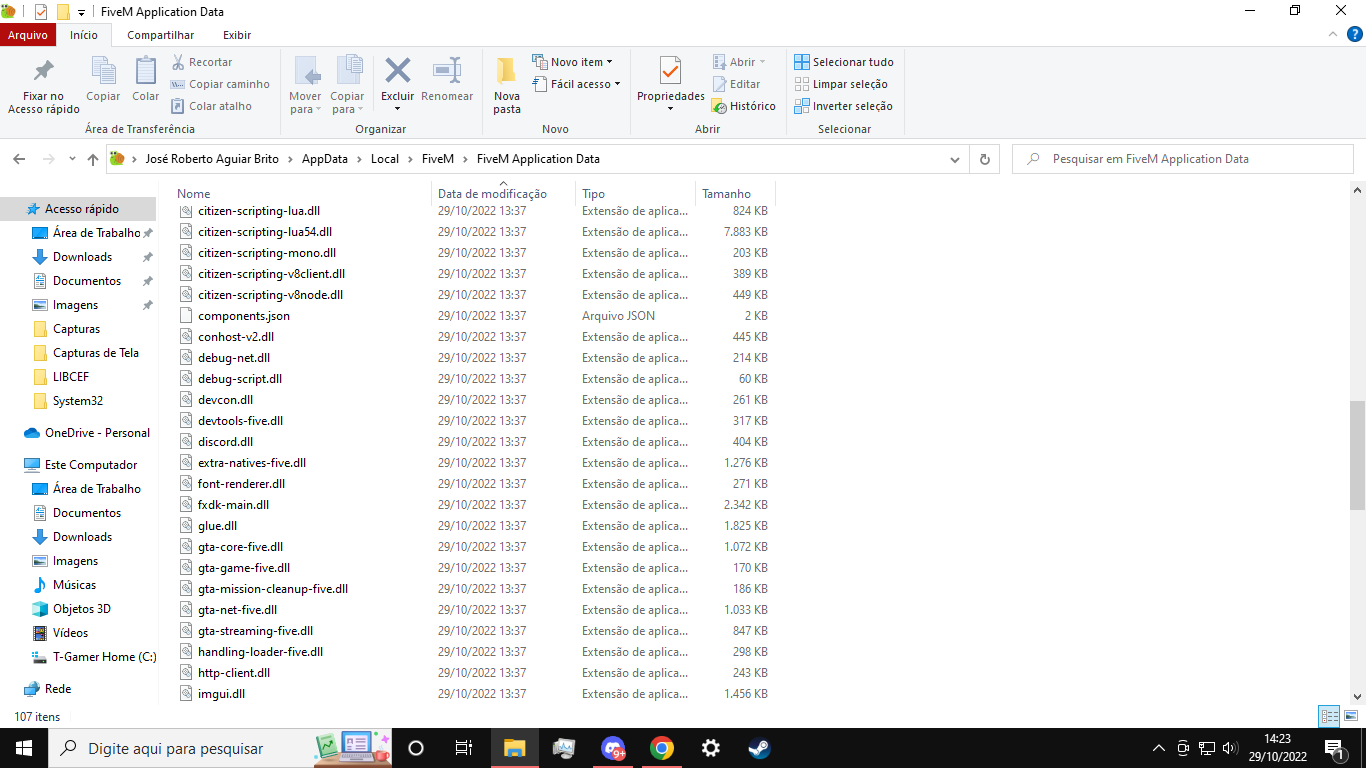
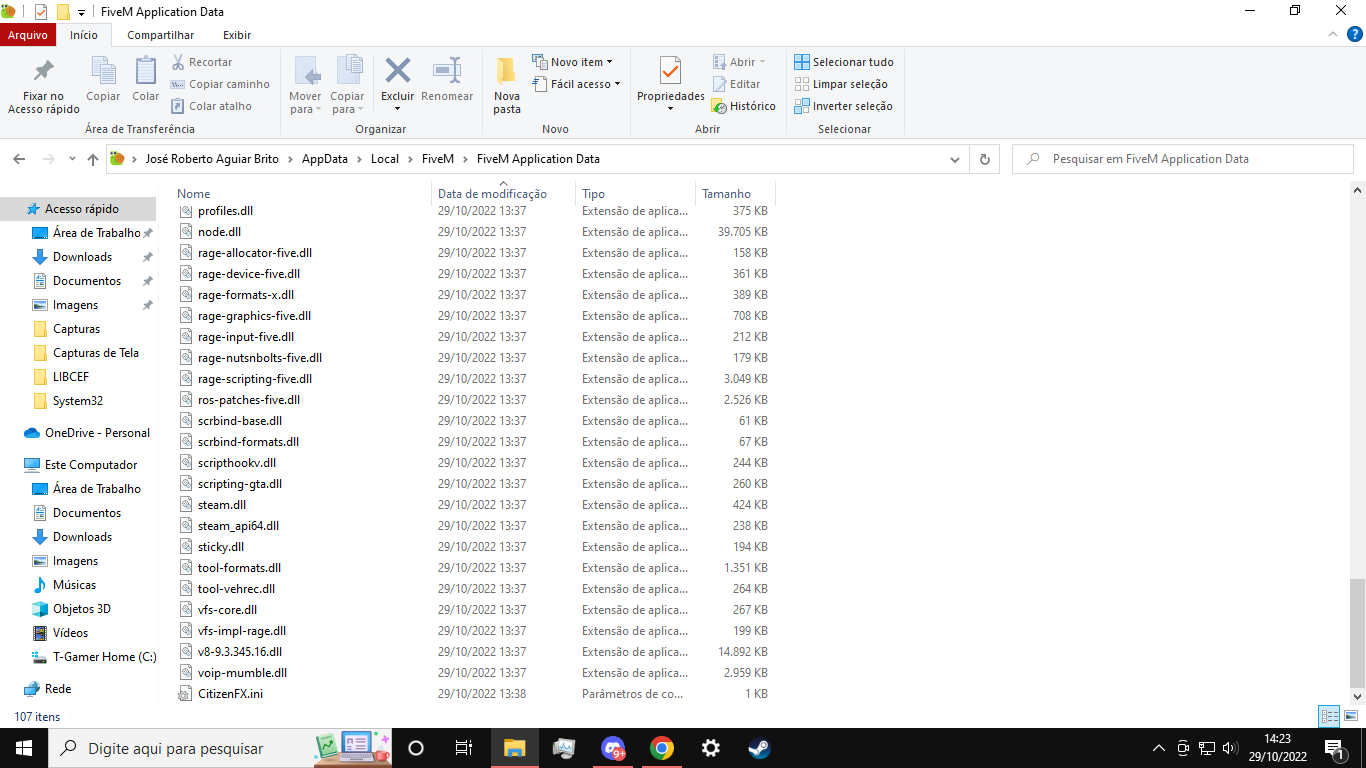
Which antivirus/firewall software are you using? any
Did you try to disable/uninstall your Anti-virus? yes
Important parts
What is the issue you’re having?
The application opens normally, but at the time of initialization this error 126
What are you trying to do?
What have you tried already to fix the issue?
I uninstalled the game and the ap , I try to download the Lbcef.dll in my computer, but did not solve
Error screenshot (if any):
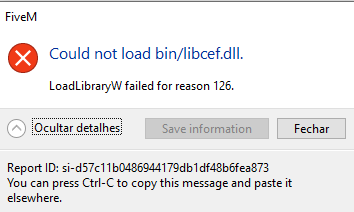
What did you do to get this issue?
When I change the version of the Fivem, ( the release to a previous version) The error appeared
What server did you get this issue on? Be specific and name some, ‘all of them’ by itself isn’t useful!
I can not open the fivem because of the error
