GTA V version? 1.0.1868.4.4
Up to date? Yes
Legit or Pirate copy? Legit
Steam/CD/Social Club? It’s in the Social Club, bought at Epic Games
Windows version? Windows 10 Pro x64 version 1909, OS build 18363.900
Did you try to delete caches.xml and try again? Yes
Error screenshot (if any) No apparent errors
System specifications CPU: AMD Phenom 9150e Quad-core 1.81GHz. RAM: 8GB DDR2. GPU: GTX 750 2GB OC Asus model
What did you do to get this issue? I do not know.
What server did you get this issue on? I never entered a server
CitizenFX crash zip file No files
CitizenFX.log file https://www.mediafire.com/file/utuf18kncwn4ktk/CitizenFX_log_2020-06-16T033338.log/file
.dmp files/report IDs No files
If an issue with starting:
GTA V folder screenshot
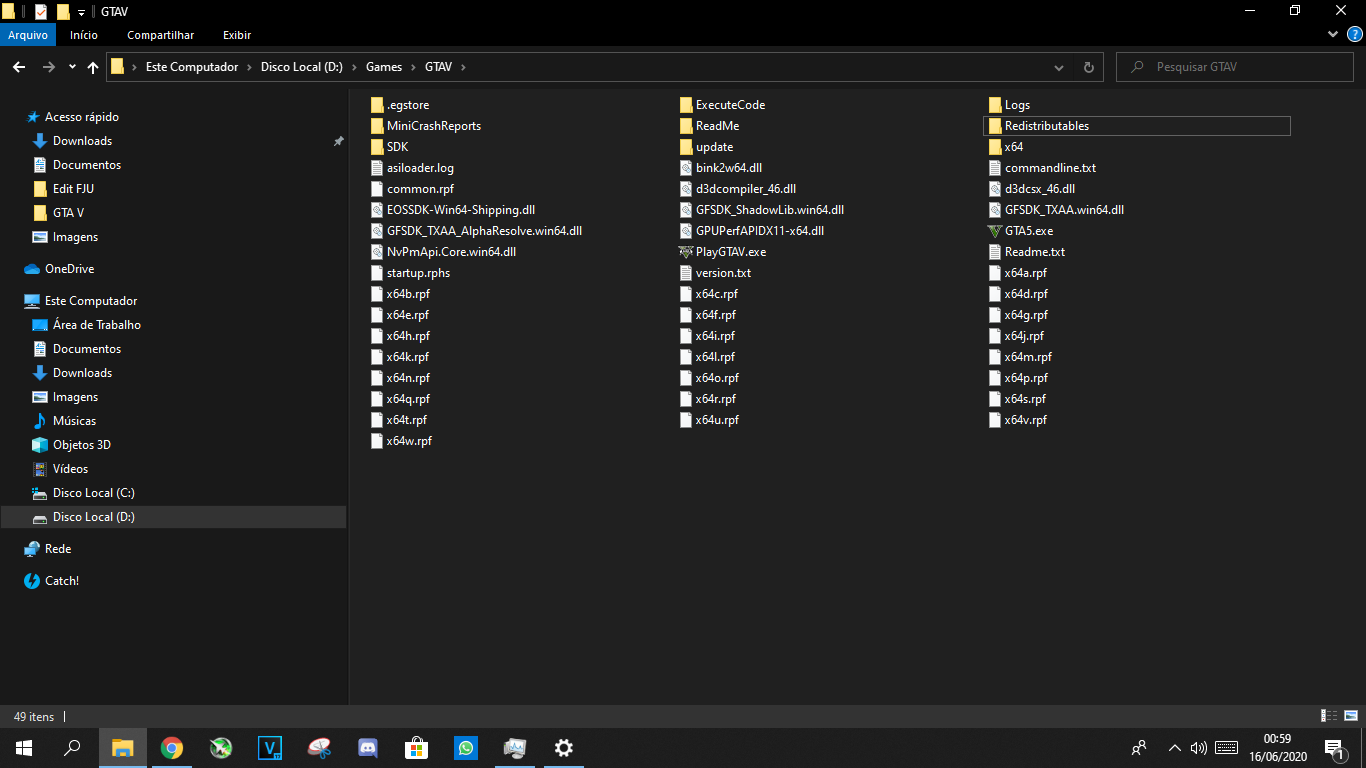
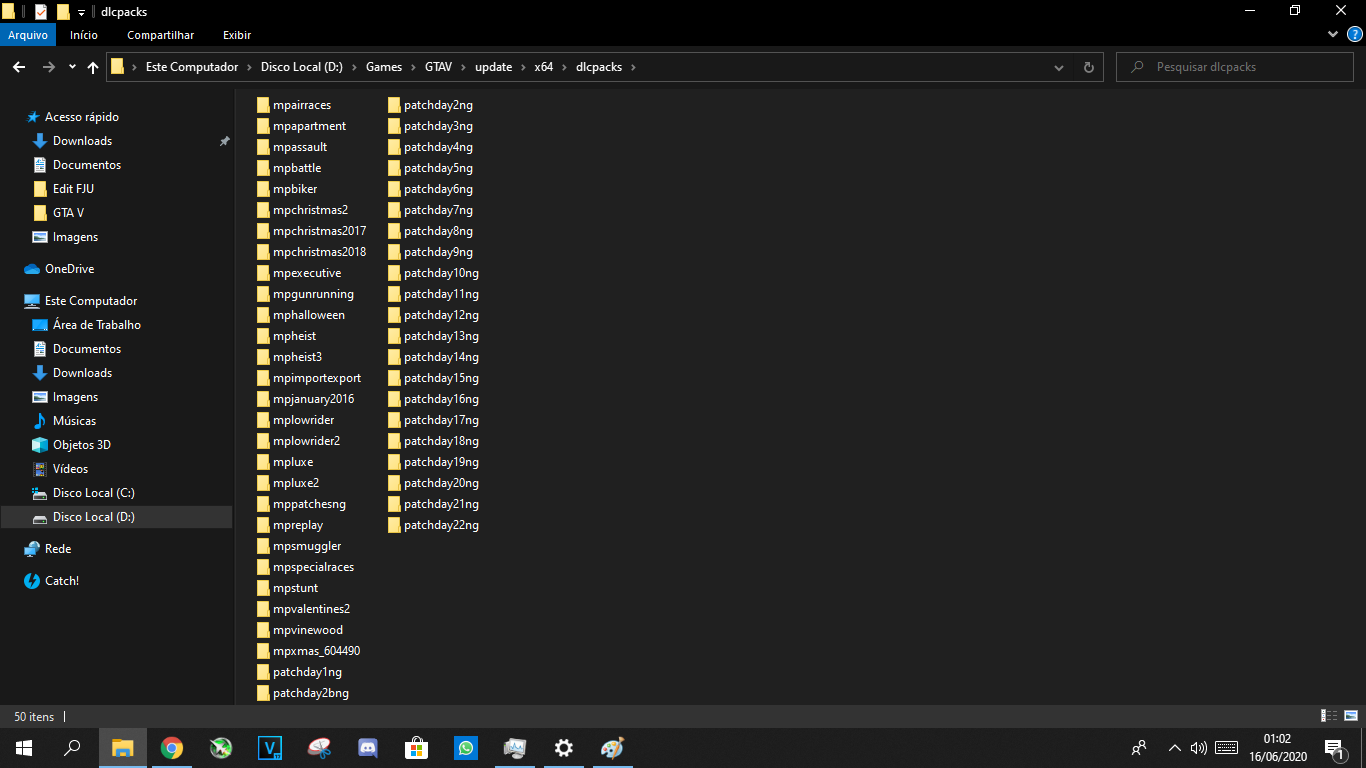
GTA V/update/x64/dlcpacks screenshot
Filepath to FiveM folder C:\Users\Mateus\AppData\Local\FiveM
FiveM client folder screenshot

Which antivirus/firewall software are you using? Avast
Did you try to disable/uninstall your Anti-virus? Yes
Also add what you already tried so far.
Hi, I open my FiveM, then it opens Rockstar Games Launcher and then it disappears. Then I opened the task manager in the details section and the FiveM processes were there, but it didn’t open normally. I’ve tried to open it as an administrator, but FiveM doesn’t support it; I’ve tried to reinstall; (As my GTAV is from Epic Games, but it is in the Social Club, I have already tried to open Steam together with FiveM; I have already tried to run in compatibility mode; In addition to searching the internet and forums a lot, but I did not find a solution.
