Environment questions
GTA V version: the newest Version
Up to date: 29.12…2024
Legit or Pirate copy: Legit
Purchased where - Steam/Rockstar Launcher/Epic: Steam
Windows version: Windows 11 Pro 64 Bit
Did you try to delete content_index.xml and try again? yes doesnt work.
System specifications: AMD Ryzen 9 5950X 16-Core Processor, Grafikcart Nvidea 3070 Ti
CitizenFX crash zip file (‘Save information’ on a crash): I have no Information
logs/CitizenFX_log files:
CitizenFX_log_2024-12-31T174254.log (103 Bytes)
CitizenFX_log_2024-12-31T174322.log (190 Bytes)
CitizenFX_log_2024-12-31T174330.log (190 Bytes)
.dmp files/report IDs:
If you can’t start the game at all
GTA V folder screenshot:
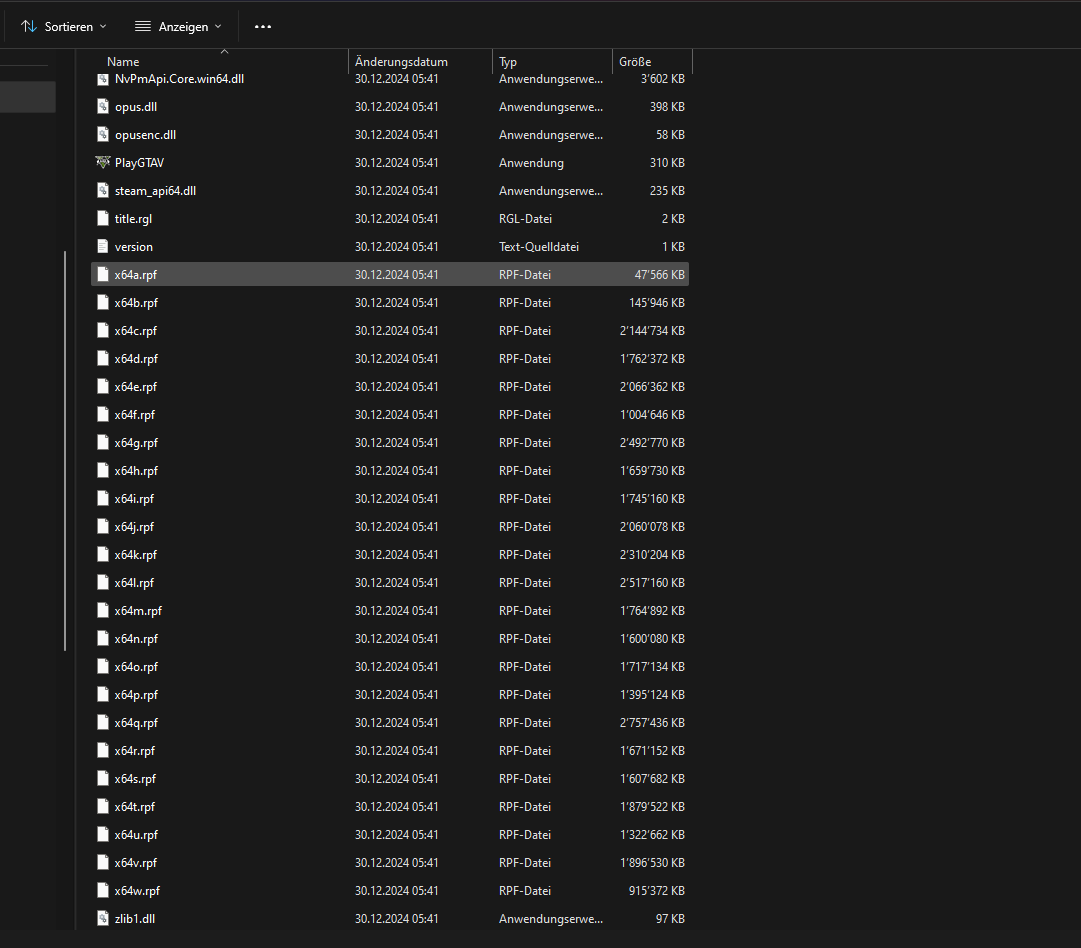
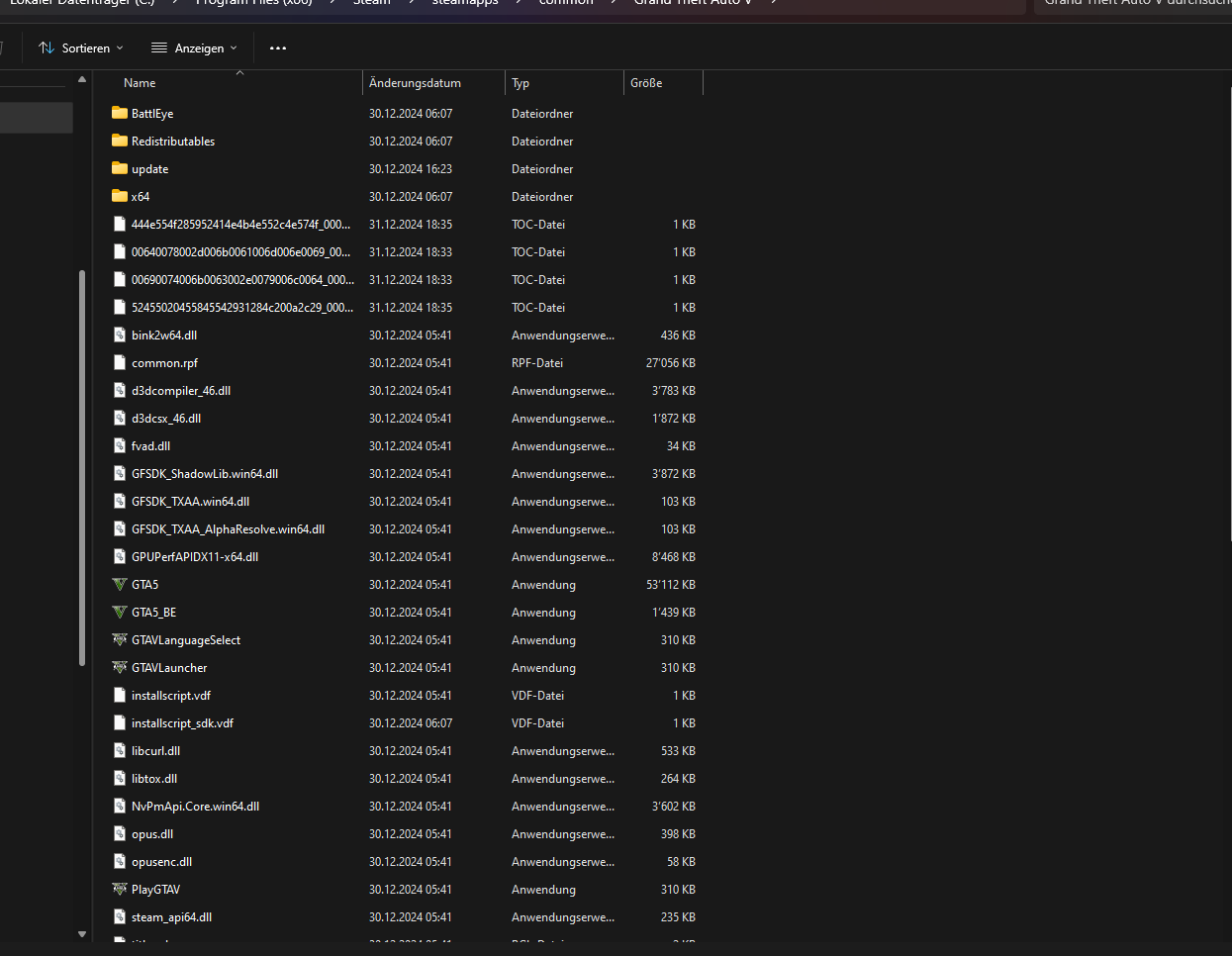
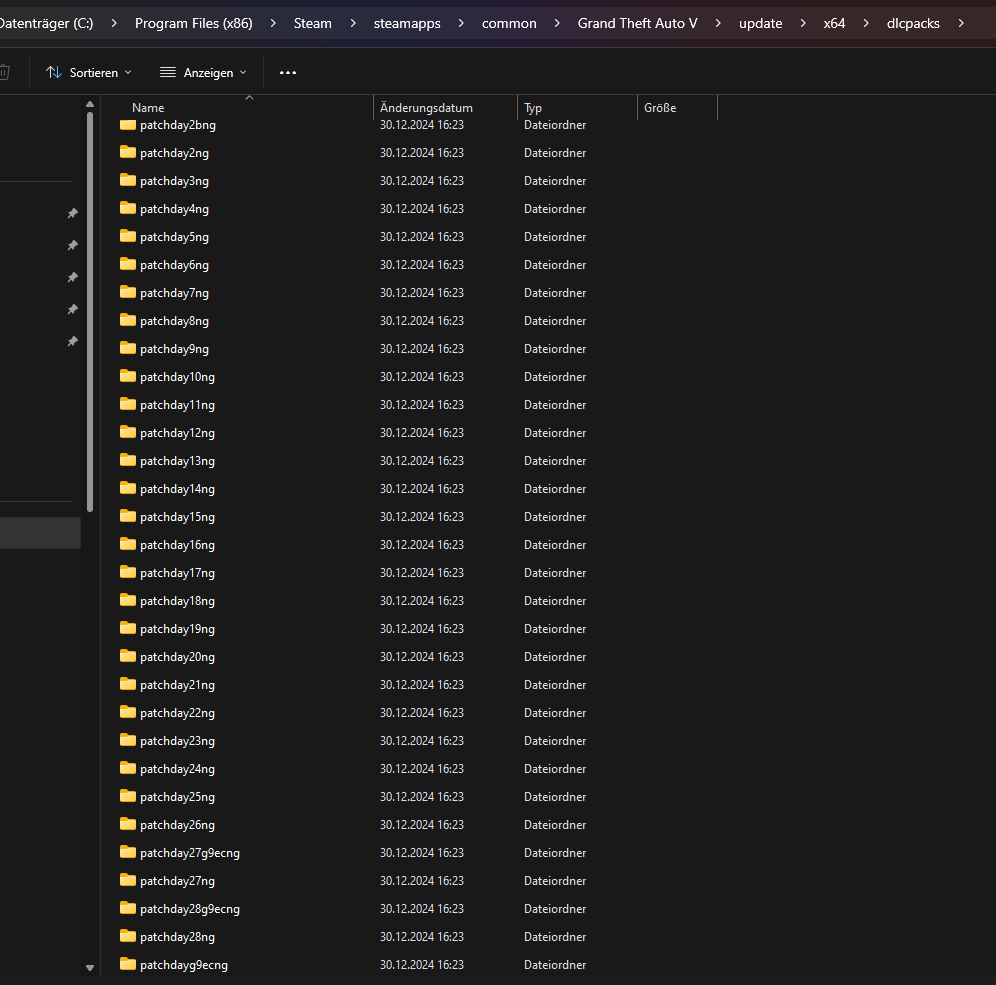
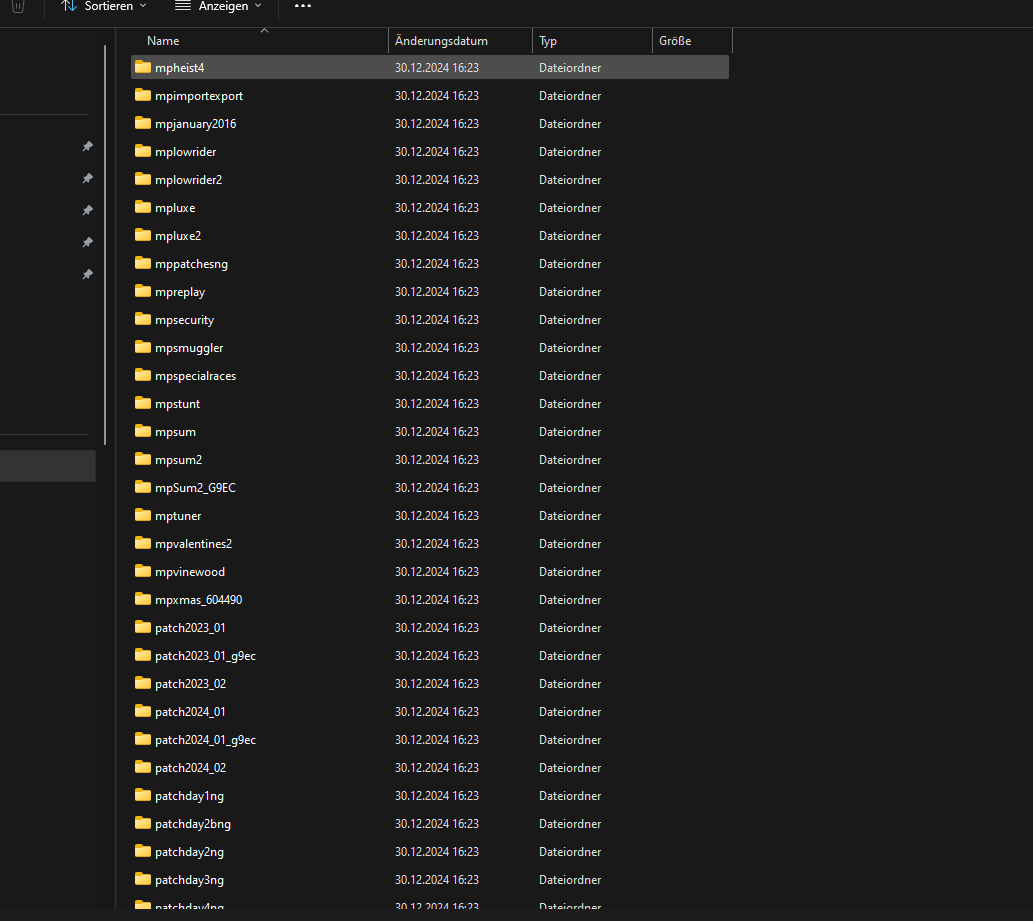
GTA V/update/x64/dlcpacks screenshot:
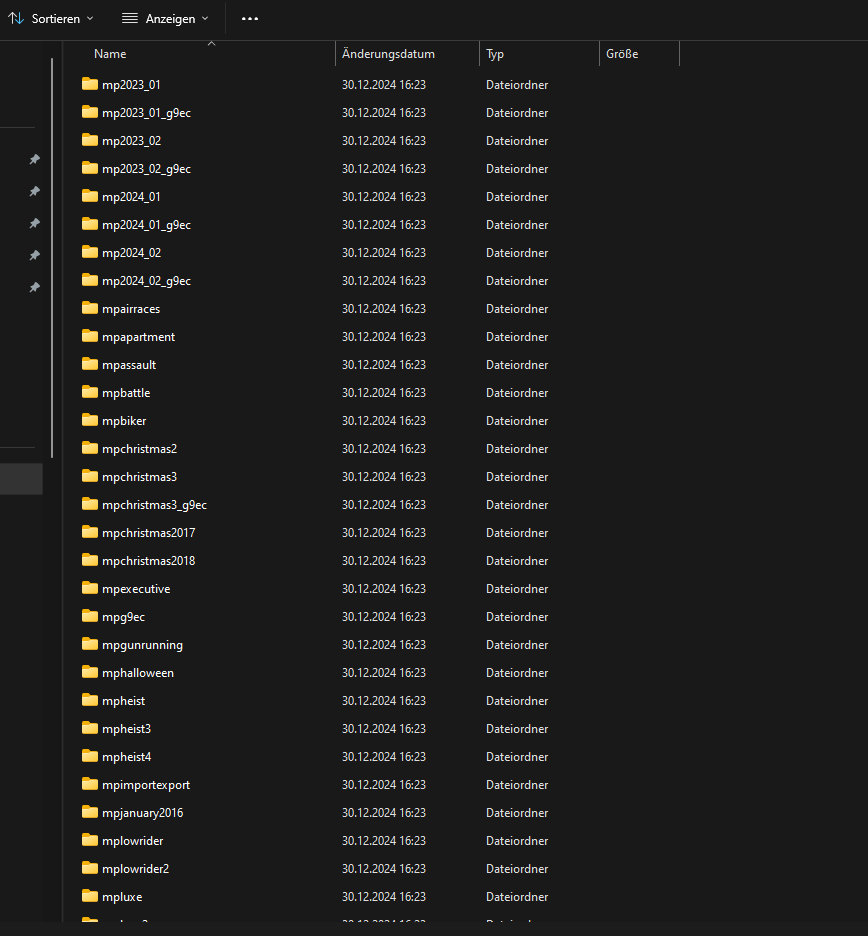
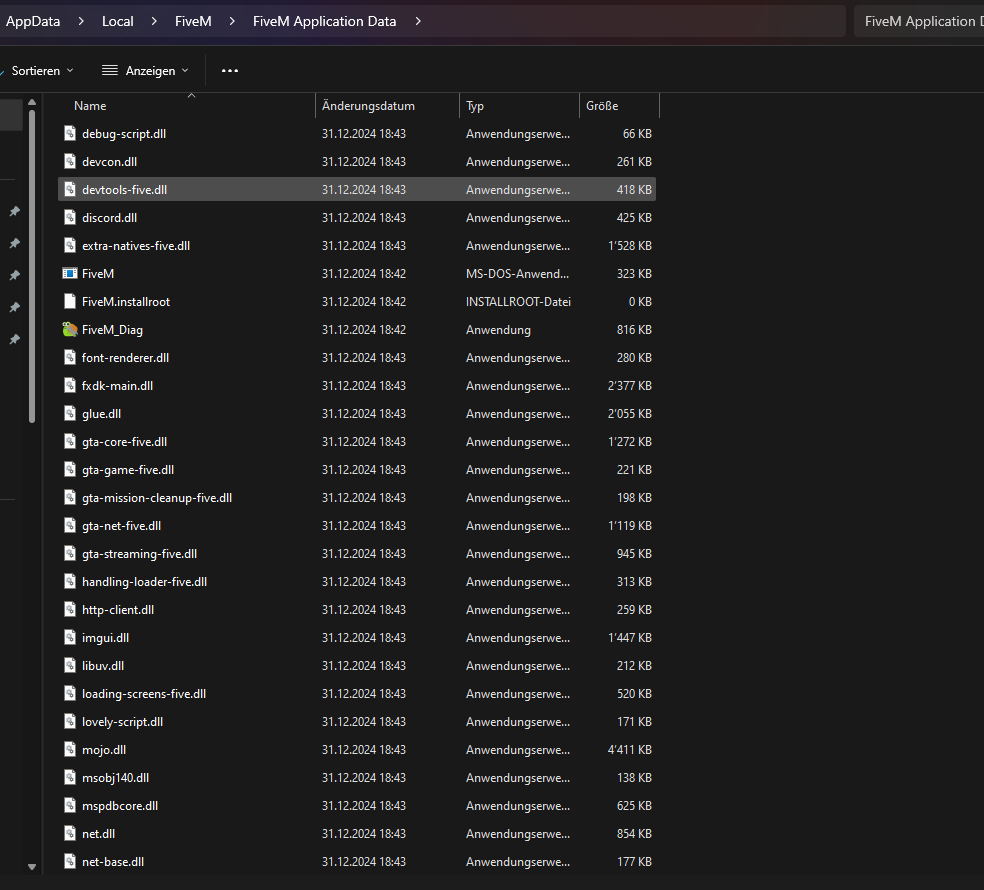
Filepath to FiveM folder: C:\Users\LeonK\AppData\Local\FiveM\FiveM.app
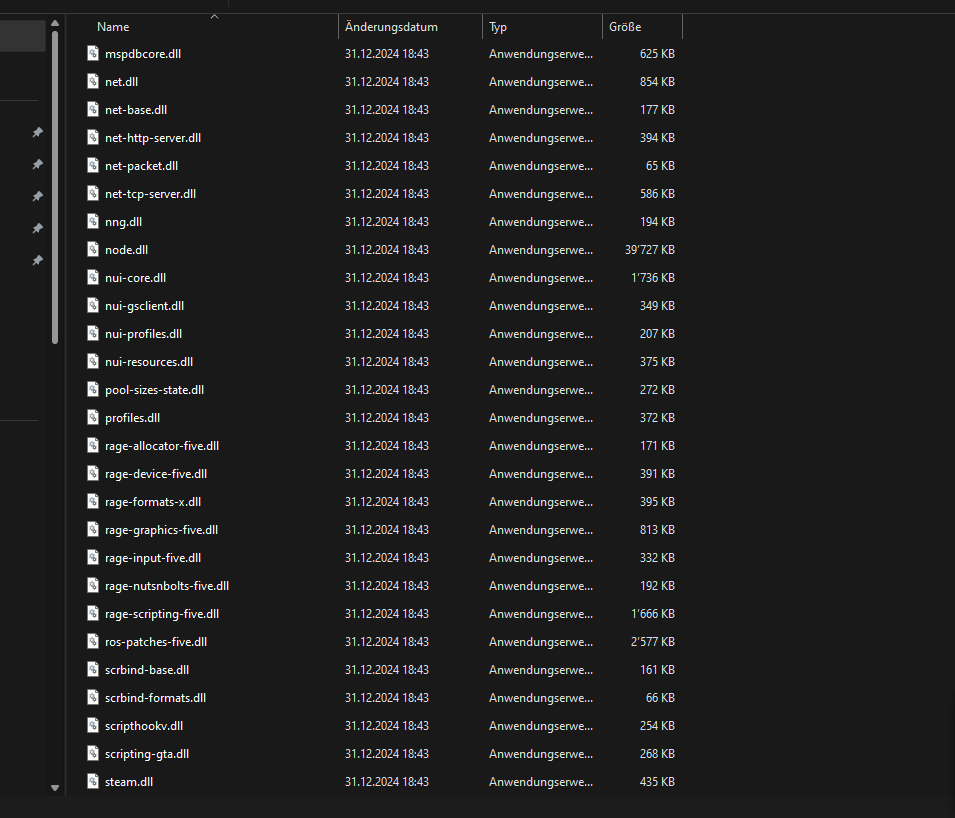
FiveM client folder screenshot:
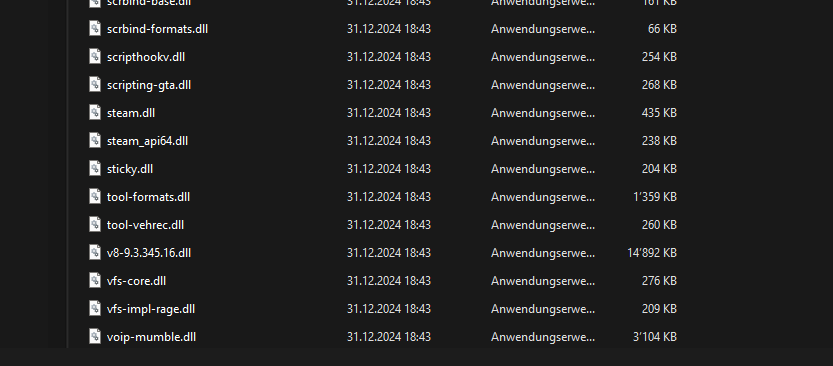
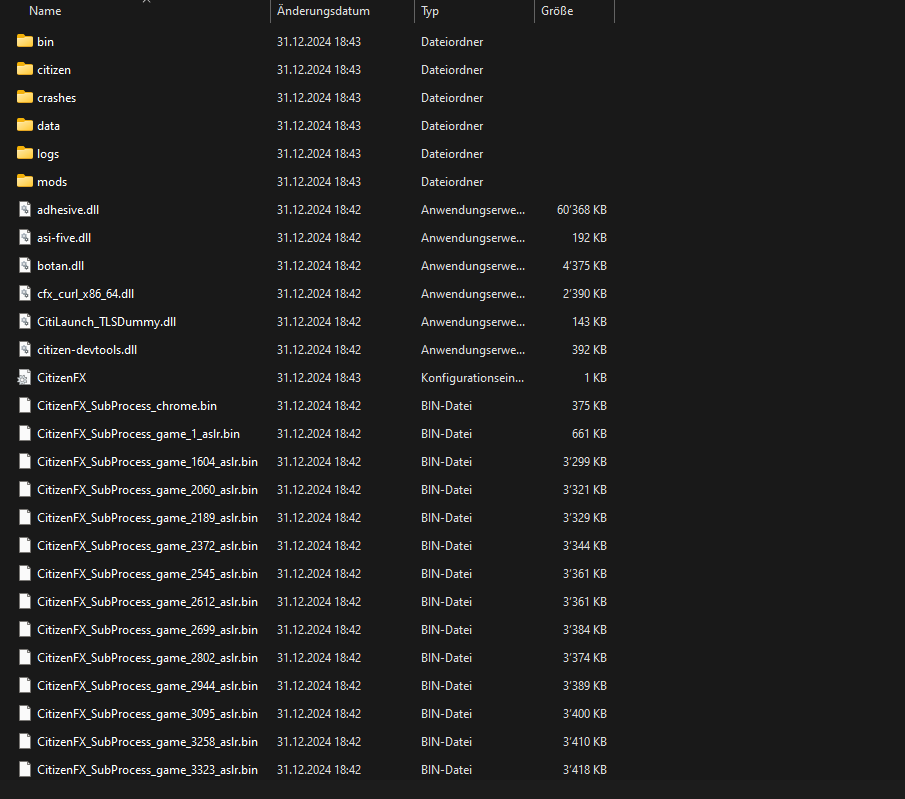

Which antivirus/firewall software are you using? My Security
Did you try to disable/uninstall your Anti-virus? yes i disable this programm
Important parts
What is the issue you’re having? When I start my Fivem, the Loding Screen of Fivem opens with the loading bar, and the loading bar of the Loding Screen stops just before the end. And then the window closes automatically and no Fivem opens
What are you trying to do? That I can finally play Fivem again and on the different servers
What have you tried already to fix the issue? I have already deleted the cache several times, reinstalled Fivem, reinstalled and deleted my Gta 5 multiple times just like Fivem. Deactivated my antivirus programme and deactivated the firewalls. Restarted my PC several times, searched various videos on Youtube and searched the internet for solutions to my problem without success.
Error screenshot (if any): It does not give me an error message
What did you do to get this issue? I have already deleted the cache several times, reinstalled Fivem, reinstalled and deleted my Gta 5 multiple times just like Fivem. Deactivated my antivirus programme and deactivated the firewalls. Restarted my PC several times, searched various videos on Youtube and searched the internet for solutions to my problem without success.
What server did you get this issue on? Be specific and name some, ‘all of them’ by itself isn’t useful! I can’t even access a server because I can’t get into the client at all

