GTA V version?
1604.1, online 1.44
Up to date?
Yes all right
Legit or Pirate copy?
Legit
Steam/CD/Social Club?
Steam
Windows version?
Win 10
Did you try to delete caches.xml and try again?
Yes, I tried.
Error screenshot (if any)
No error message, simply close
System specifications
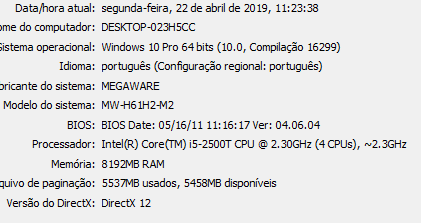
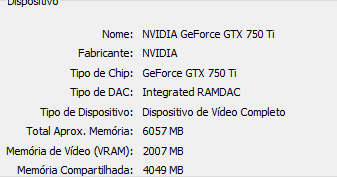
What did you do to get this issue?
It happened after the last update of the fivem.
The fivem process closes after 5/10 seconds
CitizenFX.log file
CitizenFX.log (30.1 KB)
.dmp files/report IDs
no crash 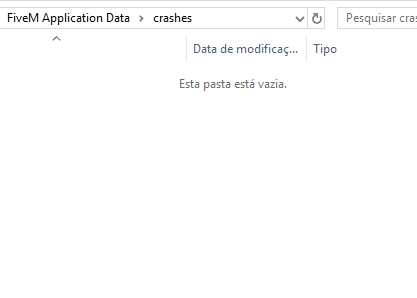
If an issue with starting:
GTA V folder screenshot
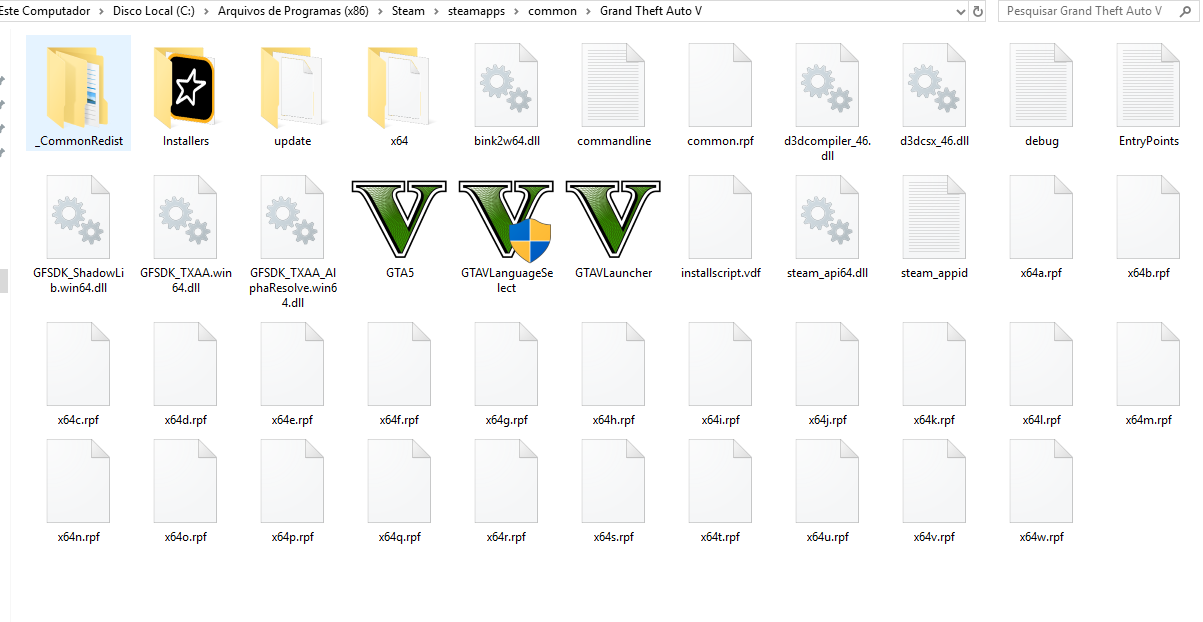
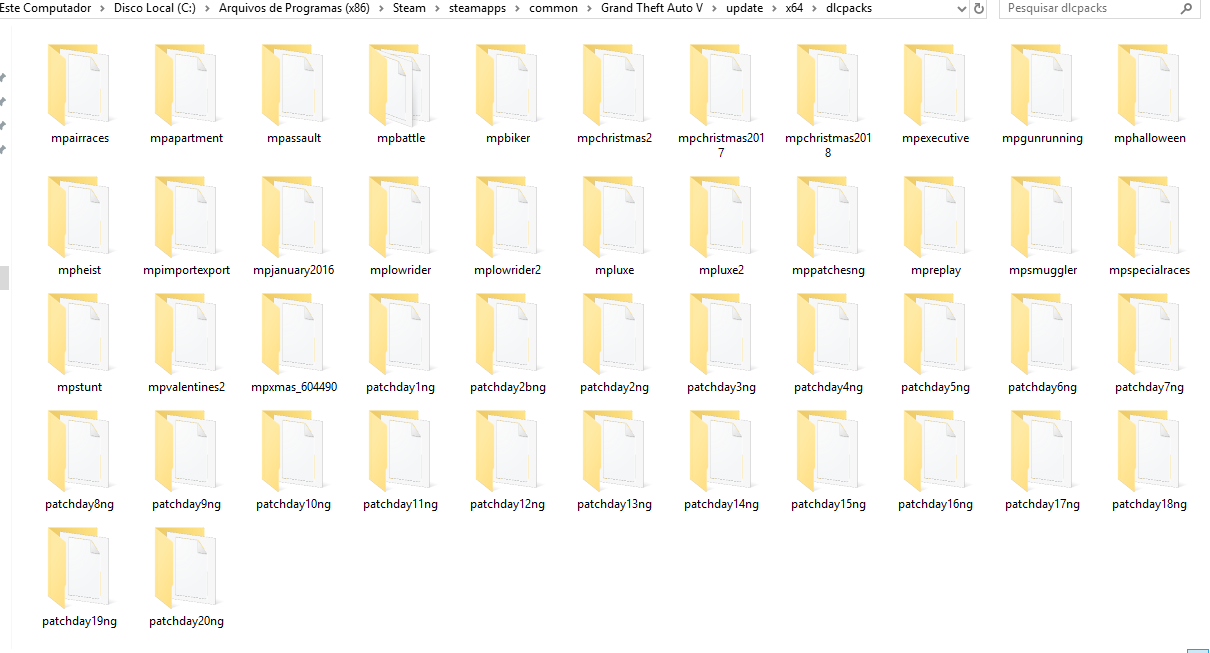
GTA V/update/x64/dlcpacks screenshot
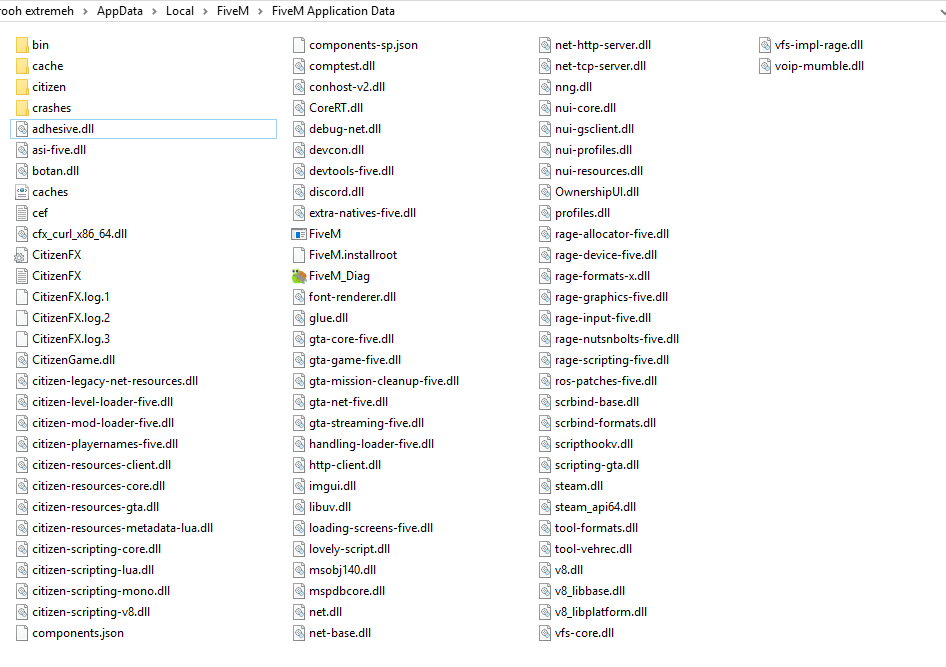
Filepath to FiveM folder
C:\Users\Neroo\AppData\Local\FiveM
FiveM client folder screenshot
Did you try to disable/uninstall your Anti-virus?
my computer does not have any antivirus

Also add what you already tried so far.
I restored the operating system (more recent win10), I installed an earlier version of the operating system, in fact I’ve tried almost everything. , Another game (League of legends) also presented this same problem of terminate the process, but I decided to open it as administrator, and solved the problem, but fivem not has this option (open as administrator) (Sorry my bad english, im Brazilliam) I really want to go back play Fivem. :b, in the last upgrade you had, the fivem came back normal, but when you exit and try to open again the problem has returned, when I updated again (yesterday) the fivem open normally, and I made a backup of the fivem folder, and in today’s update the problem came back, so I opened the old fivem with the internet turned off so it does not update and it opens normally, but if it updates the problem back, please devs fix it, I’m sure it’s not my settings