Hey! I tried to move interior and exterior, with no succus
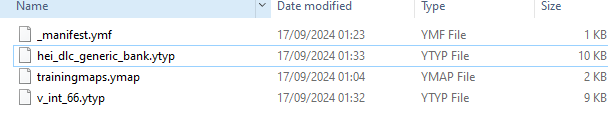
here is an image from the code walker and files.
its doesnt spawn in-game
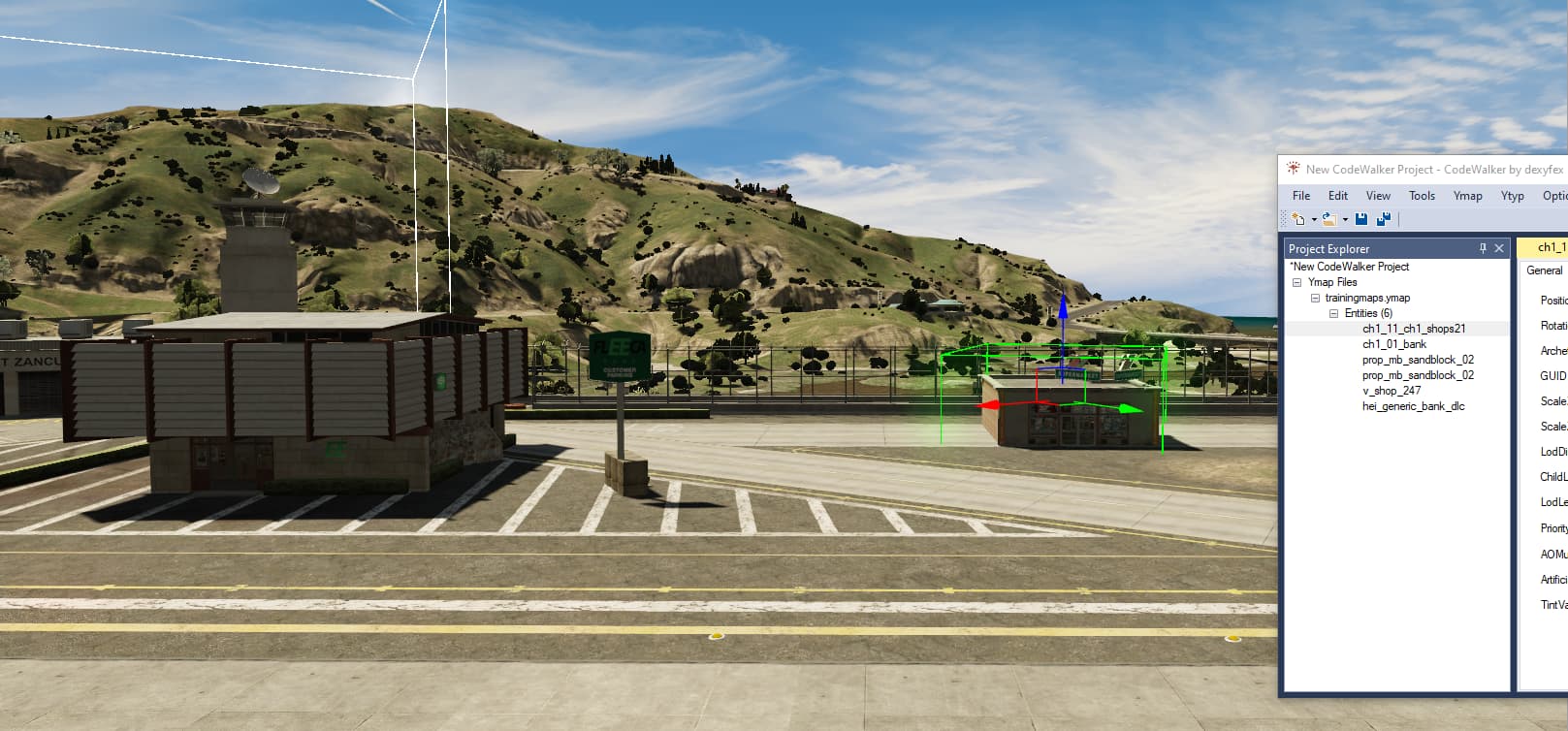
select all the entities in the ymap and drag them to the new spot you want it
that what I did, its just not showing in game.
You will reach a point in this project that you will have to take your work outside of CodeWalker to deal with LOD’s and adding new ground textures. 3DS Max and Blender are what is usually used to create/edit exteriors. CodeWalker itself doesn’t like moving HD textures across the map there is a list of building variants you have to duplicate, and old buildings and collisions to remove. Interiors are easy to copy and move, but moving/building exteriors is a little more challenging.
Start by extracting all the game buildings from OpenIV, and all of the surrounding roads from the areas that you want to work with, then move your work into Blender. you can build whatever you want in there and then export new ymaps to use and relocate in CodeWalker.
If those files above are not in the proper folder template then it won’t stream.
You need to put those files above into a “stream” folder and give the resource a manifest that specifies the resource is a map.
While you are moving or adding new entities to the map, make sure that you are actually clicking “Add to Project” and Calculate All Flags and Extents… on EVERYTHING that you move. and don’t “delete” anything from the world.
This topic was automatically closed 30 days after the last reply. New replies are no longer allowed.