We built a Tebex market script that pulls all items from your Tebex store and lets players buy them right in-game.
It was meant for another tool I’m developing, but I’m wondering, would anyone want this as a standalone resource? would anyone pay for it?
Video
Fotos
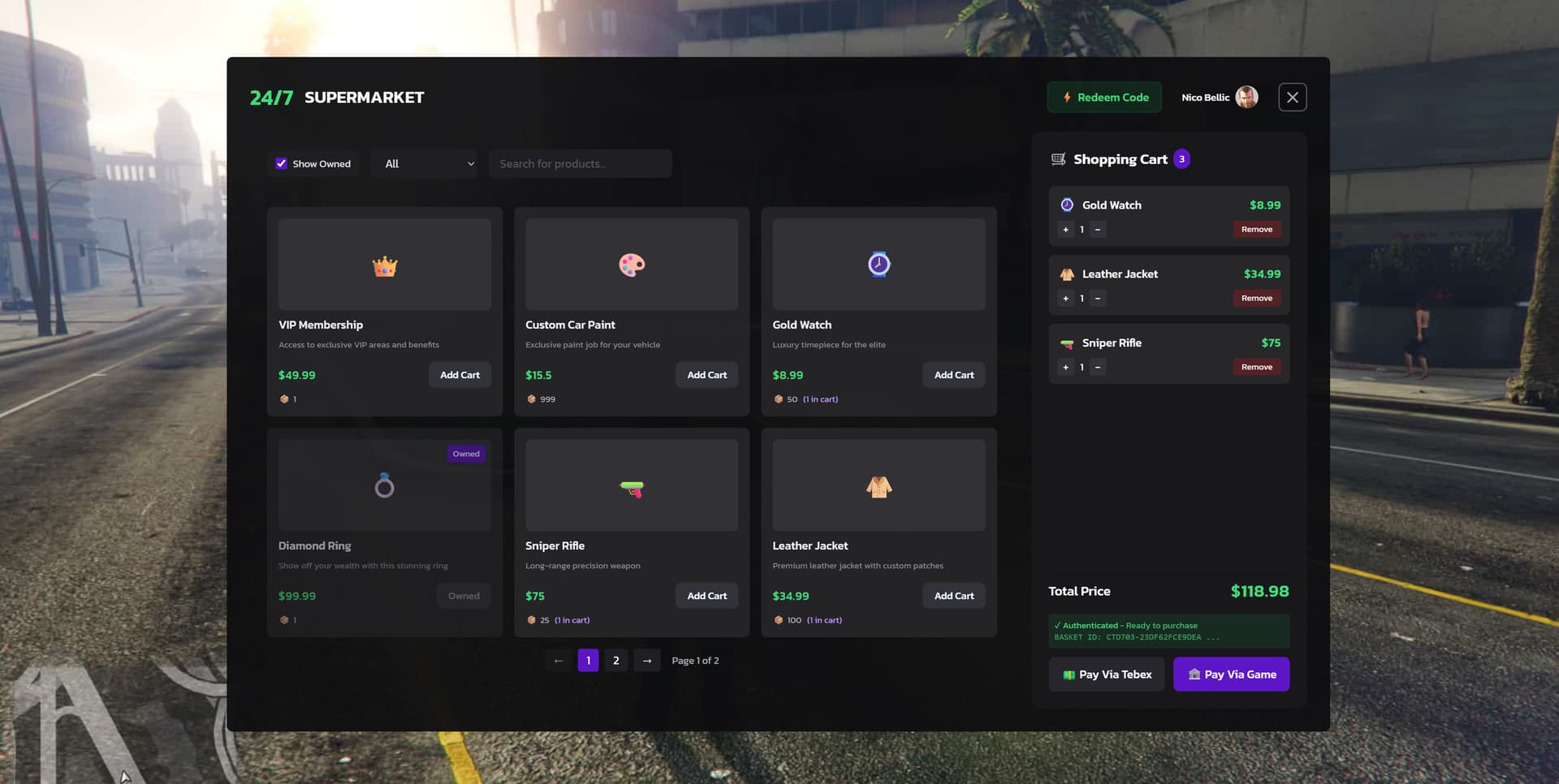
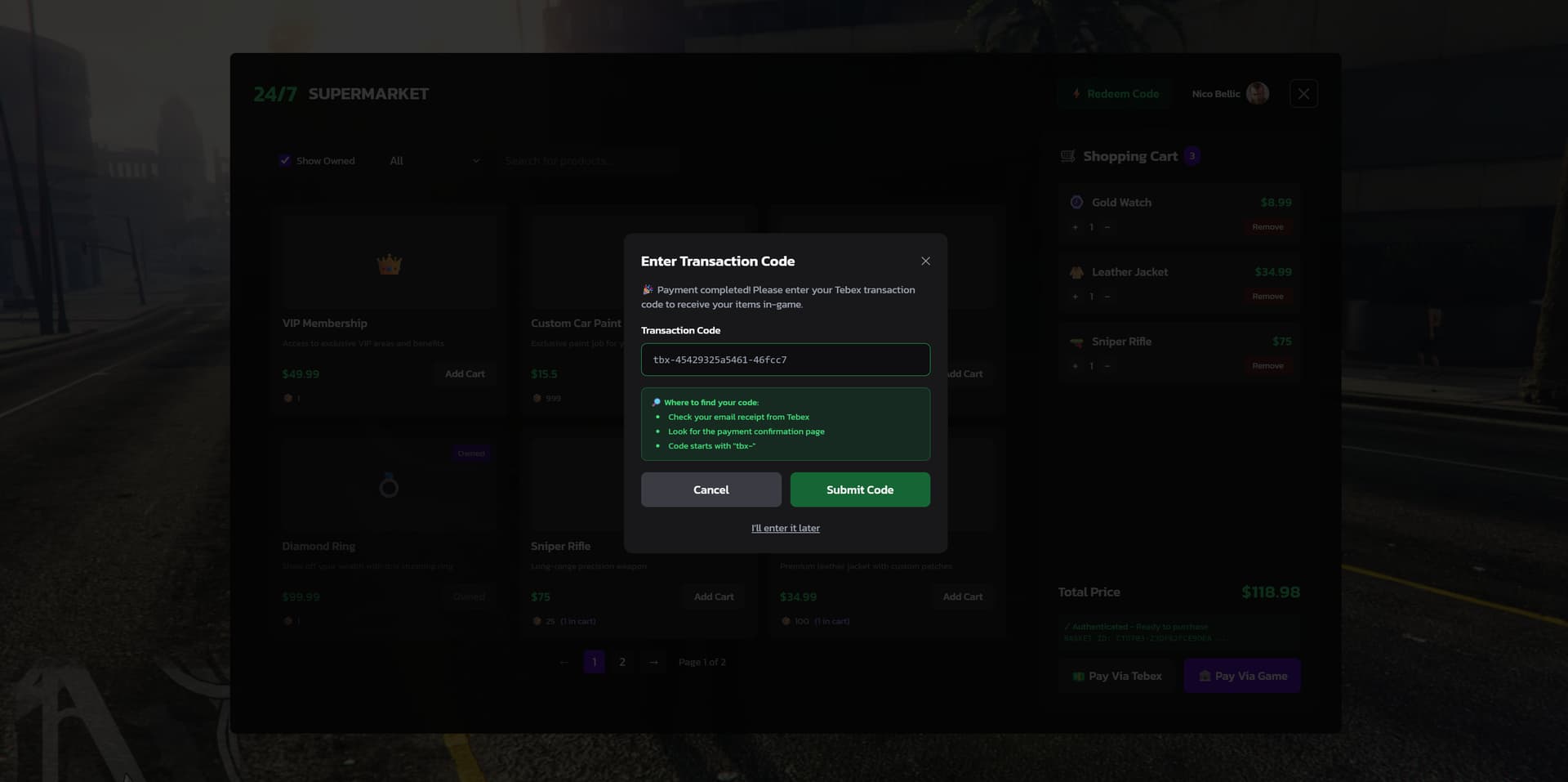
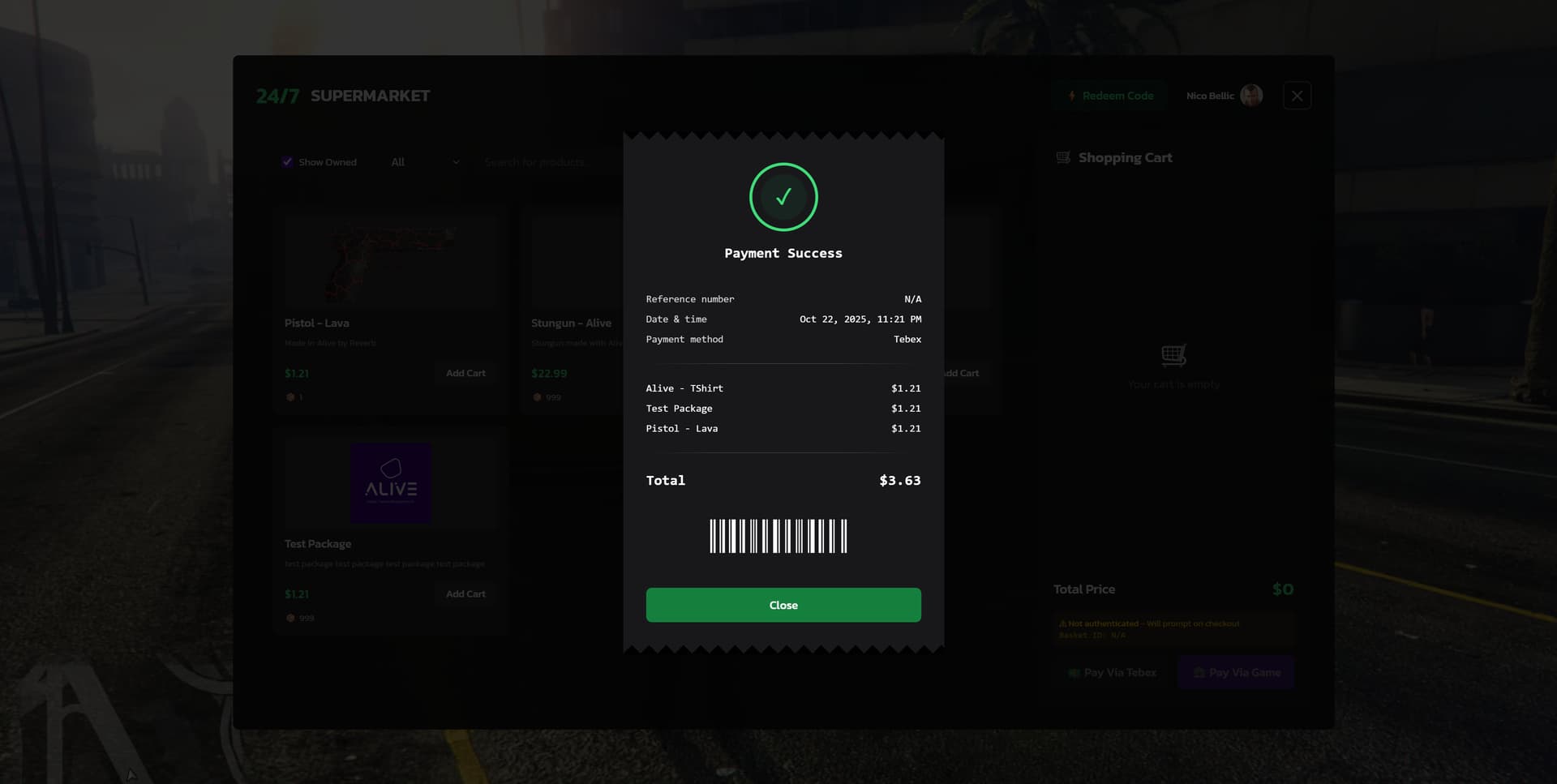
🛒 Alive Market — Tebex Headless Marketplace for FiveM
📋 Overview
Alive Market is a lightweight, store-front resource for FiveM servers that integrates with Tebex (Headless API) to provide an in-game marketplace. It supports:
- Payment Methods: Tebex checkout (real money) OR in-game money (configurable)
- Framework Compatibility: Works with QB-Core, ESX, and standalone setups
- Real-time Tebex basket synchronization (add/remove/update quantity)
- Tebex authentication and basket lifecycle management
- In-browser payment flow (open Tebex checkout URL)
- Mock data mode for local development
- Player identification using CFX forum avatars
- Persistent baskets that survive client reloads until purchase completes
- Price rounding and clean UI designed for in-game overlay usage
❓ Why use Alive Market?
- Dual payment support: Accept real money (Tebex) or in-game currency
- Framework agnostic: Compatible with QB-Core, ESX, or standalone servers
- Clean, modern UI built with React + TypeScript + MobX
- Production-ready Tebex headless integration
- Designed to minimize basket creation and avoid duplicate purchases
- Easy to customize: toggle mock data, change styles, extend item delivery logic
⭐ Features
- Payment Flexibility: Support for Tebex payments (real money) AND in-game money transactions
- Framework Support: Compatible with QB-Core, ESX, and standalone configurations
- Full Tebex Headless API integration (create baskets, add packages, check auth)
- Realtime sync: cart changes in-game update the Tebex basket immediately when authenticated
- Basket persistence and reuse: basket ID saved in localStorage and reused until completed
- Authentication modal (Tebex) and payment modal (Tebex checkout)
- Configurable mock data for testing without Tebex
- Player avatar integration using CFX forum avatar URLs
- Easy to extend with custom item delivery logic for QB-Core/ESX inventories
📥 Installation
- Copy the
alive-marketfolder into your server'sresourcesdirectory (e.g.,resources/[custom]/alive-market). - Add the resource to your
server.cfg:
ensure alive-market- Add Tebex config to
server.cfg(recommended):
set tebex_project_id "<YOUR_TEBEX_PROJECT_ID>"
set tebex_private_key "<YOUR_TEBEX_PRIVATE_KEY>"
set tebex_public_token "<YOUR_TEBEX_PUBLIC_TOKEN>"
set tebex_headless_api_uri "https://headless.tebex.io"- Start the server and open the in-game UI via your own input binding or by sending a NUI message to the resource:
SendNUIMessage({ action: 'setVisible', data: true })⚙️ Configuration
server/server.lua— extracts the FiveM identifier and returns thefivem:id used to build the CFX forum avatar URL. Extend this file to add in-game money payment handlers (QB-Core/ESX).react/src/stores/InventoryStore.ts— toggleuseMockDataor callsetMockData(true)at runtime to use mock items.react/src/stores/CartStore.ts— core Tebex synchronization and basket lifecycle logic. Extend this to implement in-game item delivery when purchases complete.
🔧 Framework Integration:
- For QB-Core: Use QB exports to deduct money and add items to player inventory
- For ESX: Use ESX exports to deduct money and add items to player inventory
- For Standalone: Implement custom money/inventory handlers in server.lua
🎯 Usage
- Browse packages (real or mock) and add them to the in-game cart.
- Choose your payment method:
- "Pay via Tebex": Opens Tebex checkout for real money payments. If basket not authenticated, user will be prompted to sign in.
- "Pay via Game": Use in-game money (requires server-side implementation with QB-Core/ESX exports). By default shows "feature not supported" modal until you implement the payment handler.
- After successful payment (Tebex or in-game), implement item delivery logic in
server/server.luausing your framework's inventory system. - Baskets are preserved until purchase completes; delivery logic can be implemented in
CartStoreor via server-side Tebex webhooks.
💻 Development
- The React UI lives in
react/. For development you can open it in a browser and enable mock data. - To switch to mock items during runtime use the InventoryStore methods:
// Toggle mock/real
inventoryStore.toggleMockData();

// Or set explicitly
inventoryStore.setMockData(true);
👏 Credits
- Built with React, TypeScript, MobX and Tebex Headless API
- Avatar integration uses CFX forum avatars (
https://forum.cfx.re/user_avatar/forum.cfx.re/{fivemId}/120/1.png)
📜 License
Copyright © 2025 Alive Games. All Rights Reserved.
COMMERCIAL LICENSE
This is commercial software. Use requires a valid paid license. Unauthorized use, distribution, or modification is strictly prohibited.
Contact Alive Games for licensing information.
💬 Support
If you need help integrating or customizing Alive Market, open an issue in the repository or reach out on the Cfx.re forums.
Made with ❤️ for the FiveM community