lfAdmin
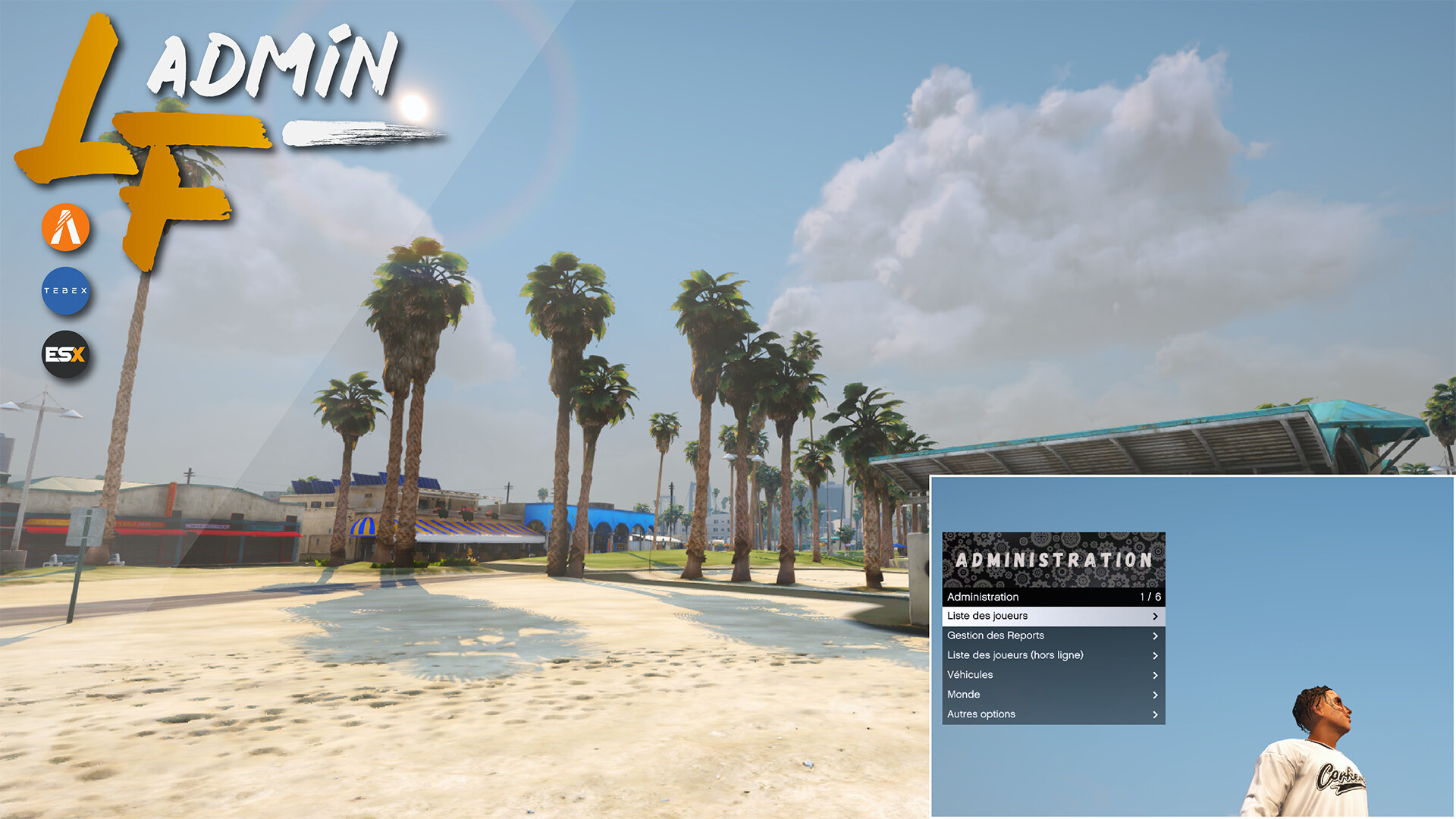
lfAdmin is an administration menu script that allows you to manage players on your FiveM server. Simple and efficient, it features a RageUI interface. We offer you a professional admin menu for your server.
Buy Here : Click Here
Preview : Click Here
Discord : Click Here

Global
The menu opens with the F10 key by default, which can be configured according to your preference or your staff’s preference. Once opened, we have integrated a duty system, disabled by default and configurable via the config.lua file.
You can force your staff members to indicate when they are on duty using a dedicated button. Webhook logs are available for most actions performed by staff, allowing better monitoring and oversight.
Dynamic Grade and Permission System
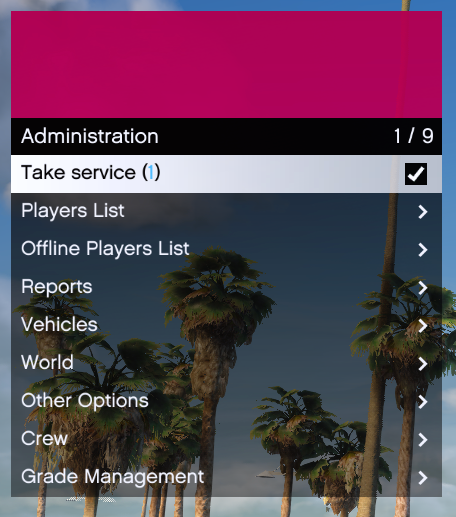
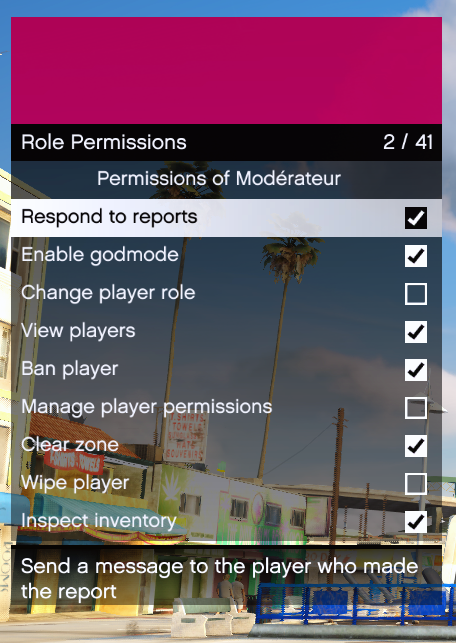
The creation and modification of grades are done directly in-game. Through the admin menu, you can create grades for your staff and players, and assign specific permissions to each grade, without needing to restart the script or the server. The same applies to grade changes. More than 39 permissions are currently available.
Player Management Features
To manage your players, two categories are available: the online players list and the offline players list. Below is the list of actions you can view or perform :
- Send a private message to the player
- Teleport to the player
- Teleport the player to yourself
- Return the player to their previous position
- Take a screenshot of the player
- Revive the player
- Heal the player
- Freeze / unfreeze the player
- Open and inspect the player’s inventory
- Change the player’s role
- View the player’s sanctions
- Change the player’s crew (if LFTerritory script is enabled)
- Sanction the player
- Kick the player
- Ban the player
- Wipe the player
- Disable a character (if ESX Multicharacter is enabled)

Professional Report System
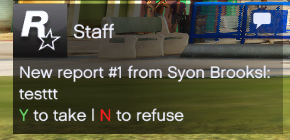
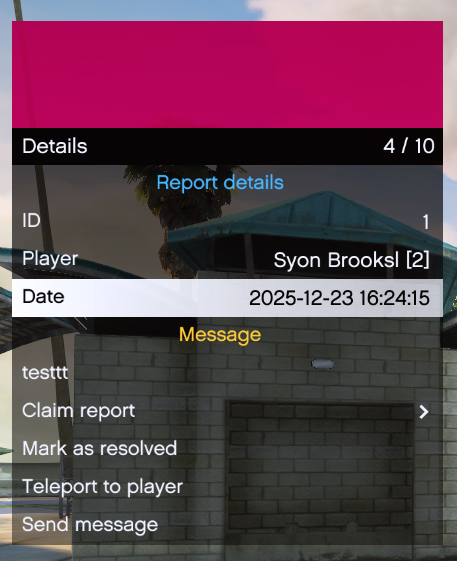
Reports are submitted via /report and are listed as either pending or resolved. As soon as a report is made, a notification appears for all staff members present, or for staff on duty, depending on your configuration. Staff can choose to accept the report by pressing Y or decline it with N. Once a report is taken by a staff member, all other staff are notified that the report has already been claimed.
Vehicle Management
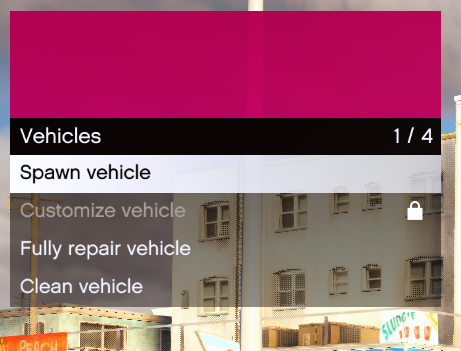
You can easily manage your vehicles through the menu by repairing, cleaning, and customizing them.
Other Options
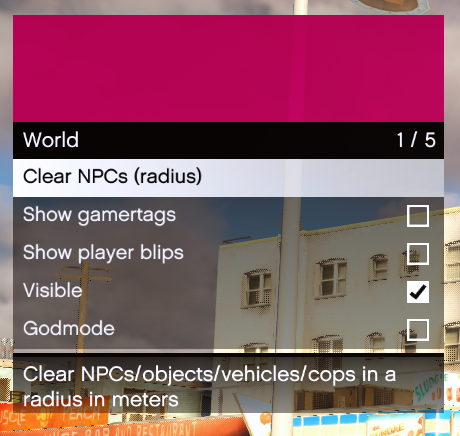
Additional features are available, including noclip, spectate, player gamertags, player blips, server announcements, and more.
| Code is accessible | No |
| Subscription-based | No |
| Lines (approximately) | ~6000 |
| Requirements | ESX Legacy, screenshot-basic (for screenshot) |
| Support | Yes |