Legends: Business Menu Script
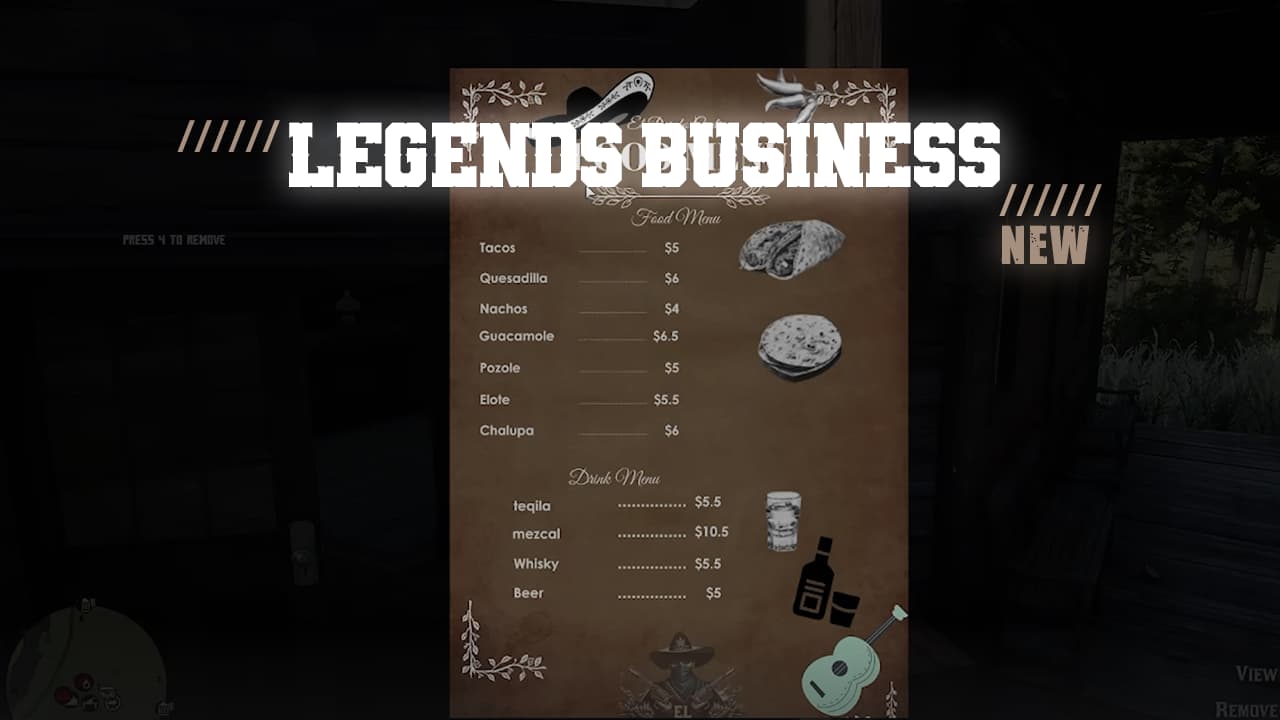
Welcome to the Legends: Business Menu Script for RedM. This script enhances roleplaying by allowing players to create, view, and manage custom business menus. Built on the VORP framework, it integrates various utilities to provide a seamless experience.
Price: 10 USD
Features at a Glance
 Custom Business Menus: Players can set up business menus with custom images.
 Location-Based Menus: Menus are linked to specific locations in the game world.
 Admin Controls: Only the creator or an admin can remove a business menu.
 Interactive Prompts: Utilize advanced input prompts to manage menus.
 3D Text and Sprites: Displays customizable 3D text and sprites at the menu location.
 Webhook Logging: Logs menu creation and removal events to a Discord webhook.
 Job Restrictions: Only certain jobs can use the business menu item.
Dependencies
- vorp_core
- bcc-utils
- oxmysql
- vorp_inventory
Installation
- Download and Extract: Download the Legends: Business Menu Script and extract it to your server’s resource directory.
- Add to Server Config: Add
start legends-bmenuto yourserver.cfgfile. - Database Setup: Ensure you have a table set up for storing business menu data. The table name should match
Config.DatabaseTableinconfig.lua.
Configuration
Open the config.lua file and adjust the following settings as needed:
Config = {}

Config.Debug = true -- Developer Mode
Config.DatabaseTable = "legends_businessmenu" -- the DB table name you want to use
Config.Webhook = "YOUR_DISCORD_WEBHOOK_URL" -- Add your webhook URL here

Config.locale = 'en_lang' -- Language currently English so keep it
Config.UseableItem = "flyer" -- The item you want to use for the menu

Config.keys = { -- Prompts keys https://github.com/femga/rdr3_discoveries/tree/master/Controls
    E = 0x41AC83D1,
    R = 0xE3BF959B
}

Config.JobsEnabled = true -- Enable/Disable Jobs

Config.Jobs = {
    ["val_saloon"] = true,
    ["realstate"] = true,
    ["builder"] = true,
    ["val_horsetrainer"] = true,
    ["doctor"] = true,
}

Config.AdminGroup = "admin" -- The admin group name
Config.UserGroups = { "user", "supporter" } -- List of user groups

Config.Texture = {
    Streamed = "generic_textures",
    Name = "selection_box_bg_1c",
    Width = 0.160,
    Height = 0.090,
    R = 0,
    G = 0,
    B = 0,
    A = 180,
    Distance = 3.0 -- Radius to show the menu
}

Config.Text = {
    X = 3.5,
    Y = 3.5,
    Scale = 0.3,
    R = 255,
    G = 255,
    B = 255,
    A = 255,
    Font = 1, -- 0 is the default font
    Centered = true,
    Text = "MENU"
}
Video: Watch Demo
Buy it here: Legends Business Menu