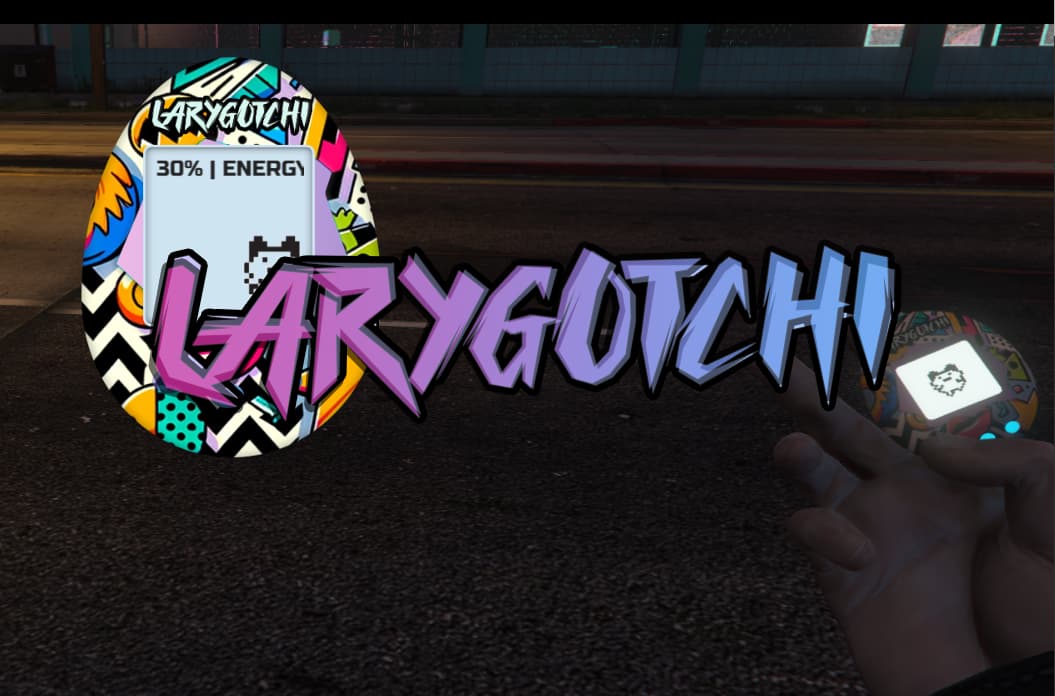
Larygotchi 
 Description: Introducing “Larygotchi”, your interactive virtual friend! Engage with Larygotchi through the wonders of
 QBCore or simple commands. Feed, play, and ensure it gets ample rest.

Features:
 Initialization: Prepares Larygotchi for fun-filled activities.
 Toggle UI: Instantly show or hide Larygotchi’s interface.
 Commands & QBCore Usable Item: Access Larygotchi via:
- Command:
/togglepocketpet - QBCore Usable Item:
"larygotchi"
- Command:
 Event Handlers: Larygotchi listens keenly to your directives.
 Animations: Enjoy watching Larygotchi munch, frolic, or take a nap.
 Stats: Keep an eye on:
 Happiness
 Hunger (Tummy)
 Energy
 Event Listeners: Click on the options to interact with Larygotchi.
 Time Update: Stay updated with Larygotchi’s internal clock.
 Draggable UI: Larygotchi loves exploring. Drag to place it wherever.
 Hide/Show Logic:
- Use the ESC key to give Larygotchi a break.
- Attach it to the side of your character for safekeeping when not in use.

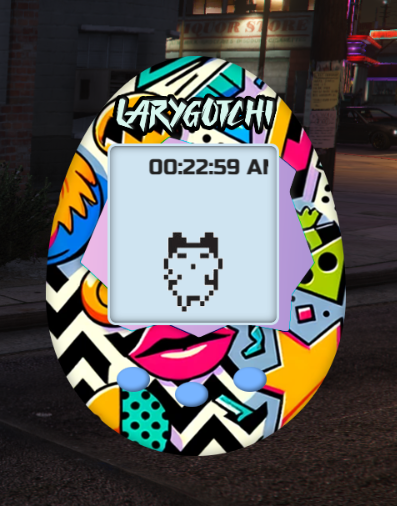
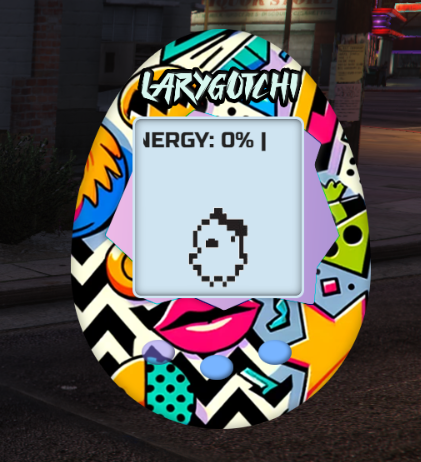
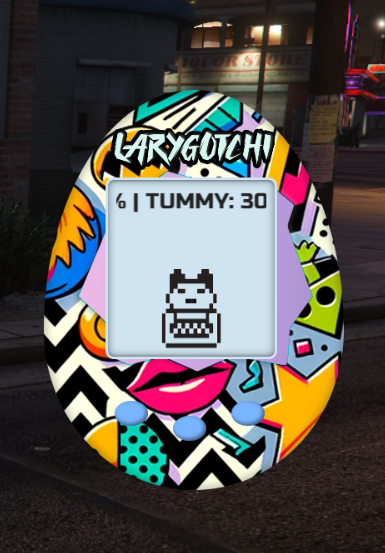
 Usage:
- Toggle Larygotchi UI:
- Command:
/togglepocketpet QBCoreUsable Item: Simply use the item"larygotchi"in your inventory.
 Interact:
 Play: Play fetch with Larygotchi.
 Feed: Give Larygotchi its favorite snack.
 Sleep: Watch Larygotchi drift into sweet dreams.
 Monitor Stats: Stay informed about Larygotchi’s mood and needs.
- Reposition UI: Shift Larygotchi around for a fresh view.
 Escape Key: Swiftly hide Larygotchi when needed.
 Notes:
- Larygotchi’s emotions and behaviors are influenced by its stats.
- Optimal interactions ensure Larygotchi remains joyful.
- Some actions may be limited based on Larygotchi’s current state.
|Code is accessible |YES (Escrow)|
|Subscription-based |No|
|Lines (approximately) |N/A|
|Requirements |FiveM Server|
|Support |Yes|
Packages delivered using FiveM asset escrow