To receive support, please fill out the following template, and remove this top text.
Need Help
Hello, this is a friendly reminder because this is your first time creating a topic (or it has been a while since your last topic) in this category.
Please note that most of the support is provided by the FiveM community on a voluntary basis. We ask you to be patient; there is no guarantee we have a solution to your problem(s). To avoid unnecessary/duplicate topics, please browse the forums before creating a topic.
To improve your chances of your issue(s) being solved, please provide as much information as possible about the issue(s) you are having. Also —whenever possible— please use the template given to you when creating a topic.
Thanks for keeping these forums tidy!
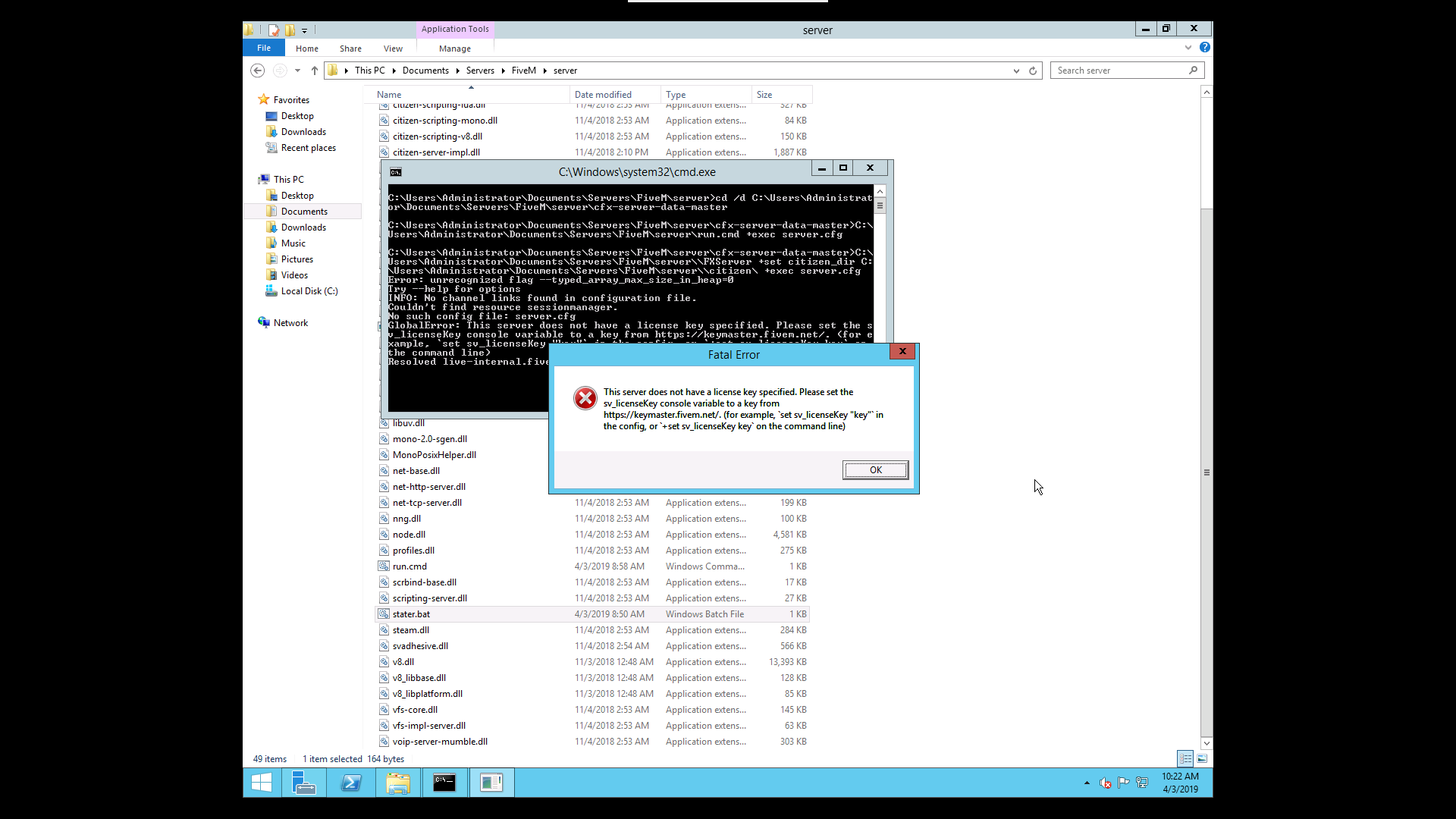
It’s a little hard to uncover the problem with just your screenshot, have you done what it says?
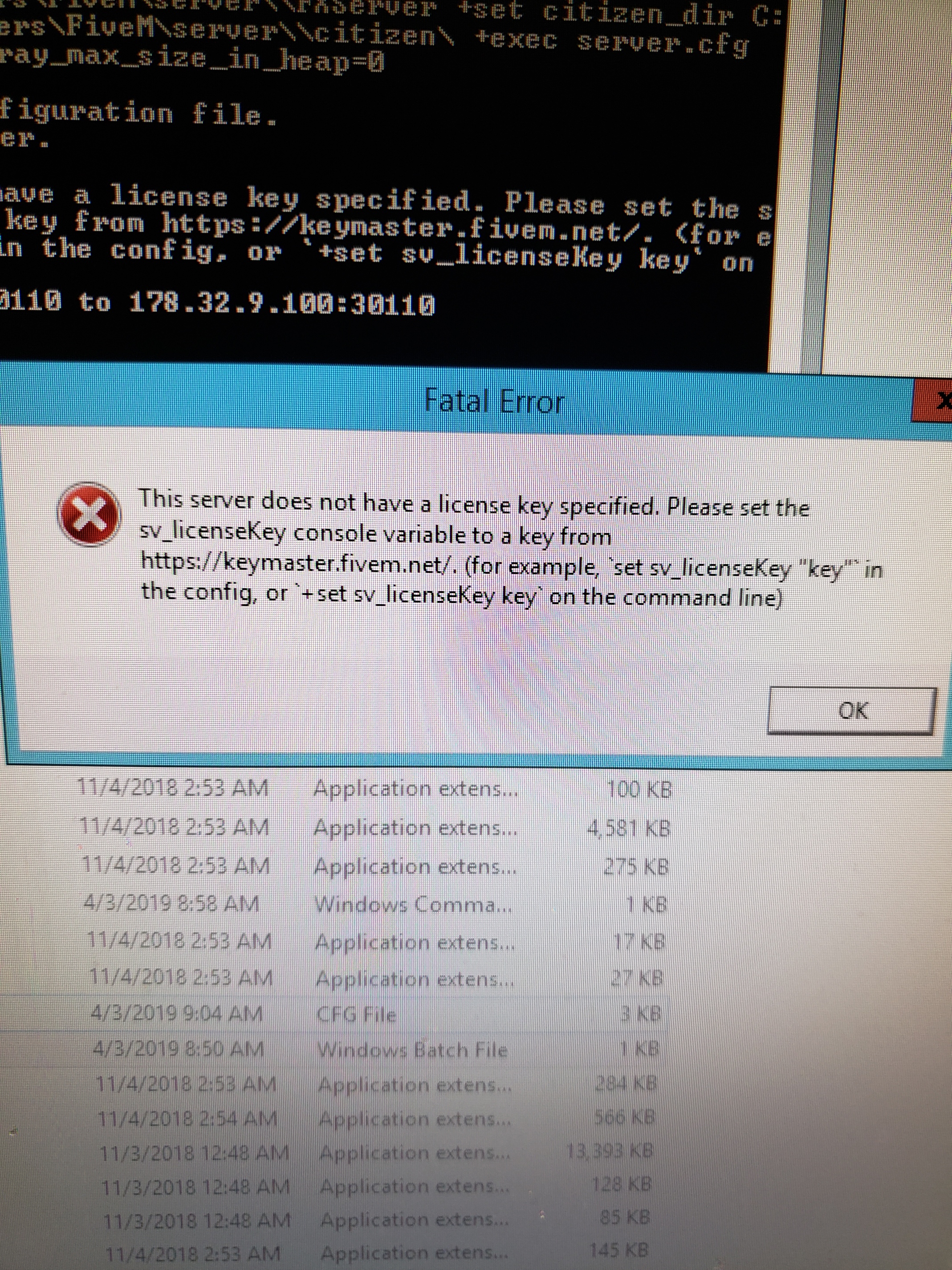
This server does not have a license key specified.Please set the sv_licenseKey console variable to a key from
Does your server.cfg file have two lines that look similar to this?

what what
If you go into the server-data folder in your FiveM server, you’ll find a file called Server.cfg. You’ll need to specify a server license key within it.
put what
Put a line at the bottom with “sv_licenseKey [licensekey]” without quotations, replace [licensekey] with a key which you can get from https://keymaster.fivem.net/
does the some thing
Just to make sure, sv_licenseKey has the capital K?
Very clear. The server.cfg cannot be found.
Follow https://docs.fivem.net/server-manual/setting-up-a-server/#windows
You must have 2 folders.
This topic was automatically closed 30 days after the last reply. New replies are no longer allowed.