


Hello,
We are happy to introduce you to our new free NUI Menu!
Jump On Menu is a library written for RedM. It offers a new way to build menus. This new menu system is the most flexible and user-friendly menu for your scripts. In contrast to other menus, the item’s actions are directly linked to itself instead of the global menu, simplifying both setup and usage.
Your players will love the innovative features, including the grid layout, color picker, and smooth menu animations. Enhance their gaming experience and rediscover the joy of development with The JO Menu.
Previews :
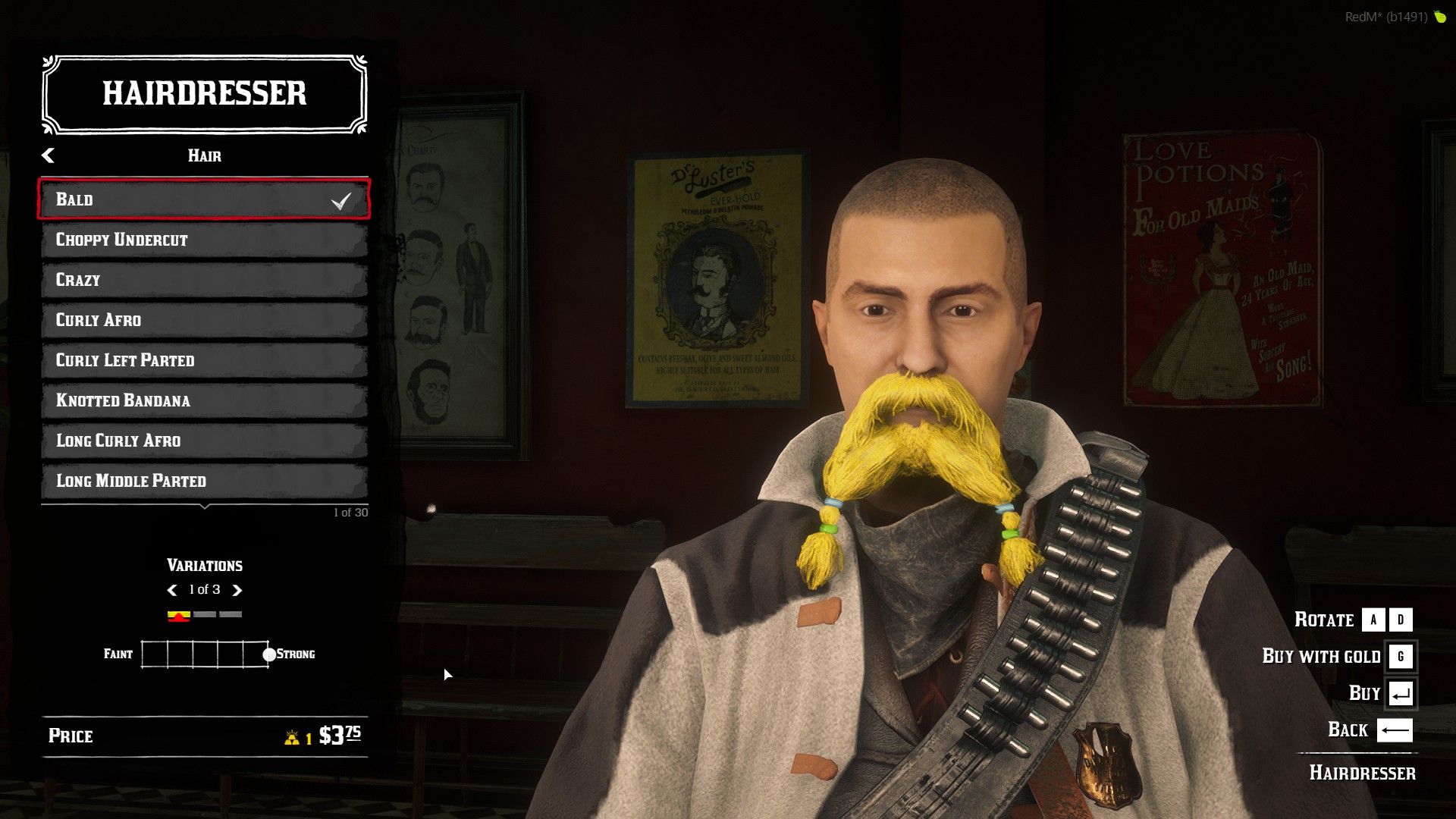
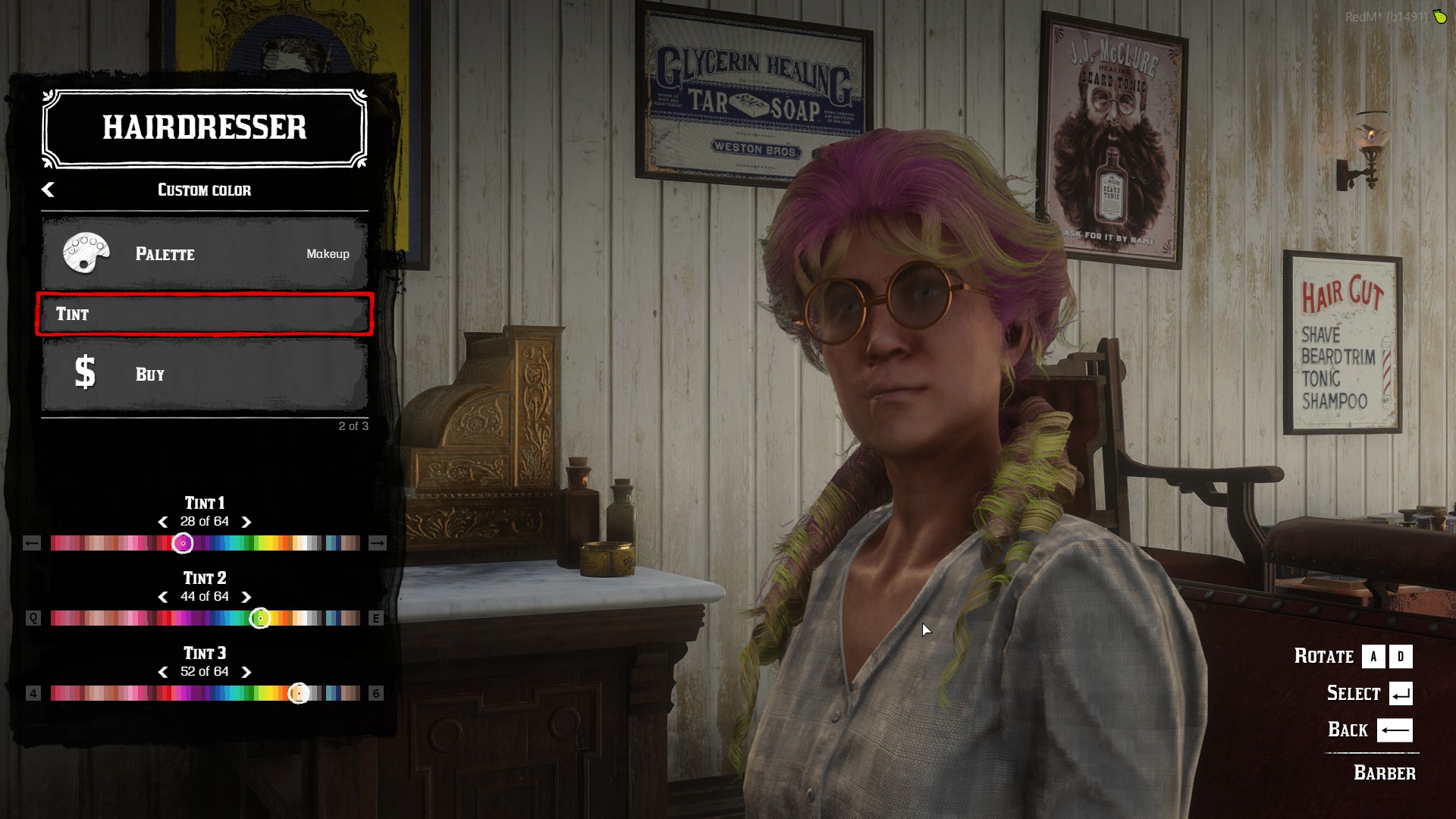
Features
- Support for simple buttons
- Mouse controls
- Keyboard controls
- Item descriptions
- Support for icons
- Support for all screen resolutions
- Support sound effect
- Support UI animations
- Support sliders
- Support statistics
- and much more !
Read more about the menu and its features in our documentation !
PS : The library is delivered with resource to replace vorp_menu, rsg-menubase & redemrp_menu_base
How to use?
- Ensure the
jo_libsresource in your server.cfg - You must add these lines in your fxmanifest.lua file
client_script '@jo_libs/init.lua'
jo_libs { 'menu' }
- Create the menu in your client files.
Example
--Initialize the menu
local menu = jo.menu.create( 'UniqueId1', {
  title = 'Menu',
  subtitle = 'Elements',
  onEnter = function(currentData)
    print('Enter in menu '..currentData.menu)
  end,
  onBack = function(currentData)
    print('Backspace/Esc pressed in menu '..currentData.menu)
  end,
})
--Add items
menu:addItem({
  title = "Item name",
  description = "The item description",
  onClick = function(currentData)
    print(currentData.item.title .. " is clicked")
  end
})
--Update NUI
menu:send()
jo.menu.setCurrentMenu('UniqueId1')
--Display the menu
jo.menu.show(true)
Download the resource example
Documentation
Download
If you have some suggestions, we are opened 
 Download → Release 1.6.1 · Jump-On-Studios/RedM-jo_libs · GitHub
Documentation → JO Menu | Jump On Docs
