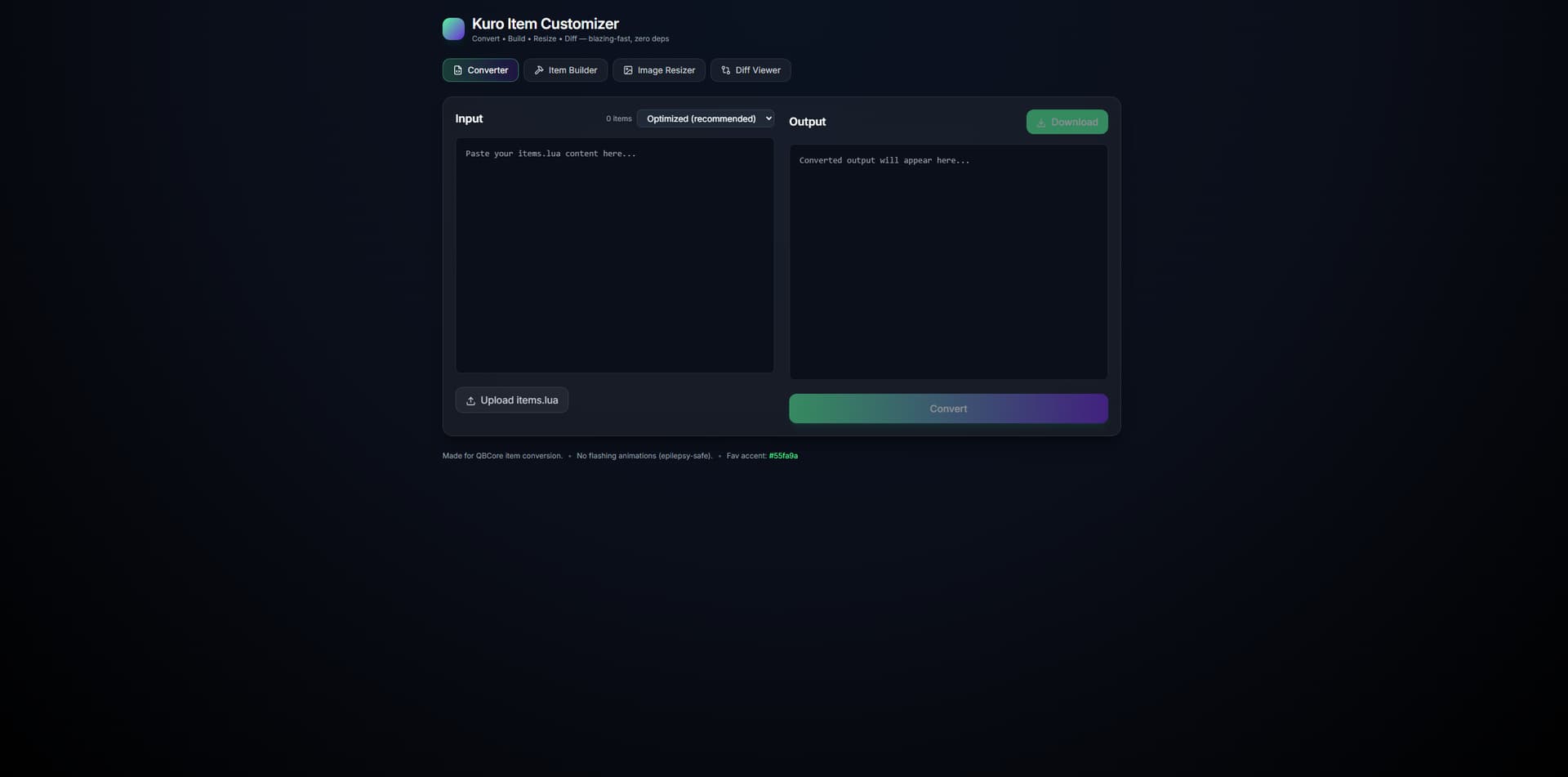
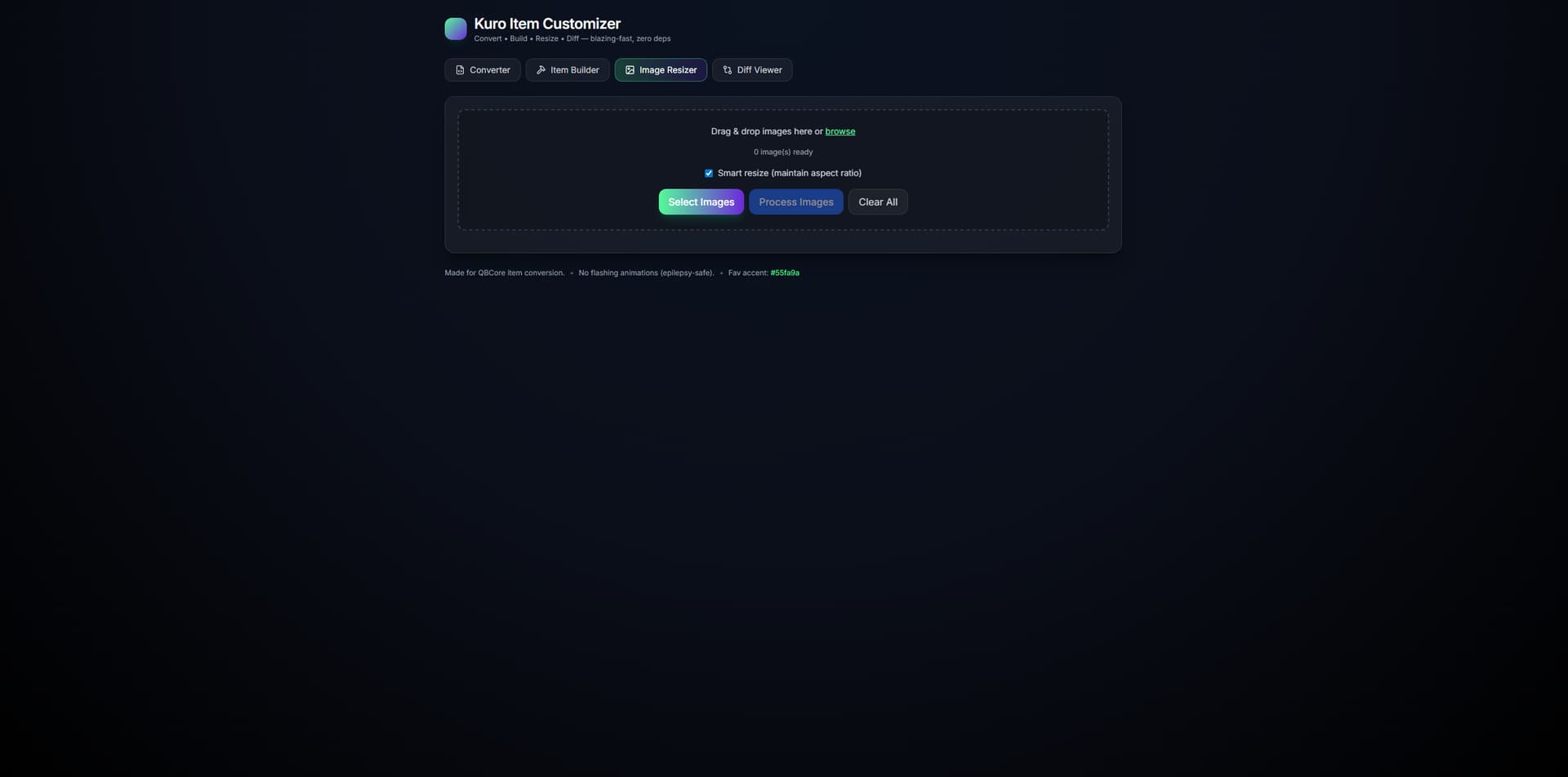
A powerful web-based tool for converting and managing QBCore item files. Features multi-format conversion (Original, Optimized, Compact, JSON, CSV), smart Item Builder with auto-population, and batch image resizing to 100x100 pixels.
New Feature QB to OX inventory support
Production tested with 3,491 items Zero errors on live server Free and open source Epilepsy-safe design Smart auto-population based on item names GitHub-style diff viewer Batch image processing
Most servers just accept the bloated standard format. This tool actually optimizes your items for better performance while maintaining full compatibility. Plus, the Item Builder makes creating new items a breeze instead of manually typing out all the properties.
Perfect for server owners who want to optimize their items.lua files without manual conversion.
click this icon to download it! <3
My Promise:
Always Free - Never will I charge for basic functionality
Open Source - Full source code available, modify as you wish
Community First - Built by the community, for the community
No Exploitation - No hidden fees, subscriptions, or paywalls
Credit Where Due - Just give me credit, that’s all I ask
Why I Built This
Working on FiveM servers, I got tired of:
Paying $30+ for basic collision map tools
Manual item conversion taking hours
Closed-source tools that break without support
Expensive “premium” features that should be free
This tool proves that quality development can be free and open source.
Support the Project
If this tool helps you, consider:
Star the repository
Report bugs and suggest features
Share with other server owners
Contribute code if you’re a developer
Together, we can make FiveM development better for everyone!
Are you going to add compatibility to ox_inventory items format?
And I noticed a problem, the label of the items aren’t being saved. All my items labels are not being copied to the optimized file format, its this a bug?
Just tried this… Great tool! Thank you for your efforts and work!
I do have a question, when I ran my items.lua through (set on optimized), the printout set all of my image settings to image = ‘default.png’. Is there something I can do to prevent this? It did it on all 1100 items. In my original items.lua, I had the proper image value filled in.
thank you for your feed back i will take a look in to this might be a parsing issue but the tool is fully open source in the mean time feel free to take a look i have a new tool coming out very soon that works along side this one im sorry about your images il respond when i push a update
hi sorry about the long wait BUT v2 has dropped just reopen the updated repo link and it has some major improvements any issues please message me i will continute to support this as long as i see enough egagement! Happy Coding friend <3
hi sorry about the long wait BUT v2 has dropped just reopen the updated repo link and it has some major improvements any issues please message me i will continute to support this as long as i see enough egagement! Happy Coding friend <3



 Production tested with 3,491 items
 Star the repository
 Report bugs and suggest features
 Share with other server owners
 Contribute code if you’re a developer