so i converted esx Rainmad kidnapping with no issue
but when i tried with bank heist but i keep getting this issue
every thing else with client and config are fine and the rest of the server are play as well

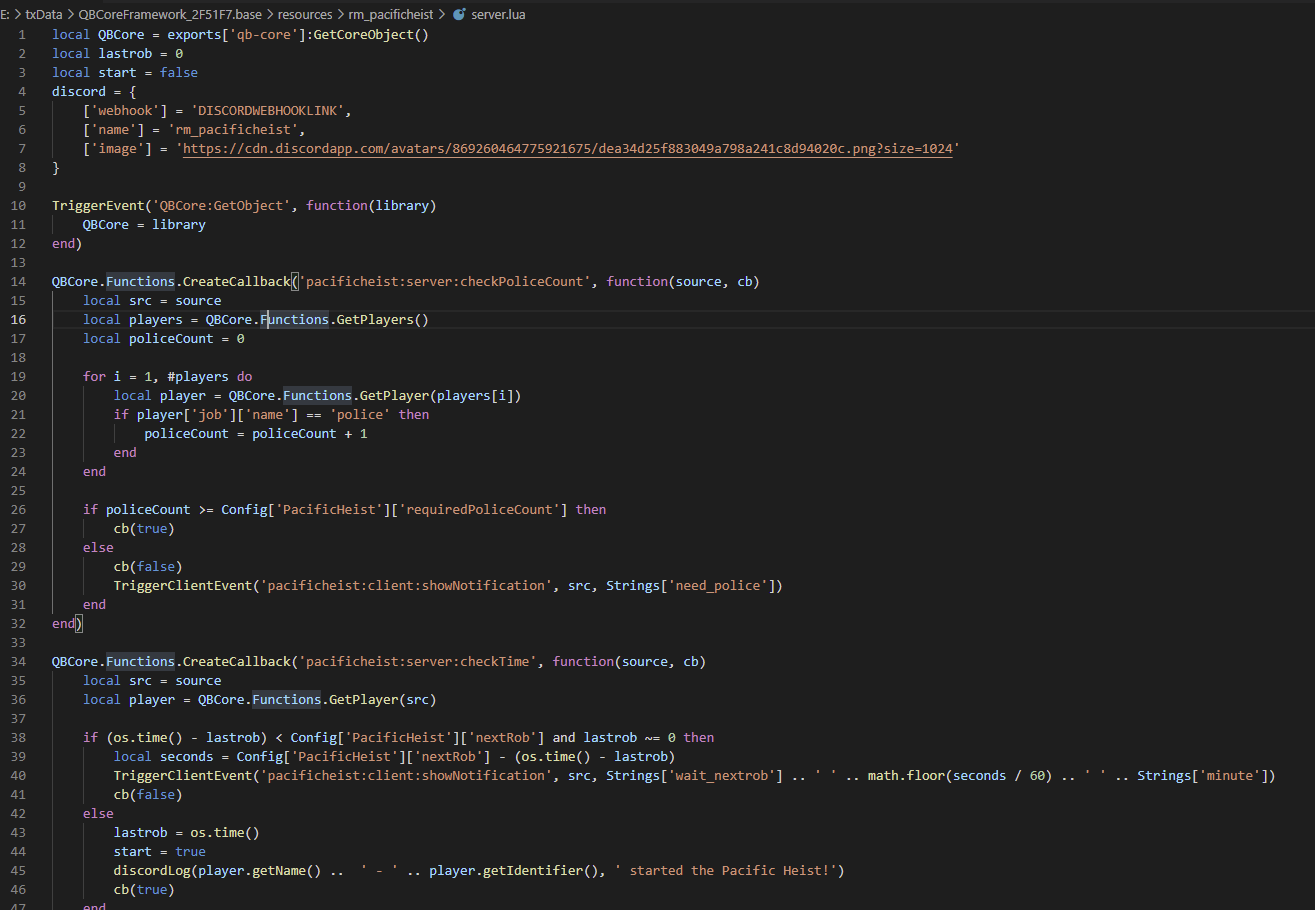
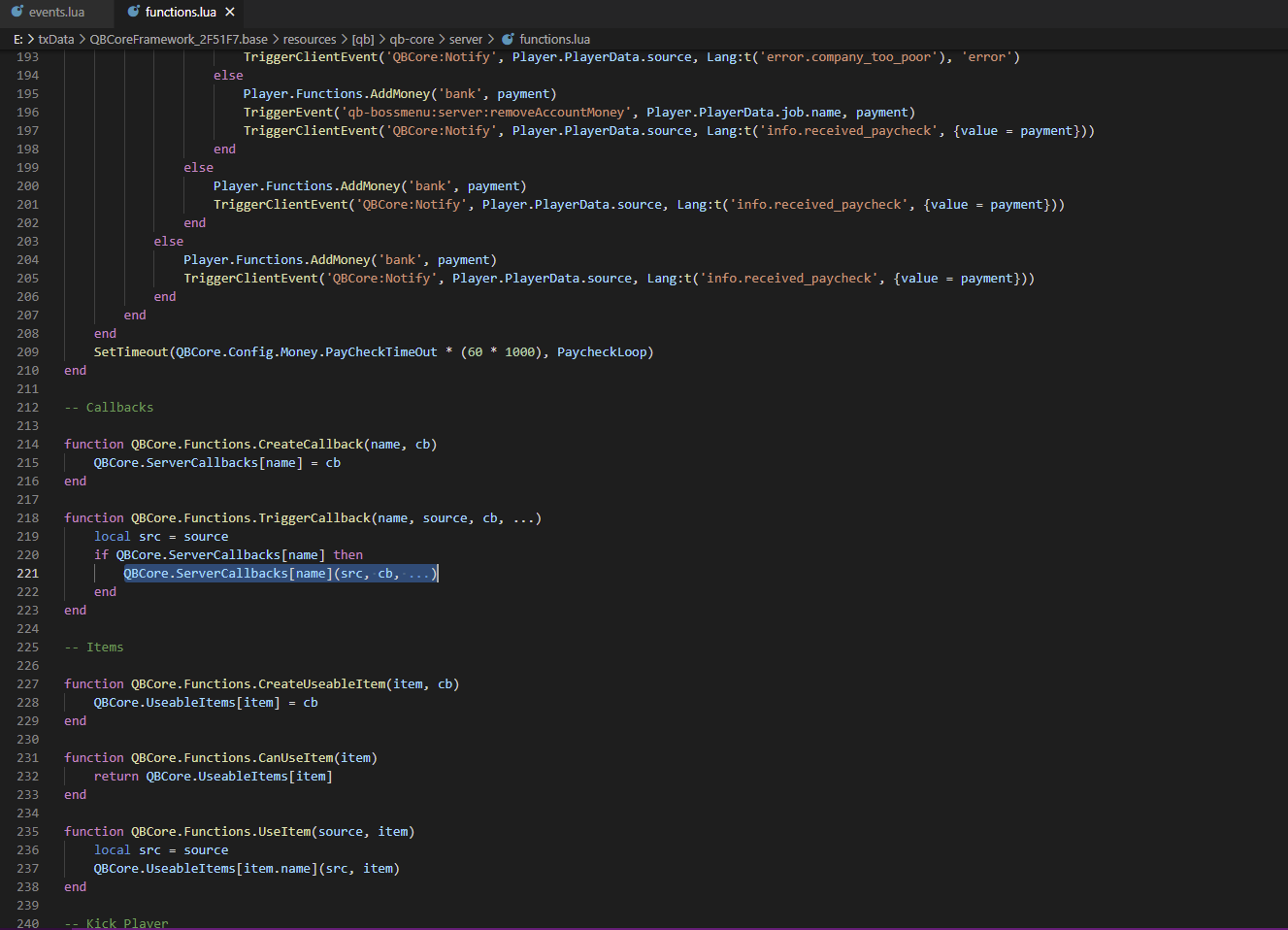
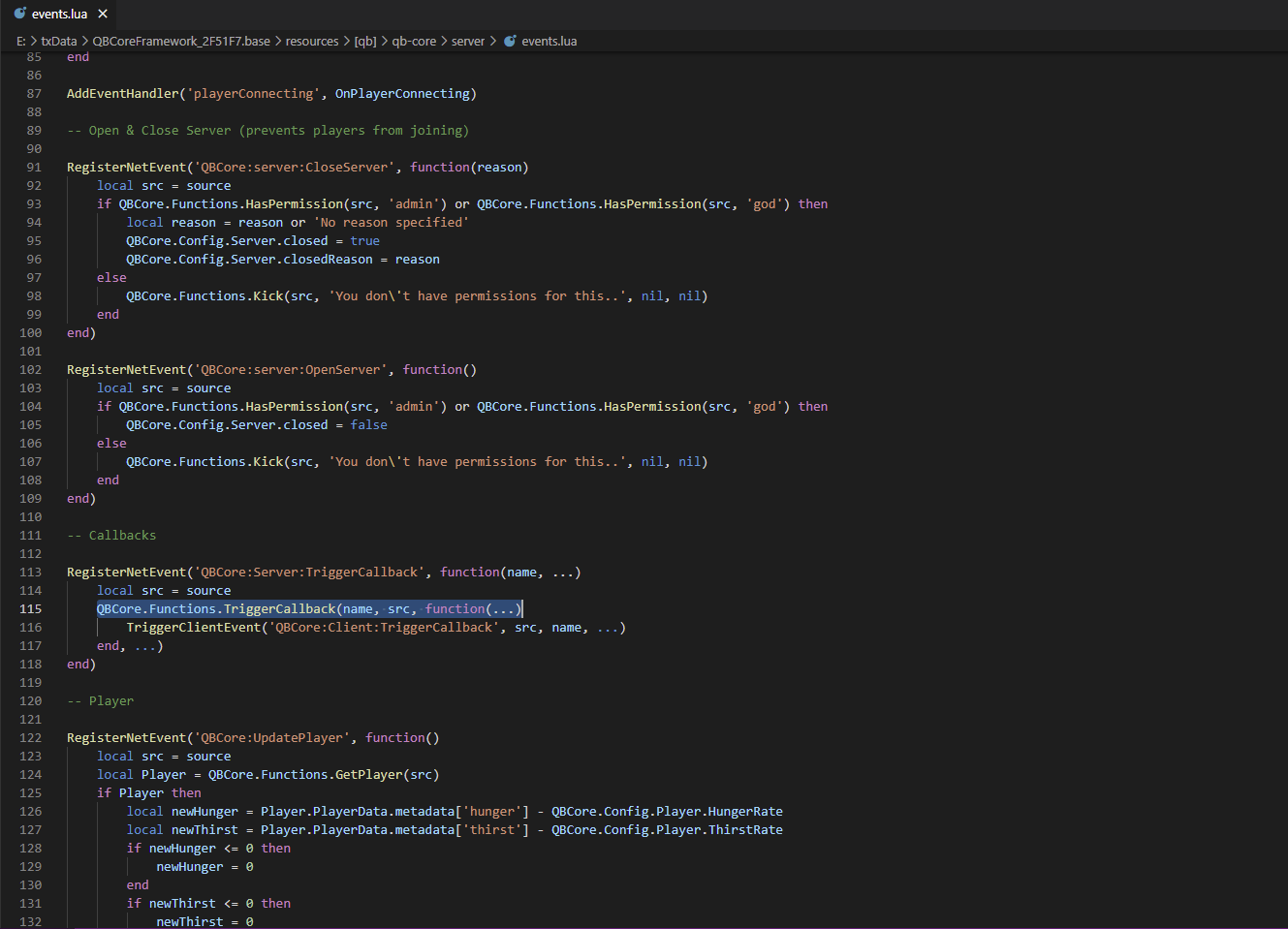
As mentioned by the server log, the error is in the rm_pacificheist script, specifically line 21 of the server.lua file. The error is that you are treating the QBCore player object like the ESX object, when accessing the job, but unlike xPlayer = ESX.GetPlayerFromId(source) which then has xPlayer.job.name, the QBCore player has their job, etc. under a PlayerData property.
So change line 21 from;
if player['job']['name'] == 'police' then
To;
if player.PlayerData['job']['name'] == 'police' then
Then it should work fine. It has nothing to do with server callbacks.
Actually, my above response will fix the error in your log, but I see from the screenshots that there are more changes from ESX to QBCore required.
On line 45 of rm_pacificheist/server.lua you have 2 functions called on the player object. These are ESX functions and will not work in QBCore.
So player.getName() should be something like;
player.PlayerData.name
or
player.PlayerData.charinfo.firstname .. ' ' .. player.PlayerData.charinfo.lastname
And player.getIdentifier() should be something like;
player.PlayerData.license
or
QBCore.Functions.GetIdentifier(src, 'license')
Since QBCore primarily uses the game license to identify players, if not using citizenid, you should also use license as the 2nd parameter in that last function. But if you want to use steam for whatever reason, you can use QBCore.Functions.GetIdentifier(src, 'steam')
This fixes the 2 other issues I saw, but I am sure there may be more outside of the screenshot. So make sure you are checking every function that is called and comparing ESX functions to QBCore functions. It’s not an easy task, but once you know what to look for, it gets easier.
u were right actually
what about this line
local playerItem = Player.getInventoryItem(item)
tried Player.Functions.GetItemByName and didnt work
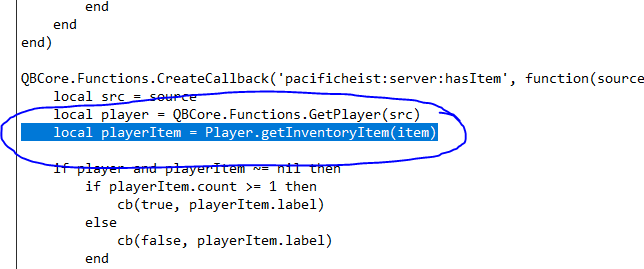
Player.Functions.GetItemByName should work, but you also will need to change it from playerItem.count to playerItem.amount. It’s called amount in QBCore, not count. make sure to compare the two frameworks. When something doesn’t work, check the event, functions and properties. There’s probably more in the script too.
ya i did changed to Player.Functions.GetItemByName then i get error cause of Player
i had to change it to player and it worked
got another issue with adding items to database though even though the database connects 100% with the game server but in game says item doesnt exist
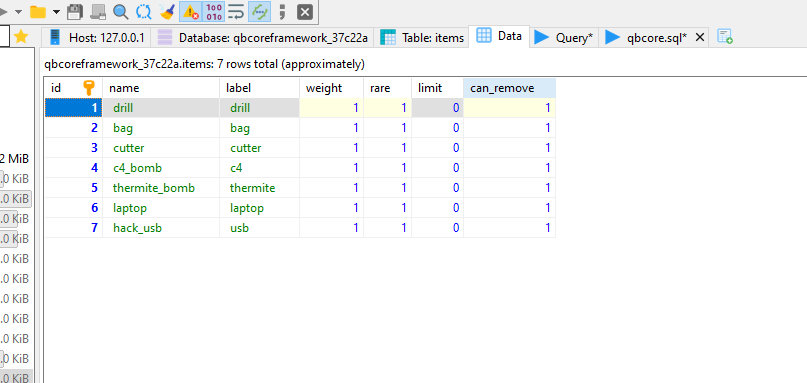
Did you also change .count to .amount? Because you will need to.
Adding items to the database? Make sure you thoroughly read the documentation for QBCore. You don’t add items to the database, you add them to the shared.lua or shared/items.lua file (depending on your QBCore version), in the form of Lua tables. That’s why the item doesn’t exist. You didn’t add it in the Lua table, only the database. Once you use it to put all the items into the Lua file, that table in the database can be deleted. ESX uses it, but not QBCore.
yes i did and it worked thx to u
but i have one last issue where when i collect the money i get this issue
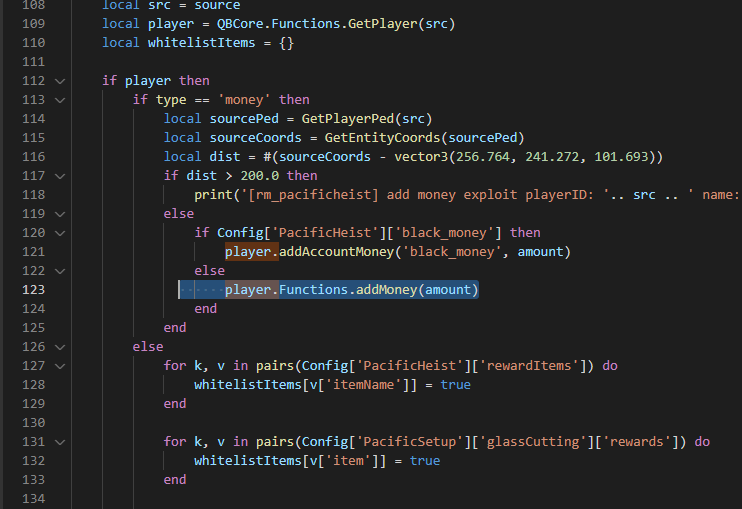

Same thing, these are ESX functions that need to be converted to QBCore.
You should look a the qb-core script to find what you need. That’s all I do.
Most of the time, they are in server/player.lua
Change (line 121);
player.addAccountMoney('black_money', amount)
To;
player.Functions.AddMoney('black_money', amount, 'pacificheist')
And change (line 123);
player.Functions.addMoney(amount)
To;
player.Functions.AddMoney('cash', amount, 'pacificheist')
This assumes that you have named your money types ‘cash’ and ‘black_money’ in config.lua of qb-core.
QBConfig.Money.MoneyTypes = {['cash'] = 500, ['bank'] = 5000, ['crypto'] = 0, ['black_money'] = 0} -- ['type'] = startamount - Add or remove money types for your server (for ex. ['blackmoney'] = 0), remember once added it will not be removed from the database!
By default, black_money isn’t there, you will have to add it.
PLEASE look through the qb-core script functions to see what to do for all these functions. There are lots of them and they aren’t hard to find.
yep it worked fine
what about this script
it works but
1- it keeps spamming
2- the npc only goes into 4 seater car never 2 seater
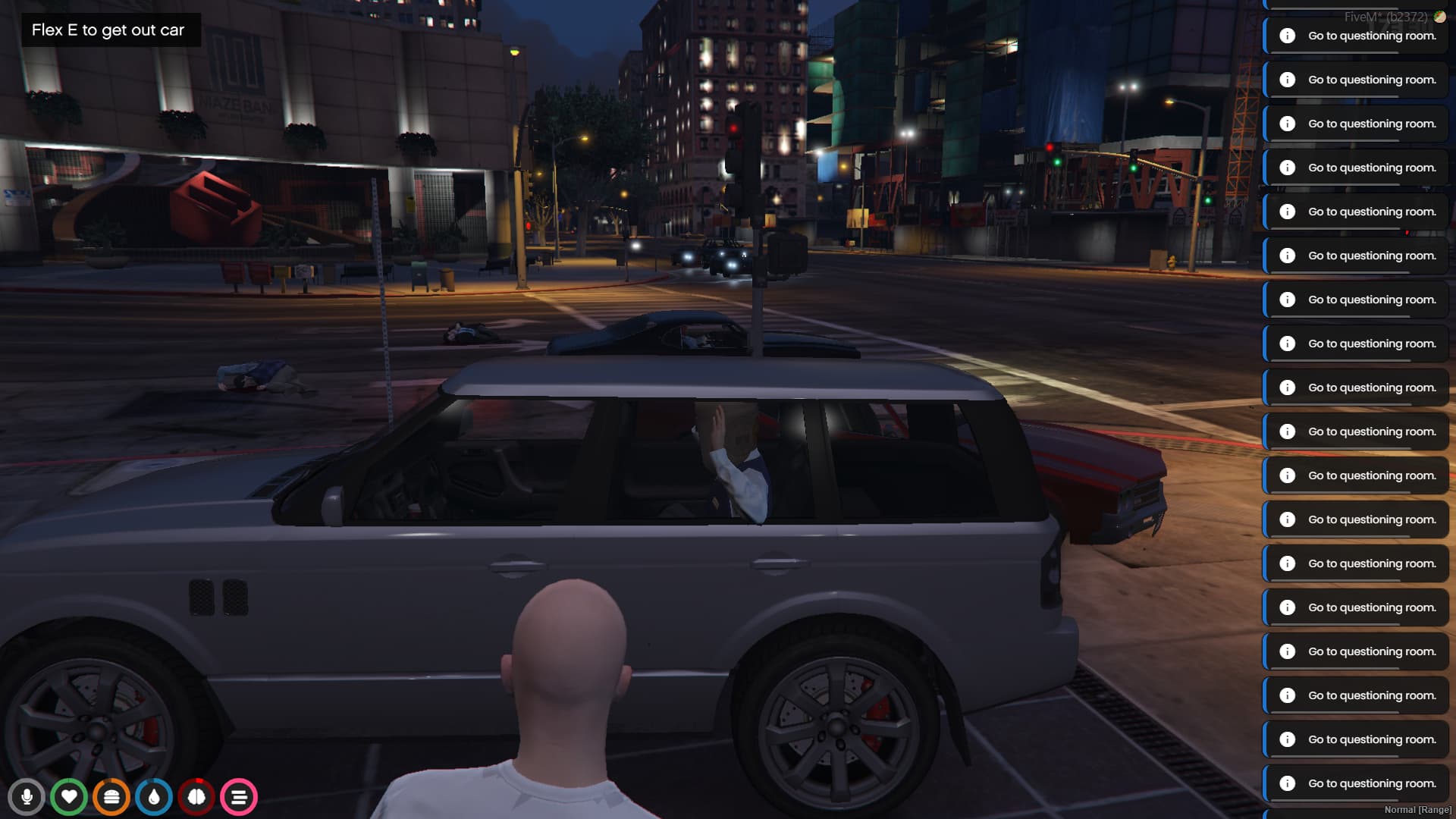
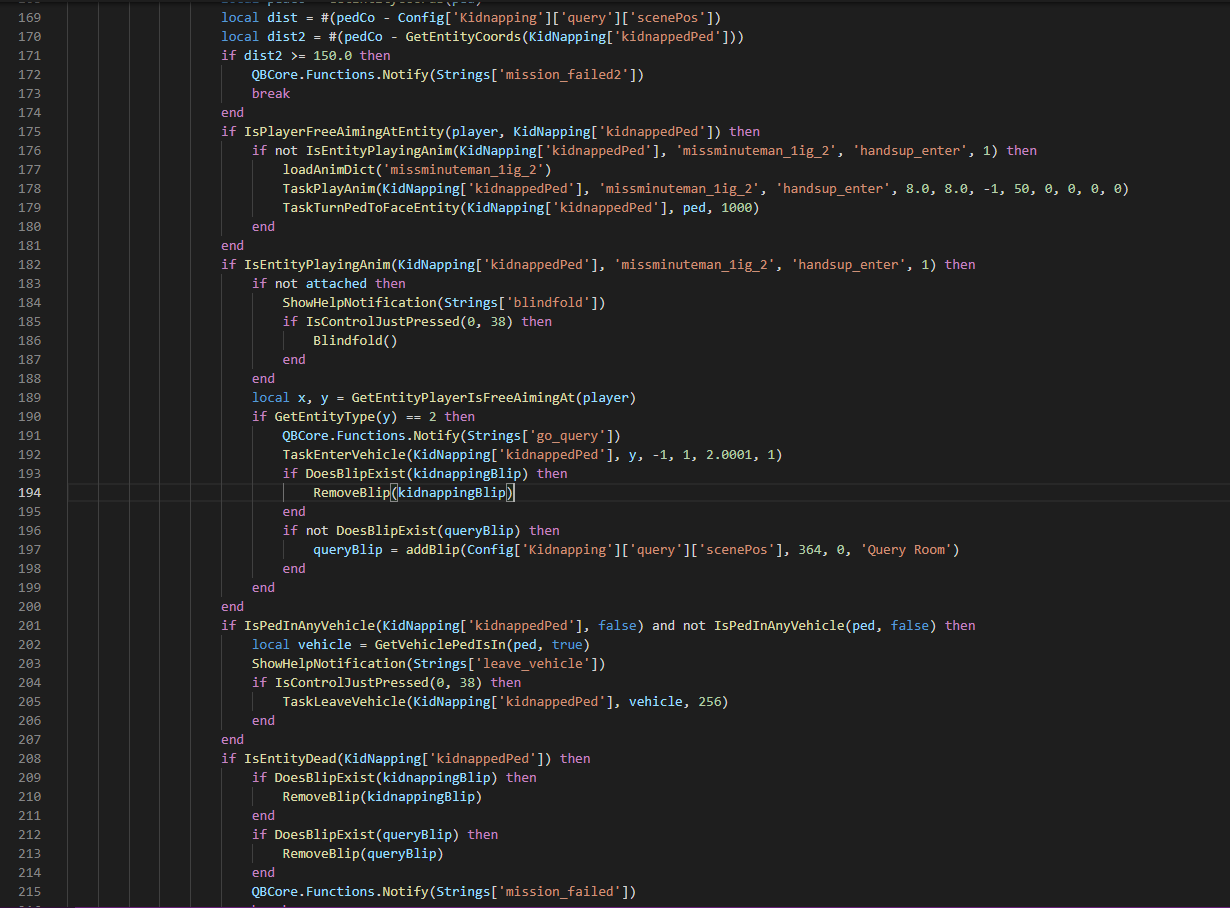
Make a new post. Not going to talk about another script on a thread made by someone else, where their issue has been solved. I don’t like hijacking threads. Cheers!
This topic was automatically closed 30 days after the last reply. New replies are no longer allowed.