GTA V version?
**Up to date?**yes
**Legit or Pirate copy?**legit
**Steam/CD/Social Club?**steam
**Windows version?**10
**Did you try to delete caches.xml and try again?**first timre install its not installed yet
Error screenshot (if any)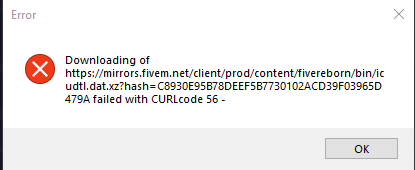
System specifications
Intel Core i7 2600 @ 3.40GHz
8.00GB Dual-Channel DDR3 @ 666MHz
Intel Corporation DQ67OW
4095MB NVIDIA GeForce GTX 1050 Ti
**What did you do to get this issue?**just tried loading it for the first time
**What server did you get this issue on?**none
CitizenFX crash zip filenot installed yet
CitizenFX.log filenot installed yet
.dmp files/report IDsnot installed yet
If an issue with starting:
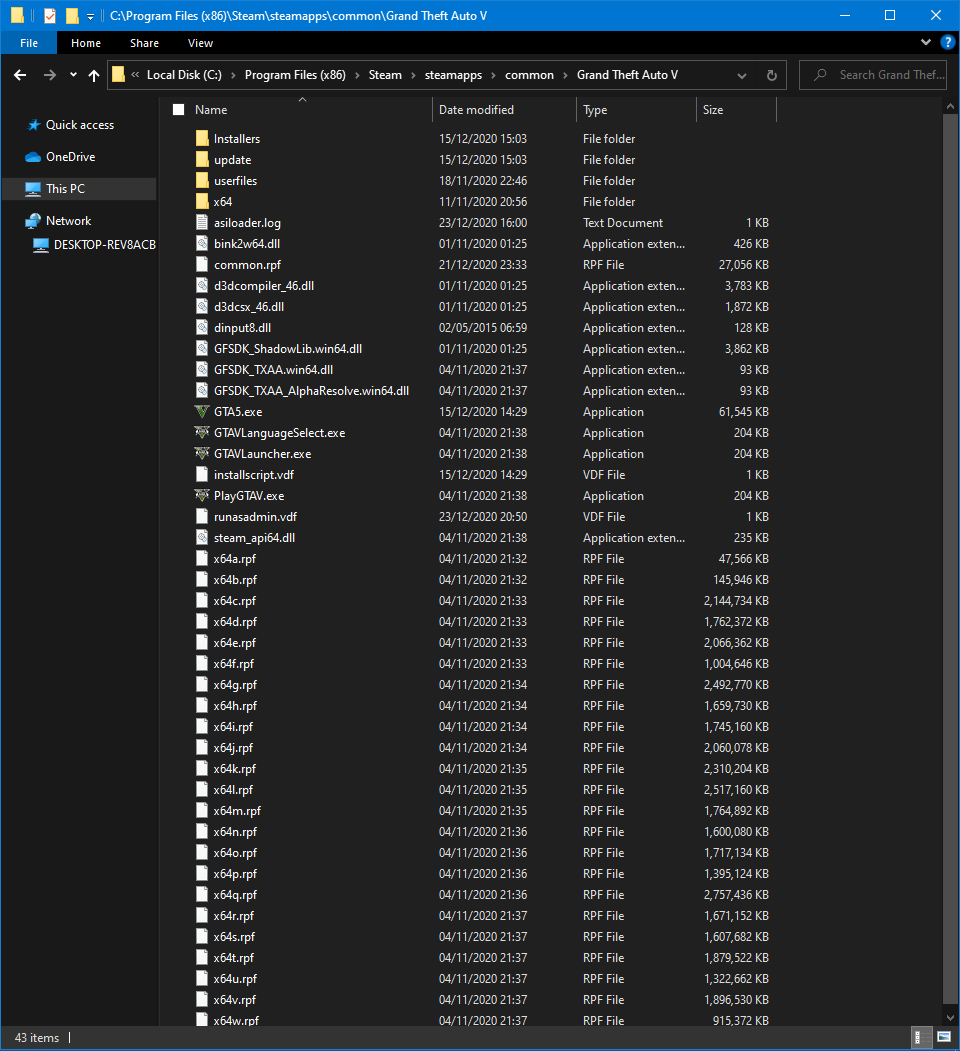
GTA V folder screenshot
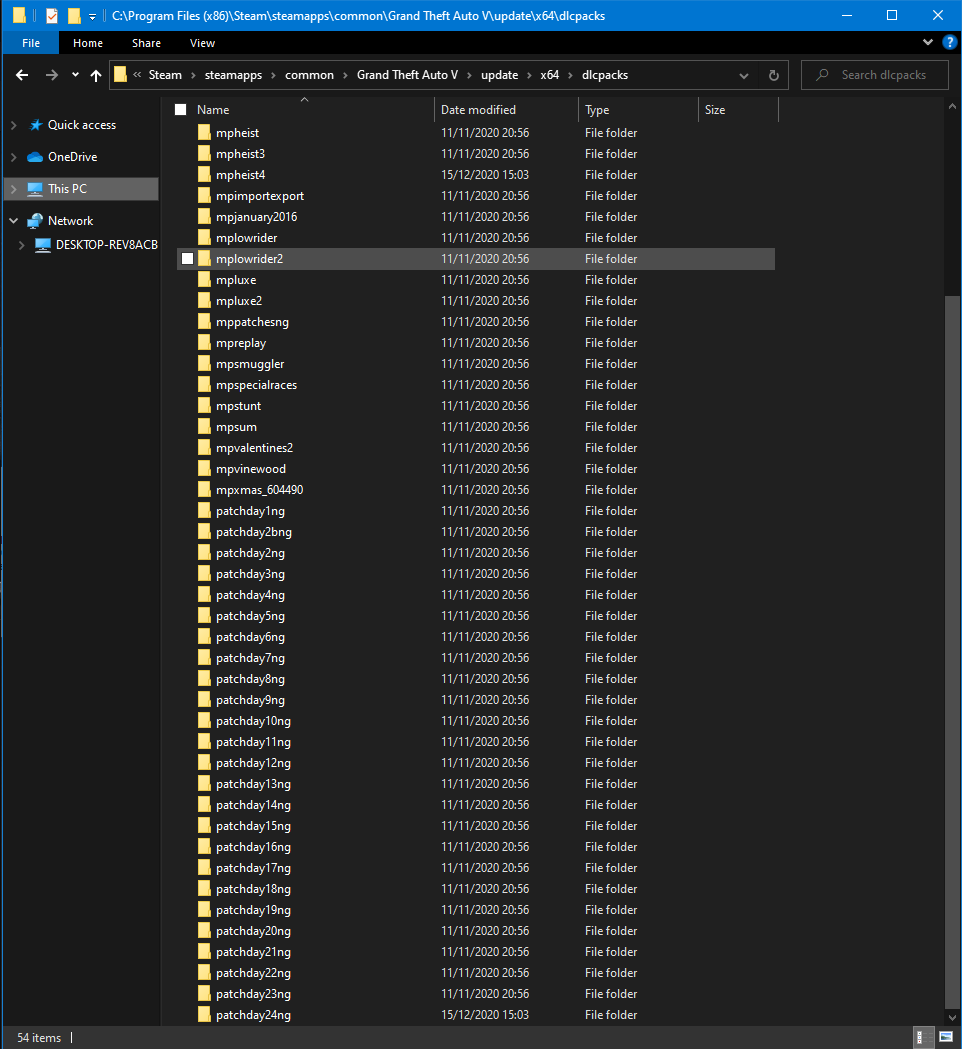
GTA V/update/x64/dlcpacks screenshot

Filepath to FiveM folderThis PC > Downloads
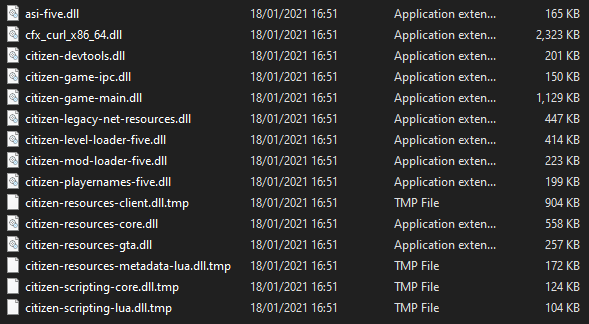
FiveM client folder screenshot
**Which antivirus/firewall software are you using?**windows defender(i think)
**Did you try to disable/uninstall your Anti-virus?**no
Also add what you already tried so far.
tried putting the https bit in the searchbar to no avail
i hope the pictures work

