What is the issue you’re having?
Hello, I am having an issue with FiveM showing the “Invalid Rockstar License” error.
I own GTA V on Epic Games, but my game is linked to an old Rockstar Social Club account that I can’t access anymore. The old email of that account is helimankouk@gmail.com
, and I no longer have access to it.
When I open the Rockstar Games Launcher, it tries to send a verification code to that old email, so I cannot sign in and I cannot unlink the old account myself.
My goal:
To unlink the old Social Club account from my Epic Games GTA V and link it to my new Social Club account.
What happened before the issue:
I used to play GTA V and FiveM on my old Social Club account without any problems. Now that I changed to a new Social Club account, the game still tries to use the old one, and since I can’t access its email, I get the invalid license error every time.
What have you tried already to fix the issue?
I have already tried multiple things, such as launching GTA V directly, trying to reconnect through FiveM, and deleting the DigitalEntitlements folder. However, the folder is always empty and deleting it does not fix the issue.
What server did you get this issue on?
I can’t even login to play to a server
Error screenshot(s)

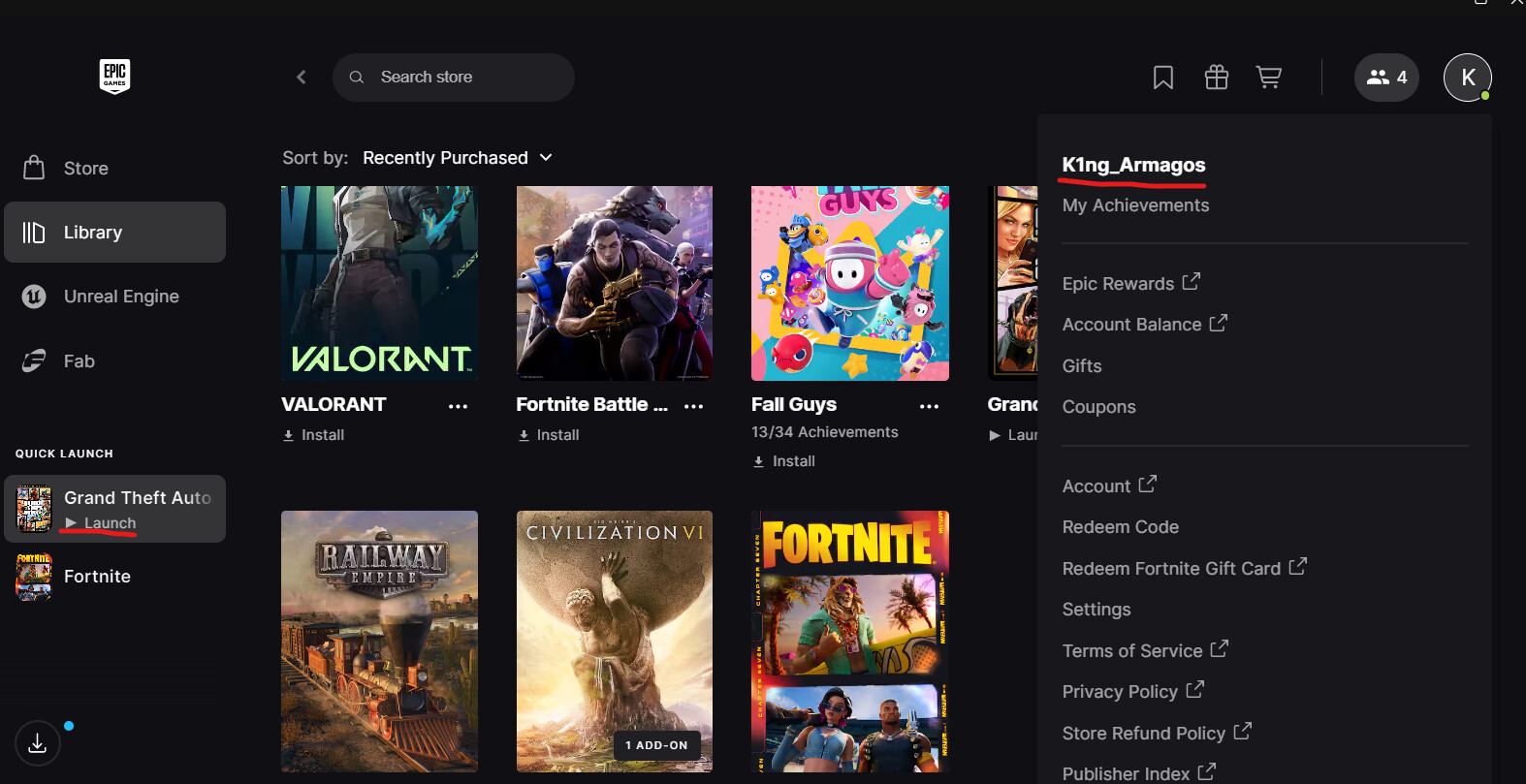
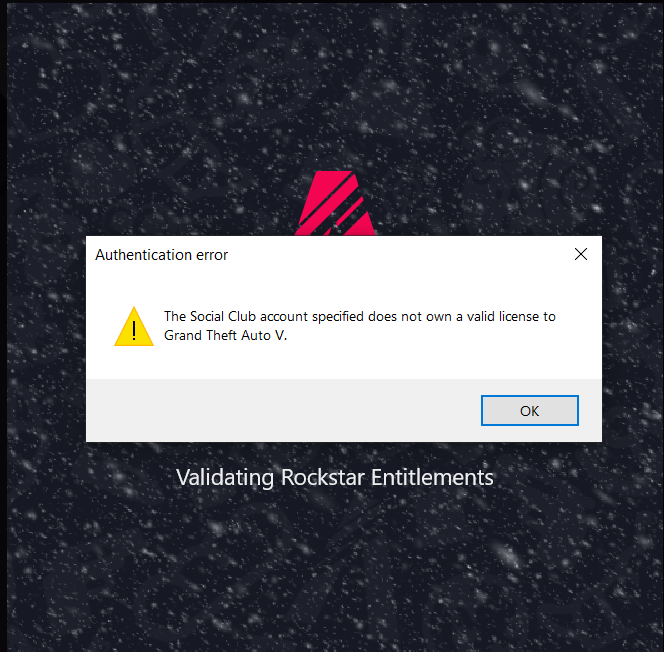
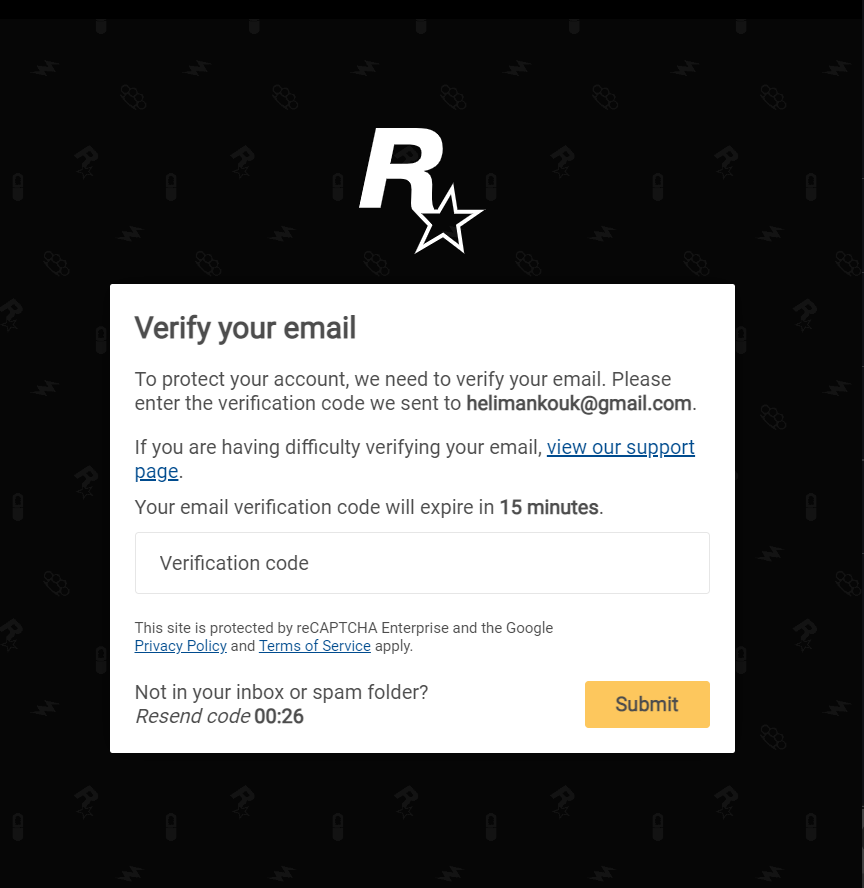
Windows version
Windows 10 19045.5965
System specifications
CPU Intel(R) Core™ i7-9750H CPU @ 2.60GHz 2.59 GHz
RAM 16,0 GB (15,9 GB used)
SSD 954 GB SSD INTEL SSDPEKNW010T8
GPU NVIDIA GeForce GTX 1660 Ti (6 GB), Intel(R) UHD Graphics 630 (128 MB)
Antivirus software
Windows Defender
CitizenFX crash zip file (‘Save information’ on a crash)
CfxCrashDump_2025_12_07_13_15_43.zip (54.6 KB)
