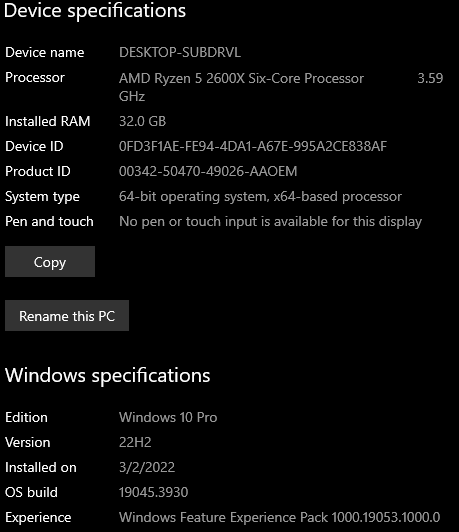
GTA V version:
1.68 Up to date:
Yes Legit or Pirate copy:
Legit Purchased where - Steam/Rockstar Launcher/Epic:
Steam Windows version:
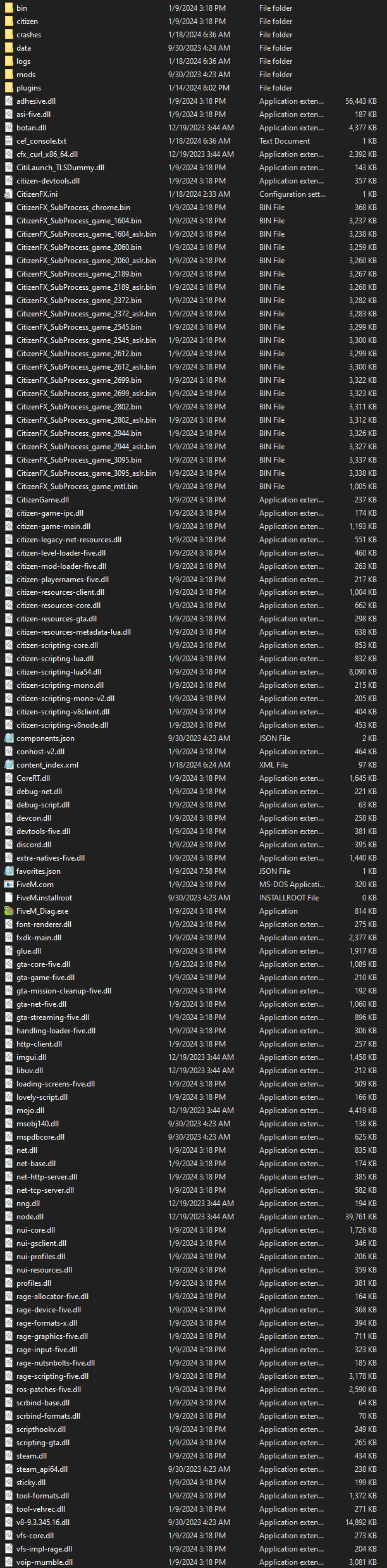
10 Did you try to delete content_index.xml and try again?
Yes System specifications:
Which antivirus/firewall software are you using?
Window Defender Did you try to disable/uninstall your Anti-virus?
Yes
Important parts
What is the issue you’re having?
Can’t connect to pure mode servers What are you trying to do?
Play on a server with pure mode enabled What have you tried already to fix the issue?
Verify GTA V game files thru steam
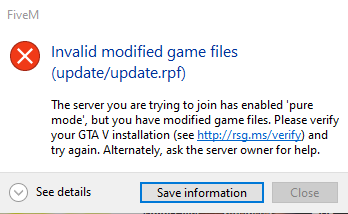
Complete reinstall of GTA V Error screenshot (if any): What did you do to get this issue?
Tried to connect to a server with pure mode. What server did you get this issue on? Be specific and name some, ‘all of them’ by itself isn’t useful!
Cops N Robbers V
Hello, this is a friendly reminder because this is your first time creating a topic (or it has been a while since your last topic) in this category.
Please note that most of the support is provided by the Cfx.re community on a voluntary basis. We ask you to be patient; there is no guarantee we have a solution to your problem(s). To avoid unnecessary/duplicate topics, please browse the forums before creating a topic.
To improve your chances of your issue(s) being solved, please provide as much information as possible about the issue(s) you are having. Also —whenever possible— please use the template given to you when creating a topic.
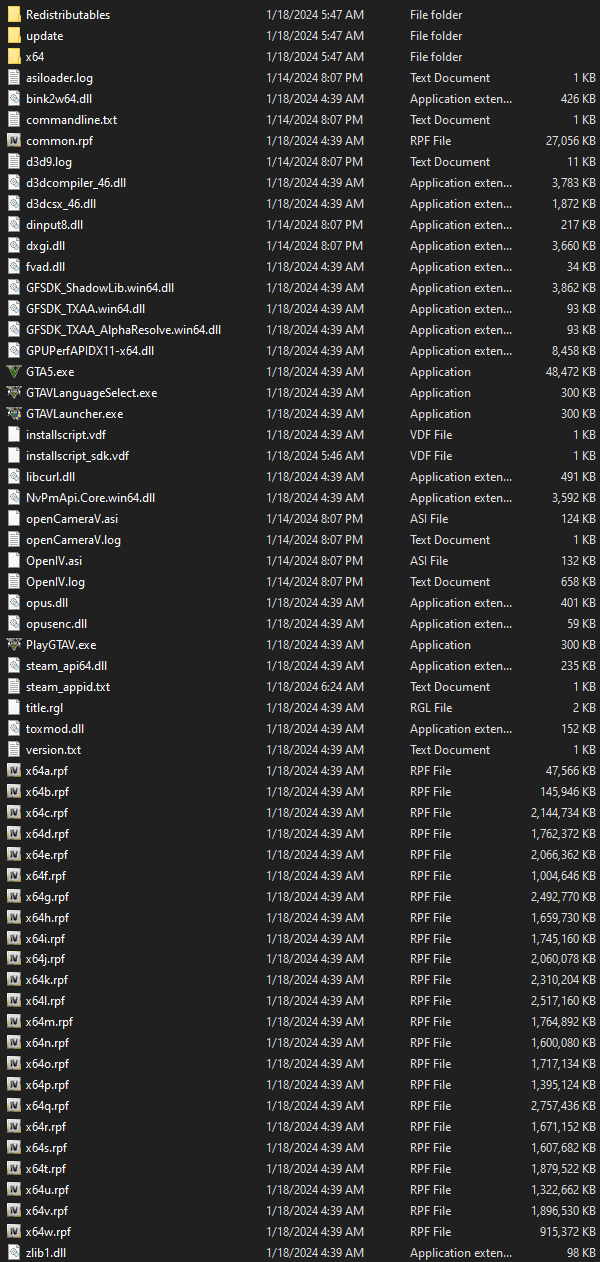
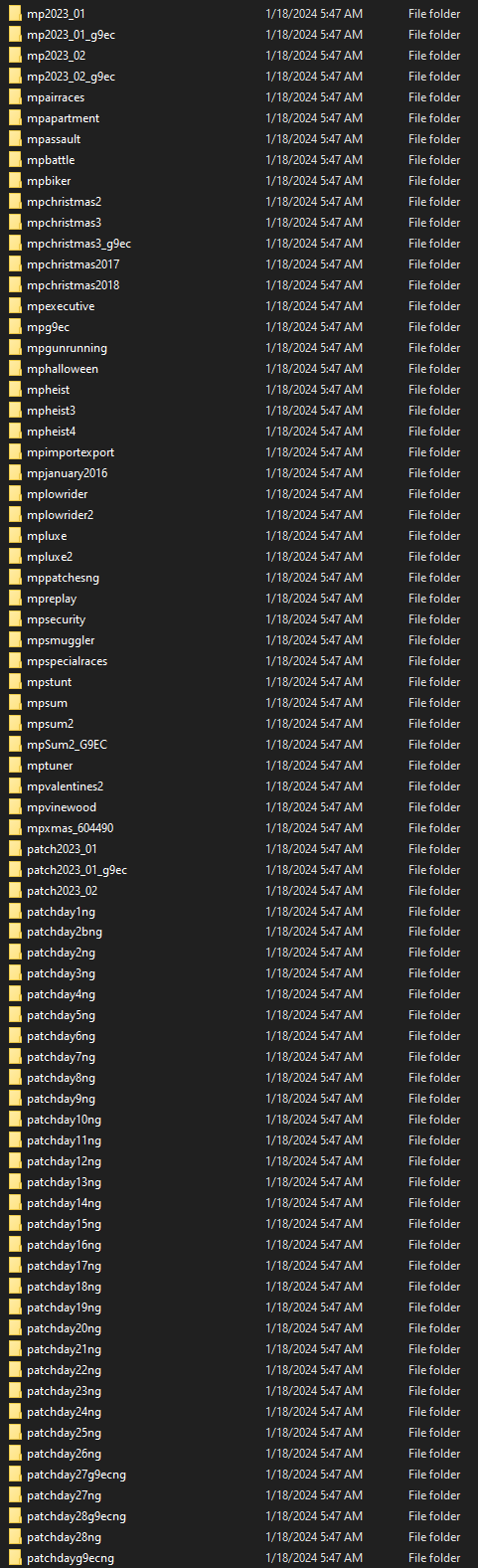
Your GTAV has some extra files in it, those are likely causing the issue - to be sure, delete the game via steam first, then the entire folder completely and re-download the game from scratch. I’m seeing references to OpenIV and an asiloader log (while it’s just the log, there may be other files related to it somewhere else), which most definitely are not vanilla files
i;ve deleted the entire update folder already and verified my files so that it’ll reaquire them. nothing. I use FiveMods and if thats the isuue then i guess RIP that server
To answer this some servers run on pure_mode which blocks ANY modified/streamed mod client. You are using mods if you want to play that specific server you would have to remove your mods