EmergScripts Interactable NPCs
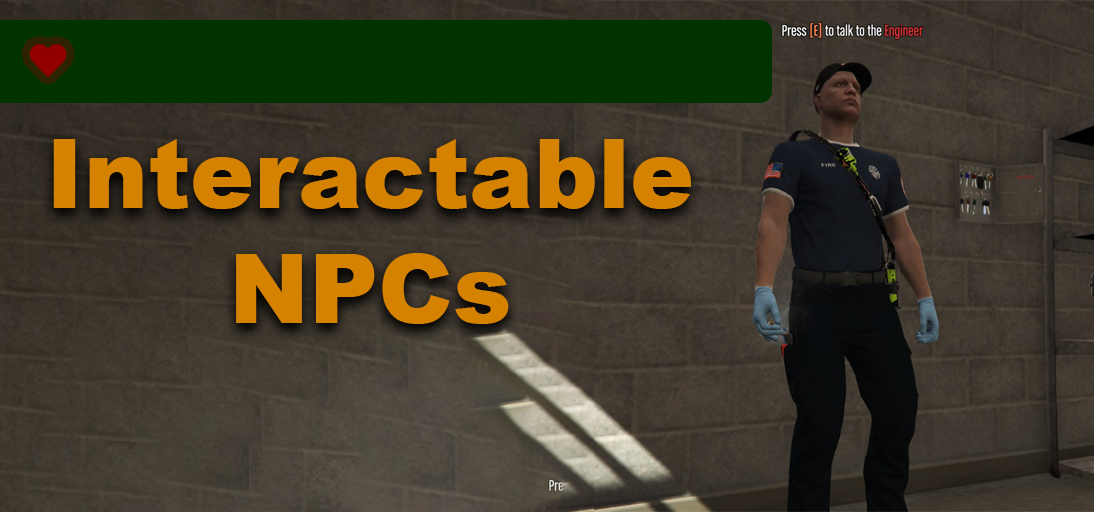
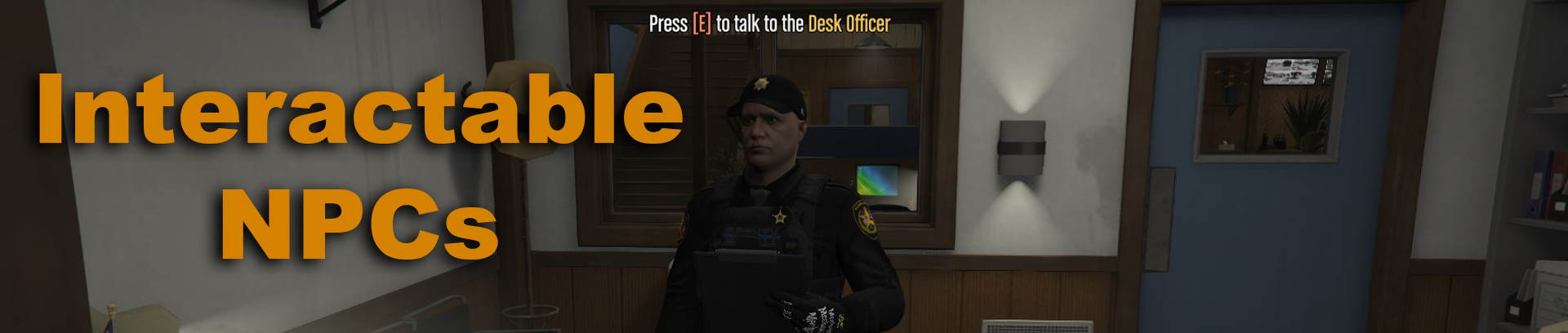
Interactable NPCs enable players to interact with custom NPCs by pressing the E key. The documentation provides instructions on creating and implementing interactable NPCs in your resources.
Interactable NPCs Advantages:
-
Easy Customization: Interactable NPCs provides a simple configuration allowing you to easily create custom NPCs. You can define their appearance, text, animation, and the events triggered when a player interacts with them.
-
Integration: The resource seamlessly integrates with your existing scripts. You can trigger client events, enabling you to create more gameplay scenarios.
-
Anti-Cheat Compatibility: NPCs are created on the client side when the player is within range and they are never synced to the server.
Creating an NPC
To create an NPC, follow these steps:
- Open the
config.luafile. - Locate the
Config.NPCStable. - Copy the template from “NPC Config Template” below.
- Paste the copied code into the
Config.NPCStable. - Restart the resource
NPC Config Template
	{
		coords = vector3(1830.26, 3683.2, 34.33),				-- Coords (Required)
		heading = 112.19,							-- Heading (Required)
		model = "mp_m_freemode_01",						-- Model (Required)
		props = {								-- Props (Only Required if using model "mp_m_freemode_01" or "mp_f_freemode_01")
         		{ 0, 130, 0 },
		},
		components = {								-- Appearance (Only Required if using model "mp_m_freemode_01" or "mp_f_freemode_01")
			{ 1, 0, 0 },
			{ 3, 165, 0 },
			{ 4, 25, 1 },
			{ 5, 0, 0 },
			{ 6, 82, 0 },
			{ 7, 6, 0 },
			{ 8, 40, 0 },
			{ 9, 1, 0 },
			{ 10, 0, 0 },
			{ 11, 200, 0 },
		},

		emote = "WORLD_HUMAN_CLIPBOARD",					-- Emote/Task to Play (Line is Optional. Delete to Remove)

		blip = {								-- Map Blip (Line is Optional. Delete to Remove)
			sprite = 60,
			color = 38,
			scale = 0.8,
			display = 2,
			name = "Desk Officer",
		},

		name = "Desk Officer",							-- NPC Name (Required)
		text = "Press ~o~[E]~w~ to talk to the ~y~Desk Officer",		-- Text Above NPC (Required)
		event = "EmergScripts:DeskOfficer",					-- Client Event to Trigger (Required)
		debug = false
	},
Components & Props ID
Components Table Row (First Number)
	0: Face
	1: Mask
	2: Hair
	3: Torso
	4: Leg
	5: Parachute/Bag
	6: Shoes
	7: Accessory
	8: Undershirt
	9: Kevlar
	10: Badge
	11: Torso 2
Props Table Row (First Number)
	0: Hat
	1: Glass
	2: Ear
	6: Watch
	7: Bracelet
Resource Implementation
Client Side
In your client-side script of your choice, use the following code:
RegisterNetEvent('WhatEverNPCEventYouSet', function()
	print('I pressed E on the NPC I made!')
end)
Download / Source Code
The source code is available on GitHub here.
The latest release can be found here.
| Code is accessible | Yes |
| Subscription-based | No |
| Lines (approximately) | 500 |
| Requirements | N/A |
| Support | Yes |