GTA V version:
?? Up to date:
yes Legit or Pirate copy:
legit Purchased where - Steam/Rockstar Launcher/Epic:
rockstar launcher Windows version:
10 Did you try to delete content_index.xml and try again?
not sure what thqat is System specifications: CitizenFX crash zip file (‘Save information’ on a crash): logs/CitizenFX_log files: .dmp files/report IDs:
If you can’t start the game at all
GTA V folder screenshot: GTA V/update/x64/dlcpacks screenshot: Filepath to FiveM folder: FiveM client folder screenshot: Which antivirus/firewall software are you using?
windows Did you try to disable/uninstall your Anti-virus?
yes
Important parts
What is the issue you’re having?
ive played before and when i logged on one day it would load up the server but sit on the loading screen forever and doesnt load the little percentage bar bottom left
What are you trying to do?
everything
What have you tried already to fix the issue?
everything youtube vids to deleting every thing and restarting my pc
and everything i can do
Error screenshot (if any):
What did you do to get this issue?
nothing there was a big problem with five m when this happened but it was fine for everyone else but me
What server did you get this issue on? Be specific and name some, ‘all of them’ by itself isn’t useful!
all of them but ive tried plugged rp cuz thats the one i play every day
Hello, this is a friendly reminder because this is your first time creating a topic (or it has been a while since your last topic) in this category.
Please note that most of the support is provided by the Cfx.re community on a voluntary basis. We ask you to be patient; there is no guarantee we have a solution to your problem(s). To avoid unnecessary/duplicate topics, please browse the forums before creating a topic.
To improve your chances of your issue(s) being solved, please provide as much information as possible about the issue(s) you are having. Also —whenever possible— please use the template given to you when creating a topic.
when i load in to a server it usally has a percentage thing bottom right but when i tried logging on one day it wasnt there and it stays on the servers loading screen
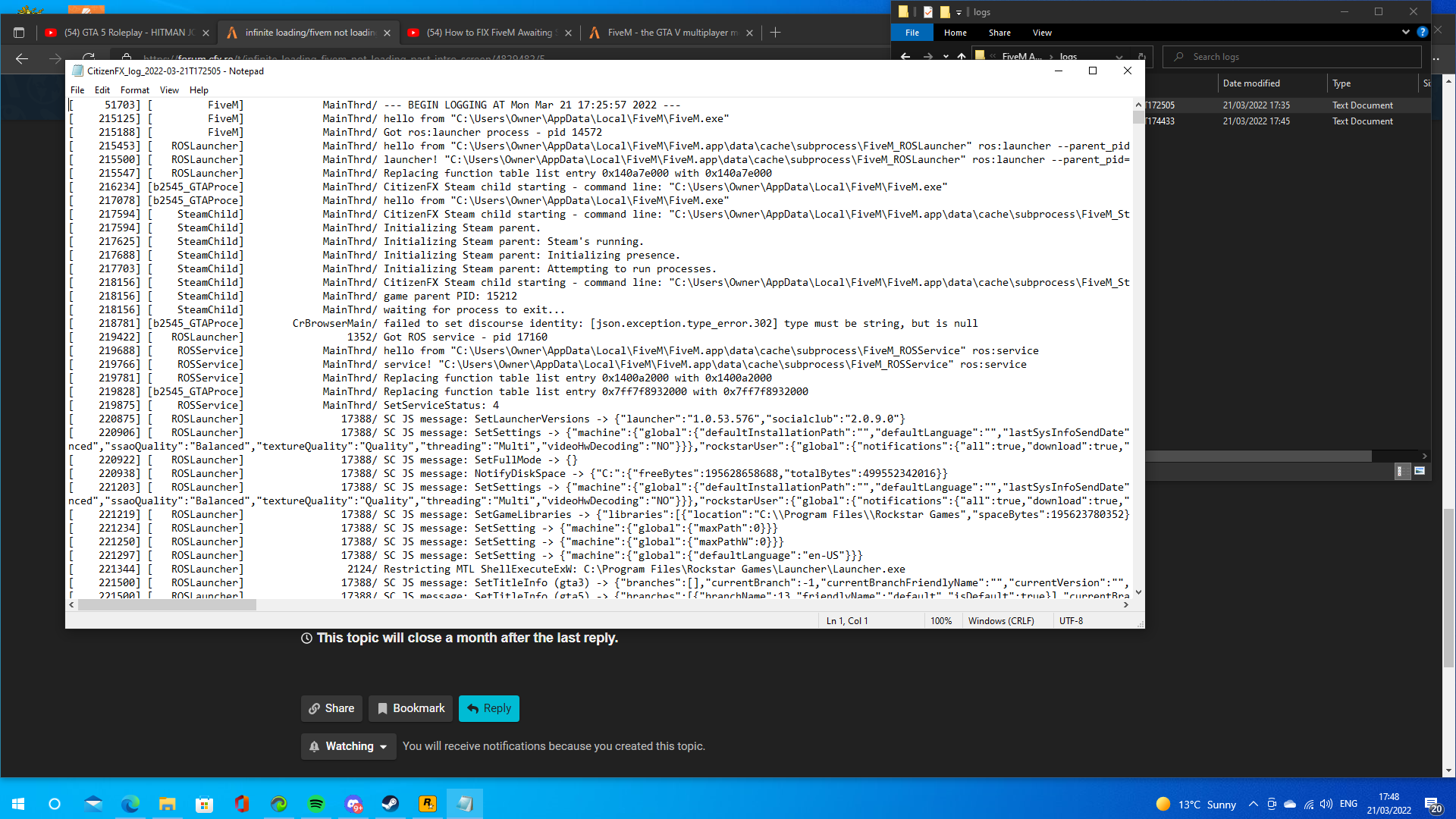
You can find your game client logs in C:\Users\<yourUser>\AppData\Local\FiveM\FiveM.app\logs . Start up the game, try to connect and open the newest log file after the problem has occurred.
Two things I see that will keep you from loading in(there may be more, I stopped at two)
[ 632734] [b2545_GTAProce] Render/ ^3Some resources have been/will be prevented from loading as they may contain malicious code. Reason: Lua obfuscators.^7
My suggestion would be to disable your xgame-loading-screen-fivem and try loading in. If you still have a problem, start finding the resources you’re running that have the code obfuscated. FiveM is refusing to load them because of their obfuscation and that can completely break a server, depending on which ones it is.